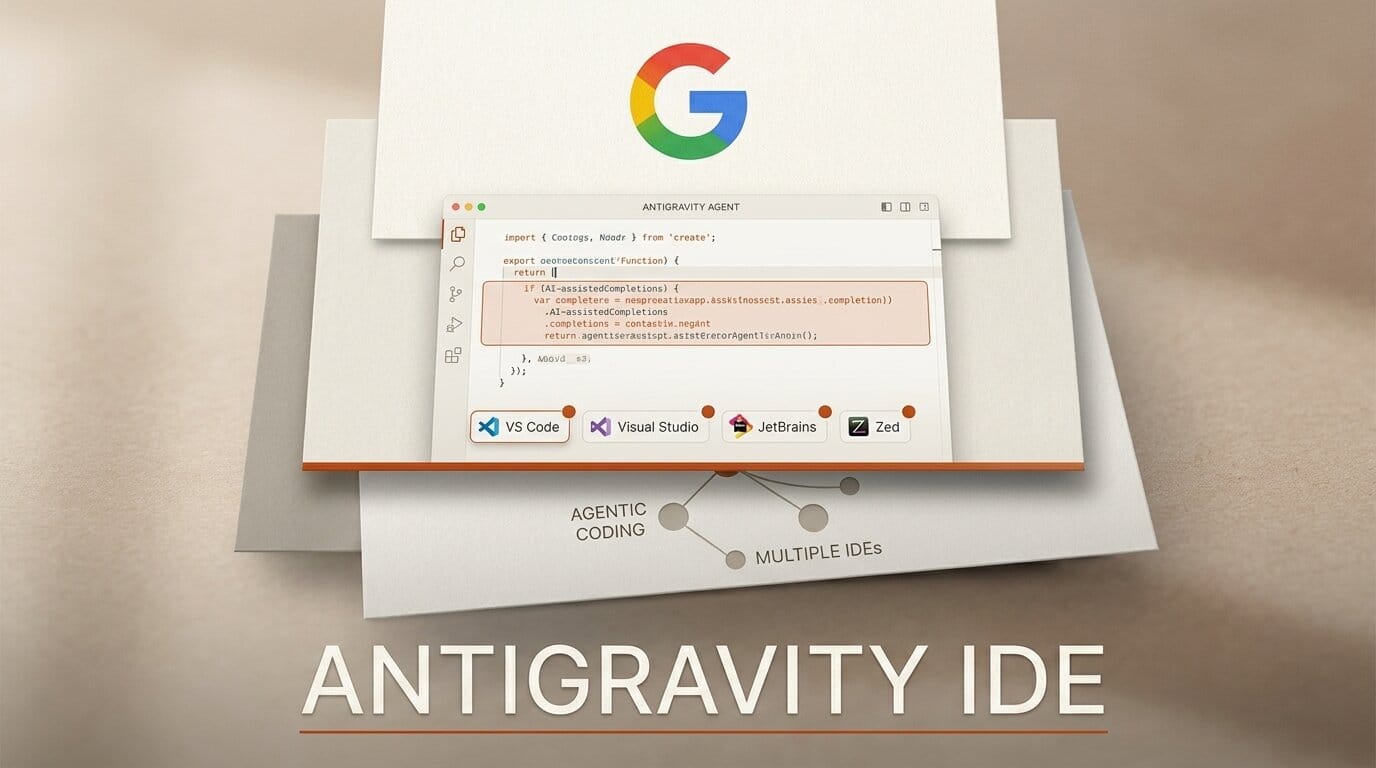
Google shipped Antigravity IDE extensions on August 20, 2026, bringing its agentic coding tool into VS Code, Visual Studio 2026, JetBrains, and Zed. The same announcement bundles Antigravity into eligible Gemini Enterprise Standard and Plus subscriptions.
What this enables
Until now, using Antigravity meant working inside Google's own surface. The extensions mean the agent comes to the editor you already use, which removes the main reason most developers never tried it. If you live in JetBrains or Zed, that is the difference between an evaluation and a permanent tab you never open.
The agent capabilities are the same ones Google has been shipping: researching a codebase, running builds, driving a browser, and executing a task end to end. What changes is that they now run against the project already open in front of you.
Why it matters
Four editors on day one is a deliberate distribution play, and it lands in a market where the coding agent is increasingly decoupled from the editor. Cursor, Copilot, and Claude Code have all been converging on the same shape, and the differentiator is shifting from model quality to how well the agent respects an existing project setup. Shipping into Zed alongside the Microsoft and JetBrains editors signals Google is chasing developers wherever they already are rather than asking them to move.
The enterprise bundling is the part to read carefully. Antigravity being included in Gemini Enterprise Standard and Plus is a licensing change, not a free tier. Google did not publish per-seat pricing in the announcement, so an independent developer or small studio should confirm what access looks like outside an enterprise agreement before planning around it.
Key details
Launch date: August 20, 2026.
Editors supported: VS Code, Visual Studio 2026, JetBrains, and Zed.
Bundling: included in eligible Gemini Enterprise Standard and Plus subscriptions.
Controls: configurable sandbox policies, budget caps, and audit logging.
Identity: Workforce Identity Federation and Application Default Credentials support.
Pricing: not disclosed in the announcement.
What to do next
Install the extension for your editor and run it against a repository you do not ship from. The budget cap setting is the first thing to configure, because agentic runs that research a codebase and execute builds are the ones that surprise you on a bill. For how this compares to the editor-native approach, see our coverage of IntelliJ IDEA's LSP bridge to Cursor and VS Code and Cursor Origin.





