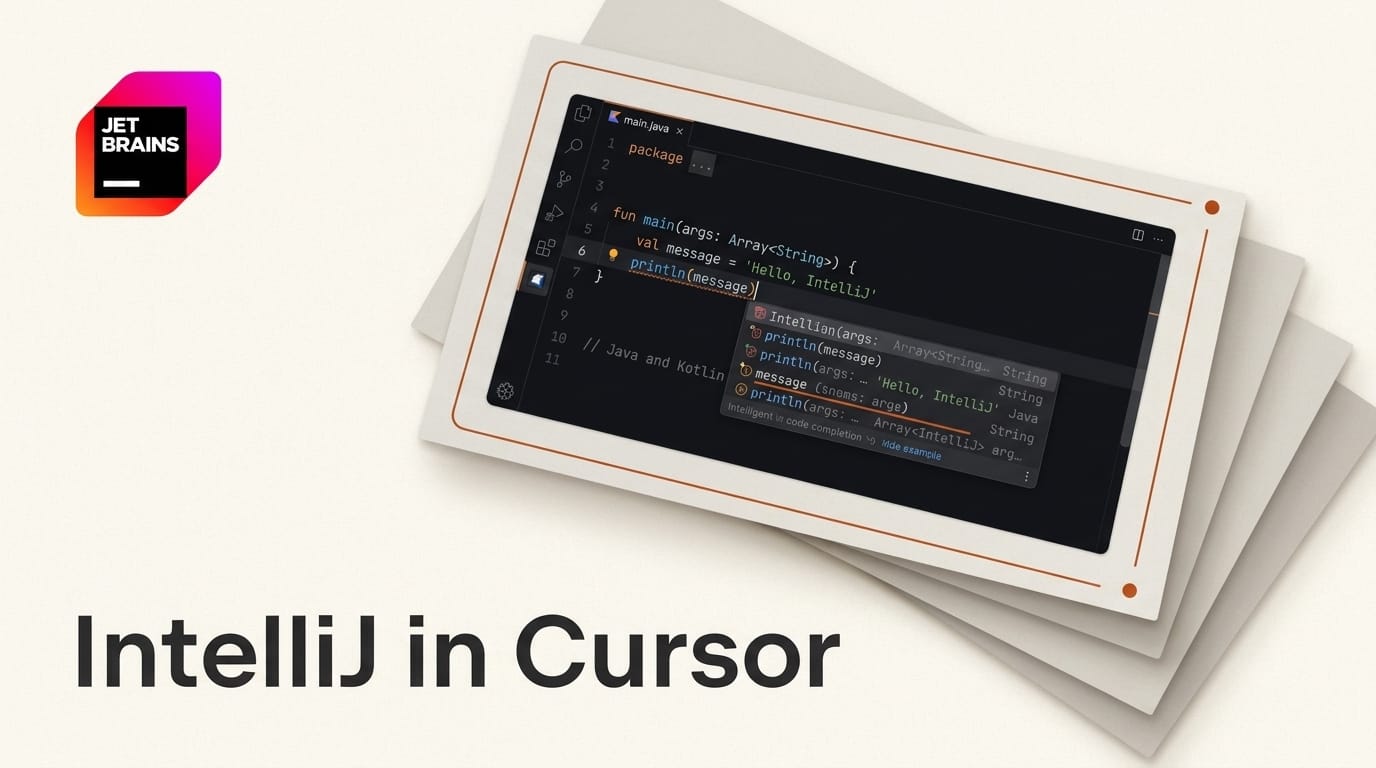
JetBrains has released a preview extension that puts IntelliJ IDEA's Java and Kotlin intelligence directly inside VS Code and its forks, including Cursor. Announced on August 4, 2026, the "Java & Kotlin by IntelliJ IDEA" extension exposes the same code completion, navigation, refactoring, and static analysis that powers the flagship IDE through the Language Server Protocol (LSP). For developers who live in Cursor for AI-assisted coding but missed IntelliJ's JVM tooling, the two worlds just merged. The extension is free during preview, with each build capped at a 30-day evaluation window.
The bigger story is not the editor port. JetBrains says the same language server measurably improves terminal-based agentic workflows, reporting reduced token consumption when tools like Claude Code and Codex query the server instead of re-reading files. That reframes this launch as infrastructure for AI coding agents, not just a plugin for human typists.
What JetBrains Actually Shipped
The extension bundles IntelliJ IDEA's Java and Kotlin language engine as an LSP server that any LSP-compatible editor can talk to. It supports Java, Kotlin, and mixed-language projects built with Maven, Gradle, or Bazel. You install it from the Visual Studio Marketplace or the Open VSX registry (the registry Cursor and other VS Code forks pull from), point it at your project, and the server indexes your code the way IntelliJ would.
This is not a from-scratch language server. It is IntelliJ's real analysis engine running headless, which is why the completion quality and refactoring depth match the desktop IDE rather than the lighter-weight community language servers that VS Code users have relied on for years.

How the LSP Approach Works
The Language Server Protocol standardizes how an editor asks a background process for completions, definitions, diagnostics, and refactorings. Because the protocol is editor-agnostic, one server can power many editors. JetBrains laid the groundwork last year when it opened its LSP API to all IntelliJ users and plugin developers, and the Kotlin team shipped a separate open-source Kotlin language server that this release builds on and supersedes for JetBrains-grade features.
The practical upshot: your editor becomes a thin client. The heavy indexing, symbol resolution, and type inference happen in the IntelliJ server, streamed back over LSP. That is also what makes it attractive to AI agents, which can call the same endpoints a human editor uses.
How it compares to existing options
| Capability | IntelliJ IDEA LSP extension | Default VS Code Java (Red Hat) | Full IntelliJ IDEA |
|---|---|---|---|
| Java support | IntelliJ engine, deep | Eclipse JDT, solid | Full |
| Kotlin support | First-class | Limited / community | Full |
| Refactoring depth | IntelliJ-grade | Basic | Complete |
| Editors | VS Code, Cursor, forks | VS Code family | IntelliJ only |
| Agent-optimized (LSP for Claude Code / Codex) | Yes, tested | Not positioned for it | N/A |
| Cost | Free in preview, then Ultimate | Free | Paid (Ultimate) |
Why It Matters for Agentic Coding
The headline feature for AI-first developers is token economics. When an agent like Claude Code works in a large Java or Kotlin repo, it often burns tokens re-reading files to understand symbols, call sites, and types. A language server answers those questions structurally: "where is this defined," "what are the usages," "what type is this" become single queries instead of full-file reads. JetBrains reports its internal trials showed meaningful token reduction when agents lean on the server.
For Cursor users specifically, this closes a long-standing gap. Cursor's AI features were excellent, but its underlying JVM language intelligence lagged IntelliJ. Now the agent and the human both get IntelliJ-quality context in the same editor. That is the workflow JetBrains is betting on: agents do more implementation, developers do more review, and both need trustworthy code intelligence underneath.

How to Try It in Cursor
You can have IntelliJ intelligence running in Cursor in a few minutes:
- Open the extensions panel in Cursor and search the Open VSX registry for "Java & Kotlin by IntelliJ IDEA."
- Install the extension. During preview it is free; note the 30-day per-build evaluation window and expect refreshed builds every two weeks.
- Open a Maven, Gradle, or Bazel project. The server auto-detects the build system and begins indexing. Give it a moment on large repos, exactly like the first IntelliJ open.
- Verify intelligence is live by triggering completion, go-to-definition, and a rename refactor. If you use the Kotlin LSP docs as a reference, confirm mixed Java/Kotlin navigation resolves across both.
- Point your agent at it. Run Claude Code or Codex in the same workspace so the agent benefits from the server's structural answers.
What this enables
For the first time you can keep Cursor's AI chat and inline edits while getting desktop-IntelliJ accuracy on JVM code, and hand your coding agent a language server that shrinks its context spend. Teams standardized on IntelliJ tooling can let developers use whichever editor they prefer without losing analysis fidelity.

The Catch: Licensing and Preview Limits
This is a preview, not a finished free tool. Each build stops working after 30 days, nudging you to update. More importantly, once the preview ends, using the extension will require an IntelliJ IDEA Ultimate subscription. The default VS Code Java stack from Red Hat remains free, so the choice becomes IntelliJ-grade depth (paid) versus community tooling (free). Feature coverage is also intentionally focused for now: this is Java and Kotlin intelligence, not a full port of every IntelliJ inspection and framework integration.
Frequently Asked Questions
Does this make Cursor as good as IntelliJ IDEA for Java?
For core code intelligence, completion, navigation, refactoring, and analysis, it closes most of the gap because it runs IntelliJ's actual engine. Full IntelliJ still has more framework integrations, debuggers, and inspections, but the language smarts now travel.
Is it free?
Free during the preview, with each build limited to a 30-day evaluation. After the preview, it will require an IntelliJ IDEA Ultimate license.
Which editors are supported?
VS Code and its forks, explicitly including Cursor. Any LSP-compatible editor that installs the extension from the Visual Studio Marketplace or Open VSX should work.
How does it help AI coding agents?
Agents can query the language server for symbols, definitions, and types instead of re-reading files, which JetBrains says reduced token consumption in trials with Claude Code and Codex.
Does it support Kotlin as well as Java?
Yes. Kotlin is first-class, and mixed Java/Kotlin projects using Maven, Gradle, or Bazel are supported. It builds on the open-source Kotlin language server work.
Do I need IntelliJ IDEA installed to use it?
No. The extension bundles the language server, so you run it inside your VS Code-based editor without opening IntelliJ IDEA itself.
What to Do Next
If you write JVM code in Cursor or VS Code, install the preview now while it is free and test it against your real repo, not a toy project, so you can judge indexing speed and refactoring accuracy at scale. Run your coding agent in the same workspace and watch whether your token usage drops on symbol-heavy tasks. Decide before the preview window closes whether IntelliJ-grade intelligence is worth an Ultimate seat, or whether the free Red Hat stack covers your needs. Either way, the era of choosing between AI-first editors and serious JVM tooling is ending.





