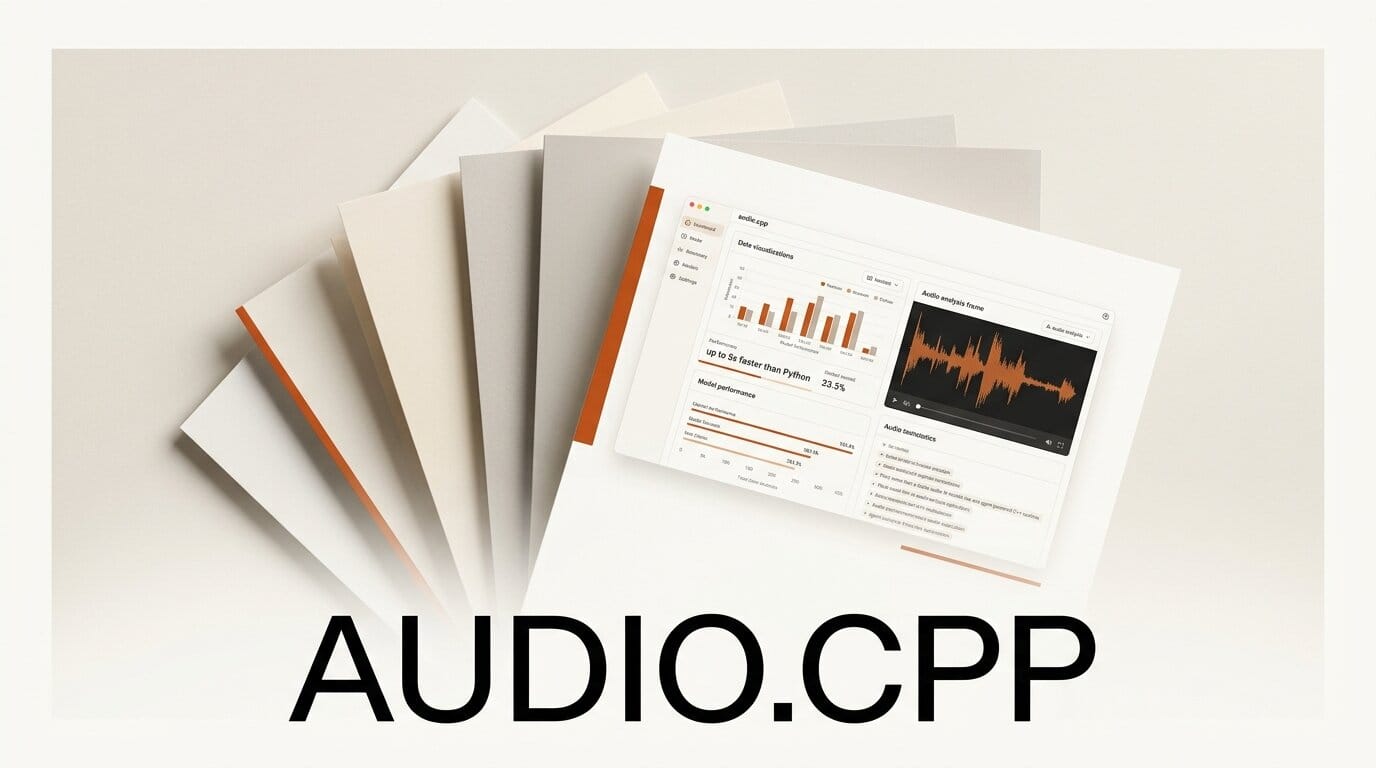
A new open-source project called audio.cpp packs more than a dozen audio AI models into a single C++ inference engine built on ggml, with no Python dependency at runtime. It surfaced on r/LocalLLaMA this week and runs text-to-speech, speech-to-text, voice conversion, and music generation from one binary, reporting speedups of up to 5x over the original Python implementations on CUDA.
What Happened
The audio.cpp project ships a unified runtime that loads audio models in the ggml format, the same approach that made llama.cpp and whisper.cpp fast and portable. Instead of a separate Python environment per model, creators get one CLI and one REST server that cover speech synthesis, transcription, voice cloning, diarization, and music. The first release is tagged 0.1, and the repo already lists support for models including Qwen3-TTS, VeVo2, MioTTS, Kokoro TTS, Higgs TTS, and Demucs for stem separation.
Why It Matters
Audio pipelines are usually the most fragile part of a creator's stack. Every model wants a different Python version, CUDA build, and dependency tree. A pure C++ runtime collapses that into one install and makes local, offline audio generation realistic on a single GPU. For a podcaster, video editor, or game developer, that means voice and music tools that start instantly and run without a cloud bill. It follows the same path as parakeet.cpp, which brought NVIDIA's Parakeet speech-to-text to ggml, but expands the idea into a full audio toolbox. One of the headline models, Kyutai's PocketTTS, runs 3.68x faster here than in Python.
Key Details
The benchmarks, measured on an RTX 5090, are the draw. VeVo2 voice conversion runs 5.03x faster with about 80 percent less wall time, and Qwen3-TTS reaches 3.06x on long-form text. The engine uses the same ggml format behind whisper.cpp and supports CPU, CUDA, Vulkan, and Metal backends, reusable sessions for batch jobs, and built-in utilities for denoising, resampling, and STFT. A Python model manager handles downloads, and parity tests check the C++ output against the original references so quality does not drift.
What to Do Next
Clone the repo, build with CMake, and pull a small model like Kokoro or PocketTTS through the model manager to test latency on your hardware. If you already run a local large language model stack such as mistral.rs, audio.cpp slots in as the voice layer for a fully local assistant or narration pipeline. Start with the CLI to confirm output quality, then switch to the REST server to wire audio into an existing app or batch workflow.





