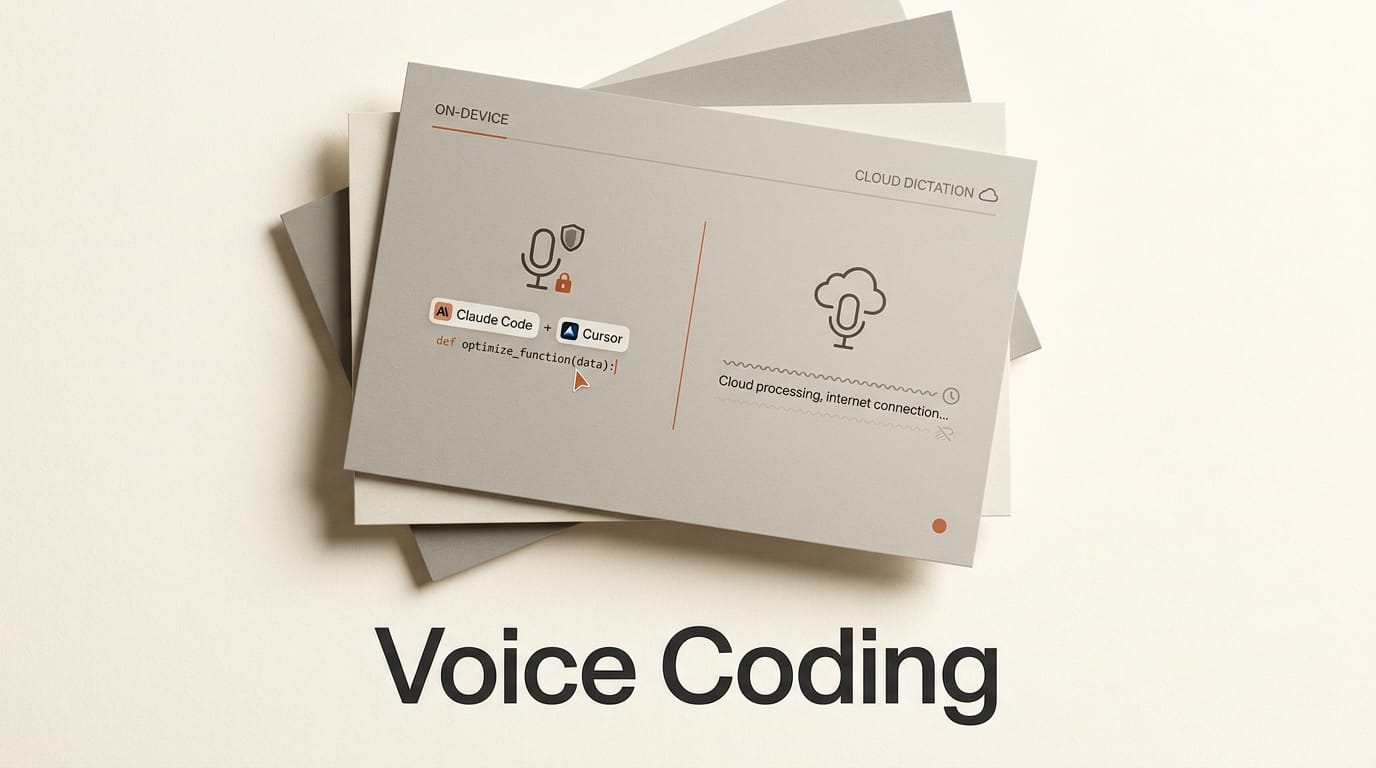
If you write code under an NDA or on a private repository, an on-device voice coding tool is the only safe way to talk to your AI agent out loud, and three of them now keep every spoken word on your own machine: SKI, Spokenly, and VoiceMode. If privacy is not your constraint, a polished cloud dictation app like Willow Voice will feel faster and more accurate out of the box. This comparison weighs the leading voice coding tools of 2026 on where the audio is processed, which agents they drive, what they cost, and how much setup they demand, so you can pick the right one for how you actually work with Claude Code, Cursor, and Codex.
The scope here is narrow on purpose. This is about steering AI coding agents by voice, not general dictation into a text box and not text-to-speech for finished audio. Every claim below comes from each tool's own documentation and release notes as of August 2026. Where a number is a vendor claim, it is attributed as one.
Why On-Device Voice Coding Matters Now
Voice input for coding is not new, but until recently almost every option routed your microphone audio to a remote server for transcription. That was a dealbreaker for a large slice of professional developers. When your spoken prompt includes a snippet of proprietary source, a client name, or details of a live incident, sending that audio to a third-party cloud is often a policy violation, not just a preference. The result was a strange gap: the developers most likely to benefit from hands-free steering were the least able to use it.
Two thousand twenty-six closed that gap. Local speech-to-text models became fast and accurate enough to run on a laptop, and a wave of desktop apps wired them directly into agent workflows. The pitch is simple. You hold a key, speak a request, and a model on your own machine transcribes it and passes plain text to your coding agent, with nothing leaving the device. For regulated teams, that single architectural choice is the difference between voice being forbidden and voice being a daily tool. It also reduces a second friction point: with your hands free to stay on the keyboard and mouse, you can dictate a refactor while reading the diff, or ask a question about a stack trace without breaking flow to type.
The Voice Coding Tools Compared at a Glance
The five tools below split cleanly into two camps: fully local pipelines built for privacy, and cloud or hybrid apps built for polish and speed. The table summarizes where each lands.
| Tool | Local speech-to-text | Voice output | Agents supported | Platforms | Price | Open source |
|---|---|---|---|---|---|---|
| SKI | Yes, on-device | Yes, local voice | Claude Code, Cursor, Codex, Gemini CLI, Windsurf, OpenClaw | macOS 14.4+ (M1-class), Windows 10/11 | Free for life, core | No |
| Spokenly | Yes, Local Only Mode | Text only | Claude Code, Codex, Cursor, OpenCode, Aider | macOS, Windows, Linux, iOS | Free with local models | No |
| VoiceMode | Yes, local Whisper | Yes, local Kokoro | Claude Code, Claude Desktop (MCP) | Linux, macOS, Windows (WSL) | Free | Yes, MIT |
| Willow Voice | Offline mode only | Text only | Any editor via system dictation | Mac, Windows, iOS | Free tier, then $12/mo | No |
| Claude Code, Codex (built-in) | No, cloud | Text only | Native to each tool | Where the CLI runs | Included | Partial |
The On-Device Contenders
All three local tools clear the privacy bar, but they are built for different developers. One is a polished consumer app, one is a flexible multi-platform utility, and one is an open-source project for people who want to own the whole stack.
SKI: the polished, full-duplex option
SKI is the most turnkey of the three. It runs speech-to-text and voice output entirely on-device, so it both hears you and answers back without an internet connection for the core loop. It supports full-duplex audio, meaning you can talk over the agent on open speakers and still be heard, and it can attach an on-demand screenshot to a spoken request so the agent sees exactly what is on your screen. At version 1.0.1 it requires macOS 14.4 or newer on M1-class chips, or Windows 10 and 11, and it drives Claude Code, Cursor, Codex, Gemini CLI, Windsurf, and OpenClaw. The core app is free for life with no credit card. Its one paid feature, AgentCall, lets the agent join and transcribe video meetings and is billed per minute. Builds live on the project's GitHub releases page. SKI is the pick if you want spoken answers as well as spoken input and prefer an app that works the moment you install it.
Spokenly: the broad, flexible utility
Spokenly casts the widest net. Its Local Only Mode blocks all outbound network traffic except localhost, and it can run either Parakeet or Whisper locally, which lets you trade speed for accuracy depending on your hardware. It is the only tool here that runs on macOS, Windows, Linux, and iOS, and it supports the longest list of agents, including Claude Code, Codex, Cursor, OpenCode, and Aider. On macOS it can also expose voice input over MCP, so a supported agent can request a spoken answer directly rather than waiting for you to trigger dictation. It is free to use with local models and needs no account. If you want cloud transcription for a specific task, you can supply your own OpenAI, Deepgram, or Groq key. Spokenly is the pick for mixed toolchains and for anyone who wants a single dictation layer across every device.

VoiceMode: the open-source, own-it-all choice
VoiceMode is the option for developers who want to inspect and control the pipeline. It is MIT licensed and open source, and its installer configures optional local Whisper for transcription and local Kokoro for voice output, so a full round trip can run offline. It works as an MCP server for Claude Code and Claude Desktop, giving Claude natural back-and-forth through your microphone and speakers. It runs on Linux, macOS, and Windows through WSL, and requires Python 3.10 or newer. Because it is open source and local, there is no vendor and no bill. VoiceMode is the pick if you already live in a Claude-centric, MCP-driven setup and you want a voice layer you can audit, fork, and self-host, and it pairs naturally with a multi-model workflow like OpenCodex.
Where Cloud and Native Voice Still Win
On-device is the right default for private code, but it is not automatically the better experience. Cloud and built-in options still lead on raw polish, and for a lot of developers that matters more than data locality.
Willow Voice is the clearest example. It is a hybrid app that processes in the cloud by default, with an offline mode for when you need full privacy, and it leans hard into speed and accuracy. Willow claims roughly 200 millisecond latency, dictation at 150 words per minute against about 40 words per minute for typing, and three times fewer errors than built-in dictation tools. It runs on Mac, Windows, and iOS with full feature parity, offers a free tier of 2,000 words per week with no credit card, and then charges $12 per month for individuals billed annually. If your code is not sensitive and you want the smoothest possible dictation into any editor, a tuned cloud app like Willow will usually feel better than a local model.
The other option costs nothing extra: the voice input now built into the agents themselves. Claude Code and Codex both ship native voice input, so you can dictate with push-to-talk without installing anything. These built-in modes are the simplest possible on-ramp, but they generally transcribe in the cloud, they are text-in only rather than a spoken conversation, and they do not offer the local-only guarantee or the cross-agent reach of a dedicated tool. They are the right starting point for trying voice at all, and the reason to graduate to SKI, Spokenly, or VoiceMode is a specific need they do not meet. For a related look at how Claude handles spoken interaction natively, see our breakdown of Claude Voice Mode.
Pricing and ROI
Cost is the least of the decision here, because the local tools are effectively free. SKI's core app is free for life, and you only pay for AgentCall meeting transcription if you use it. Spokenly is free with local models and needs no account, with cloud transcription optional through your own API keys. VoiceMode is open source and free with no vendor at all. The only recurring bill in this comparison is Willow, which is free up to 2,000 words per week and then $12 per month for individuals or $10 per user per month for teams. In practice the real cost of voice coding is not the app, it is the time to set up a local model and retrain your habits. That upfront investment is measured in an afternoon, and if voice sticks, the payoff is compounding: every dictated prompt that would have been typed is time back, and Willow's own figures put spoken input at nearly four times typing speed. The tools are cheap; the behavior change is the investment.
Impact on Creators: Which Voice Coding Tool to Pick
Pick SKI if you want spoken answers as well as spoken input, you are on a recent Mac or Windows machine, and you value a polished app that works immediately across Claude Code, Cursor, and Codex. Pick Spokenly if you juggle several agents or several devices, want Linux and iOS support, or want the flexibility to swap between local Parakeet and Whisper. Pick VoiceMode if you are Claude and MCP centric, you want an auditable open-source pipeline, and owning the whole stack matters more than a consumer-grade interface. Reach for Willow, or the built-in voice in Claude Code and Codex, only when your code is not sensitive and you would rather have cloud polish than local guarantees. The single most important question is not which app has the nicest interface, it is whether your audio can leave the machine. Answer that first, and the shortlist narrows itself.
Key Takeaways
On-device voice coding went from niche to viable in 2026 because local speech models got fast enough to run on a laptop, which unlocked voice for the regulated and NDA-bound developers who were previously locked out. SKI, Spokenly, and VoiceMode all keep audio fully local; they differ mainly in polish, platform breadth, and openness. SKI adds local voice output and full-duplex audio, Spokenly adds the widest platform and agent coverage, and VoiceMode adds an open-source, self-hostable pipeline. Cloud and native options like Willow and the built-in agent voice modes still win on smoothness and are the easiest way to try voice, but they trade away the local-only guarantee. Cost is nearly irrelevant; the real investment is the habit change, and it pays back in speed.
What to Watch
The next battleground is depth of integration rather than transcription quality, which is largely solved. Expect more tools to expose voice over MCP the way Spokenly does on macOS, so agents can request a spoken answer as a first-class step in a workflow rather than a bolt-on dictation layer. Watch also for local voice output to become standard, closing the gap with SKI, so that hearing your agent talk back does not require sending anything to the cloud. And watch the built-in modes in Claude Code and Codex: if the agents themselves ship a local-only option, the privacy advantage that defines this category today could narrow, pushing the dedicated apps to compete on speed, multi-agent reach, and hands-free workflow design instead. For now, the safe move is to start with the built-in voice, and graduate to a local tool the moment your code stops being something you can send to a server.
Frequently Asked Questions
What is voice coding?
Voice coding means driving an AI coding agent such as Claude Code, Cursor, or Codex by speaking to it rather than typing. You dictate a request, a speech-to-text model converts it to text, and the agent acts on it. Some tools also read the agent's answer back to you. It is distinct from general dictation because the target is an agent that writes and edits code, not a plain text field.
Is on-device voice coding actually private?
With a true local pipeline, yes. Tools like SKI, VoiceMode, and Spokenly's Local Only Mode run both transcription and, in some cases, voice output on your own machine, and Spokenly's Local Only Mode explicitly blocks outbound traffic except to localhost. The safest way to confirm privacy is to disconnect from the network and verify that dictation still works before you rely on it for sensitive code.
Which coding agents support voice input?
Claude Code, Cursor, and Codex are supported by the widest range of tools, and Claude Code and Codex also ship native voice input. Spokenly additionally supports OpenCode and Aider, SKI adds Gemini CLI, Windsurf, and OpenClaw, and VoiceMode focuses on Claude Code and Claude Desktop through MCP.
Do I need a powerful computer to run local voice models?
A reasonably modern machine is enough. SKI targets M1-class Apple Silicon or Windows 10 and 11, and tools like Spokenly let you choose between a lighter model such as Parakeet and a more accurate one such as Whisper, so you can match the model to your hardware. Heavier models want more memory, but everyday dictation runs comfortably on current laptops.
Is voice coding faster than typing?
For dictating prompts, usually yes. Willow Voice reports spoken input at about 150 words per minute against roughly 40 words per minute for typing. The larger benefit for coding is not raw speed but keeping your hands free and your eyes on the diff, so you can steer an agent without breaking flow to type a long instruction.





