Kling 3.0 is Kuaishou's flagship AI video model, launched February 5, 2026, and currently ranked as the #2 image-to-video generator on the public Artificial Analysis video arena at 1,299 ELO, behind only Alibaba's HappyHorse-1.0. This guide walks through a complete multi-shot creator workflow on Kling 3.0 in roughly 30 minutes using the Kling Ultra plan plus the fal.ai API as a programmatic backup. Total cost for a 15-second video with synchronized audio: about $2.94 on Kling Ultra credits, or $1.96 on fal.ai per the published rate card.
What You Need
- Kling AI account with Ultra subscription (early-access tier for the 3.0 model family) at kling.ai, or a fal.ai account for API access
- One reference image or short clip of your subject if you want character or voice consistency across shots
- A storyboard outline: up to six cuts with shot-size, perspective, action, and camera movement noted for each
- A web browser for the visual storyboard tool, or a Python or JavaScript runtime if you are calling the API
- Budget: roughly $1.12 to $2.94 per finished 15-second clip with audio, depending on tier
The Workflow
Step 1: Pick the right Kling 3.0 variant
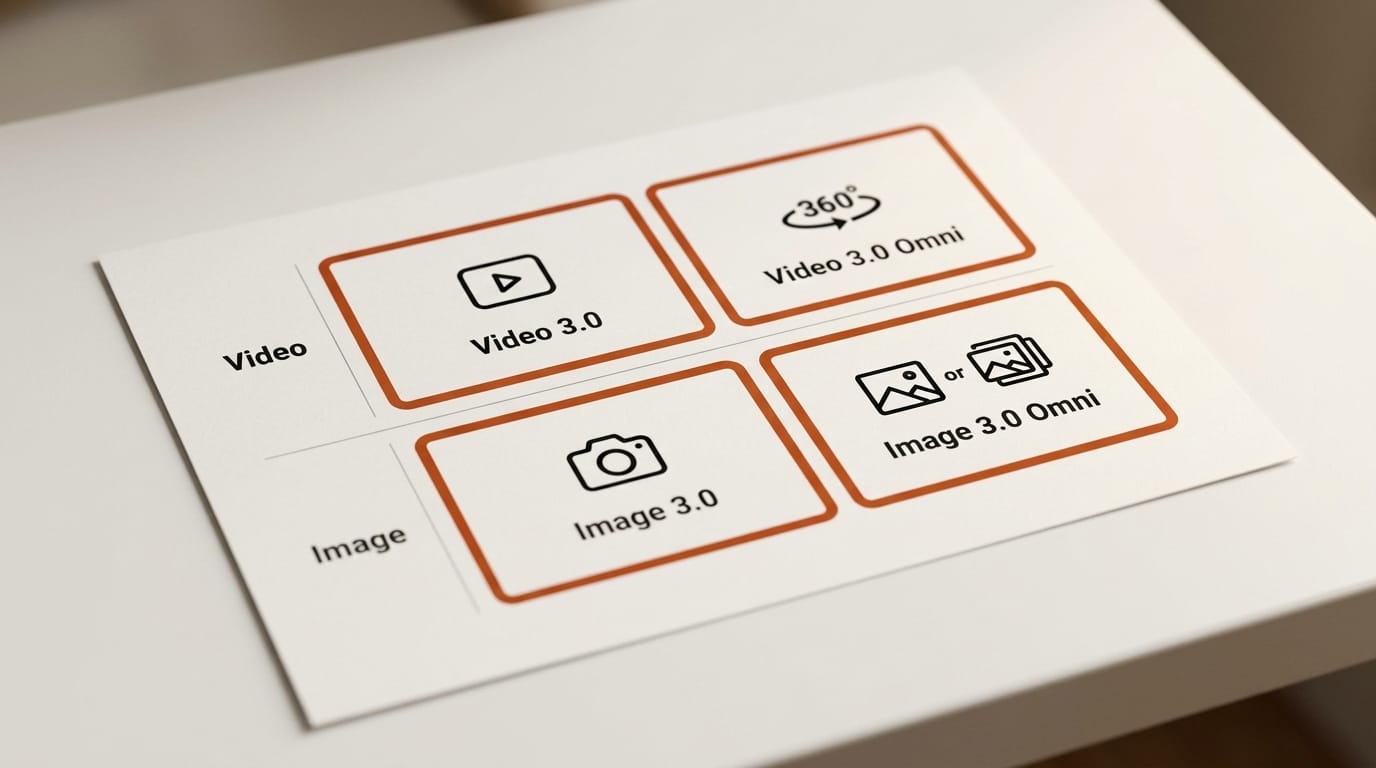
Kuaishou's February 5 launch announcement ships four models: Video 3.0, Video 3.0 Omni, Image 3.0, and Image 3.0 Omni. The two Video models split as follows. Video 3.0 (V3) is the upgrade from Video 2.6 and adds multi-shot storyboarding, element referencing, and multilingual audio. Video 3.0 Omni (often labeled O3 on partner APIs) adds native audio capture, voice control of referenced elements, and the most aggressive character-consistency mode. On fal.ai both V3 and O3 ship in Standard and Pro tiers, with Pro paying for longer inference and noticeably tighter motion. Pick V3 Standard for previs and storyboards, V3 Pro or O3 Pro for delivery. Image 3.0 is where Kling's 4K and 2K ultra-high-definition outputs live; Video 3.0 outputs through fal.ai top out at 1080p, so route stills and key frames through Image 3.0 if you need pixel density.
Step 2: Set up access
For interactive use, log into kling.ai with an Ultra plan. Ultra subscribers got exclusive early access to the 3.0 model family per the Kuaishou release. The web app exposes the AI Director storyboard, reference uploads, and audio controls in a single canvas. For programmatic use, install the fal.ai SDK, generate an API key at fal.ai/dashboard/keys, and call the Kling 3 endpoints documented at fal.ai/kling-3. fal.ai's pay-per-second pricing means there is no monthly minimum, which matters if you only need Kling for spot work alongside Runway or Veo. The Higgsfield and InVideo platforms also expose Kling 3.0 through their own UIs (Higgsfield, InVideo) if you would rather stay inside an existing creator tool.
Step 3: Write a multi-shot storyboard prompt
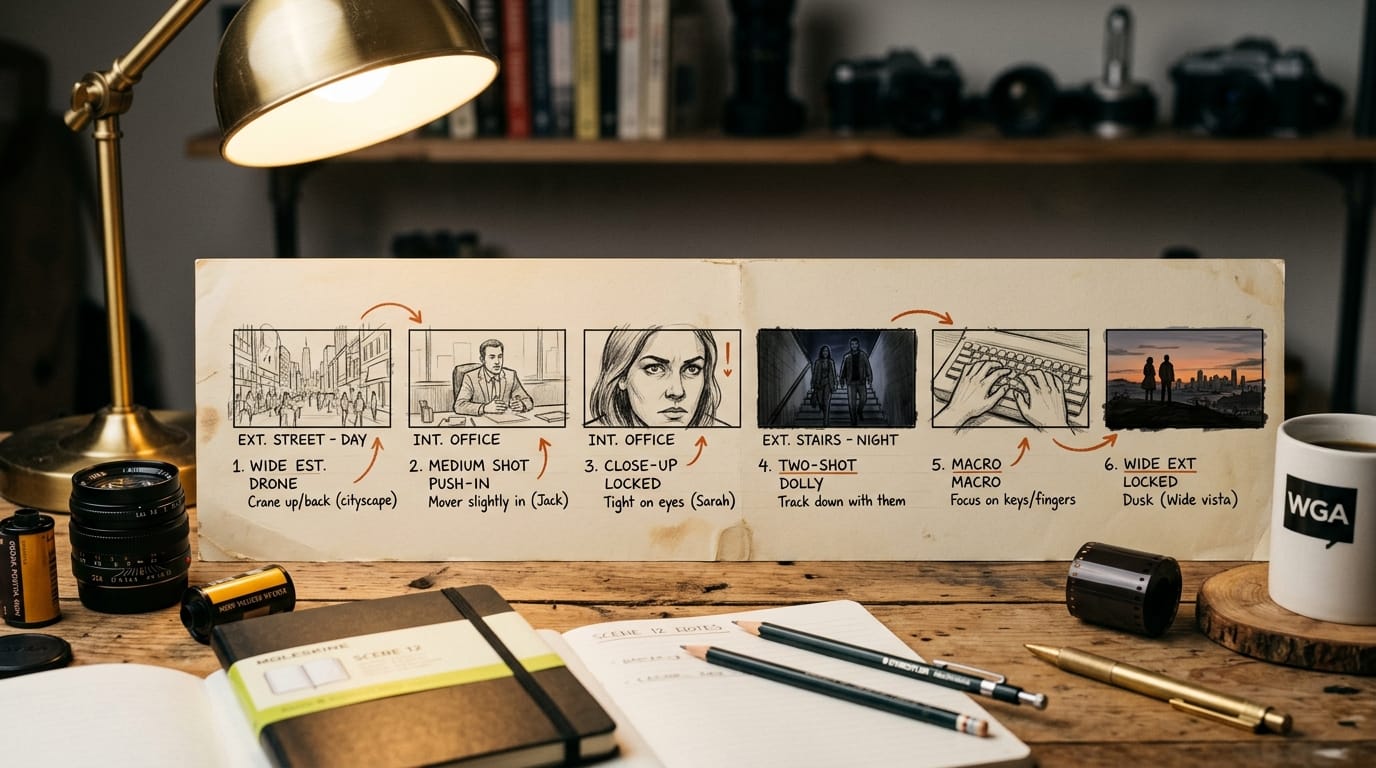
Video 3.0 Omni's headline feature is multi-shot storyboarding inside a single generation. You specify up to six distinct cuts, each with its own shot size, perspective, narrative beat, and camera movement, and the model handles transitions and visual continuity. A workable structure looks like this:
- Shot 1 (3s, wide establishing): exterior of a glass tower at sunrise, slow drone pull-back
- Shot 2 (2s, medium): protagonist in lobby, handheld push-in
- Shot 3 (2s, close-up): protagonist's face, locked off, internal voiceover
- Shot 4 (3s, two-shot): protagonist and second character on staircase, slow dolly
- Shot 5 (3s, action insert): hands typing on a console, macro
- Shot 6 (2s, wide closer): tower exterior at dusk, locked off
Length the cuts against the 15-second ceiling. Kling's planner is conservative, so over-specifying timing produces tighter cuts than asking for "a one-minute sequence" and hoping for the best.
Step 4: Add native audio in your target language
Video 3.0 generates synchronized audio in a single pass: dialogue with lip sync, ambient sound, music, and effects come out of the same generation. The Kuaishou launch covers English, Chinese, Japanese, Korean, and Spanish, plus several English accents and Chinese dialects. To use it on kling.ai, toggle "Native audio" on the storyboard panel, paste the dialogue per shot, and pick the voice language. On fal.ai, pass the audio prompt through the API request body. Voice control is available on O3 Pro and lets you set tone (calm, urgent, warm) per character reference, which is the cleanest way to keep two speakers distinguishable across a six-shot sequence.
Step 5: Lock character and voice consistency with Element References
The single most useful Kling 3.0 feature for creators is element referencing on Video 3.0 Omni. Upload a short reference video or a still and the model extracts visual traits and voice characteristics, then replicates them across new scenes. This is the same family of capability that Runway Characters ships for real-time agent video and Gemini Omni ships for single-pass narrative video. Where Kling differs is the multi-reference coreference mode: you can pass two or three characters and the model keeps them visually distinct across all six cuts. Practical limits: a clean 5 to 10 second reference clip with the subject's face well-lit produces materially better consistency than a single still.
Step 6: Render and route stills through Image 3.0
Submit the storyboard with audio and references attached. Standard tier returns in about 90 seconds per 15-second sequence; Pro tier takes roughly twice as long but with cleaner motion physics, which Kuaishou attributes to a 3D Spacetime Joint Attention mechanism. If you need a 4K poster frame, a thumbnail, or a hero still, pull the matching shot back into Image 3.0 (or Image 3.0 Omni) at 2K or 4K. This is the workaround for Video 3.0's 1080p video ceiling: render motion at 1080p, then up-sample the key frames as stills through Image 3.0 and use them for thumbnails, social cards, and YouTube end-screens.
Kling 3.0 vs HappyHorse vs Runway Gen-4.5
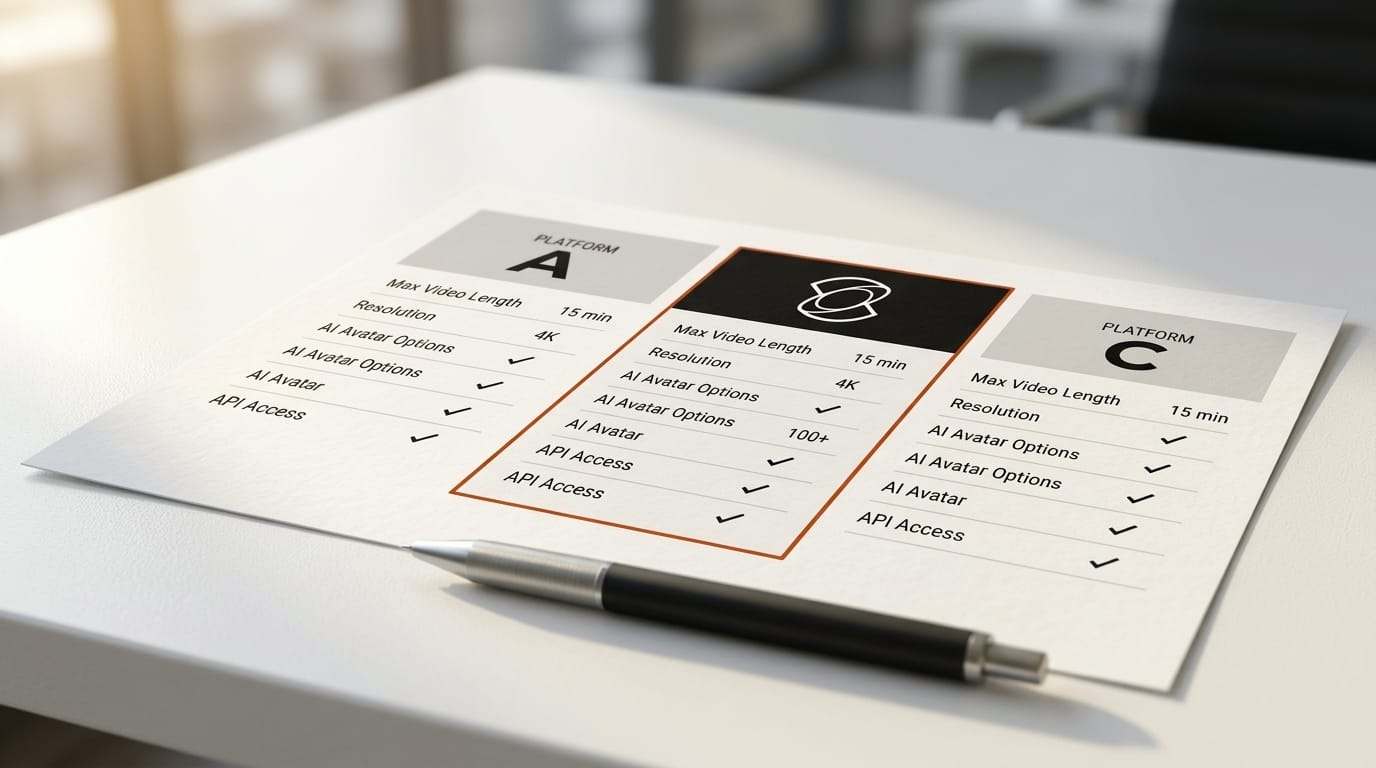
Where Kling 3.0 lands against the two competitors creators most often compare it to:
| Capability | Kling 3.0 Omni (O3) | HappyHorse-1.0 | Runway Gen-4.5 |
|---|---|---|---|
| Public arena ELO (I2V) | 1,299 (#2) | 1,416 (#1) | ~1,247 (#2 T2V) |
| Max video resolution | 1080p (4K via Image 3.0 stills) | 1080p | 1080p |
| Max duration | 15s | 10s | 10s extendable |
| Multi-shot in one gen | Up to 6 cuts | Single shot | Single shot, chain via edit |
| Native synchronized audio | Yes (5+ languages) | Yes | Native audio (Gen-4.5) |
| Element reference (character) | Yes, multi-character | Yes | Characters (real-time agent) |
| Lowest API price (audio off) | $0.168 / sec (fal.ai V3 Std) | fal.ai, comparable tier | Runway API tiered |
Pick Kling 3.0 Omni if you need a six-cut sequence with native audio in a single generation, especially for multilingual delivery. Pick HappyHorse-1.0 if motion fidelity is the only axis that matters and you can edit single clips together later (the ComfyUI workflow in our HappyHorse ComfyUI guide shows the editorial assembly). Pick Runway Gen-4.5 if you are already inside a Runway production pipeline with Characters and the Act-One performance capture stack.
Troubleshooting
Cuts feel rushed or skipped. Kling's planner is conservative. Spell out the duration of each shot explicitly ("Shot 3, 2 seconds, close-up"), not just the order. If a cut still drops, split the storyboard into two sequences of three cuts each and edit them together.
Character drift between shots. Replace any single-image reference with a 5 to 10 second clip that shows the subject's face in motion under even lighting. For two-character scenes, pass each reference separately and use distinct names in the per-shot prompt.
Lip-sync mismatch. The native audio path runs once per generation. If dialogue desyncs, regenerate the whole sequence rather than only the audio. Mixing post-hoc audio over a finished video kills the model's frame-level alignment.
1080p ceiling is a problem for the deliverable. Render motion at 1080p, pull a key frame through Image 3.0 at 4K, and use the still for posters, thumbnails, and end cards. Modern social platforms re-encode anything above 1080p back to 1080p on playback, so the gap is smaller than it looks.
Cost is climbing fast. Use V3 Standard for previs and storyboard iteration, then upgrade only the final delivery generation to O3 Pro. The Pro tier costs roughly twice the Standard tier per second on fal.ai.
What to Try Next
Use Kling 3.0 alongside, not instead of, the other top video models. A practical creator stack right now: storyboard and motion on Kling 3.0 Omni, performance capture on Runway Characters, and reference-led narrative shots on Gemini Omni. Read our Runway production workflow for how to wire performance capture and editorial assembly together, and the Gemini Omni first look for where Google's I/O announcements may reshuffle this in a week.
FAQ
What is the difference between Kling Video 3.0 and Video 3.0 Omni?
Video 3.0 is the standard upgrade from Video 2.6 with multi-shot storyboarding, element referencing, and multilingual audio. Video 3.0 Omni adds native audio with voice control, multi-character element referencing with audio capture, and the strongest character-consistency mode. Treat V3 as the storyboard tool and O3 as the delivery tool.
Can Kling 3.0 generate true 4K video?
Kuaishou's 2K and 4K outputs are on the Image 3.0 model family, not the video models. Video outputs through fal.ai cap at 1080p as of the May 2026 documentation. The standard workaround is to render motion at 1080p and pull key frames through Image 3.0 for 4K stills.
How many shots can a single Kling 3.0 generation contain?
Up to six distinct cuts in one storyboard generation on Video 3.0 Omni, each with its own shot size, camera movement, and dialogue line. The total duration ceiling is 15 seconds, so cuts average between 2 and 3 seconds.
What languages does Kling 3.0 support for native audio?
The Kuaishou launch lists English, Chinese, Japanese, Korean, and Spanish, plus various English accents and Chinese dialects. Voice control with tone direction is available on the Omni Pro tier.
Where can I access Kling 3.0 today?
Directly at kling.ai with an Ultra subscription (early-access tier), through the fal.ai API on a pay-per-second model, or inside partner UIs from Higgsfield, InVideo, and Artlist. Kling 3.0 is not currently exposed inside Runway's own product surface.