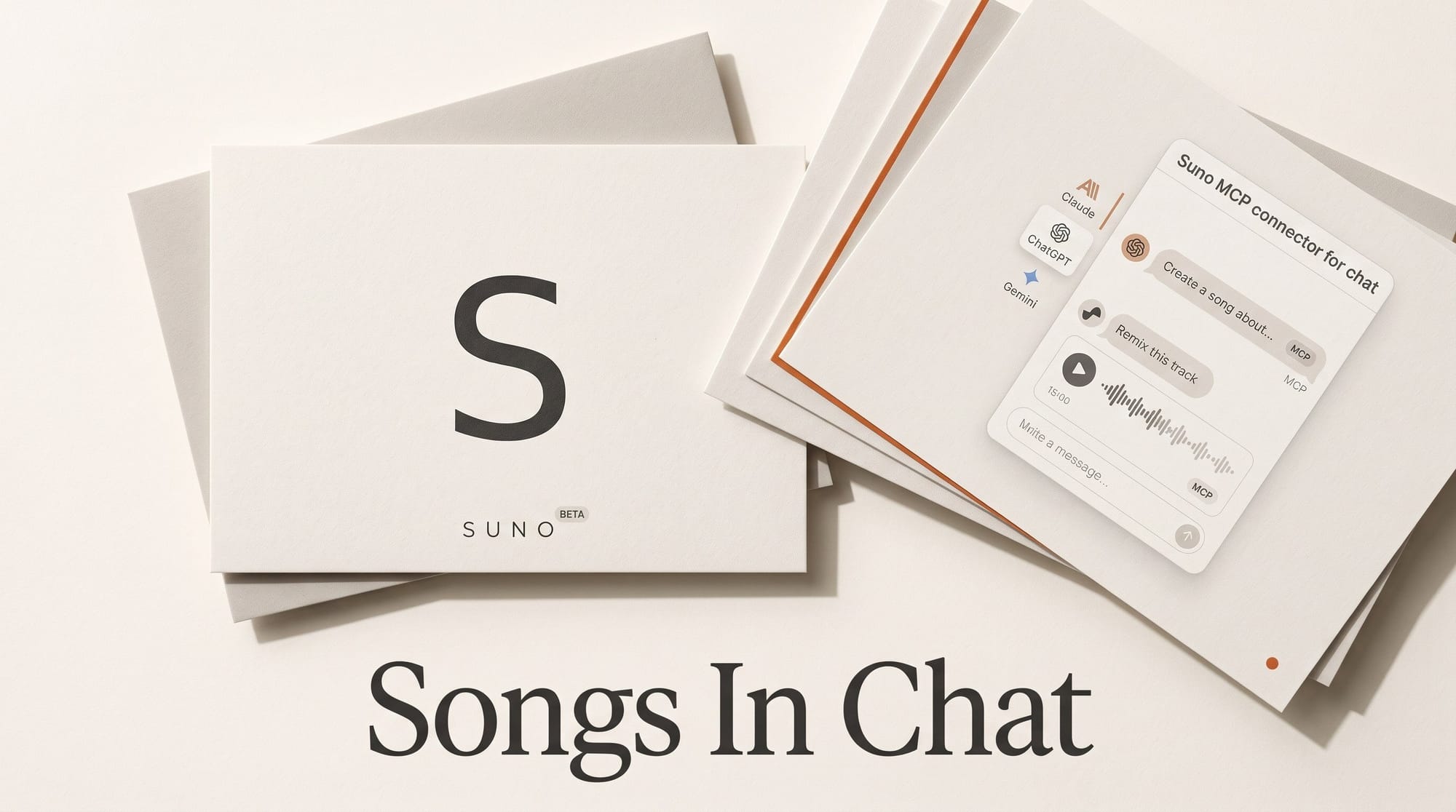
Suno released Suno MCP in beta on October 28, 2026. It is the company's first official connector for AI chat apps, and it lets Claude, ChatGPT and Gemini make, remix and revise Suno songs from inside a conversation. You set it up by pasting one address, https://api.suno.com/mcp, into your chat app's connector settings and signing in to Suno, with no API key. Songs use the credits on your existing Suno plan and land in your normal Suno library. The catch: access is early access only, through a sign-up form on Suno's MCP page, and Suno has not said when it opens to everyone.
The connector does not change what Suno costs. It changes how fast you spend it. Typing "give me three more" is easier than clicking Create three times, while Suno still limits downloads, not generations. This guide covers what the connector does, how to set it up in each app without touching a terminal, what a song really costs, and how it compares with the music generator Google already builds into Gemini.
What Suno MCP does
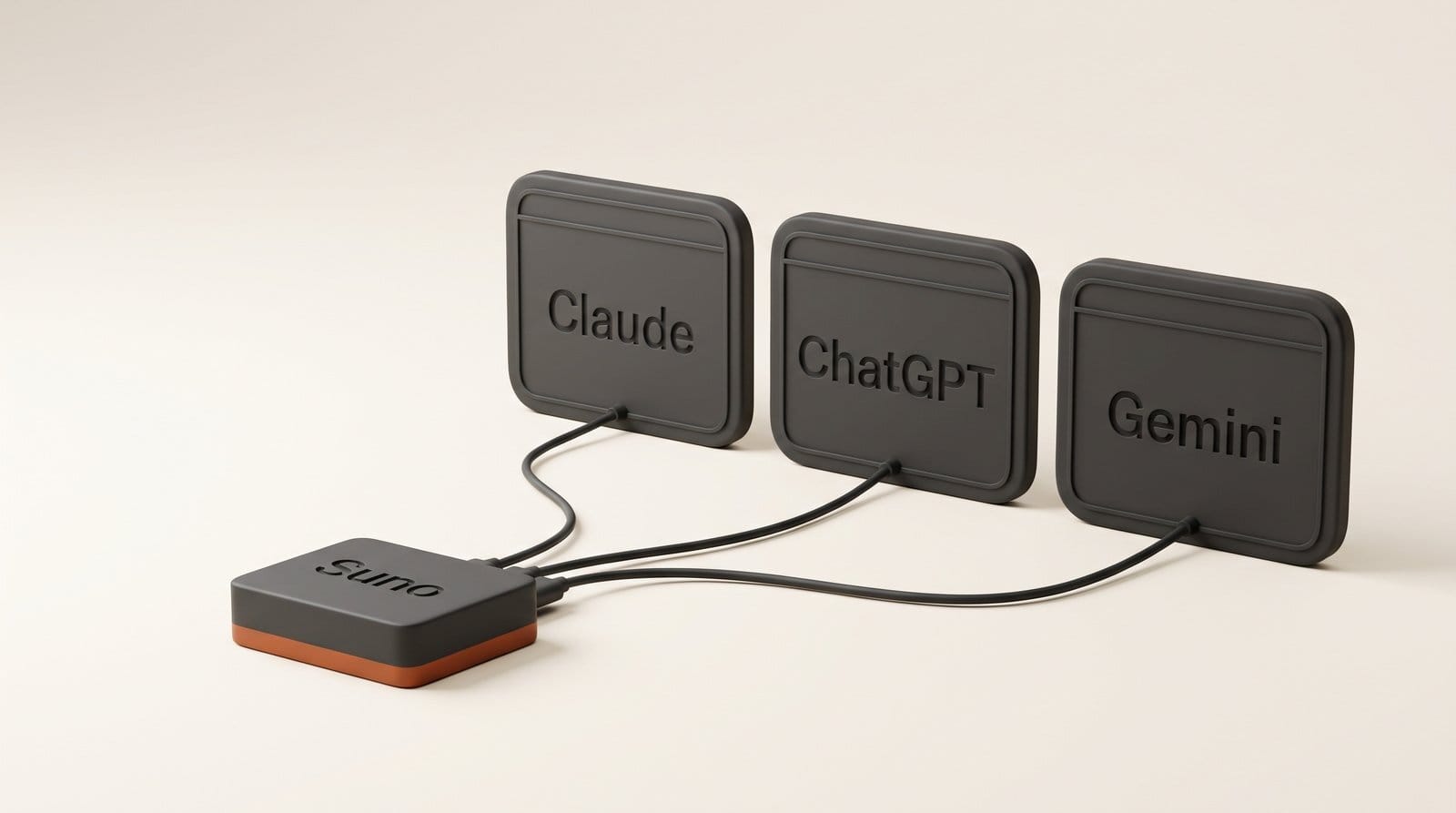
MCP stands for Model Context Protocol, the open standard most AI chat apps now use to plug in outside tools. Once Suno is connected, your assistant can ask Suno to make music for you and bring back the result in the chat. Suno's product chief Jack Brody said users "have asked for us to build a connector so they can work without switching between tabs," according to Glitchwire.
Suno lists five things you can do through it:
- Create by describing. Say what you want in plain words. The assistant drafts lyrics and a style, and Suno generates the song.
- Start from your own audio. Turn a voice memo or a short loop into a full song. Suno's example prompt: "Turn a voice memo into an indie-folk track and keep your melody."
- Remix your library. Make covers, extensions and mashups of songs you already have in Suno.
- Use your own voice. Apply a saved Suno Voice, the feature that lets you record or upload your singing and use it in any style (Pro and Premier, limited on Free).
- Revise in plain words. "Make it slower," "Add a bridge," "Give me three more."
Every song saves to your Suno library, exactly as if you had made it on suno.com, and you can add it to a playlist from the chat. Suno's MCP help page confirms the beta works on every Suno plan, including Free, and that one Suno account can connect to several assistants, each set up separately.
How to set it up in Claude, ChatGPT and Gemini
First, request access with the "Get early access" button on Suno's MCP page and wait for approval. Then follow the steps for your app. All three are settings screens, not code.
Claude (web or desktop app)
- Open Customize, then Connectors, then click + and choose Add custom connector.
- Name it Suno and paste
https://api.suno.com/mcpas the URL. - Click Connect, sign in to Suno and approve.
Anthropic's custom connector guide says custom connectors work on Free, Pro, Max, Team and Enterprise plans, and that Free users are limited to one. If Suno is your only custom connector, a free Claude account is enough. On Team and Enterprise, an owner has to add the connector to the organization first.
ChatGPT
- Open Plugins, click Add, then choose Add custom MCP server.
- Name it Suno and enter the same URL as the Server URL.
- Click Create as a plugin, then Connect Suno and authorize.
OpenAI's rules on which ChatGPT plans can add custom servers have shifted during 2026, and free accounts cannot add them. Check that "Add custom MCP server" appears on your account before you count on this route.
Gemini
- Open Customize, then Connectors, and click + to add a custom MCP server.
- Paste the URL and click Create.
- Start a chat and mention @Suno.
Suno also supports Claude Code and Cursor, the coding tools, but the chat apps above are the route for anyone who does not write code.
What a song costs when you make it in chat
Suno MCP has no price of its own. Every song comes out of your normal Suno plan. Suno's v6 FAQ says each generation makes two songs for 10 credits in total, and Max Mode (recommended for songs over two minutes) costs more. Here is what that means on each plan from Suno's pricing page, with the download limits that took effect on September 3:
| Plan | Price | Credits | Songs you can make | Cost per song made | Downloads | Cost per download |
|---|---|---|---|---|---|---|
| Free | $0 | 50 a day | 10 a day (v6-mini) | $0 | 7 for the life of the account, personal use only | $0 |
| Pro | $10 a month ($8 billed yearly) | 2,500 a month | 500 a month | 2 cents | 20 a month | 50 cents |
| Premier | $30 a month ($24 billed yearly) | 10,000 a month | 2,000 a month | 1.5 cents | 60 a month | 50 cents |
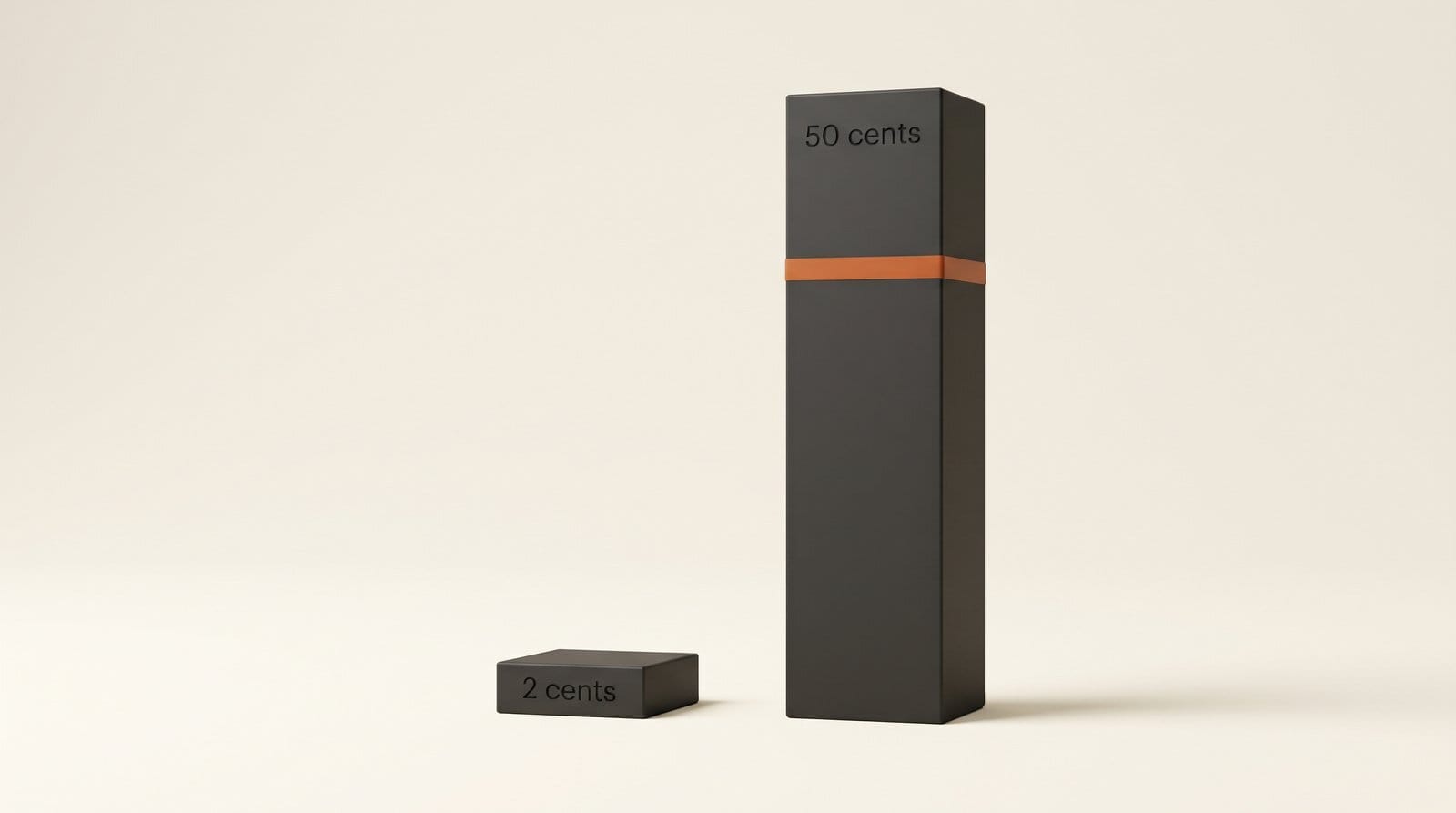
Two things stand out. Making a song costs almost nothing on a paid plan, while keeping one costs 25 times more on Pro, because downloads are what is scarce. And because the connector makes asking for variations so easy, you will hit 500 songs in the library long before you run out of downloads worth spending. Our breakdown of Suno's download caps by tier covers what each download includes and how to buy more.
Credits are also shared. Every assistant you connect draws from the same Suno account, so a Claude session and a ChatGPT session on the same day spend one pool. You can ask the assistant how many credits you have left.
Suno in chat vs Gemini's built-in Lyria vs suno.com
Suno is not the first music generator you can reach from a chat box. Google has built Lyria 3.5 into the Gemini app, and on September 4 it said Lyria 3.5 is available to all users globally on the web and in the mobile app, with no connector and no waitlist. Here is how the routes compare today:
| Suno MCP in Claude | Suno MCP in ChatGPT | Lyria 3.5 in Gemini | suno.com directly | |
|---|---|---|---|---|
| Can you use it today? | Only with Suno early access | Only with Suno early access and an eligible plan | Yes, all users | Yes |
| Chat plan needed | Any, Free allows one custom connector | Paid plan with custom MCP servers | None stated | None |
| Music model | Your Suno plan's models | Your Suno plan's models | Lyria 3.5 | v6-mini free, v6 and v6-wild paid |
| Start from your own audio | Yes, voice memos and loops | Yes, voice memos and loops | Not mentioned by Google | Yes |
| Your own singing voice | Yes, saved Suno Voices | Yes, saved Suno Voices | Not mentioned by Google | Yes, Suno Voices |
| What you pay | Suno credits, 10 per two songs | Suno credits, 10 per two songs | No price stated by Google | Suno credits, 10 per two songs |
| Where songs go | Your Suno library | Your Suno library | Not detailed by Google | Your Suno library |
The honest split: if you want a quick background track today and you already use Gemini, Lyria is there with nothing to set up. Our look at Lyria 3.5's vocal upgrades covers where it is strong. If you already pay for Suno, want your own voice on the track, or want to build on songs you have already made, the Suno connector is the one to wait for. Gemini users get both, since Suno lists Gemini as a supported app.
Workflow: from a hummed idea to a video soundtrack
This is the job the connector is best at: turning a rough idea into a finished bed for a YouTube video, a podcast intro or a reel, without leaving the chat where you are already planning the project.
- Record the idea. Hum or sing the melody into your phone's voice memo app. Twenty seconds is enough.
- Brief the assistant with the context it already has. In the chat where you wrote the video script, attach the memo and ask: "Using @Suno, turn this memo into a calm indie-folk instrumental for the intro of the video we just scripted. Keep my melody."
- Listen and steer. Reply with changes in plain words: "make it slower," "add a bridge," "more acoustic." Each new version spends a generation.
- Cap the variations. Ask for two or three alternatives, not ten. On Pro you can afford 500 songs a month but only 20 downloads, so pick in the chat, not in the library.
- Download the winner from Suno. Open your Suno library, play the pick once more at full volume, and download it. Paid-plan downloads come with commercial rights.
- Drop it into your editor. Import the file into Premiere Pro, Final Cut Pro, DaVinci Resolve or CapCut and trim it to the cut.
The useful part is step 2. The assistant already knows the video's topic, tone and length from the conversation, so you do not have to rewrite the brief for Suno. That context is what the connector adds over opening suno.com in another tab.
What to check before you rely on it
- It is a beta behind a form. You cannot plan a deadline around it until Suno approves your account.
- No published limits. Suno has not said how many songs per hour the connector allows, or which model it uses beyond your plan's models. AlphaSignal's write-up of the launch lists the same gaps.
- Standard terms apply. Suno has not announced separate licensing for songs made through the connector. Paid-plan downloads carry commercial rights, and Free songs are for personal use.
- The assistant spends credits for you. Ask it to confirm before each new generation if you are close to your monthly allowance.
Frequently asked questions
Is Suno MCP free?
The connector itself costs nothing and works on every Suno plan, including Free. Songs use your Suno credits: 10 credits for each generation of two songs. Free accounts get 50 credits a day and use the v6-mini model.
Do I need an API key or any coding to use Suno MCP?
No. You paste https://api.suno.com/mcp into your chat app's connector settings and sign in with your Suno account. Suno also offers setup for coding tools such as Claude Code and Cursor, but the chat apps need no code at all.
Can I use Suno MCP with free Claude?
Yes. Anthropic allows Free users one custom connector, so Suno can be that one. You still need Suno to approve your early access request first.
Which Suno model does the connector use?
Suno has not said. Songs come out of your plan the same way they do on suno.com, where Free uses v6-mini and Pro and Premier also get v6 and v6-wild. Our guide to Suno v6 and the retired older models explains the difference.
Can I download songs straight from the chat?
Songs save to your Suno library, and Suno's pages describe downloading from there. Each download counts against your plan's allowance: 20 a month on Pro, 60 on Premier, 7 for the life of a Free account.
How is this different from making music in Gemini with Lyria?
Lyria 3.5 is built into the Gemini app and open to all users now. Suno MCP is a connector you add to Claude, ChatGPT or Gemini, it needs early access, and it brings Suno features Google does not list for Lyria in Gemini: your own voice, remixes of your library, and songs built from your voice memos.