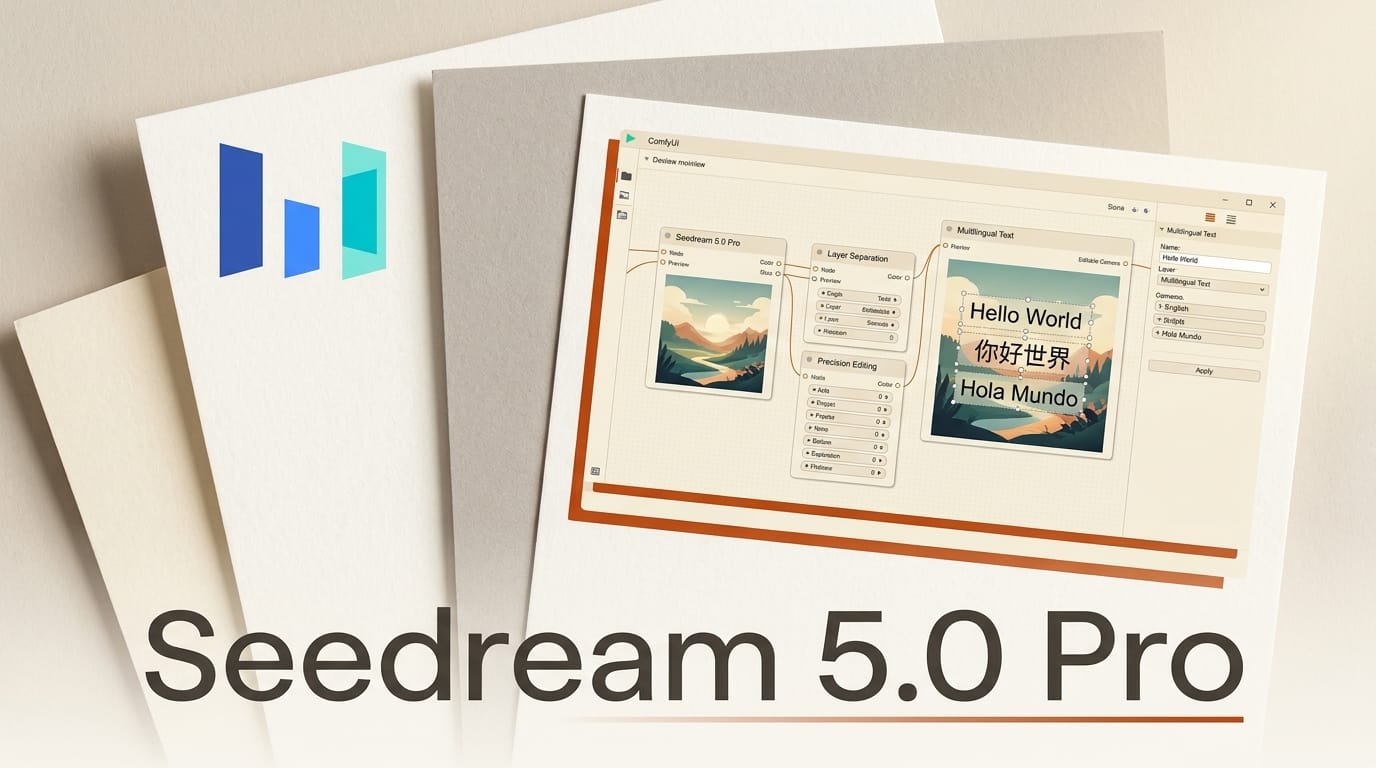
ByteDance released Seedream 5.0 Pro on July 8, 2026, and one day later it landed as a native partner node inside ComfyUI 0.27.1. This is not another incremental text-to-image bump. Seedream 5.0 Pro folds generation, region-level editing, layer separation, and multilingual text into a single model, which is exactly the workflow creators have been stitching together from three or four separate tools.
The headline for anyone working in ComfyUI: you can now prompt an image, then point at a single object and swap its material, separate the result into more than ten transparent layers, and render accurate in-image text across fifteen languages, all without leaving the graph. Below is what actually ships, how it stacks up against the current image-model field, and the exact steps to run it locally.
What Seedream 5.0 Pro Actually Ships
ByteDance frames the release around four capability breakthroughs rather than a single benchmark score. The first is complex information visualization: the model turns dense data and long text into structured layouts like infographics, posters, and UI mockups. The second is interactive precision editing. The third is realistic imagery with convincing portrait and material textures. The fourth is native multilingual input and generation.
According to TestingCatalog's launch coverage, the Pro tier sits above Seedream 5.0 and 5.0 Lite and adds advanced reasoning, so the model interprets design intent instead of only matching a prompt string. That reasoning is what powers the infographic and layout work: it decides hierarchy and spacing rather than pasting text onto a background.

Seedream 5.0 Pro vs the Current Field
The image-model race has three fronts right now: closed flagships, open-weight challengers, and editing-first models. Seedream 5.0 Pro is unusual because it competes on all three. The table below maps it against the models creators are most likely weighing it against.
| Model | Editing model | Layer separation | In-image text | Access |
|---|---|---|---|---|
| Seedream 5.0 Pro | Point, box, lasso, sketch, color, material | 10+ transparent layers | 15 languages | API, ComfyUI partner node |
| Nano Banana 2 Pro | Prompt-based edit and inpaint | No native layers | Strong English, multilingual | Vertex AI, API |
| Qwen Image 2.0 Pro | Prompt-based edit | No native layers | Strong Chinese and English | API |
| FLUX (editing toolkit) | Inpaint, erase, region edit | No native layers | Moderate | Open weights, ComfyUI |
The differentiator is layer separation. Where Nano Banana 2 Pro and Qwen Image 2.0 Pro hand you a flattened image, Seedream 5.0 Pro can split a generation into independent transparent layers you drop straight into Figma or Photoshop as editable assets. As CryptoBriefing noted in its launch analysis, that pushes the model past "image generator" into "design tool" territory.
The Editing Toolkit: Point, Box, Layer, Sketch
The interactive editing suite is the reason to care. Seedream 5.0 Pro accepts several distinct control methods on a single canvas, described on ByteDance's Seedream 5.0 Pro project page:
- Point, lasso, and box selection: isolate a region and describe the change. The model modifies, replaces, or refines that element while preserving lighting, shadows, texture, and composition everywhere else.
- Sketch rendering: feed a rough sketch and the model renders it into a detailed image, so concept-to-comp happens in one pass.
- Color editing: target a color using a Hex code or an external swatch, useful for brand-accurate recoloring.
- Material replacement: swap wood for glass or leather for fabric while the model preserves the object's form and the scene's lighting.
- Layer separation: split any image into ten or more independent layers with transparency, output as editable design assets.
- Multi-image fusion: combine several reference images into one coherent composition.

Running Seedream 5.0 Pro in ComfyUI
ComfyUI shipped Seedream 5.0 Pro as a partner node on July 9, one day after the model's debut. The official ComfyUI announcement lays out the setup. Here is the workflow start to finish:
- Update ComfyUI to 0.27.1 or later. Partner nodes require the current build. If you are running an older release, update through the ComfyUI Manager first. The same 0.27 line that introduced int8 quantization for lower VRAM also carries the Seedream node.
- Open the Template Library and search for "Seedream 5.0 Pro." Load the template to drop the pre-wired node graph onto your canvas.
- Add your API credentials. Because Seedream 5.0 Pro runs through ByteDance's hosted API rather than local weights, the node needs an API key configured in the node settings.
- Write the prompt and set parameters. Choose text-to-image, image-to-image, or a multi-reference edit, then set resolution and any region or layer options the template exposes.
- Run the graph and route the output into your existing upscale, layer-export, or compositing nodes.
Because the node is API-backed, it fits alongside local models in the same graph: generate a base with a local FLUX checkpoint, then hand it to Seedream 5.0 Pro for text rendering or layer separation.

What This Enables for Creators
The practical unlock is collapsing a multi-tool pipeline into one node. A social-graphics workflow that used to mean generating in one model, editing text in Photoshop, and separating layers by hand can now run as: prompt, render structured layout with correct in-image copy, export ten transparent layers, done. For thumbnail artists, ad designers, and anyone shipping localized creative, the fifteen-language text rendering removes the single most common failure mode of image models, which is garbled or English-only lettering. The material replacement and Hex-accurate color editing also make brand-consistent variations fast, which is where prompt-only models still struggle.
Frequently Asked Questions
Is Seedream 5.0 Pro free to use?
The ComfyUI partner node runs through ByteDance's hosted API, so usage is metered by that API rather than free local inference. ByteDance did not disclose per-image pricing at launch. You supply an API key and pay for calls.
Does Seedream 5.0 Pro run locally on my GPU?
No. Unlike open-weight models such as FLUX, Seedream 5.0 Pro is API-backed. The ComfyUI node sends requests to ByteDance's servers, so it works on any machine but requires an internet connection and API credentials, not a large local VRAM budget.
How many languages does the in-image text support?
Seedream 5.0 Pro natively renders in-image text across fifteen languages, including Arabic, English, Russian, Japanese, Korean, Spanish, German, French, Portuguese, Vietnamese, and Thai, with culturally adapted rendering rather than transliterated glyphs.
What is layer separation and why does it matter?
Layer separation splits a single generated image into more than ten independent layers with transparency, output as editable assets. Instead of a flattened PNG, you get a file structure you can rearrange, recolor, or composite in Figma or Photoshop, which no other mainstream image model ships natively.
How is Seedream 5.0 Pro different from Seedream 5.0 and 5.0 Lite?
Pro is the top tier of the Seedream 5.0 family. It adds advanced reasoning, the full interactive editing suite, layer separation, and the strongest text and material rendering. The Lite and standard tiers target lighter, faster generation without the complete editing toolkit.
Can I combine Seedream 5.0 Pro with local models in ComfyUI?
Yes. Because it is a partner node in the same graph, you can generate or preprocess with a local checkpoint and route the result into Seedream 5.0 Pro for editing, text, or layer export, then continue with local upscaling nodes.





