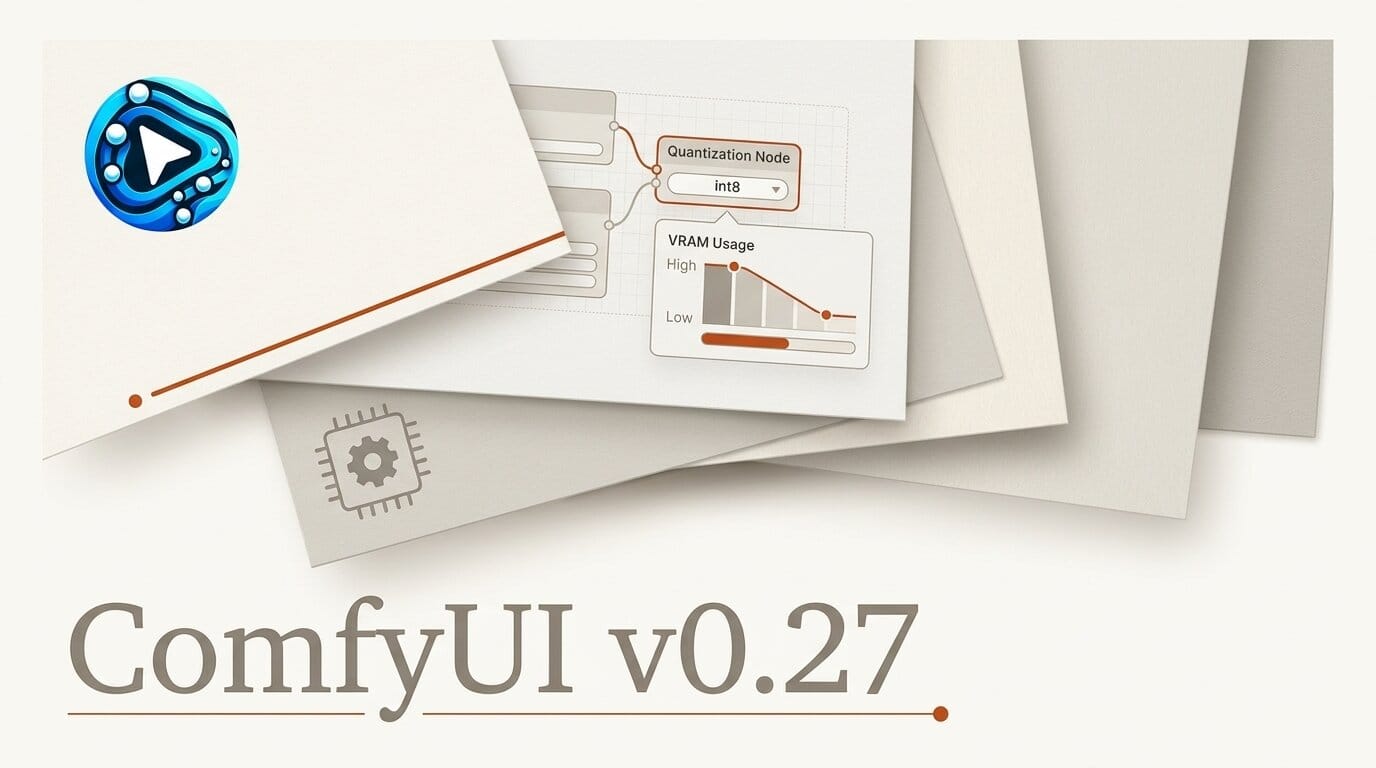
ComfyUI shipped version 0.27.0 on June 30, 2026, and its headline change is int8 model support: you can now run image and video models in 8-bit precision to sharply cut the VRAM they need. The release also extends int8 to older Turing GPUs and bundles fresh partner nodes for several of the latest cloud models.
What This Enables
If a model would not previously fit on your card, int8 gives it a second chance. Loading a checkpoint in 8-bit precision shrinks its memory footprint compared to fp16 or bf16, so heavier image and video graphs can run on cards that used to throw out-of-memory errors. Crucially, v0.27.0 adds int8 support on Turing GPUs, which means GTX 16-series and RTX 20-series owners get the savings too, not just newer Ada and Blackwell cards. int8 LoRA application is faster, and a memory leak tied to int8 was fixed. To try it, update ComfyUI to 0.27.0, load a model node that exposes an int8 weight option, and watch your VRAM meter drop on the next run.
Why It Matters for Creators
Local generation lives and dies by VRAM. Every gigabyte you save is a larger model, a higher resolution, or a longer video clip you can render without renting cloud GPUs. Making int8 work on Turing hardware, some of the cheapest cards still in wide use, lowers the floor for who can run current models at home. For hobbyists and small studios that is a bigger deal than any single new node.
Key Details
int8 quantization: New int8 model support, faster int8 processing, fixed int8 LoRA quality, a patched int8 memory leak, and int8 on Turing GPUs.
New partner nodes: Google Nano Banana 2 Lite and a Gemini Video Omni node, ByteDance's SeeDance 2.0 4K and SeeDance-2.0-Mini video nodes, Alibaba HappyHorse 1.1, and 1080p output for the Grok Image node. Full node guides land on the official ComfyUI blog.
Core additions: A dedicated Seed node, an advanced Krea 2 model merging node, a bounding-box canvas with Ideogram JSON prompt support, a ConditioningMultiply node, and a GLSL node now built on the ANGLE library.
What to Do Next
Update through ComfyUI Manager or by pulling the latest from the ComfyUI repository, then enable the int8 option on a model you already run to reclaim VRAM headroom. This release builds on the model bundle in ComfyUI v0.26, so if you skipped that update you pick up both sets of nodes at once.





