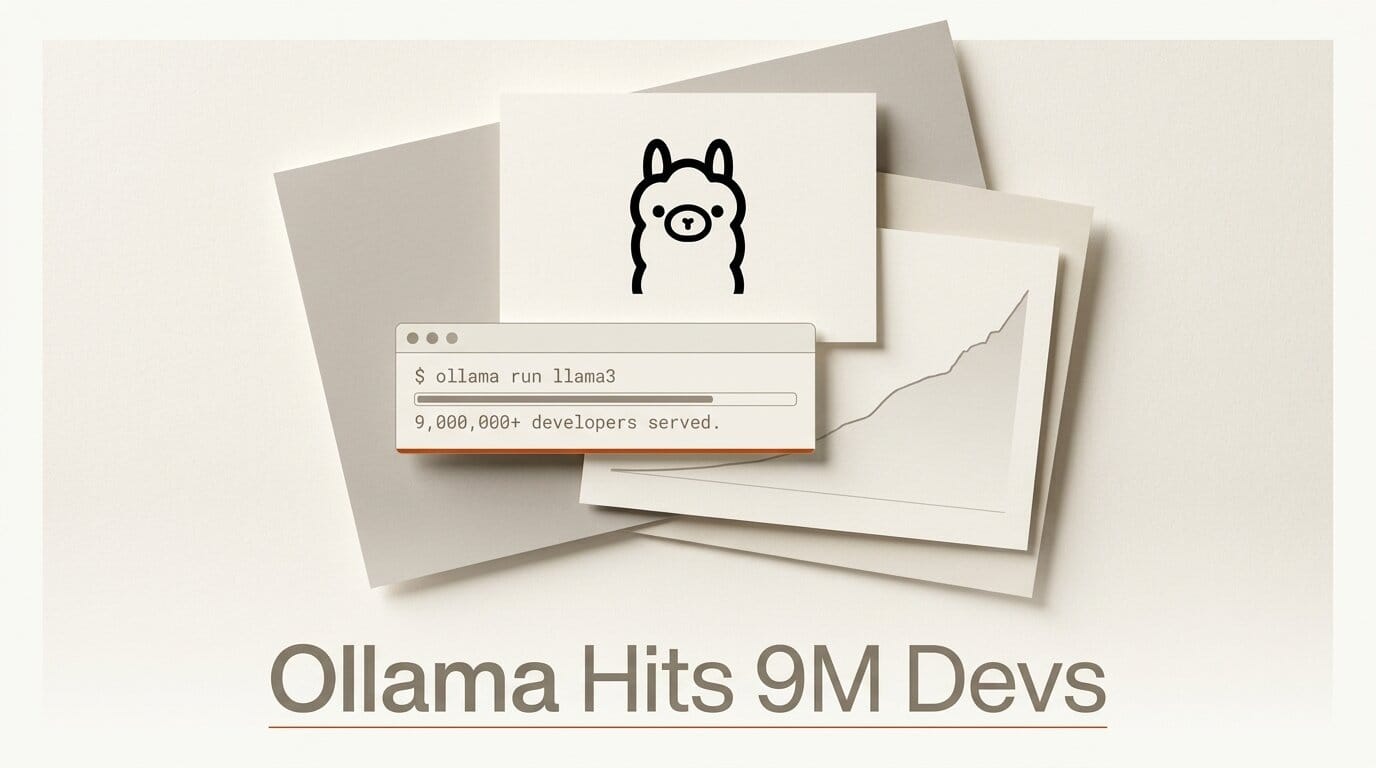
Ollama, the tool that lets you run open AI models on your own computer, just raised a fresh round that brings its total funding to $88 million and confirmed it now serves 8.9 million developers. The company announced the milestone on July 9, 2026, framing it as "the personal computer moment for AI." For creators and builders, the money matters less than what it signals: local, open models are now a mainstream way to work, and the on-ramp keeps getting shorter.
The raise, reported by TechCrunch, was led by names like Peter Fenton (Benchmark), Tomasz Tunguz (Theory Ventures), and Alex Kolicich (8VC), with angels including Docker founder Solomon Hykes. But the practical takeaway is simpler. If you have been paying per-token API bills to experiment with AI, Ollama is the fastest path to running capable open models for free on hardware you already own, plus a new cloud tier for the big models that will not fit on a laptop.
What Happened
Ollama started as a free desktop app that wraps the messy business of downloading, quantizing, and serving open-weight models behind a single command. Pull a model, run it, and you have a local chat endpoint plus an OpenAI-compatible API on your own machine. That simplicity is why it spread: the founders, who previously built Docker Desktop, applied the same "make the hard thing one command" philosophy to AI.
The July announcement pairs the funding with adoption numbers that are hard to ignore. Ollama says it is used inside 85% of Fortune 500 companies and by nearly nine million developers, all from a 14-person team. The open-source project itself remains the center of gravity, and its GitHub repository is where most of the engine work happens in public.
Why Local Open Models Matter for Creators
Ollama's pitch rests on three principles the company spelled out in its announcement, and each maps directly to a creator pain point.
Ownership. Open models are yours to keep, customize, and fine-tune. A prompt-and-workflow you build on a local model will not break because a vendor deprecated an endpoint or changed pricing overnight.
Affordability. Models that run on your own GPU do not come with runaway per-token bills. For iterative creative work, generating dozens of caption variants, drafting scripts, or batch-processing a folder of images, that difference compounds fast.
Privacy. With a model running locally, your data never leaves your machine. That is decisive for client work, unpublished projects, or anything under NDA.
Ollama Local vs Ollama Cloud
The newest wrinkle is Ollama Cloud, a hosted tier for models too large for consumer hardware. It exposes frontier open models like GLM, Nemotron, DeepSeek, Kimi, and MiniMax through the same interface you already use locally, and it bills by GPU utilization rather than tokens. Here is how the two paths compare for a working creator.
| Factor | Ollama Local | Ollama Cloud |
|---|---|---|
| Cost model | Free (uses your hardware) | Free tier, then paid plans by GPU time |
| Best for | 7B to 30B models, iterative work, privacy | Large models that exceed local VRAM |
| Privacy | Data stays on your machine | Data sent to hosted GPUs |
| Hardware needed | Modern GPU or Apple Silicon | Any device with internet |
| Interface | Local API and CLI | Same CLI and API, remote backend |
The two are designed to blend. You can prototype against a small local model, then point the same script at a larger cloud model for a final pass, without rewriting your integration.
Getting Started: A Local Open-Model Workflow
You can go from zero to a working local model in a few minutes. Here is the practical path.
- Install. Grab the app from the Ollama download page for macOS, Windows, or Linux. It installs the CLI and a background server.
- Pick a model. Browse the model library and choose one sized to your GPU. An 8B model runs comfortably on most modern laptops; reach for larger variants only if you have the VRAM.
- Pull and run. A single command downloads the model and drops you into a chat session. The first pull caches the weights so later runs start instantly.
- Wire it into your tools. Ollama exposes an OpenAI-compatible endpoint at localhost, so most apps and scripts that speak the OpenAI API can point at it by changing one base-URL setting.
- Scale up when needed. If a task needs a model bigger than your hardware allows, switch that call to a cloud model and keep the rest of your workflow local.
What This Enables
The reason this belongs in a creator's toolkit, not just a developer's, is the range of jobs open models now handle well. Run a local vision model to auto-caption an entire image library for alt text and metadata. Draft and rewrite scripts, product descriptions, or newsletter copy without a metered bill. Build a private retrieval assistant over your own research notes. We walked through exactly this kind of setup in our guide to image captioning with Ollama, and the same pattern extends to text, code, and structured extraction.
The workflow win is that everything runs on infrastructure you control. No key rotation, no surprise invoices, no data leaving your studio.
How Ollama Compares to Other Local Runners
Ollama is not the only way to run models locally. Tools like LM Studio offer a graphical interface, and lower-level engines like llama.cpp give you fine-grained control over quantization and flags. Ollama's advantage is the balance: it is scriptable and API-first like the low-level tools, but nearly as easy as the GUI apps. If you want a deeper side-by-side of the trade-offs, our breakdown of llama.cpp versus LM Studio for creators covers where each one fits. For most people, Ollama is the sensible default, with the others reserved for edge cases that need more manual control.
What to Do Next
Install Ollama, pull a small model, and run one real task you would normally send to a paid API. If it holds up, you have just removed a recurring cost and a privacy risk from your workflow in an afternoon. When you hit a job that needs a bigger model, the cloud tier is one flag away. Start at the Ollama home page and pick a model that fits your hardware.
Frequently Asked Questions
Is Ollama free to use?
Yes. The desktop app and local model serving are free and open source. You only pay if you choose Ollama Cloud for hosted access to larger models, which has a free tier plus paid plans billed by GPU utilization.
What hardware do I need to run Ollama locally?
A modern GPU with several gigabytes of VRAM, or an Apple Silicon Mac, will comfortably run 7B to 13B models. Larger models need more memory. If your machine cannot handle a given model, Ollama Cloud runs it remotely through the same interface.
Which models can I run with Ollama?
Ollama supports a broad catalog of open-weight models spanning text, code, and vision. Its cloud tier adds frontier open models like GLM, Nemotron, DeepSeek, Kimi, and MiniMax for tasks that exceed local hardware.
Can Ollama work with my existing apps?
Yes. Ollama exposes an OpenAI-compatible API on localhost, so most tools and scripts written for the OpenAI API can point at Ollama by changing the base URL. No rewrite is required for the common cases.
Why does the $88 million funding round matter to creators?
It signals that running open models locally is now a durable, well-resourced platform rather than a hobbyist experiment. More funding means faster model support, better performance, and a longer runway for the free local tools creators rely on.
How is Ollama different from LM Studio or llama.cpp?
Ollama sits between them: more scriptable and API-first than a pure GUI app like LM Studio, but far easier to set up than raw llama.cpp. It is the balanced default for creators who want automation without deep configuration.





