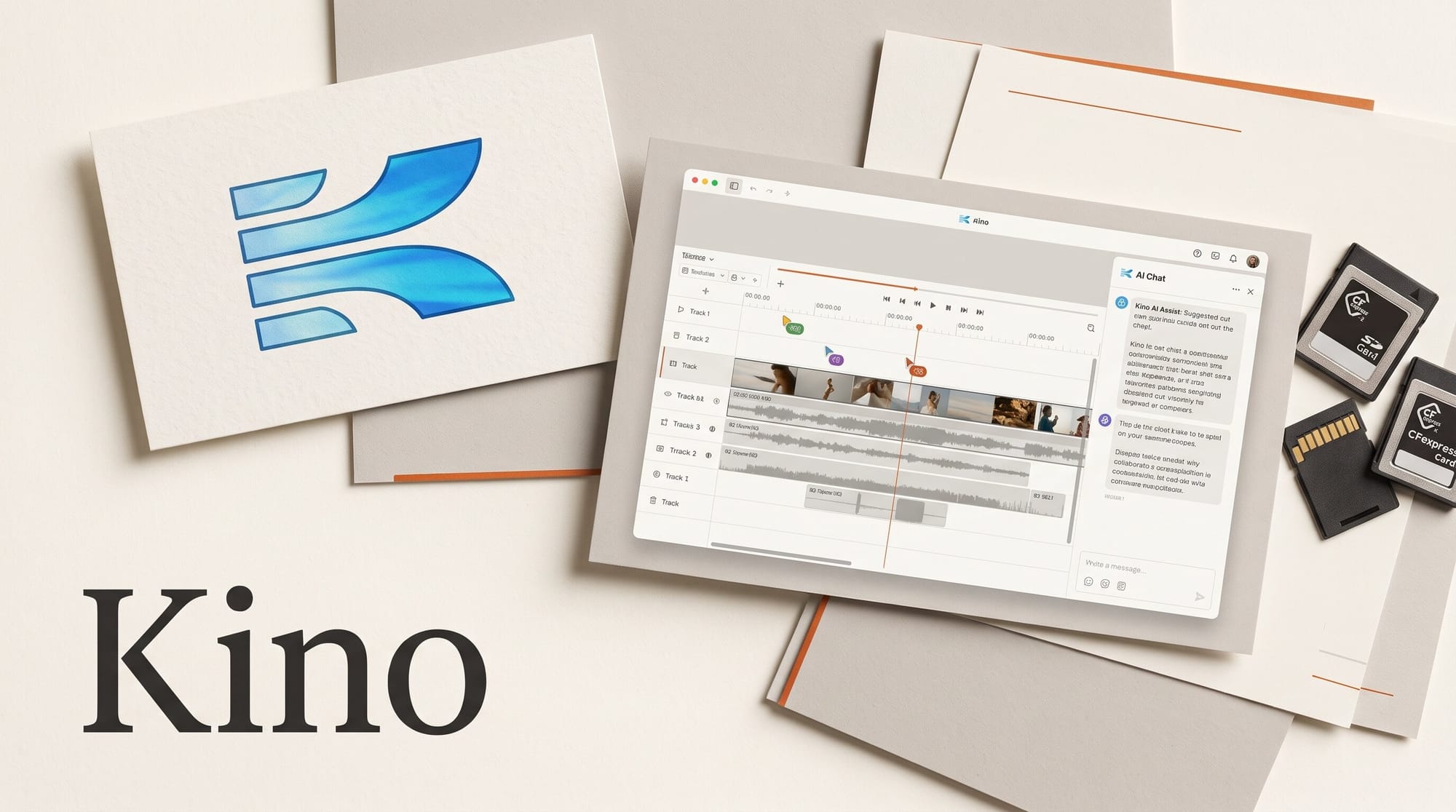
Kino, a video editor from a four-person Y Combinator startup, opened to the public on November 4, 2026 with a pitch no other editor makes this plainly: you, your teammates and your AI assistant all work on the same timeline at the same time. The full editor is free, Pro costs $25 per editor a month, and it runs as a desktop app on Mac, Windows and Ubuntu. Claude Desktop and ChatGPT connect to it from a settings tab, with no terminal involved.
Founder Luke Igel announced it in a Launch HN post, saying the launch video was cut entirely in Kino, with five or more AI agents editing one timeline while a friend's agents worked further down it. We have not run our own test yet. This piece covers what Kino does, what it costs next to Descript and ChatCut, and how to try it this week without writing a line of code.
What Kino is, and what launched on November 4
Kino first launched in 2023 as a media manager for TV productions. Igel says the team ran private installs on shows like Survivor and A24's Beef, then rebuilt the product in 2025 as a full editor. Its Y Combinator profile lists the company in the Summer 2023 batch, founded in 2022, with a team of four.
The idea under the hood is that every edit is stored as a written recipe: each cut, title, motion graphic and comment is a line of instructions the software can read back. That is why an AI assistant can change your timeline directly instead of describing what you should click. You still see a normal editor with a viewer, bins and tracks, and you can drag clips around by hand. Igel says the editor is built on Remotion, a framework for making videos from code, but you never have to touch that layer.
Three things set it apart for working editors:
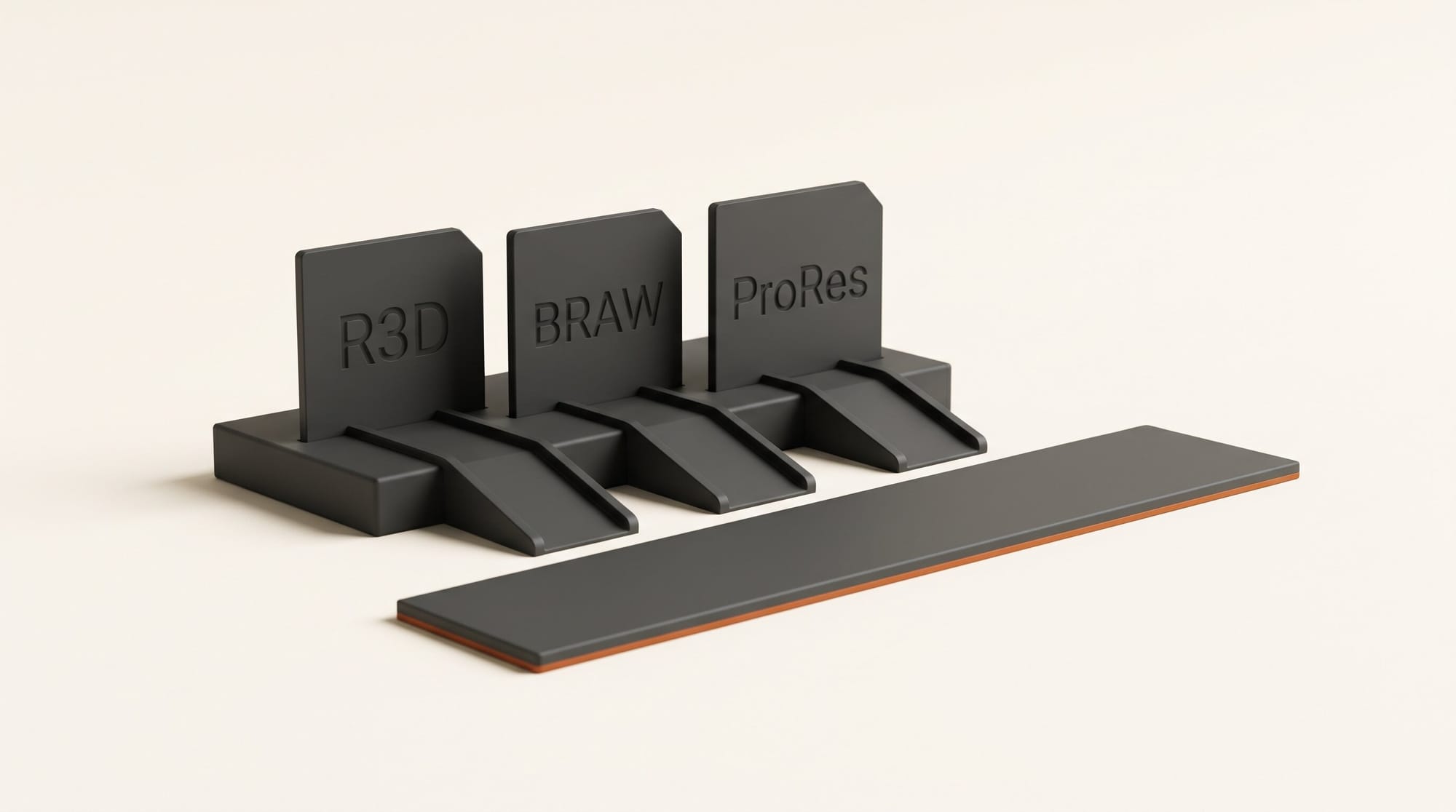
- Camera files without converting. The editor guide says R3D and BRAW camera originals play without transcoding, alongside ProRes, DNxHR, MXF, H.264, HEVC, MOV and AVI.
- Footage you can search by content. Every imported clip is transcribed, each shot gets a written description, and the people in it are recognized. You can search for what is said or what is on screen, and add only the matching moments to the timeline.
- Your originals stay on your drive. Kino uploads a 720p proxy of each clip so teammates and the AI can see it, and you upload the full-quality original only when you choose to.
How to edit a video with Claude in Kino, no terminal
Kino has its own built-in chat on the free plan, so step 4 below is optional. Connecting your own Claude or ChatGPT is worth doing if you already pay for one of them. The steps come from Kino's agents and MCP guide.
- Download and sign in. Install Kino from kino.ai for your system and sign in with the email link it sends. There is no password.
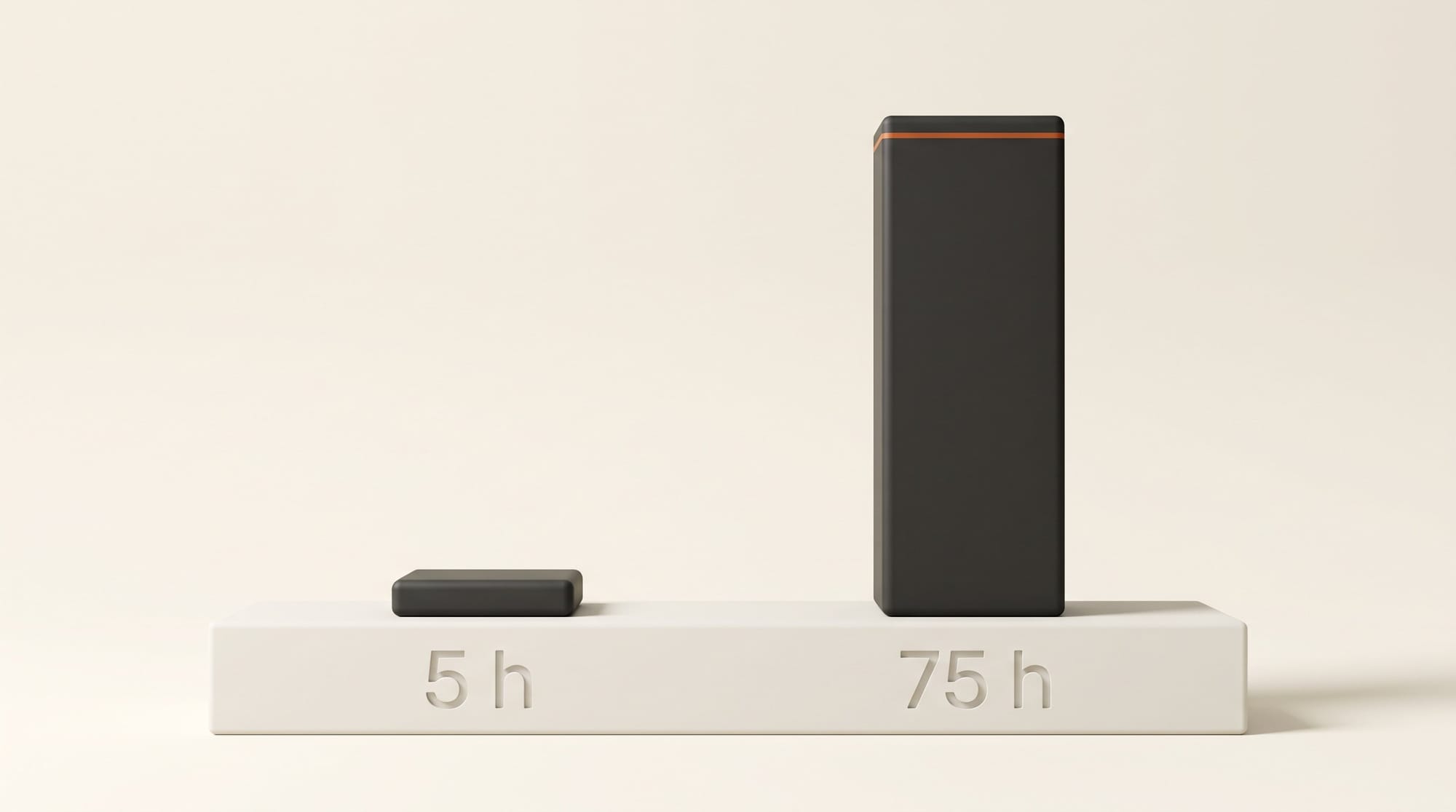
- Drag your footage in. Drop a folder of clips into the media panel. Kino starts transcribing, describing and tagging faces in the background. Free covers 5 hours of footage a month.
- Try the built-in chat first. Ask for a rough cut: "Build a 60-second stringout of every clip where I talk about the new lens." Kino saves a checkpoint automatically whenever the AI changes the project, so you can preview the old version and restore it.
- Connect Claude Desktop or ChatGPT (optional). In Kino, open Settings, go to the MCP tab and choose "Set up in Kino" for Claude Desktop or ChatGPT on Mac. If the assistant does not see Kino, restart both apps. Keep Kino open while it works, because the assistant reaches your project through the desktop app.
- Give specific notes. Every clip, comment and even a single frame in Kino has its own link. Paste the link to the moment you mean ("tighten this cut", "grade this to match the clip before") so the assistant edits the right thing.
- Finish by hand. Use the familiar keys (J, K and L to shuttle, I and O for in and out, B to split, M for a marker), then export.
The guide also lists one-command routes for Claude Code and Codex, which run in a terminal, plus install links for Cursor and VS Code. You do not need any of those to use Kino.
What Kino costs: Free, Pro and Business
Pricing comes from Kino's teams and billing page. The free plan is genuinely usable for one person. The paid tier is mostly about teams and heavier AI use.
| Plan | Price | AI allowance | Footage indexing | Sharing |
|---|---|---|---|---|
| Free | $0 | 5 chat credits a month, 100 assistant tool calls a week | 5 hours a month, 5 GB storage | One editor, viewers only, no review links |
| Pro | $25 per editor a month, or $240 a year | 10 chat credits per editor a month, unlimited assistant tool calls | 75 hours per editor a month | Paid editor seats, review links for clients |
| Business | Not listed | $50 agent credit and $10 Seedance generation credit per editor a month | 1 TB pooled storage per editor | Spending controls, usage analytics |
Two details matter. First, each action your own assistant takes in Kino counts as a tool call, and the 100 free calls a week are shared across your whole organization, so a long session with Claude can use them up quickly. Second, Claude Code and Codex running inside Kino bill your own Anthropic or OpenAI account, separate from Kino. Annual Pro works out to $20 a month per editor.
Moving projects in and out of Premiere, Resolve and Final Cut
Kino does not ask you to abandon your main editor. Its import guide lists DaVinci Resolve (.drp), Premiere Pro (.prproj), Final Cut Pro libraries, CapCut draft folders and After Effects projects as sources. You can send a project back out to Resolve, Premiere Pro or After Effects as a ZIP, then relink your original media. Final Cut is import only. The import feature is labelled beta, and Kino warns the first import may leave gaps.
Exports render ProRes, H.264, H.265, VP9 and AV1. Graphics with a transparent background export as ProRes 4444 MOV, which drops straight onto a Premiere or Resolve timeline. The changelog adds your own LUT files (.cube) with a live preview on the current frame, and a library of 104 motion graphics templates the assistant can search and drop in for you.
A realistic split for a YouTube channel: let Kino and the AI do the logging, the stringout and the vertical 9:16 cutdowns, then send the main edit to Resolve or Premiere for the final grade and mix. Kino's guide describes the assistant evening out speaker levels and removing mic bleed, but it does not describe manual mixing tools.
Kino vs Descript vs ChatCut
All three let an AI make edits for you. They differ on who pays for the AI and where your footage lives. Prices below are monthly rates read from each vendor's page on November 4, 2026: Descript pricing and ChatCut pricing.
| Kino | Descript | ChatCut | |
|---|---|---|---|
| Free plan | Full editor, 5 hours of indexing a month | 60 minutes of media a month, 720p export | 60 minutes of web export in total |
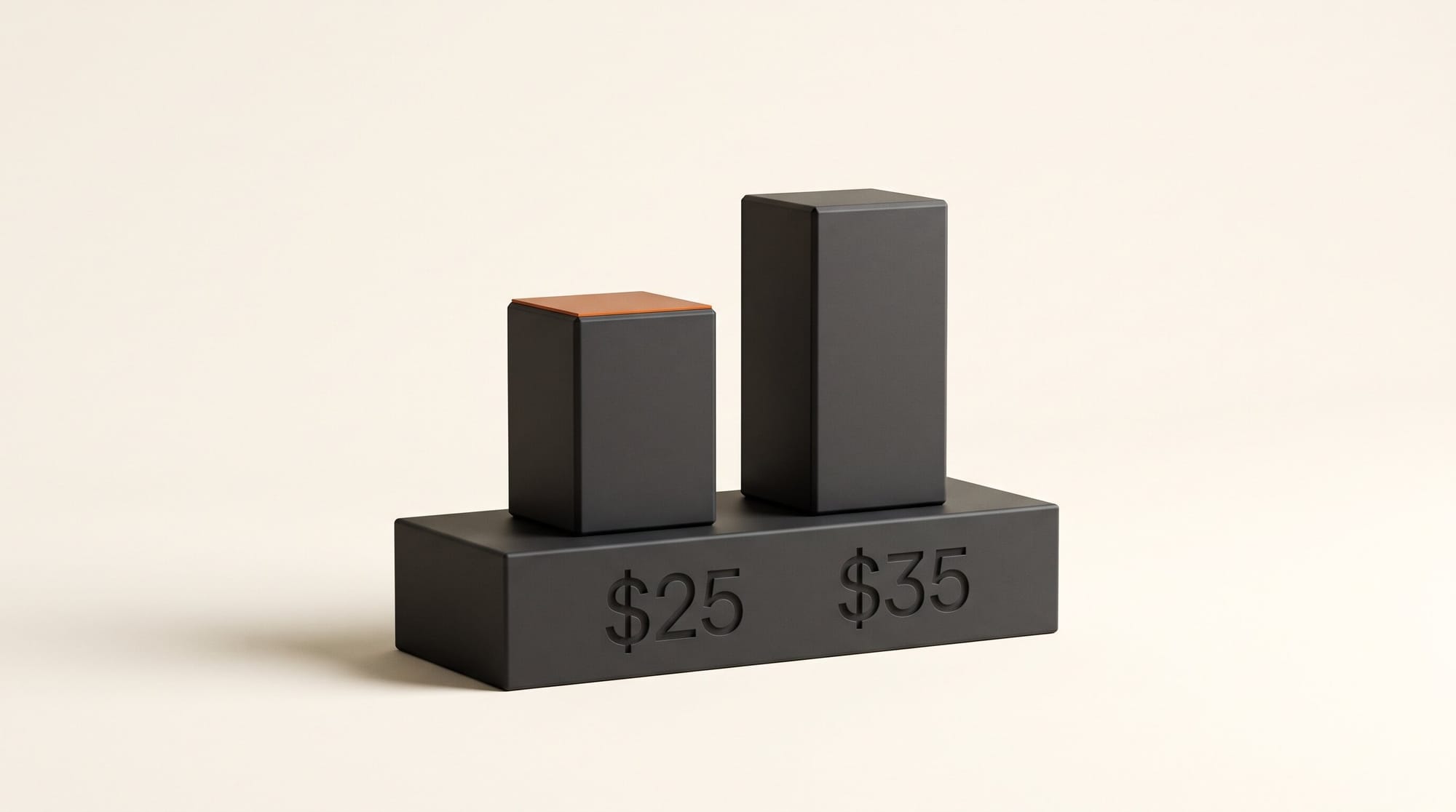
| First paid plan | Pro, $25 per editor | Hobbyist $24, Creator $35 per seat | Plus, $25 for 100 credits |
| Built-in AI editor | Kino chat (credit allowance) | Underlord (billed in credits) | Chat editor |
| Bring your own Claude or ChatGPT | Yes, Claude Desktop and ChatGPT from settings | Yes, through its API and MCP option | Yes, plugins for Claude Code and ChatGPT/Codex |
| Send the edit to another editor | Resolve, Premiere Pro, After Effects | Not listed on pricing page | Resolve, Premiere, Final Cut, CapCut (XML) |
Kino's own comparison with Descript argues the main difference is footage: Descript meters what you upload (30 hours a month on Creator), while Kino indexes a whole library across drives and searches it across every project. That is Kino's claim, not our test. Descript remains the easier pick if you edit by rewriting a transcript, and ChatCut is the one that generates new shots inside the editor. We covered its desktop app in ChatCut Desktop with GPT and Claude, and a free open-source alternative in Palmier Pro.
Who should try Kino, and who should wait
Try it this week if you shoot a lot of talking-head or interview footage, film on cameras that record R3D, BRAW or ProRes, or edit with one or two other people and spend too long trading notes as screenshots. The free plan costs nothing, and 5 hours of indexing is enough to judge the search on one real project.
Wait if you need a browser editor (Kino is desktop only for now, and only review links open in a browser), if you depend on Final Cut round trips, or if you want a company with a long track record behind your archive. Kino is a four-person team, the import tool is in beta, and the free chat allowance of 5 credits a month is small. Kino's own docs also disagree on Pro storage, listing 20 GB per editor on one page and 50 GB on another, so confirm before you move a large library.
The bigger shift is the one Igel describes in his post: the timeline becomes something your AI assistant can read and change directly, with checkpoints to undo it. Descript, ChatCut and Avid Media Composer are moving the same way. Kino's bet is to give the editor itself away and charge for teams and heavier AI use.
Frequently asked questions
What is Kino AI?
Kino is a desktop video editor for Mac, Windows and Ubuntu that stores footage, the edit and review notes in one place. You can edit by hand, through Kino's built-in AI chat, or by connecting Claude Desktop, ChatGPT or another assistant that edits the same timeline.
Is Kino free?
Yes. The free plan includes the full editor, unlimited imports and exports, 5 hours of footage indexing a month, 5 GB of storage, 5 chat credits a month and 100 assistant tool calls a week. Pro costs $25 per editor a month or $240 a year.
Do I need to use a terminal to connect Claude to Kino?
No. Claude Desktop and ChatGPT on Mac connect from the MCP tab in Kino's settings. The terminal is only needed if you choose Claude Code or Codex.
Can Kino open RED and Blackmagic RAW files?
Yes. Kino's guide says R3D and BRAW camera originals play without transcoding, along with ProRes, DNxHR and MXF. Exports render ProRes, H.264, H.265, VP9 and AV1.
Can I move a Kino edit to Premiere Pro or DaVinci Resolve?
Yes. Kino exports projects to Resolve, Premiere Pro and After Effects as a ZIP you open and relink to your media. It imports Resolve, Premiere, Final Cut, CapCut and After Effects projects, in beta.
How is Kino different from Descript?
Descript centers on editing a transcript and meters the media you upload, with its Underlord assistant billed in credits. Kino centers on a searchable library of all your footage and lets any connected assistant edit the timeline. Descript Creator is $35 a seat a month, Kino Pro $25 an editor.