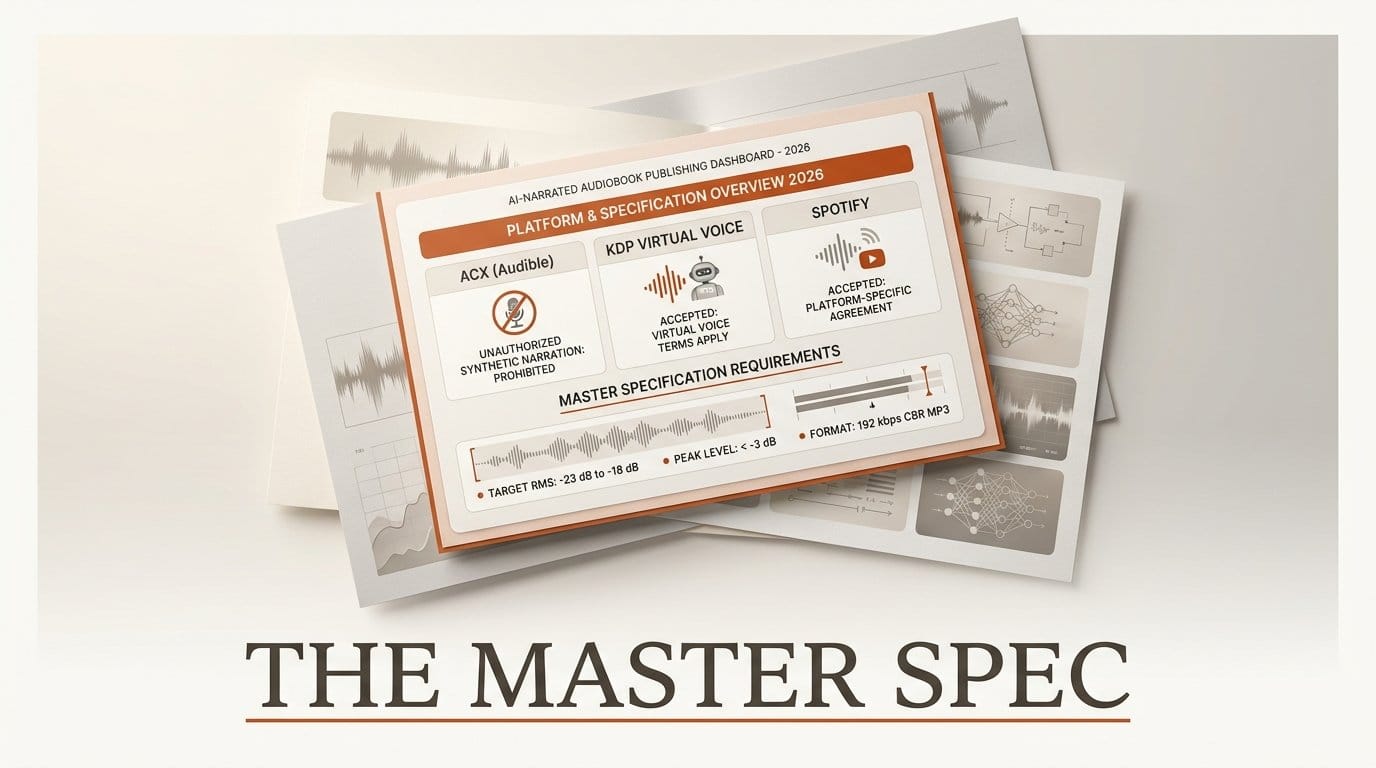
You can turn a finished manuscript into a listenable audiobook with a synthetic narrator in an afternoon. Getting that audiobook onto a store is a different problem, and it is where most attempts die. The two gates that reject AI-narrated audiobooks have nothing to do with how the narration sounds: the first is the distribution route you picked, and the second is a mastering specification written on the assumption that a human sat in a room with a microphone.
This walkthrough covers both. It uses the published requirements from ACX, Amazon KDP and Spotify for Authors, and does all the audio measurement and encoding with FFmpeg, which is free. Budget an afternoon for a first book and about twenty minutes a book after that once the commands are in a script.
What you need
- A finished manuscript, split into chapters, with a clean chapter list.
- A text-to-speech voice you have the commercial rights to use. Hosted services and open-weights models both work; the rights matter more than the model.
- FFmpeg on the command line, for measurement and encoding.
- An account on whichever distribution route you choose in step 1, created before you generate audio.
- Roughly 165 MiB of disk per two hours of finished MP3, plus the uncompressed working files.
Step 1: Pick the route before you generate a word
This is the step everyone skips, and skipping it is what wastes the afternoon.
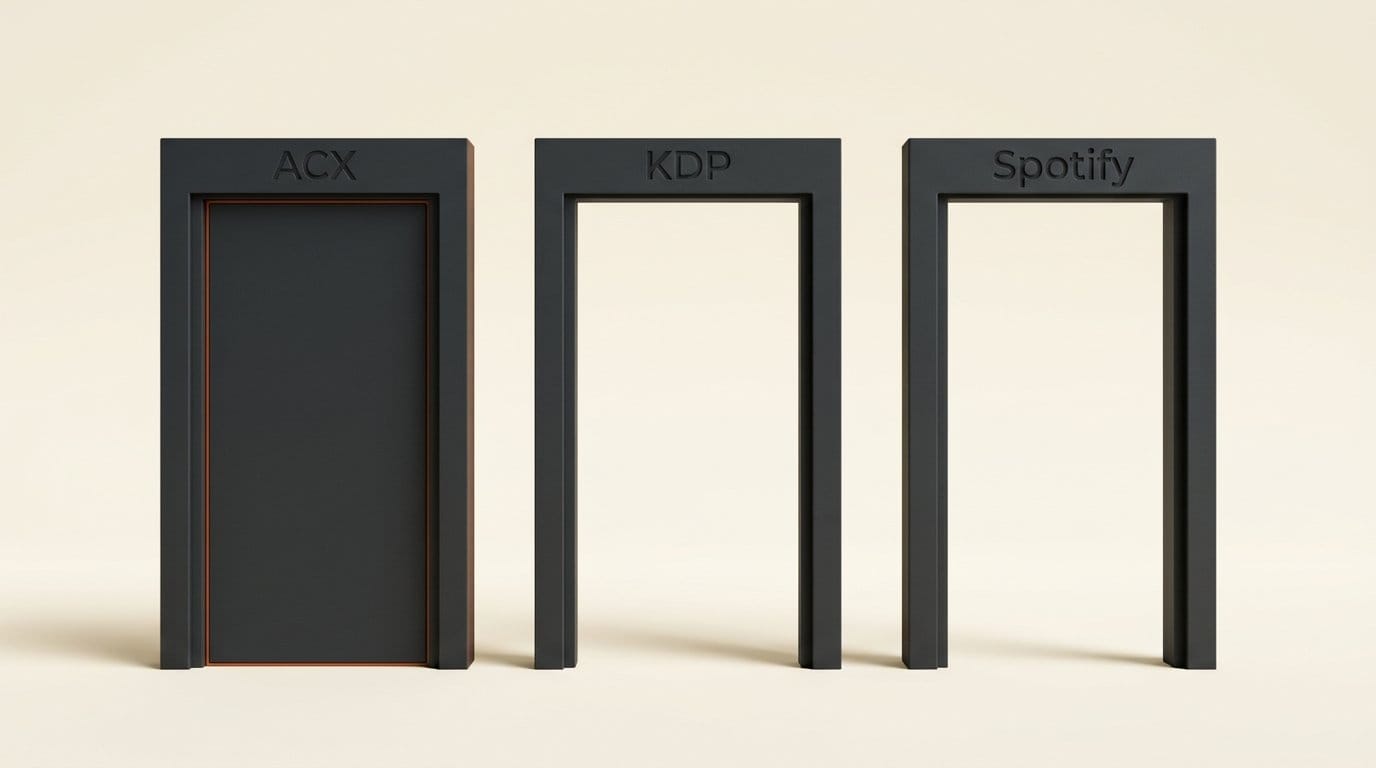
ACX is the default assumption because it is the direct path to Audible, and ACX does not accept externally generated AI narration. Its submission requirements state it twice: "Your submitted audiobook must be narrated by a human unless otherwise authorized," and "Unauthorized use of text-to-speech, AI, or automated recordings in ACX titles is prohibited." A beautifully mastered synthetic file that meets every technical number on that page is still out of policy.
Two documented routes do accept synthetic narration.
Amazon's own virtual voice, through KDP. Amazon describes it as "a KDP beta offering that uses computer-generated speech technology." The constraints are real: "At this time, this is an invite-only beta for eligible KDP eBooks," and "The KDP audiobooks with virtual voice beta is only available for books to be distributed in the US marketplace at this time." It is currently free to use. The catch is that you do not bring your own audio at all, so none of the mastering work below applies; Amazon generates from your ebook. The eligibility page is worth reading before you format anything, because it requires a Kindle Interactive or NCX table of contents that is "complete, in the correct order, and cannot use images for text."
Spotify for Authors, through Findaway Voices. Spotify states plainly: "We accept audiobooks with digital voice narration from providers like Google Play Books, ElevenLabs, and more." Spotify opened that door to ElevenLabs content in February 2025. Read the limitation in the same breath, because it is the one that decides your revenue model: "We don't currently share audiobooks with digital voice narration to referral partners." Your digitally narrated title reaches Spotify, not the wider retailer network a human-narrated title would reach through the same pipe. Spotify also appends a short sentence to the book description telling listeners it uses digital narration.
So the honest decision is between an invite-only, US-only, bring-nothing route that reaches Audible, and a bring-your-own-audio route that reaches Spotify only. If neither fits, the answer is a human narrator, and finding that out now costs nothing.
Step 2: Cut the manuscript to the file spec
If you are bringing your own audio, the file layout is fixed before you render anything. ACX's structural rules are the de facto standard that most retailers echo, and two of them drive your chapter plan: "Each file must contain only one chapter or section," and "Each file must be no longer than 120 minutes."
In practice the one-chapter-per-file rule binds and the length cap almost never does. A two-hour single chapter is rare; a book with a front matter section, twenty-odd chapters and an acknowledgements page is normal, and each of those is its own render, its own master and its own upload. Name the files in strict playback order with zero-padded numbers, because sort order is the only thing carrying your structure.
The other rule to settle now: "All files must be in the same channel format (all mono or all stereo)." Synthetic narration is mono content. Pick mono, write it down, and apply it to every file including the opening and closing credits, which is where mismatches usually sneak in.
Step 3: Generate the narration, then stop touching it
Render each chapter to an uncompressed WAV at 44.1 kHz. Do not normalise, compress, de-ess or enhance inside the TTS tool, and do not export straight to MP3. Every one of those operations changes the numbers you are about to measure, and a second lossy encode later in the chain is a quality loss you cannot undo.
Voice choice is a rights question first and an aesthetics question second. If you are using open-weights models, the licence on the weights and the licence on any cloned voice are separate questions with separate answers, which is the same trap that catches people using open-source voice cloning commercially. Whatever you pick, use one voice for the whole book: ACX asks for consistent "sound, audio levels, tone, noise level, spacing, and pronunciation" across files, and switching voices between chapters fails that on every axis at once.
Fix pronunciation at this stage, not later. Proper nouns, invented names and numbers are where synthetic narration embarrasses itself, and the only fix is re-rendering the sentence.
Step 4: Measure before you fix anything
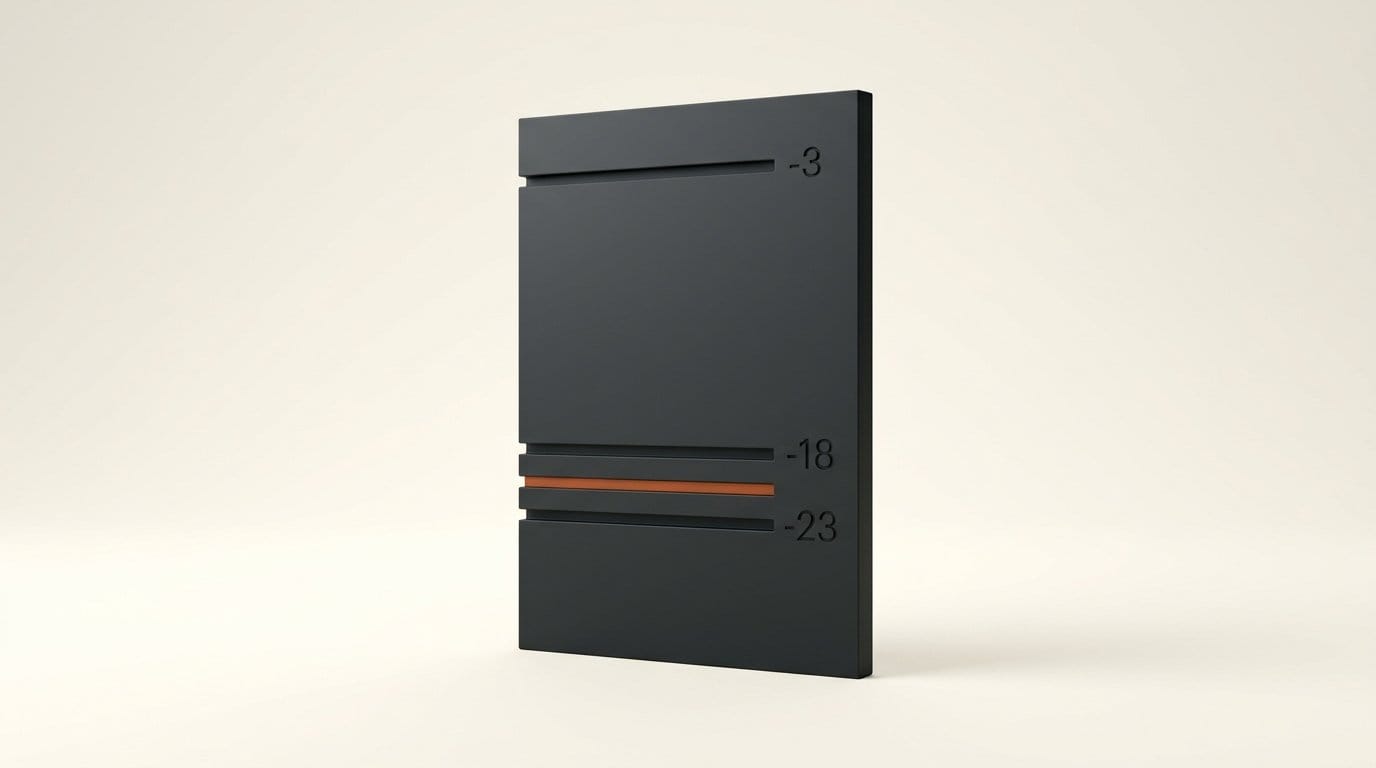
ACX publishes three numbers, and all three are measurable in one command. The requirements are "Volume is between -23dB and -18dB RMS," "Peak levels are less than -3dB," and "Noise floor is less than -60dB RMS."
FFmpeg's volumedetect filter reports the first two directly. The filter documentation says it "will show the mean volume (root mean square), maximum volume (on a per-sample basis)" and that "All volumes are in decibels relative to the maximum PCM value," which is the same reference ACX uses.
ffmpeg -i chapter-01.wav -af volumedetect -f null -Read two lines out of the log. mean_volume is your RMS figure and must land between -23 and -18. max_volume is your peak and must be below -3.
Noise floor is the requirement synthetic narration passes for free and human recordings usually fail. There is no room noise in a rendered file, so the gaps between words sit at or near digital silence, far below -60 dB RMS. Do not congratulate yourself: the same property is about to cause the problem in step 6.
Step 5: Set the level to the middle of the window
The window is five decibels wide. Aim for the middle of it, at about -20.5 dB RMS, which leaves roughly 2.5 dB of margin on each side. Chapter-to-chapter variation in a synthetic render is small but not zero, and a book targeted at -18.5 will have a chapter that crosses the line.
The correction is a single gain move: subtract what you measured from what you want. If mean_volume came back at -14.2 dB, you need 6.3 dB of attenuation.
ffmpeg -i chapter-01.wav -af "volume=-6.3dB" chapter-01-leveled.wavThen measure again, because gain moves the peak by exactly the same amount and the peak has its own ceiling.
There is one case gain alone cannot fix, and it is worth recognising rather than fighting. If your RMS is inside the window but the peak is still above -3 dB, the problem is crest factor, not level: a few plosives or sibilants are sticking far above the body of the narration. Pulling the whole file down to rescue the peak drags the RMS below -23 and fails the other test. That is what a limiter is for, and it is the only dynamics processing this workflow needs.
Step 6: Manufacture the room tone you never recorded
Here is the requirement written for a human that a synthetic file cannot satisfy by accident: "between 1 and 5 seconds of room tone at the beginning and end of each file."
Room tone is the sound of the empty room the narrator recorded in. A rendered file does not have one. In practice the requirement collapses to a padding requirement for synthetic narration, because the gaps inside your file are already digital silence and head and tail pads of the same digital silence are consistent with the body. What you cannot do is skip the pads: a file that starts on the first syllable is out of spec regardless of how quiet it is.
FFmpeg splits this across two filters, which is the detail that catches people. apad only works on one end; the documentation is explicit that it "Pad the end of an audio stream with silence," with pad_dur setting the duration. For the head, adelay does the job, and its documentation notes that "Samples in delayed channel are filled with silence."
ffmpeg -i chapter-01-leveled.wav \
  -af "adelay=2s:all=1,apad=pad_dur=3" \
  chapter-01-padded.wav
Two seconds at the head, three at the tail, both comfortably inside the 1-to-5-second window. Apply identical padding to every file in the book so the spacing between chapters is consistent, which is another thing ACX asks for by name.
Step 7: Encode to the container spec, then re-measure the MP3
The delivery format is narrow and explicit: "192 kbps or higher CBR, 44.1kHz MP3." Constant bit rate is the part people get wrong, because most encoding presets default to variable.
The libmp3lame documentation makes the distinction clean: the b option sets "bitrate expressed in bits/s for CBR or ABR," while q sets "constant quality setting for VBR." So you specify a bitrate and never a quality value. Average bit rate is off unless you explicitly enable it.
ffmpeg -i chapter-01-padded.wav -codec:a libmp3lame \
  -b:a 192k -ar 44100 -ac 1 -reservoir 0 \
  chapter-01.mp3
The -reservoir 0 flag is optional and worth adding. LAME enables the bit reservoir by default, which lets individual frames borrow bits from their neighbours. The result is still nominally CBR but the frames are not identical in size, and strict validators occasionally object. Turning it off costs a sliver of quality at 192 kbps and removes the argument.
At 192 kbps a full 120-minute file lands at about 165 MiB, which is the number to sanity-check your output against. A file dramatically smaller than the bitrate and duration predict means the encode silently fell back to VBR.
Finally, run volumedetect once more on the finished MP3 rather than the WAV you measured in step 5. Lossy encoding can nudge peaks upward by a fraction of a decibel, and the file that gets checked is the one you upload.
Troubleshooting the three rejections that actually happen
The level is right and the peaks are not. Covered in step 5, and it is the most common genuine audio failure in synthetic narration because TTS output tends to have a wide gap between its loudest consonants and its conversational body. Limit, then re-level, then re-measure. Never fix it with gain alone.
Chapter three sounds different from chapter two. Almost always a re-render with different settings, a different voice version, or a sentence patched from a second generation. Consistency is a stated requirement, not a preference. Keep the exact generation parameters in a file next to the manuscript and re-render whole chapters rather than patching sentences.
Everything passes and the book is rejected anyway. Go back to step 1. A technically perfect file submitted to a route that prohibits synthetic narration is rejected on policy, and no amount of remastering changes that. The error message will not always say so.
What to try next
Once the seven steps are in a shell script, the marginal cost of a book is the render time plus a few minutes. Two obvious extensions: run the same pipeline over your existing written archive to produce audio editions of long-form posts, and use the measurement step as a general quality gate for any spoken-word audio you publish, including podcast episodes and the voiceover in faceless video. The ACX window is a reasonable loudness target well beyond audiobooks.
Frequently asked questions
Can I upload an AI-narrated audiobook to ACX?
Not with externally generated narration. ACX's submission requirements state that a submitted audiobook "must be narrated by a human unless otherwise authorized" and that "Unauthorized use of text-to-speech, AI, or automated recordings in ACX titles is prohibited." The Amazon-sanctioned synthetic route is virtual voice through KDP, which generates the audio itself.
What are the ACX audio requirements in full?
RMS volume between -23 dB and -18 dB, peak levels below -3 dB, noise floor below -60 dB RMS, 1 to 5 seconds of room tone at the beginning and end of each file, 192 kbps or higher constant bit rate MP3 at 44.1 kHz, one chapter or section per file, no file longer than 120 minutes, and a consistent channel format across every file.
Does Spotify accept AI-narrated audiobooks?
Yes, with a distribution limit. Spotify states it accepts "audiobooks with digital voice narration from providers like Google Play Books, ElevenLabs, and more," but also that it does not currently share digitally narrated audiobooks to referral partners, so the title reaches Spotify rather than the wider retailer network. Spotify adds a sentence to the description disclosing the digital narration.
How loud should an audiobook be?
Target about -20.5 dB RMS, the middle of the -23 to -18 window, with peaks below -3 dB. Aiming at an edge of the window leaves no room for chapter-to-chapter variation, and one out-of-range chapter fails the whole submission.
Why is my MP3 rejected when the bit rate looks right?
Usually because it is variable rather than constant. Specifying a quality value instead of a bit rate switches LAME to VBR. Use a bit rate flag, leave average bit rate off, and check that the file size roughly matches bitrate times duration.
Do I need room tone if the narration is synthetic?
You still need the pad. There is no ambience to capture, but the requirement is 1 to 5 seconds at the head and tail of every file, and a file that opens on the first syllable is out of spec. Pad the head and the tail separately, because the standard padding filter only handles the end.
How long does it take to produce an AI audiobook?
An afternoon for the first one, including reading the policy pages and getting the commands right. After the pipeline is scripted, the work per book is render time plus a few minutes of measurement and encoding.





