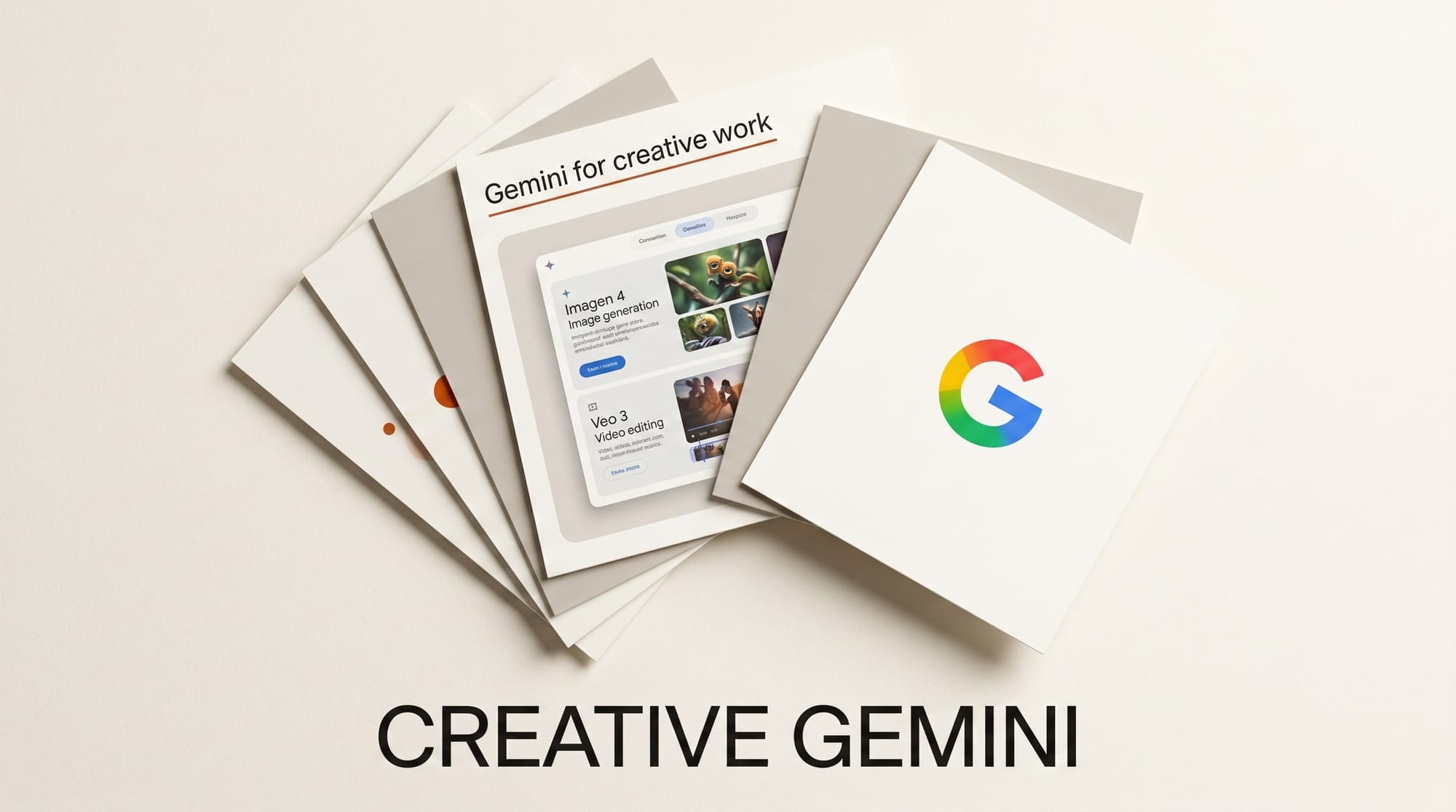
Gemini in 2026 is Google's all-of-Workspace creative system. Where ChatGPT and Claude ship desktop apps and named-app connectors, Gemini lives where most creative briefs already live: Google Docs, Slides, Sheets, Drive, plus a growing stack of generation models (Imagen 4, Veo 3, Lyria) accessible through the same chat surface. This is the working creator's complete guide to Gemini for creative work in 2026: which features actually ship, where Gemini wins, and where the stack still has gaps.
What Gemini does for creative work in 2026
Gemini 2.5 Pro is the frontier chat model behind everything below. It runs at a 1 million token context, which matters when a creative brief spans a 200-page brand book, two years of social analytics, and a 90-minute interview transcript. Imagen 4 handles image generation, Veo 3 handles video, Lyria handles audio sketches (no full music generation yet; pair with Suno for finished tracks). NotebookLM is the standout product: an LLM-driven research surface that ingests up to 50 sources per notebook and produces an audio overview, briefing document, study guide, and timeline from your raw material.
The Workspace integration is where Gemini wins decisively for working creators. Persistent instructions in Google Docs let teams lock brand voice once at the account level. Every Gemini request inside Docs after that respects the rules without re-prompting. Imagen 4 generates illustrations directly inside Slides. Sheets data feeds straight into Gemini for analysis without copy-paste.
Designer workflow: Workspace-first brand systems
For designers who already live in Slides for client decks, Drive for asset libraries, and Docs for briefs, Gemini collapses the AI-tool layer into the place the work already happens.
- Lock brand voice with persistent instructions. Open the Help me write panel in Docs, click the gear icon, and paste your style guide. Examples that work: "Always use sentence case for headings", "Avoid em dashes and emojis", "Default to 12-word sentences", "Reference paragraph numbers when summarizing." Persists across documents and sessions.
- Generate hero illustrations in Slides. Insert > Image > Generate with Gemini. Imagen 4 produces 4 variations per prompt at 1024x1024 by default; the new Slides aspect ratio picker generates at 16:9 for full-bleed cover frames.
- Build visual style guides in Docs. Drop reference images, write a brief, and ask Gemini Canvas to produce a multi-page visual identity document with palette swatches, type pairings, and example layouts.
- Use NotebookLM as a brand archive. Upload past brand decks, designer notes, client research, and competitor swipe files. Ask Gemini to surface common visual patterns across 30 reference brands.
Specific creator-tier wins: a brand designer running an account through Workspace can produce a complete visual brief plus first-pass concepts in a single Doc-to-Slides flow without ever leaving the browser. Hand-off to Figma is a paste, not a context rebuild.
Video editor workflow: Veo 3, NotebookLM research, and shot lists
Video editors gain the most from NotebookLM and Veo 3 in tandem.
- Research with NotebookLM. Drop interview transcripts, source PDFs, and reference scripts into a notebook. Ask for the strongest soundbites with timecodes, the through-line theme, and a tight outline. Output is grounded in your sources, not invented.
- Generate storyboards with Veo 3. Available through Vertex AI and the Gemini app. Veo 3 produces 8-second shots at high fidelity, enough to lock blocking and pacing before the live shoot.
- Write shot lists with Gemini in Docs. Use a structured prompt with scene number, location, talent, camera move, and runtime. Output drops into a Sheet automatically.
- Audio overviews. NotebookLM generates a 10-15 minute podcast-style discussion of any source material, useful for studying a topic at speed during commute or while editing in B-roll mode.
What does not work yet: no direct Premiere or DaVinci Resolve agent control. The hand-off to the editing app is still manual. For native video-app control, see Claude's creative work connector suite.
Music producer workflow: limited but useful
Gemini does not yet generate finished music. Lyria produces short audio sketches and reference loops, suited for early ideation. The surrounding workflow is where Gemini contributes:
- Lyrics writing in Docs with persistent instructions for genre, tone, and meter.
- Reference track analysis in NotebookLM. Drop in a Spotify URL plus a transcript of an interview with the artist; Gemini infers structural and stylistic choices.
- Mix prep notes from a rough export. Upload the bounce to Gemini in the chat surface; Gemini lists EQ moves, stereo balance, and reference comparisons in plain language.
- Album-cycle planning in Sheets. Track release dates, social rollouts, and partner deliverables; ask Gemini to identify gaps and suggest fill content.
The honest verdict: pair Gemini with Suno or Udio for actual music generation. Gemini owns the surrounding business and creative-direction work.
3D and game-dev workflow: Android Studio, scripting, and concept art
The 3D side of Gemini is concentrated in two places: Android Studio for game scripting and the Vertex AI surface for direct generation.
- Unity and Unreal scripting through Android Studio. Gemini Code Assist writes C# and Blueprint logic with project context. Pair with Cursor or GitHub Copilot for IDE-native development.
- Concept art with Imagen 4. Useful for character sheets, environment plates, and prop reference. The new style consistency feature lets you lock a character look across multiple generations.
- Design-doc work in NotebookLM. Upload past GDDs, market research, competitor teardowns; ask Gemini to surface mechanic patterns and identify opportunity gaps.
- Texture generation through Vertex AI. Imagen 4 plus a tileable prompt suffix produces 1K and 2K textures suitable for stylized projects. PBR-ready textures still need Substance for finishing.
Comparison: Gemini versus ChatGPT versus Claude for creative work
- Gemini wins on: Workspace integration, NotebookLM research depth, Imagen 4 in Slides, persistent style guidelines across Docs, 1M token context for long briefs.
- ChatGPT wins on: GPT Image 1, Custom GPT brand assistants, broader third-party plugin ecosystem.
- Claude wins on: Native-app connector suite for Adobe, Blender, Ableton, Autodesk, Splice, Affinity. Strongest at structured revision passes.
- Practical pick: Teams already in Google Workspace pick Gemini and add ChatGPT for video and Claude for native-app control. Many studios run all three.
Pricing and tier picks for 2026
- Gemini Advanced ($19.99/mo, AI Pro plan): 2.5 Pro, Imagen 4, Veo 3 with daily caps, NotebookLM Plus, 2 TB Drive.
- Gemini for Workspace ($30/user/mo on Business Standard): Adds Gemini in Docs, Sheets, Slides, Meet, Gmail. The right tier for a small studio that already pays for Workspace.
- Gemini for Workspace Enterprise (custom pricing): Includes data residency, longer context, no training on data, advanced security.
- NotebookLM Plus: Bundled with AI Pro and AI Ultra; includes 5x more notebook capacity, audio overviews in 7 voices, custom output styles.
- Vertex AI: Per-token pricing for Veo 3, Imagen 4, and Gemini 2.5 Pro through Google Cloud. Right for engineering or studio teams building custom flows.
What to watch in 2026
- NotebookLM in Workspace Enterprise: Roadmap includes shared notebooks across a domain, useful for editorial research desks and design archives.
- Veo 3 native editing: Roadmap shows in-shot edits (re-time, re-style, swap-subject) coming through Q3.
- Lyria full song generation: Closed alpha currently; not expected to ship publicly in 2026.
- AI Mode in Search and AI Overviews: Gemini increasingly powers Google Search results. Implication for creators: your blog needs to be cited in AI Overviews to show up in AI search responses.
Frequently asked questions
Does Gemini replace ChatGPT for creators?
For Workspace-first creators, Gemini covers more daily creative tasks (briefs, decks, research) than ChatGPT. ChatGPT still wins on video generation and Custom GPT brand assistants. Most working creators run both.
Can Gemini control Adobe apps directly?
No. Gemini does not ship a Photoshop or Premiere connector in 2026. For native-app agent control, use Claude's connector suite.
Is NotebookLM included with Gemini Advanced?
NotebookLM Plus is bundled with AI Pro ($19.99/mo) and AI Ultra subscriptions. The free NotebookLM tier is also available with lower notebook limits.
What is the context window in 2026?
Gemini 2.5 Pro runs at 1 million tokens. Roadmap shows 2 million through Workspace Enterprise later in the year.
How does persistent instruction in Docs work?
Open Help me write in Docs, click the gear icon, and paste your style guide. The instructions persist across all documents and sessions on that account. Brand teams use this to lock house style at the account level.
Can Gemini generate music?
Lyria produces short audio sketches and reference loops only. Full song generation is in closed alpha and not expected to ship publicly in 2026. Pair Gemini with Suno or Udio for finished tracks.
Keep reading
- Claude for Creative Work: Anthropic Connector Suite Launches: the named-app integration approach
- AI Image Generation 2026 Complete Guide: where Imagen 4 sits in the broader landscape
- AI Coding Tools 2026 Complete Guide: the developer-side companion
- AI for Content Creators 2026: the master resource synthesizing all seven 2026 pillars
This guide will be updated as Gemini 2.5 Pro, Imagen 4, Veo 3, and NotebookLM ship through 2026. Subscribe to our weekly Tuesday digest for what shipped this week and what is worth your time.