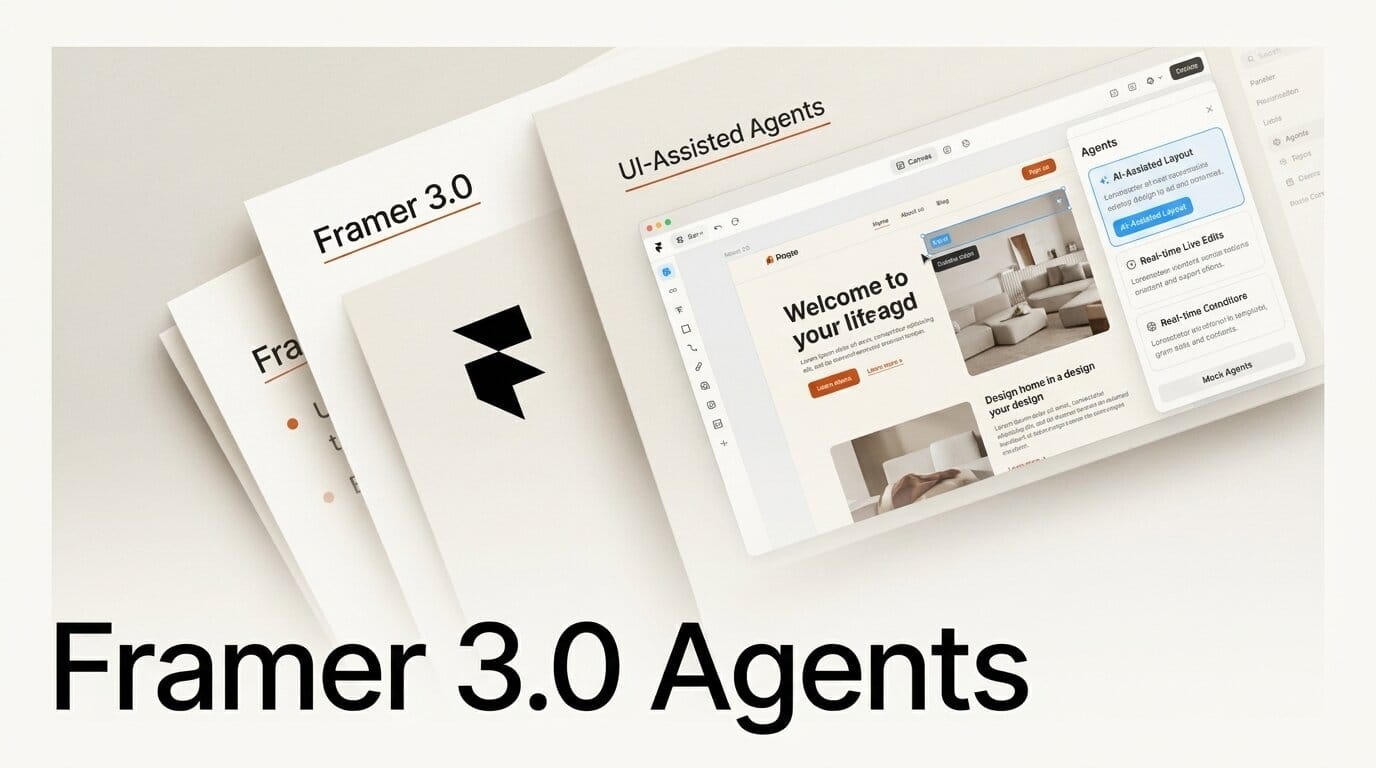
Framer shipped Framer 3.0 on June 16, 2026, and the headline is Framer Agents: AI that works inside your live project instead of handing back a mockup or a code snippet. An agent can generate whole pages, redesign from a pasted screenshot, edit existing layouts, manage CMS collections, write copy, generate SEO metadata, and audit a site for broken links and accessibility problems, all as native, hand-editable Framer work. The release also added Branching, connections to outside coding agents like Claude Code, a rebuilt Community, and a new AI-credit pricing model. It finished the day at number one on Product Hunt. This guide covers what Agents actually do, what the new pricing costs, and how Framer stacks up against v0, Webflow, Wix, and the rest.
What Framer Agents actually do
Most AI design tools hand you something disconnected: a chat reply, a code file, a static comp you then rebuild by hand. Framer's pitch is the opposite. In its own words, Agents "don't leave teams with disconnected chat output or code snippets that need interpretation. They work inside the production workflow." The loop it describes is short: prompt, inspect, edit, publish, all in one place.
The published capability list is wide. A Framer Agent can generate pages from scratch, rebuild a design from a screenshot, design within existing pages, create layouts and sections, handle responsive breakpoints, organize color and text styles, add effects and interactions, write custom code components, write and improve copy, import and organize content, generate SEO metadata, manage CMS collections, create CMS detail pages, and audit a site for broken links, accessibility issues, and inconsistent styling. Every change lands on the same canvas you already use, so you can adjust a result by hand the second the agent finishes.

Why it matters: native edits, not throwaway output
The difference is where the work ends up. Framer's engineering team is blunt about the design goal: "For an agent to be useful to a designer, it has to work directly on a canvas, the same place you work, so you can collaborate with it, adjust what it makes, debug what breaks, and ship the result with confidence." The agent reads the patterns already in your project, the layouts, styles, and colors you use across the site, and biases toward your existing design system rather than inventing a generic one.
That is the real shift for working designers and agencies. The output is not a draft you import and reconnect. It is design work you can keep editing, the same components, CMS content, styles, SEO settings, and publishing workflow your team already runs. The agent streams many small edits that add up to a finished layout, and you stay in the loop on every one.
Branching: how AI touches a live site safely
The feature that makes agent edits safe on a real client site is Branching. You and your agents always work on a copy of the project, never the live version. As Framer puts it: "Happy with the result? Merge it. Not happy? Throw it away." Each agent message is a rollback point, so you can step back to any moment in the conversation, and a branch is an isolated copy of the whole project that a human reviews and compares before anything reaches the published site.
For an agency, this is the unlock. AI can move fast on a production marketing site without the risk of breaking it, because nothing publishes until a person clicks merge. Branch previews are a Pro-plan-and-above feature.
External Agents: drive Framer from Claude Code
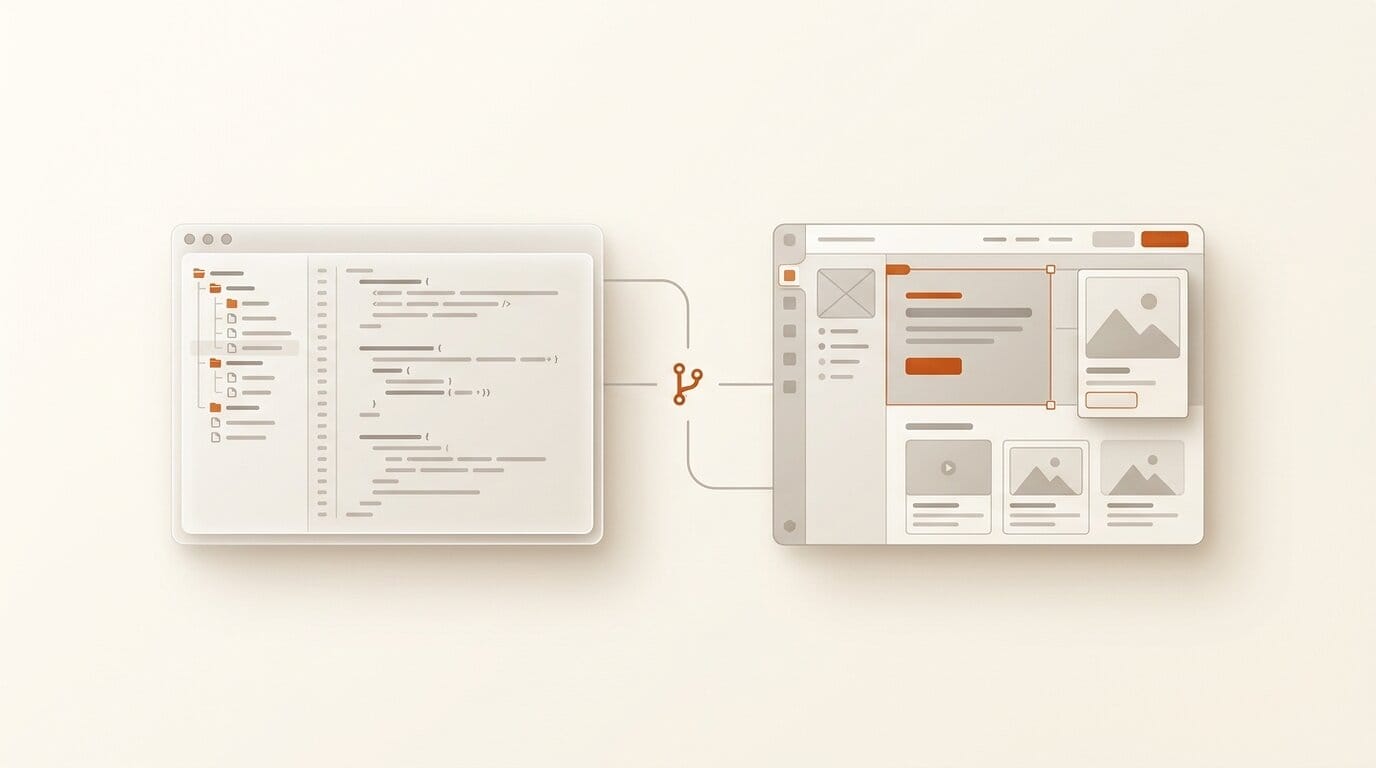
Framer 3.0 also opened the canvas to outside agents. Through the Model Context Protocol, you can connect Claude Code, Cursor, Codex, Gemini CLI, Windsurf, or, in Framer's framing, "any AI that can run a terminal command or call an MCP tool." Setup is a single npx command plus a browser grant, and it needs Node 24 or newer.
Two details matter for cost and safety. First, external agents run on your own model subscription, so, in Framer's words, "it doesn't draw on your Framer credits." Second, every change an external agent makes lands on an auto-created branch you can review, undo, or merge. The tradeoff Framer notes: an external agent has less live canvas context, so you need to prompt more specifically than you would inside the app.
What Framer Agents cost: the new AI-credit model
Alongside 3.0, Framer retired its Scale plan and reset pricing. There are now two paid tiers: Basic at 10 dollars per month and Pro at 30 dollars per month, with a free plan at 0 dollars and custom Enterprise pricing. The price of an additional editor seat was cut in half, from 40 dollars to 20 dollars per month, a content-editor seat is 10 dollars, and viewers are free. Basic also got more generous, with 2 CMS collections, up from 1, and 50 GB of bandwidth, up from 10 GB.
AI work is now metered in credits. A credit, Framer says, "maps to what the work costs to run, so what you spend tracks what you ask for." Generating a landing page runs about 300 credits, making a page responsive about 150, a large edit about 100, and a small edit about 50. The model you pick applies a multiplier: Sonnet 4.6 at 0.9x, GPT-5.5 at 1x by default, and Opus 4.8 at 1.8x. Included allowances are a shared monthly pool per workspace that resets on the first of the month with no rollover: 500 credits a day on Free (capped at 1,000 a month with no active subscription), 1,000 a month on Basic, and 3,000 a month on Pro. You can buy add-on packs starting at 1,000 credits. In real money, Framer says a page on GPT-5.5 "runs about 3 dollars" and a medium edit "lands around 0.50 dollars." Light editor helpers like layer auto-renaming never cost credits.
How Framer Agents compare
The field splits cleanly. Code generators produce a codebase you own and ship through git. Prompt-to-prototype tools make a separate artifact you reconnect later. Only a few tools edit a live visual production site the way Framer does, and fewer still pair that with branching and outside-agent access.
| Tool | What the AI produces | Edits a live visual site? | AI-safe branching | External coding agents |
|---|---|---|---|---|
| Framer Agents | Native canvas edits (pages, CMS, styles, SEO) | Yes, in the production project | Yes, first-class | Yes (Claude Code, Cursor, Codex, Gemini CLI) |
| Webflow AI | Native sections, CMS items, SEO in the Designer | Yes | No AI-specific branching | No |
| Wix Aria | Live edits on a Wix site via chat | Yes, template-bounded | No | No |
| Vercel v0 | React/Next code in your repo | No, it is a codebase | Git branches and PRs | It is the coding agent |
| Lovable | Full-stack app code, GitHub-synced | No, a standalone app | Git-level | No |
| Figma Make | Interactive prototype or app | No, a separate deliverable | No | No |
The closest competitors on the core axis are Webflow's AI and Wix Aria, which also edit a live visual project. What neither matches is the combination Framer ships: a dedicated branching workflow built for AI experimentation, plus the ability to point your own coding agent at the canvas without spending Framer credits.
A first workflow to try this week
If you want to feel the difference in 30 minutes, run a small, real task rather than a toy prompt.
- Open a project and create a new branch so nothing you do touches the live site.
- Paste a screenshot of a section you admire and ask the agent to build a version in your own styles. Framer's team notes the agent "loves images," and reference shots sharply improve results.
- Inspect what it made on the canvas. Adjust spacing, type, and color by hand the way you normally would.
- Ask the agent to make the section responsive, then check the breakpoints it set.
- Run an audit. Ask it to find broken links, low-contrast text, and inconsistent styles, and to generate SEO metadata and alt text.
- Compare the branch against main, then merge if you are happy or throw it away if you are not.
You will have used roughly 450 to 500 credits (a build plus a responsive pass), which is inside a single day on the free plan.

The honest limitations
Framer is unusually candid about what the agent cannot do, and it is worth repeating before you bet a client deadline on it. The output is a draft, not a finished product: "Agents bring speed and scale. Humans bring taste, judgment, and control." The models also converge, in Framer's words, on "a fairly narrow band of creative outcomes, everything starts to rhyme," so expect generic first drafts that need direction. Inference is non-deterministic and, as the team admits, "unreliable compared to almost any other kind of computing," which is why retries and provider switching exist.
There are practical limits too. Heavy iteration burns credits and money. Agents only reach what lives inside a Framer project, so the more of your site they shape, the more your marketing surface lives natively in Framer. Independent reviews flag a learning curve that is not beginner-friendly and difficulty with complex responsive navigation. And the rebuilt Community dropped pre-publish review of templates, which could let low-quality copies flood the marketplace.

Frequently asked questions
Is Framer 3.0 free to try?
Yes. The free plan stays at 0 dollars and includes 500 AI credits per day, capped at 1,000 per month when your workspace has no active subscription. That is enough for roughly two generated landing pages a day to test Agents before paying.
What are AI credits and how many do I get?
Credits meter AI work, and the cost scales with the request: about 300 credits for a landing page, 150 to make a page responsive, 100 for a large edit, and 50 for a small one. Included monthly allowances are 1,000 on Basic and 3,000 on Pro, shared across your workspace, reset on the first of each month with no rollover. You can buy add-on packs from 1,000 credits.
Can I use Claude Code or Cursor with Framer?
Yes. Framer 3.0 added External Agents over the Model Context Protocol, so Claude Code, Cursor, Codex, and Gemini CLI can edit your project. They run on your own model subscription, so they do not spend Framer credits, and their changes land on a branch you review before merging.
How is Framer Agents different from Webflow AI or Wix?
All three edit a live visual site rather than emitting disconnected code. Framer adds two things the others do not: a branching workflow built so AI can experiment without risking the published site, and connections to external coding agents. Code tools like v0, Lovable, and Bolt sit in a different category because their output is a codebase, not native design edits.
Will an agent overwrite my live site?
No, not unless you merge. Agents always work on a copy of your project, and nothing publishes until a human reviews the branch and merges it. Every agent message is also a rollback point, so you can step back at any time.
What does it cost to run agents at scale?
Framer estimates a page generated on GPT-5.5 at about 3 dollars and a medium edit at about 0.50 dollars. Teams running constant iteration should model credit usage, or connect an external agent on their own subscription to avoid Framer credits entirely.
Sources: Framer 3.0 announcement, Framer 3.0 updates, Building Framer Agents (engineering), AI credits and pricing, External Agents, and the Framer pricing page.





