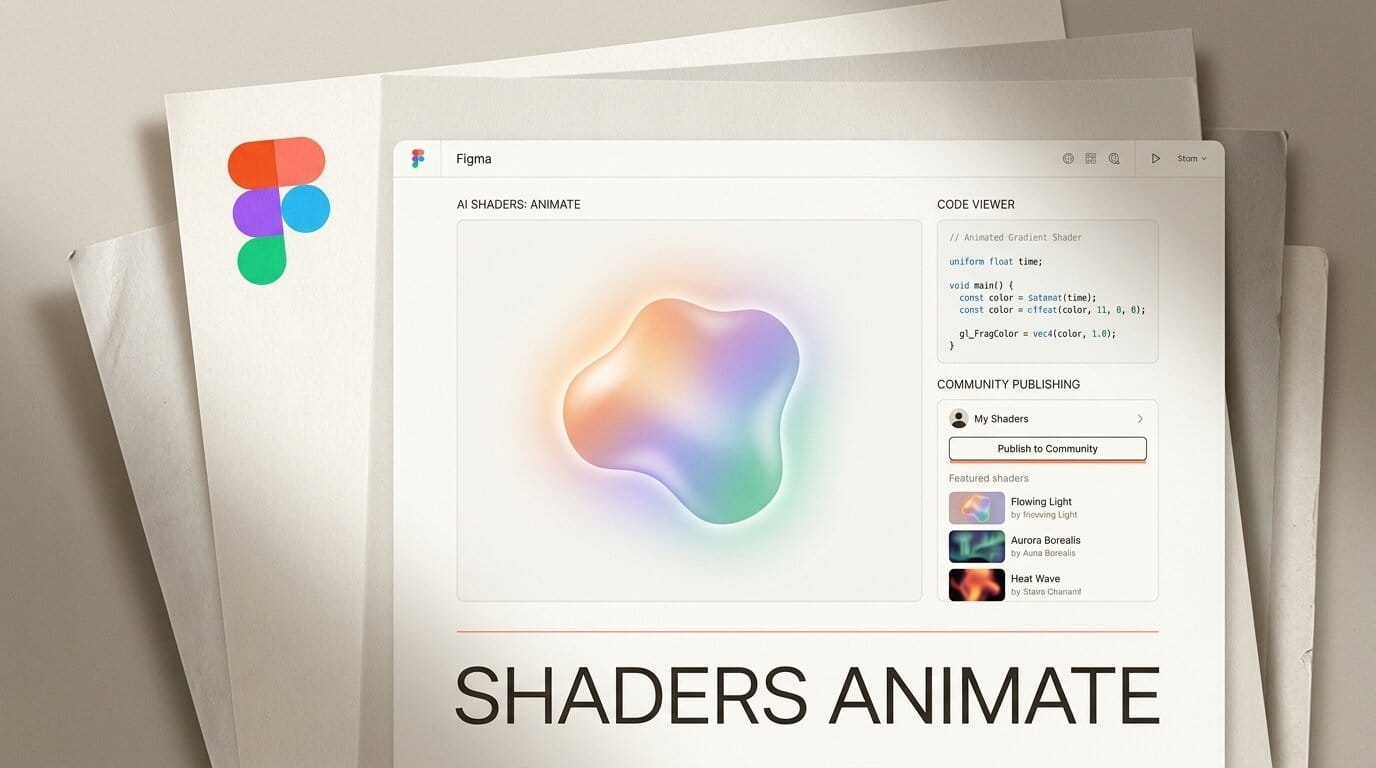
Figma has turned its AI shaders from a static novelty into a working motion-and-code tool. In a September 1 update, the company added four capabilities to the generative plugins and shaders it first showed at Config 2026: the design agent can now build motion and mouse interactivity into any shader, you can view and download the code behind a shader or plugin, you can publish agent-made shaders and plugins to the Figma Community or privately to your organization, and the Figma MCP server can hand a shader to a coding agent to reimplement it in React. For designers who work in a browser, that is the difference between a pretty gradient and a reusable, shippable effect.
What Figma Shipped on September 1
The core features are not new. Generative plugins and AI shader fills arrived when Figma rolled them out to Full seat users on June 24, part of the Config 2026 push to treat code, motion, and generative effects as native canvas materials. What landed on September 1 is a set of controls that make those effects usable in production rather than just demoable on a slide.
Four things are genuinely new this week. First, shaders can now animate: the agent builds motion and pointer reactivity into an effect when you describe it, so a shader can respond to a cursor or loop on its own. Second, there is a code viewer. You can open the GPU program behind any shader, or the source of any generated plugin, and download it. Third, publishing: anything the agent makes for you can go to the public Community or stay inside your org as a standardized asset. Fourth, the effects are now addressable over the Model Context Protocol, so an external agent can read or rewrite them.
Background: From Config 2026 to Now
Shaders are small programs that run on the GPU and decide the color of every pixel in real time. In web work they usually live in WebGL or a fragment-shader sandbox, written by hand in GLSL, then ported into a build. Figma's June release moved that authoring into the canvas: describe an effect or drop in a reference image, and the agent generates a shader fill or effect with adjustable controls surfaced next to the layer.
The gap in that first version was the exit path. A shader that only lived inside a Figma layer could not move, could not be handed to an engineer cleanly, and could not be shared as a building block. The September update fills all three gaps at once, which is why it reads less like a patch and more like the moment the feature becomes part of a real workflow.
Deep Analysis
Motion Turns Static Effects Into Interface
Adding motion and interactivity is the largest shift. A static shader is decoration. A shader that reacts to a pointer or animates on a loop is closer to a prototype of a live component. Designers who previously mocked up hover states and background motion in a separate tool can now describe the behavior in place, then tune the generated controls without touching code.
Code Export Closes the Design-to-Dev Gap
The code viewer is the practical headline. Because you can now read and download the shader or plugin source, an effect stops being a black box. A developer can take the exact GPU program a designer approved, rather than reverse-engineering a video capture. This is the same design-to-code pressure showing up across the industry, from AI-assisted editors inside creative apps to browser-based coding agents, and Figma is now on the producing side of it.

Community Publishing Makes Shaders Reusable
Publishing to the Community or to an organization turns a one-off effect into a distributable asset. This mirrors the path Figma took with agent skills in August, when it opened custom tools and shared skills for the design agent. A team can now standardize a brand glow, a noise fill, or a specific plugin once and let everyone pull it from a shared shelf, which is how design systems have always spread inside Figma.
MCP Wires Shaders Into Agent Pipelines
The MCP hook is the most forward-looking piece. Through the Figma MCP server, an outside agent can view and change generative plugins and shaders, or export a shader for an agent to implement precisely in React. For anyone building an agent-driven front-end workflow, a Figma effect is now a callable object rather than a screenshot. Teams already making their surfaces agent-ready over MCP can slot Figma shaders into the same pipeline.
Figma AI Shaders vs Traditional Motion Workflows
The update is best understood against how designers shipped motion and GPU effects before it.
| Capability | Hand-coded WebGL/GLSL | Motion tool plus handoff | Figma AI shaders (Sep 2026) |
|---|---|---|---|
| Authoring | Write GLSL by hand | Keyframe in a separate app | Describe it to the agent on canvas |
| Motion and interactivity | Manual, code-driven | Timeline-based, not interactive | Generated from a description |
| Code you can ship | Yes, you wrote it | Rarely, export is lossy | Yes, view and download source |
| Reuse across a team | Copy files manually | Shared project files | Publish to Community or org |
| Agent access | None | None | Read and rewrite over MCP |

How to Build and Ship an Animated Shader in Figma
The workflow assumes a Full seat with the design agent enabled. The agent is in open beta and free during the beta, though Figma has said it will begin consuming AI credits within a few weeks.
1. Open the agent on a layer. Select the layer you want to affect and open the design agent chat. Describe the effect as a fill (a new material) or an effect (a transform of what is already there).
2. Ask for motion. Add the behavior to your prompt, for example a slow drift, a pointer-reactive ripple, or a looping shimmer. The agent generates the shader with the motion built in and surfaces controls next to the layer.
3. Tune with the generated controls. Adjust speed, scale, and color through the sliders the agent creates. Stack a second shader if you want to composite one effect on top of another.
4. Open the code. Use the code viewer to inspect the GPU program. Download it if an engineer will implement it directly, or keep it for reference.
5. Publish or export. Publish the shader to your organization so the team can reuse it, or push it to the public Community. To send it to a build, use the MCP server to export the shader for a coding agent to implement in React.
Impact on Creators
For product designers, the win is that motion and effects no longer require a round trip through a second tool or a hand-off document. The behavior is described where the design lives, and it comes out as inspectable code. For design-systems teams, publishing means effects can be governed like components instead of being rebuilt per project.
For anyone building with coding agents, the MCP export is the quiet unlock. A shader approved in Figma can become a real React component through an agent, which shortens the distance between a visual decision and shipped front-end. The catch worth planning for is cost: the free beta window is closing, and credit-based pricing will make heavy shader generation a line item.
What to Do Next
If you hold a Full seat, try the animated-shader flow on a real component this week while the agent is still free, and open the code viewer to see what actually ships. Read Figma's release notes to confirm which capabilities have reached your account, since the rollout is gradual.
Frequently Asked Questions
Are Figma generative plugins and shaders new?
No. Figma introduced them at Config 2026 and rolled them out on June 24, 2026. The September 1 update adds motion, code export, community publishing, and MCP access to the existing features.
Who can use the Figma design agent?
The agent is in open beta for Full seat users on all plans. Collab, Dev, and View seats can use it in their drafts. It is free during the beta but will begin to consume AI credits in a few weeks.
Can I get the code behind a shader?
Yes. The update adds a code viewer that lets you view and download the code behind any shader or plugin you created with the agent, so you can edit it in a third-party agent or hand it to an engineer.
Can Figma shaders be animated or interactive?
Yes. As of September 1, the agent can build motion and pointer interactivity into an effect when you describe the behavior, rather than producing only a static fill.
How do shaders work with coding agents?
The Figma MCP server lets an external agent view and change generative plugins and shaders, or export a shader so an agent can implement it in React code.
Can I share a shader with my team?
Yes. You can publish shaders and plugins made with the agent to the public Figma Community or privately to your organization for standardized reuse.





