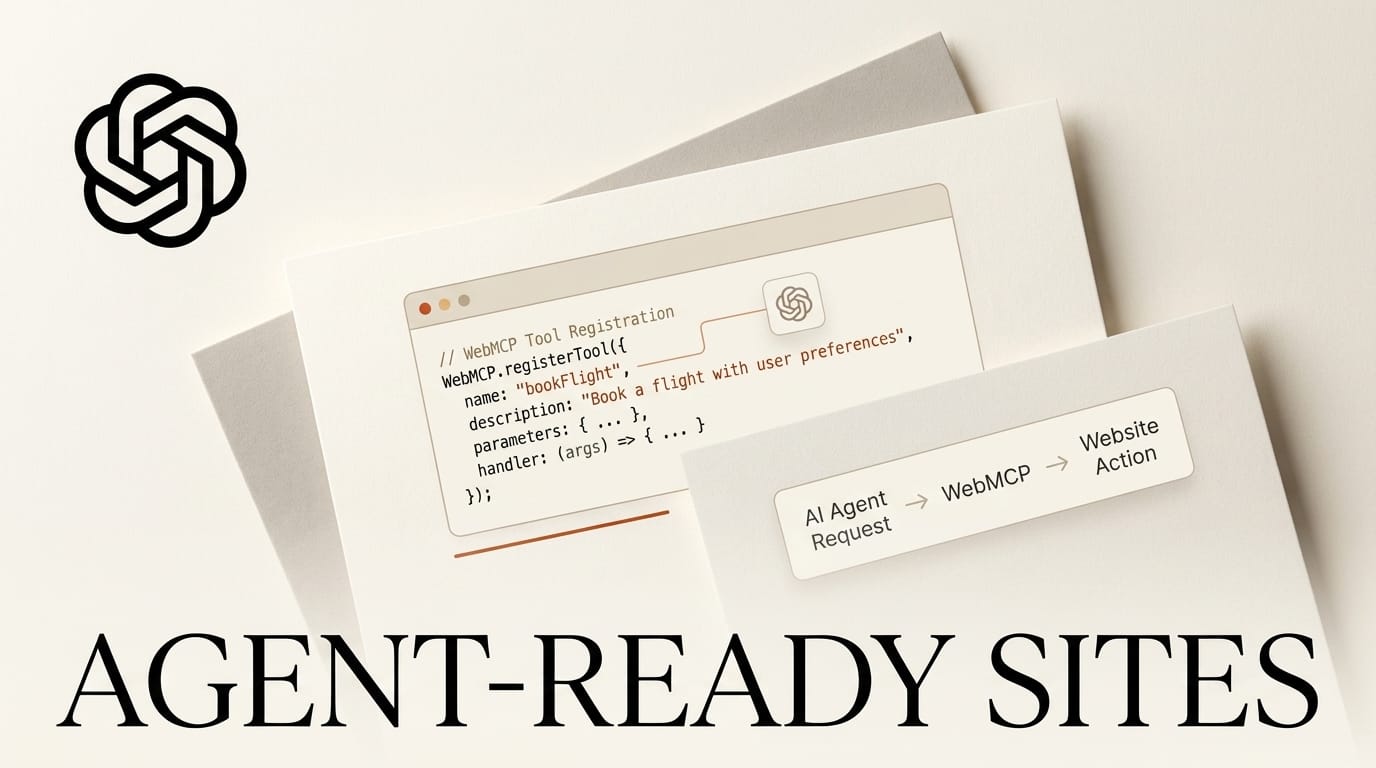
WebMCP lets your website hand AI agents a set of named actions to call instead of forcing them to scrape your HTML and simulate clicks. OpenAI shipped it as "site tools" in the ChatGPT desktop browser on August 25, 2026, Chrome is running an origin trial, and there is a draft specification at the W3C Web Machine Learning Community Group. This tutorial walks through exposing your first WebMCP tool, from feature detection to a working call inside ChatGPT, in about 30 minutes with nothing but JavaScript you already know.
The core idea is small: you register JavaScript functions on the page, each with a name, a description, and a JSON Schema for its inputs, and the agent calls them directly against the user's live, signed-in session. Get it right and an agent can search your catalog, book a slot, or add an item to a cart with a structured function call rather than a brittle DOM guess.
What You Need
- A website you control where you can add a
<script>tag or edit the front-end bundle. - A recent build of Chrome (the WebMCP origin trial is available from Chrome 149) or the ChatGPT desktop browser to test against.
- Basic familiarity with JSON Schema, which describes each tool's input shape.
- One concrete, high-value action to expose first: a product search, an availability lookup, or an "add to cart" call. Start with a single read-only tool before you touch anything that mutates data.
- For production traffic, a Chrome origin-trial token; for local development, the
chrome://flags/#enable-webmcp-testingflag.

The WebMCP Workflow: Expose a Tool in Six Steps
Every WebMCP tool lives on the browser object document.modelContext. You describe the tool, implement it, and register it. Here is the full path.
1. Feature-detect support
Never assume the API is present. Guard your registration so the page still works in browsers without WebMCP. OpenAI's site tools documentation uses exactly this check:
if (typeof document.modelContext?.registerTool === "function") {
  await document.modelContext.registerTool({
    name: "get_page_title",
    description: "Read the title of the current page.",
    inputSchema: {
      type: "object",
      properties: {},
      additionalProperties: false,
    },
    annotations: { readOnlyHint: true },
    execute: async () => ({ title: document.title }),
  });
}
That block registers a real, working tool. Load the page in the ChatGPT browser and the agent can already answer "what is this page's title" by calling your function.
2. Define the tool
A tool needs a name (up to 128 characters, letters, numbers, underscores, hyphens, and periods), a natural-language description, and usually an inputSchema. The schema is standard JSON Schema: give it type: "object", list your properties, mark what is required, and set additionalProperties: false so the agent cannot smuggle in fields you never handle.
3. Add safety annotations
Annotations tell the agent and the browser how risky a tool is. Set readOnlyHint: true on anything that only reads state, and untrustedContentHint: true on tools that return user-generated or third-party content so the browser treats the output as a possible prompt-injection vector. Chrome documents these in its secure tools guide.
4. Implement execute
The execute callback is an async function that performs the action and returns a result. The documented examples return a plain object, a bare string, or an MCP-style content array, so a simple object is fine. A product-search tool for a storefront follows the same shape as the minimal example:
await document.modelContext.registerTool({
  name: "search_products",
  description: "Search the store catalog and return matching products.",
  inputSchema: {
    type: "object",
    properties: {
      query: { type: "string", description: "What the shopper is looking for" },
      limit: { type: "number", description: "Max results to return" },
    },
    required: ["query"],
    additionalProperties: false,
  },
  annotations: { readOnlyHint: true },
  execute: async ({ query, limit }) => {
    const results = await storeSearch(query, limit ?? 5);
    return { results };
  },
});
5. Register with an unregister path
registerTool returns a promise and rejects if a tool with the same name already exists or the definition fails validation. Pass an AbortSignal so you can remove the tool later, which matters in single-page apps where a tool should only exist on certain routes. Chrome's imperative API guide shows the pattern: register with { signal }, then call controller.abort() to unregister.
6. Handle dynamic tools and verify
Listen for the toolchange event on document.modelContext to react when tools appear or disappear, and use getTools() to inspect what is currently registered. Then load the page in the ChatGPT desktop browser or a Chrome origin-trial build and confirm the agent lists and calls your tool. The full API, including executeTool() for manual invocation, is defined in the WebMCP repository. This is the same shift toward agents that act on real surfaces seen in the Claude agent stack, only expressed as tools a page publishes to itself.

WebMCP vs Server-Side MCP
WebMCP is the browser-side cousin of the Model Context Protocol. They solve related problems in different places, and most teams will eventually use both. As one breakdown puts it, MCP connects an AI application to a local or remote server and works independently of any open webpage, while WebMCP works through the browser. Teams already running a hosted MCP server do not have to choose: keep it for backend access and add WebMCP for in-page actions.
| Dimension | WebMCP (browser-side) | Server-side MCP |
|---|---|---|
| Where the tool runs | In the page's JavaScript, in the user's browser tab | On a local or remote MCP server, no page required |
| Auth and session | Uses the user's already signed-in session on the live page | The server manages its own credentials to the model |
| Who hosts it | The website, via registerTool | The service runs a separate MCP endpoint |
| Discovery | Agent finds tools only when it visits the page | Model connects to a known server endpoint |
| Best for | Agentic commerce, checkout, in-page actions the user and agent share | Backend data access and headless workflows |

Troubleshooting Common WebMCP Problems
- The agent never sees your tool. WebMCP tools are discovered only when the agent actually visits the page, and clients cannot detect them remotely. Confirm the script runs before the agent acts, and that your feature-detect guard is not silently skipping registration.
- registerTool rejects. The promise rejects on a duplicate tool name or a schema that fails validation. Give each tool a unique name and validate your
inputSchemaas real JSON Schema. - Output gets truncated. Chrome documents budgets: keep tool and parameter names short, descriptions tight (roughly 500 characters for a tool, 150 for a parameter), and individual tool output to around 1,500 characters. Return IDs and summaries, not entire records.
- A cross-origin iframe cannot register. Tool exposure is gated per origin. Check Chrome's overview for the
allow="tools"permission policy and the fact that settingdocument.domaindisables it. - A purchase runs without confirmation. High-stakes actions such as payments or permission changes still route through a user confirmation step and a safety review, so design mutating tools to expect that gate rather than around it.
What to Try Next
Once one tool works, expand deliberately. Add a second read-only tool, then one mutating tool behind the confirmation gate, and use the toolchange event to expose route-specific tools in a single-page app. If you want a deadline, OpenAI is running a 10-day WebMCP Challenge with prizes from Shopify, Chrome, Netlify, Cloudflare, Vercel, and Render. And if you sell on Shopify, check your storefront first: millions of Shopify stores are already WebMCP-enabled, so your catalog may be callable by agents without any code from you, as coverage of the rollout notes.
Frequently Asked Questions
What is WebMCP in plain terms?
WebMCP is a way for a website to publish named actions, called tools, that AI agents can call directly in the browser. Instead of an agent reading your HTML and guessing where to click, it calls a function you defined, such as search_products, with structured inputs.
What is the WebMCP JavaScript API?
Tools are registered on document.modelContext using registerTool(). Related methods include getTools() to list registered tools, executeTool() to run one manually, and a toolchange event that fires when the available tools change. An earlier draft used navigator.modelContext, but the current API is document.modelContext.
Is WebMCP the same as MCP?
No. Server-side MCP connects a model to a hosted server endpoint that works without any open page. WebMCP runs in the browser, uses the user's signed-in session on the live page, and is best for in-page and commerce actions. Many teams will use both.
Do I need Shopify to use WebMCP?
No. Any site you control can register tools with a few lines of JavaScript. Shopify has enabled WebMCP across millions of storefronts automatically, and other companies including Expedia, Instacart, and Target have been experimenting with the standard.
Is WebMCP safe for actions like checkout?
Each tool call runs through a safety review, and higher-stakes actions like purchases or permission changes still require explicit user confirmation. Use the readOnlyHint and untrustedContentHint annotations to tell the browser how to treat each tool, and design mutating tools to expect a confirmation gate.





