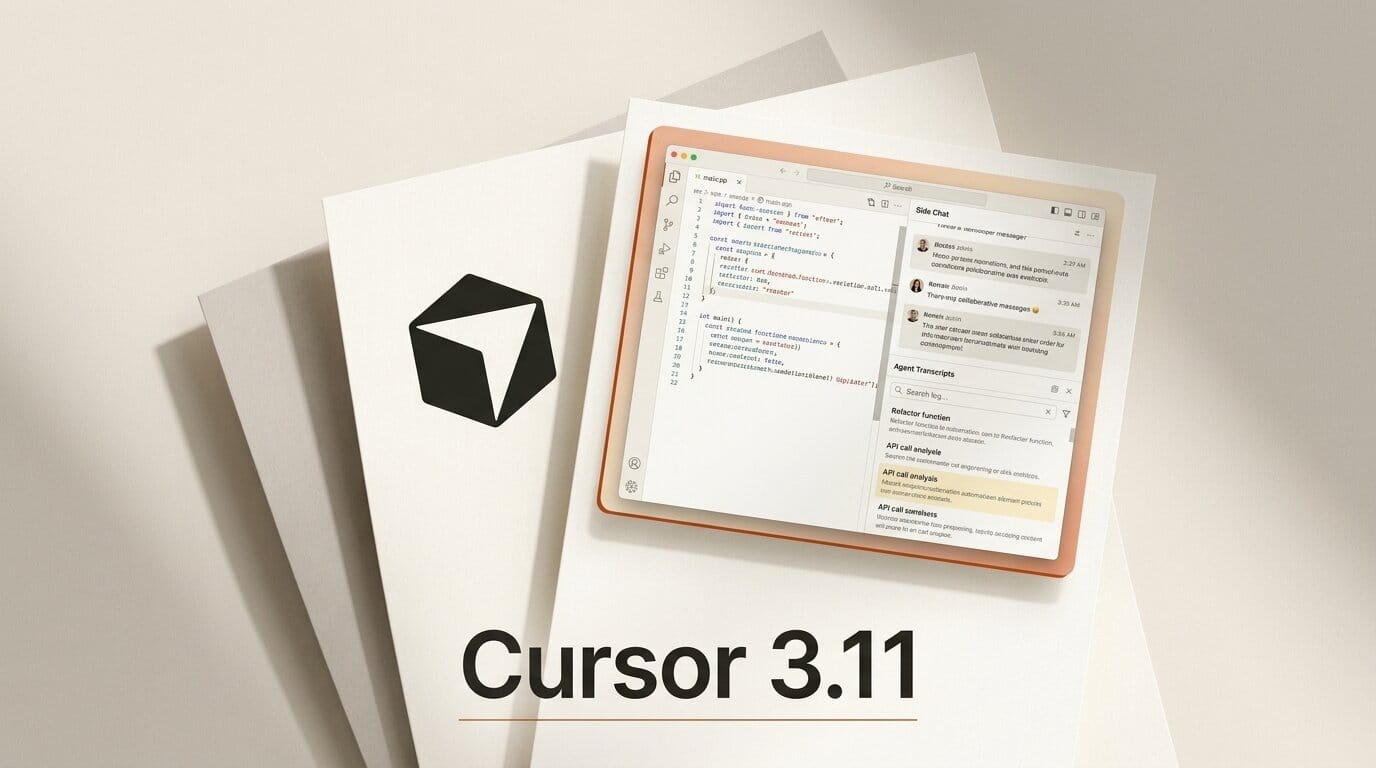
Cursor shipped version 3.11 on July 10, 2026, and the release reframes the editor around a single idea: you should be able to run more than one agent conversation at once without losing your place. The headline additions are side chats (parallel agent threads you spin up with /side, /btw, or the plus button), full agent transcript search across thousands of past conversations, and a set of lifecycle hooks that let you observe and steer the agent loop itself. The company published the details in its official changelog, and the update lands as Cursor keeps pushing toward a "coordinated agent workspace" rather than a single-assistant sidebar.
What Cursor 3.11 Actually Changes
Point releases usually bundle small fixes. This one bundles three workflow-level shifts. Side chats change how you branch off a task, transcript search changes how you recover past work, and lifecycle hooks change how much control you have over what the agent does between your prompts. Together they target the same friction: a coding agent that runs long, does a lot, and buries useful context in threads you can no longer find. The reorganized project picker rounds out the release by making it clearer where an agent will actually run.
None of these features require a workflow rewrite, as early coverage of the 3.11 release noted. They slot into how Cursor already works, which is why the release is worth understanding feature by feature before deciding what to adopt.

Side Chats: Parallel Agent Work Without Losing Your Place
The most visible addition is side chats. You start one with the /side command, the shorthand /btw, or the plus button at the top of the chat panel. Each side chat inherits context from the main thread, so you do not have to re-explain the codebase or the task you were on. Crucially, they are described in the changelog as "durable, full agent conversation[s] that you can follow up on, revisit later, and at-mention to pull context back into the main thread."
The practical value is flow. Say your main agent is midway through refactoring an auth module and you realize you need to check how a helper function is used elsewhere. Before 3.11, you either interrupted the main task or opened a fresh chat that knew nothing about your work. Now you open a side chat, ask the question, get the answer, and then @-mention that side chat back into the main thread so the primary agent can use the finding. The investigation never derails the build.
Agent Transcript Search: Your Coding History Becomes Searchable
Cursor 3.11 makes the full body of past agent conversations searchable, not just their titles or attached PR numbers. Cursor's own documentation frames the agent transcript as the complete record of a run, and until now finding a specific exchange inside it meant scrolling. The new search, reachable from the command palette, indexes conversation content so you can find the chat where an agent explained a tricky migration or wrote a regex you now need again.
According to the release, the index is local and built to "handle thousands of conversations," and you can also search within the current transcript using find-style match navigation. Community requests for exactly this capability had been open for a while, including a well-upvoted forum thread on accessing the full agent transcript. For anyone who treats their agent history as a knowledge base, this closes a real gap.
Lifecycle Hooks: Programmable Control Over the Agent Loop
The deepest change is aimed at power users and teams. Cursor 3.11 adds lifecycle hooks that fire at defined points in an agent conversation: prompts, responses, thinking, subagents, compaction, and turn completion. The hooks documentation lists named events including beforeSubmitPrompt, afterAgentResponse, afterAgentThought, stop, and subagentStart.
Hooks turn the agent from a black box into something you can inspect and govern. A beforeSubmitPrompt hook can redact secrets or block a prompt that violates policy. An afterAgentResponse hook can lint or test the code the agent just produced. A stop hook can refuse to end a turn until a condition is met, which is the building block for self-correcting loops with cloud agents. This is the same pattern that made hooks powerful in other agent runtimes, now native to Cursor's agent system.

Simplified Project and Repo Picker
Cursor 3.11 also reorganizes where agents run. The project picker now separates three environments cleanly, and the "Run on" selector presents Cloud, This Computer, and Remote Machines as explicit execution locations. Remote Machines consolidates individual machines, team pools, and existing workspaces into one searchable menu, and you can connect GitHub, GitLab, or Azure DevOps and select multiple repositories and branches without leaving the picker. It is a quieter change than side chats, but it removes a recurring source of confusion about where a cloud agent is actually executing.
Cursor 3.11 at a Glance
| Feature | What it does | How you trigger it | Best for |
|---|---|---|---|
| Side chats | Parallel agent threads that inherit main-thread context | /side, /btw, or plus button | Quick investigations without derailing the main task |
| Transcript search | Full-text search across past agent conversations | Command palette; find-in-transcript navigation | Recovering past explanations, code, and decisions |
| Lifecycle hooks | Scripts that fire at defined points in the agent loop | Config via hooks like beforeSubmitPrompt, stop | Policy enforcement, testing, self-correcting loops |
| Project/repo picker | Clear Cloud, This Computer, Remote Machines selection | "Run on" selector in the picker | Knowing exactly where an agent runs |
A Workflow: Running Parallel Investigations Without Breaking Flow
Here is a concrete way to put the release to work on a real refactor.
- Start the main task. Ask your primary agent to refactor a module, and let it run.
- Branch a side chat. When a question comes up, type
/sideand ask it there. The side chat already knows the codebase context, so you skip the setup. - Pull the finding back. Once the side chat answers,
@-mention it in the main thread so the primary agent incorporates the result. - Add a guardrail. Configure an
afterAgentResponsehook to run your test suite after each change, so a regression stops the loop instead of compounding. - Recover context later. Next week, use transcript search to find the exact chat where the agent explained the tradeoff, instead of re-deriving it.
The whole point is that steps two and three never interrupt step one. That is the difference between a single assistant and a workspace.

What This Enables for Creators and Builders
If you build with AI coding agents, Cursor 3.11 is less about new capability and more about sustained focus. Side chats let you keep a long build moving while you answer the small questions that used to force a context switch. Transcript search turns the pile of past runs into a searchable memory, which matters most for solo builders and small teams who rely on the agent to remember decisions no one wrote down. And hooks give teams a way to enforce standards without hovering over every run, whether that is blocking secrets, requiring tests, or building loops that fix their own mistakes. Try adopting one feature first: side chats are the lowest-friction win, and you will feel the difference on the first multi-step task.
Frequently Asked Questions
What version of Cursor added side chats and transcript search?
Cursor 3.11, released July 10, 2026. It added side chats, full agent transcript search, lifecycle hooks, and a reorganized project and repo picker.
How do I start a side chat in Cursor?
Use the /side command, the /btw shorthand, or the plus button at the top of the chat panel. Each side chat inherits context from your main thread and can be at-mentioned back into it.
Does transcript search work offline?
The release describes a local index built to handle thousands of conversations, and it searches the full content of past chats rather than only their names or PR numbers. You can also search within the current transcript using find-style navigation.
What are Cursor lifecycle hooks used for?
Hooks fire at defined points in an agent conversation, such as beforeSubmitPrompt, afterAgentResponse, afterAgentThought, stop, and subagentStart. Teams use them to redact secrets, enforce policy, run tests after each change, and build self-correcting loops with cloud agents.
What is the difference between a side chat and a new chat?
A new chat starts with no memory of your current work. A side chat inherits context from the main thread, so the agent already understands the codebase and task, and you can pull its findings back into the main conversation.
Where do cloud agents run after the 3.11 picker change?
The "Run on" selector now presents Cloud, This Computer, and Remote Machines as explicit choices. Remote Machines consolidates individual machines, team pools, and existing workspaces into one searchable menu.
What to Do Next
Update to Cursor 3.11 and start with side chats on your next multi-step task, since that is the feature you will feel immediately. If you rely on the agent to remember past decisions, spend a few minutes with transcript search to see how much of your history it recovers. Teams should read the hooks documentation and add a single guardrail, such as a post-response test run, before layering on more. For more on automating Cursor, see our guide to Cursor automations and triggers, our look at Cursor's mobile coding agents, and our comparison of the leading coding models behind these agents.





