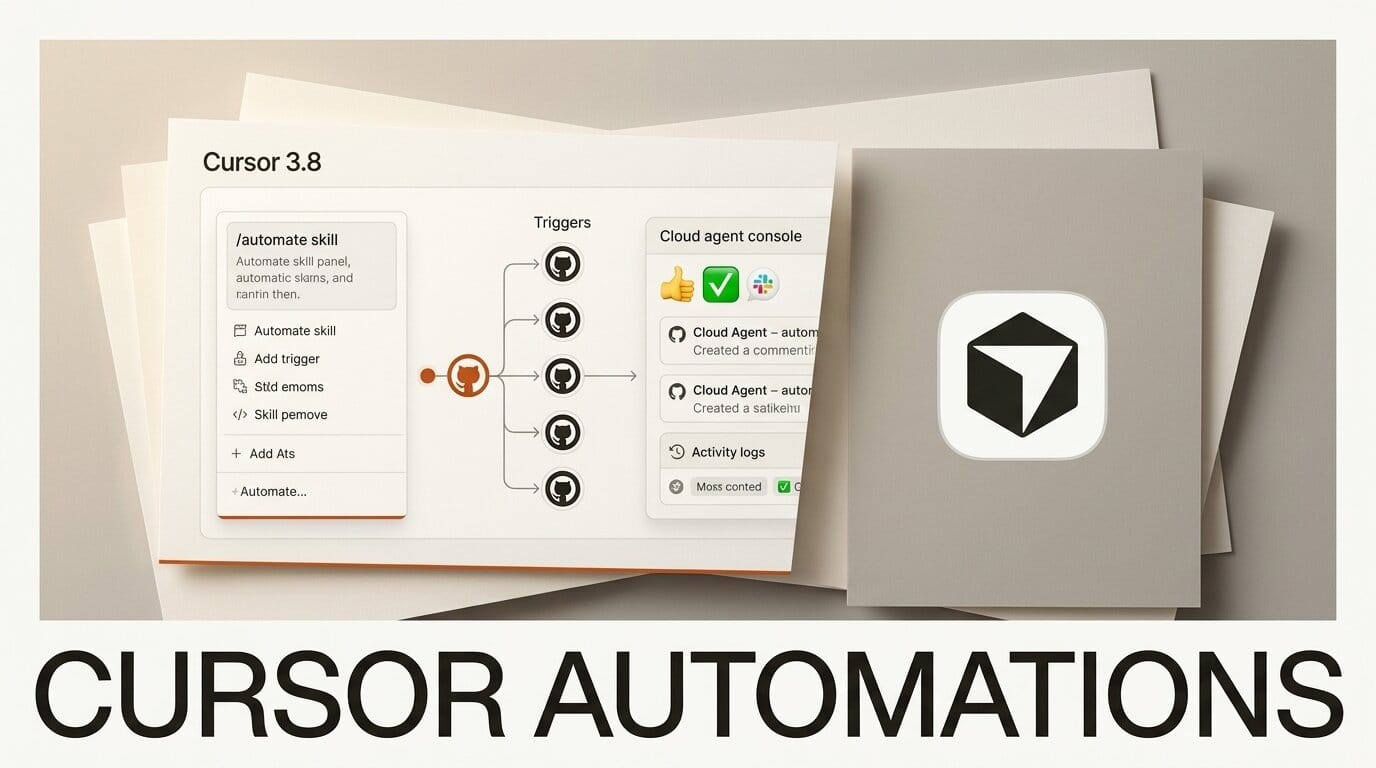
Cursor has expanded its Automations system with a new /automate skill, more GitHub triggers, and Slack-based starts, shipping the update in its 3.8 release on June 18. The changes let always-on cloud agents kick off and run repetitive engineering tasks without manual prompting each time.
What Happened
The headline addition is the /automate skill. Inside a local agent session you describe the task you want to run on a schedule or in response to an event, and Cursor Automations configures the triggers, instructions, and tools for you instead of making you wire them up by hand.
Cursor also added five new GitHub triggers: comments on non-PR issues, inline PR review comments, PR review submissions, review-thread resolution changes, and GitHub Actions workflow completions. A new Slack trigger starts an automation when you react to a message with a designated emoji, and cloud agents launched this way can now use their own computer to produce demos or artifacts of the work.
Try It This Weekend
Open Cursor, start an agent session, and type /automate, then describe a chore in plain language, such as "when a GitHub Actions run fails, open a draft fix PR." If you would rather start from a working example, browse the ready-made templates in the Cursor marketplace and adapt one. You get a repeatable agent that fires on real repo events rather than a one-off prompt you have to remember to run.
Why It Matters for Creators
For builders shipping side projects, plugins, or client work solo, automations turn Cursor from an in-editor assistant into background labor. The Slack-emoji trigger in particular means a non-technical collaborator can start an agent run without touching the IDE. This follows Cursor's recent Origin git forge launch, continuing its push to own more of the loop around the editor.
Key Details
Release: Cursor 3.8, June 18, 2026.
New skill: /automate configures triggers, instructions, and tools from a plain-language description.
New triggers: five GitHub event types plus a Slack emoji reaction. A ready-made triage workflow-failures template ships in the marketplace.
Agent capability: automation-launched cloud agents can use a computer to generate demos and artifacts.
What to Do Next
Update to the latest version of Cursor, then try converting one recurring task you do manually each week into an automation. Start narrow with a single trigger and expand once you trust the output.





