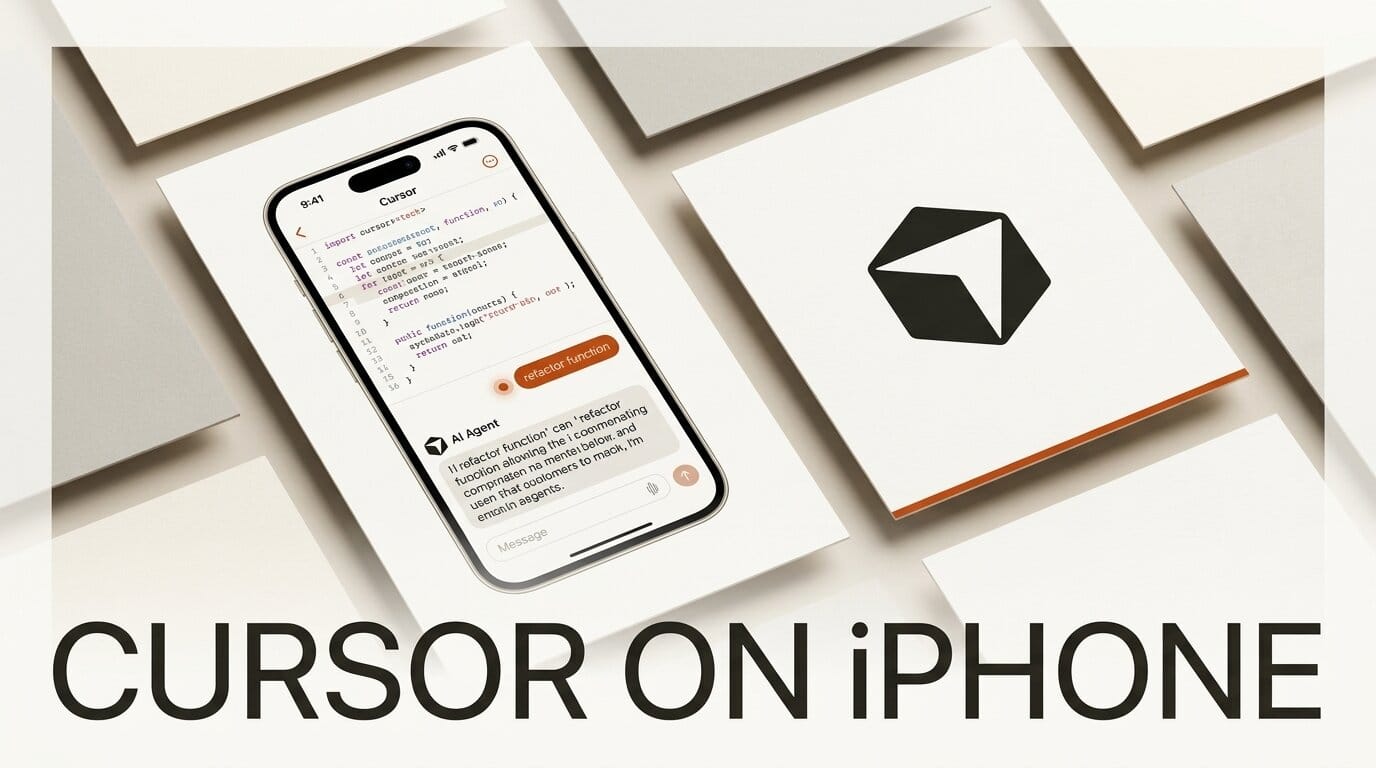
Cursor has launched a native iOS app, putting its AI coding agents on the phone in your pocket. Announced on June 29, 2026, the app is in public beta and lets developers start, steer, and review coding agents while away from their desk. It is the clearest sign yet that overseeing agents, not typing code, is becoming the core of the job.
What Happened
Cursor, the AI code editor built by Anysphere, released an iOS companion app on all paid plans. As TechCrunch reported, the app lets you spin up new cloud agents from your phone or take remote control of an agent already running on your computer. You describe tasks with voice input or slash commands, then watch progress without opening a laptop. The launch follows Cursor 2.0's shift to an agent-first workspace, extending that model to a screen you always have on you.
Why It Matters
Mobile is quickly becoming a real surface for coding work. Cursor is not alone here: OpenAI brought Codex to the ChatGPT mobile apps so developers could monitor projects from iOS and Android, and app builders like Lovable shipped mobile editors. The pattern is consistent. When an agent does the writing, the human role compresses into reviewing, approving, and redirecting, all of which fit a phone screen. That makes the dead time between meetings or on a commute newly productive.
Key Details
The app, available on the App Store, centers on a few capabilities. Live Activities pin agent status to your lock screen, and push notifications fire when an agent finishes, needs input, or has a result to review. You can inspect generated artifacts such as demos, screenshots, and logs directly in the app. Cloud agents run in isolated virtual machines with full development environments, and you can hand an agent off between your local machine and the cloud, testing locally before merging a pull request. Voice input carries over from the desktop client, where Cursor 3.1 first added voice and tiled multi-agent layouts. The release is iOS only for now, with no Android or web version announced.
What to Do Next
If you are on a paid Cursor plan, install the app from the App Store and connect it to your existing workspace, then try kicking off a cloud agent by voice and reviewing the result on your phone. Cursor's mobile documentation walks through remote control, the local-to-cloud handoff, and notification setup. Treat it as an oversight tool rather than a full editor: queue agents from your phone, approve or redirect their work, and save the deep debugging for your desktop. The companies racing to put agents on mobile are betting that is exactly how most developers will work soon.





