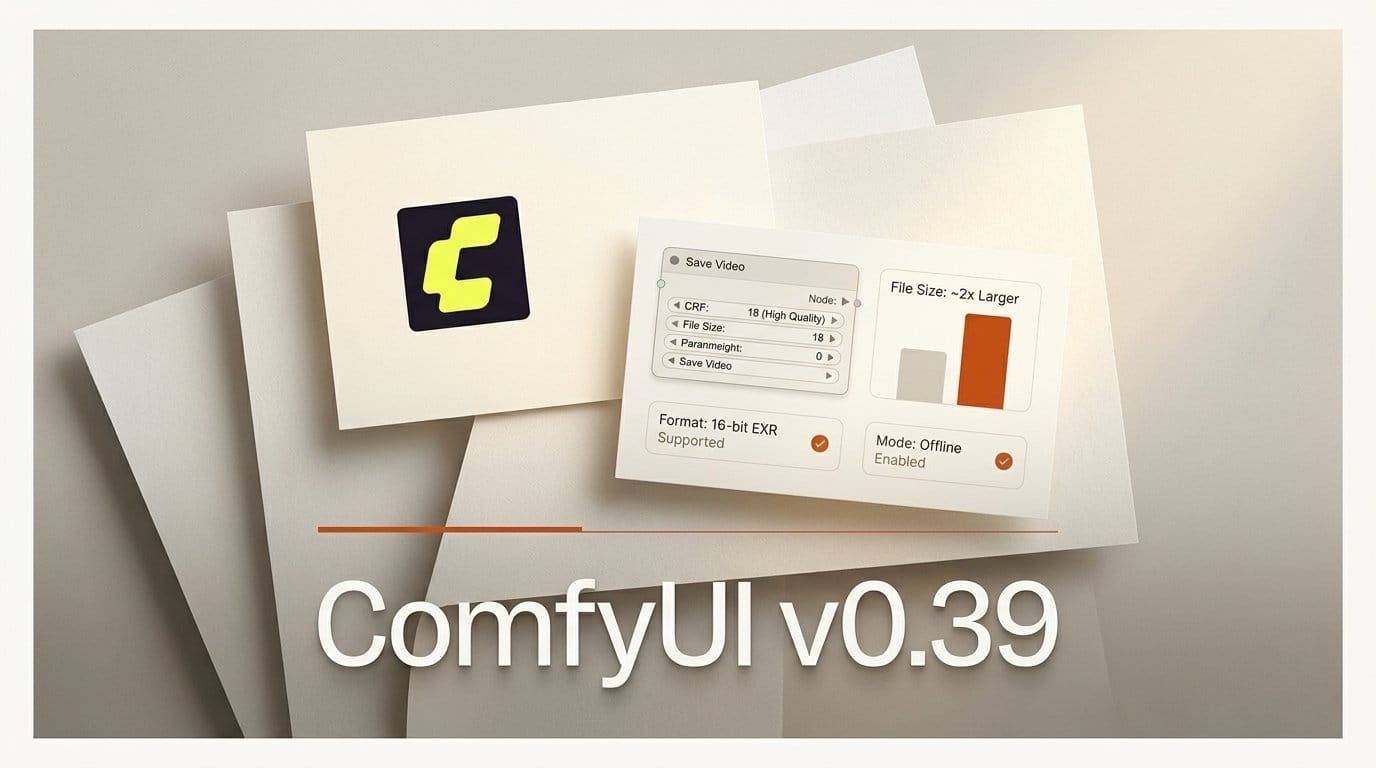
ComfyUI v0.39.0 shipped on 5 October 2026 with 40 merged pull requests. The headline items are Partner Nodes: FLUX 3 Image, three Ideogram 4.5 nodes and two HeyGen Video 1.0 nodes, plus Eleven v4, Grok Imagine Video 1.5 Lite and Claude Sonnet 5.5 added to existing nodes. The change that reaches every local user is one line further down: Save Video now encodes at a constant rate factor (CRF) of 18 for H.264 and 24 for AV1.
We installed v0.38.0 and v0.39.0 side by side and ran the same workflow through both on three 4-second 1080p clips. With every setting left on auto, v0.39 wrote H.264 files 64-83% bigger and AV1 files about twice the size, for a PSNR gain of 0.3 to 1.5 dB. Below are the numbers, how to get the old file sizes back, the new 16-bit EXR default, the new --offline flag, and the Luma Ray 2 nodes that stop working on 24 October.
What v0.39.0 ships
We compared the node registry each version reports at /object_info. v0.38.0 lists 964 nodes, 274 of them Partner Nodes. v0.39.0 lists 970, with 280 Partner Nodes. No node was removed. The six new ones are all paid Partner Nodes; the free local changes are in encoding, file saving and startup flags.
| Change in v0.39.0 | Type | Price shown in the node |
|---|---|---|
| Save Video: default CRF 18 (H.264) and 24 (AV1) | Local | Free |
| Save Image (Advanced): EXR defaults to 16-bit float | Local | Free |
--offline and --disable-partner-nodes flags | Local | Free |
| FLUX 3 Image node | Partner | $0.05863 (0.75K) to $0.86801 (4K) |
| Ideogram 4.5 Text to Image, Edit, Precise Edit | Partner | $0.01144 to $0.286 by quality |
| HeyGen Video 1.0 Image to Video, Reference to Video | Partner | From $0.0143 a second |
| Eleven v4 and v4 Turbo in the ElevenLabs nodes | Partner | $0.1144 and $0.0572 per 1K characters |
| Grok Imagine Video 1.5 Lite in the Grok Video node | Partner | $0.02 to $0.14 a second |
| Luma Text to Video, Image to Video and Concepts marked deprecated | Partner | Endpoints removed 24 October |
Prices come from the price badges in each node's source at the v0.39.0 tag. The Grok Video node also gained the Lite model, and made it the node's default. It bills $0.02, $0.03 and $0.14 a second at 480p, 720p and 1080p, against $0.08, $0.14 and $0.25 for Grok Imagine Video 1.5. The OpenAI GPT Image node lost its transparent background option for GPT Image 2.
Save Video now writes bigger files
The change is pull request #16663, titled "Use higher quality defaults for Save Video encoding". Before it, when no CRF was set, ComfyUI let the encoder pick: CRF 23 for x264, and CRF 35 for SVT-AV1, the value listed as the default in the SVT-AV1 parameter docs. A lower CRF means higher quality and a bigger file.
Our test: three 96-frame, 1080p, 24 fps segments cut from Blender's Sintel trailer, saved losslessly, then run through LoadVideo, Get Video Components, Create Video and Save Video on each version with format and codec on auto (MP4/H.264), then again with WebM/AV1. Clip A is a dark scene, clip B is bright fast action, clip C is bright and slow. PSNR is measured against the lossless source over all 96 frames. Both versions ran on CPU from the same Python environment.
| Clip, codec | v0.38 file | v0.39 file | Size change | PSNR v0.38 / v0.39 |
|---|---|---|---|---|
| A (dark), H.264 | 1.55 MB | 2.77 MB | +79% | 43.16 / 44.13 dB |
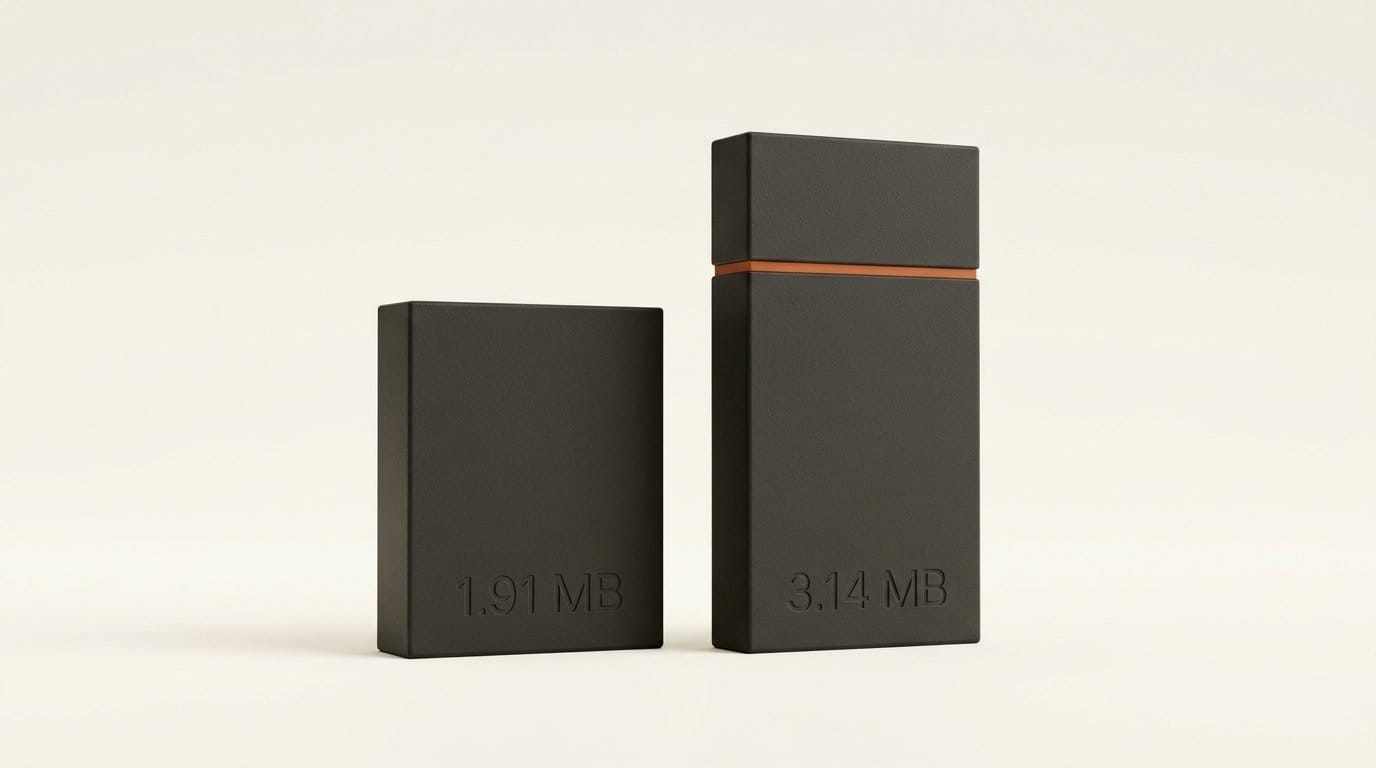
| B (action), H.264 | 1.91 MB | 3.14 MB | +64% | 40.48 / 41.25 dB |
| C (slow), H.264 | 1.01 MB | 1.84 MB | +83% | 40.54 / 40.91 dB |
| A (dark), AV1 | 0.77 MB | 1.57 MB | +105% | 41.55 / 43.05 dB |
| B (action), AV1 | 0.87 MB | 1.72 MB | +99% | 39.63 / 40.64 dB |
| C (slow), AV1 | 0.21 MB | 0.44 MB | +107% | 40.38 / 40.70 dB |
Scaled to a minute, clip B in H.264 goes from 3.82 Mbps (about 28.6 MB a minute) to 6.28 Mbps (about 47 MB). The quality gain is real but small next to the size jump: 0.37 to 0.97 dB for H.264 and 0.32 to 1.50 dB for AV1. We did not run a viewing study, so this is a measurement of fidelity, not of how visible the difference is.
Which workflows it touches
The new default applies whenever Save Video actually encodes frames: generated frames from a VAE Decode, or images passed through Create Video, which covers almost every text-to-video and image-to-video workflow. The node's own tooltip says automatic mode "preserves compatible H.264 streams", so a video that arrives already encoded in a compatible format is kept as it is and is not affected.
The old behavior is one setting away. We set Save Video to h264, encoding mode "re-encode", CRF 23 on v0.39 and got 1,551,570 bytes against 1,551,497 from v0.38 auto, the same PSNR to two decimals; the 73 bytes are metadata. AV1 at CRF 35 on v0.39 came out at 766,919 bytes against 766,878. Those are the two values to type in if you want v0.38 file sizes back.
AV1 at the new default matches old H.264
The more useful finding sits across the table rows. v0.39's AV1 output is about the same size as v0.38's H.264 output, or smaller, at the same or better PSNR. On clip A it was 1.57 MB at 43.05 dB against 1.55 MB at 43.16 dB. On clip B, 1.72 MB at 40.64 dB against 1.91 MB at 40.48 dB. On the slow clip C it was 0.44 MB at 40.70 dB against 1.01 MB at 40.54 dB, less than half the size.
So if your files went up after updating and you would rather keep the size, you have two routes: drop H.264 back to CRF 23, or switch to WebM/AV1 and keep the new default. AV1 is the better trade in our test, as long as everything downstream (your editor, your upload target, the device it plays on) decodes AV1 in WebM.
How to set Save Video in v0.39
- Update ComfyUI to v0.39.0 and open a video workflow that ends in Save Video.
- For a master you will edit or color later, leave format and codec on auto. CRF 18 H.264 is the new default and kept the most detail of the settings we tested.
- For drafts and previews you only watch once, set codec to h264, encoding mode to re-encode, and CRF to 23 to get v0.38 sizes back.
- For final delivery where size matters, set format to webm, codec to av1, and leave encoding on auto (CRF 24). Check that your editor imports the file before committing a batch to it.
- For archives, raise AV1 CRF toward 35, the old default, if you need the smallest files; our clips lost about 0.3 to 1.5 dB doing so.
- Save the workflow. The CRF is stored with it, so the next update to the defaults will not change your output again.
EXR now saves half the size
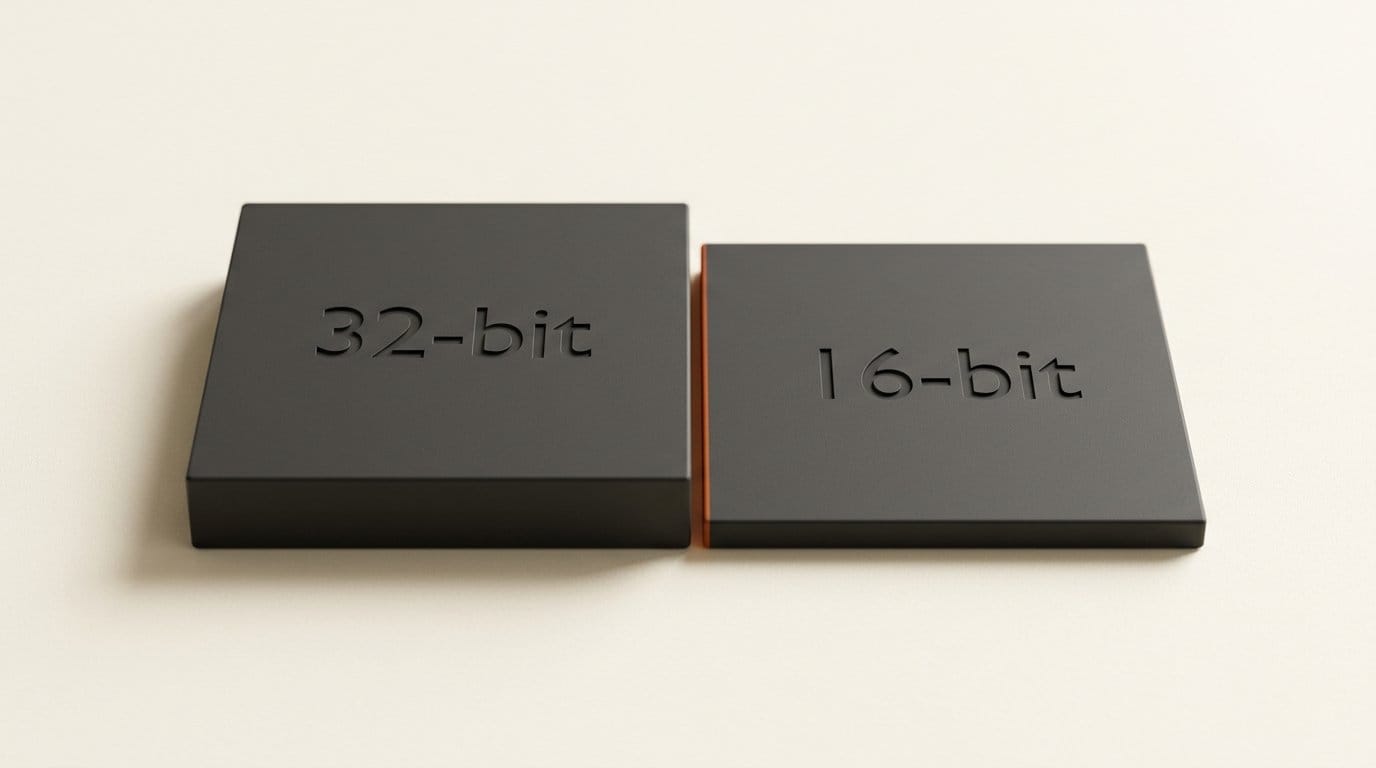
Save Image (Advanced) gained a 16-bit float option for EXR in #16706, and #16715 made it the default for new nodes. v0.38 offered only 32-bit float; it rejected a 16-bit request outright when we tried. On a bright 1080p frame, the 32-bit EXR was 24.90 MB and the 16-bit one 12.46 MB. A 96-frame sequence drops from 2.39 GB to 1.20 GB.
The OpenEXR documentation describes half as 1 sign bit, 5 exponent bits and 10 mantissa bits, covering roughly 6.0x10⁻⁸ to 6.5x10⁴. For AI frames that start as 8-bit images, that is plenty. Converting both files back to 8-bit sRGB, 97.4% of values were identical and the rest differed by one code value. At 10 bits the largest difference was 2 codes. Keep 32-bit float for renders from a 3D package or a compositor in linear light, where you set the input to linear and will push exposure hard later.
--offline vs --disable-partner-nodes
Before this release one flag did two things. Pull request #16672 explains that --disable-api-nodes both hid Partner Nodes and set a Content-Security-Policy header that blocked every outbound request from the browser UI, which left the new Nodes Manager empty. v0.39 splits it. We started v0.39 with each flag and checked what loaded:
| Startup flag | Nodes loaded | Partner Nodes | CSP header | Use it for |
|---|---|---|---|---|
| None | 970 | 280 | None | Normal use |
--disable-partner-nodes | 670 | 0 | None | No paid nodes, Nodes Manager still works |
--offline | 670 | 0 | Yes | Air-gapped or client-confidential machines |
--disable-api-nodes | 670 | 0 | Yes | Deprecated alias for --offline |
The two new flags remove 300 nodes: the 280 marked as Partner Nodes plus 20 helper nodes that ship with them. The --offline header limits the page's network connections to connect-src 'self' data:, so the frontend can talk only to your own ComfyUI server. The old flag still works and prints a warning that it "will be removed in a future version".
Luma Ray 2 nodes stop on 24 October
Pull request #16741 marks the legacy Luma Text to Video and Image to Video nodes deprecated and says the endpoints "will be removed on October 24". Those nodes run Ray 2, Ray Flash 2 and Ray 1.6. The Luma Concepts node is deprecated with them. The replacements are the Luma Ray 3.2 nodes, built on the model Luma introduced in its Ray3.2 announcement.
| 5-second clip | Ray 2 | Ray Flash 2 | Ray 3.2 |
|---|---|---|---|
| 540p | $0.57 | $0.20 | $0.15 |
| 720p | $1.02 | $0.34 | $0.30 |
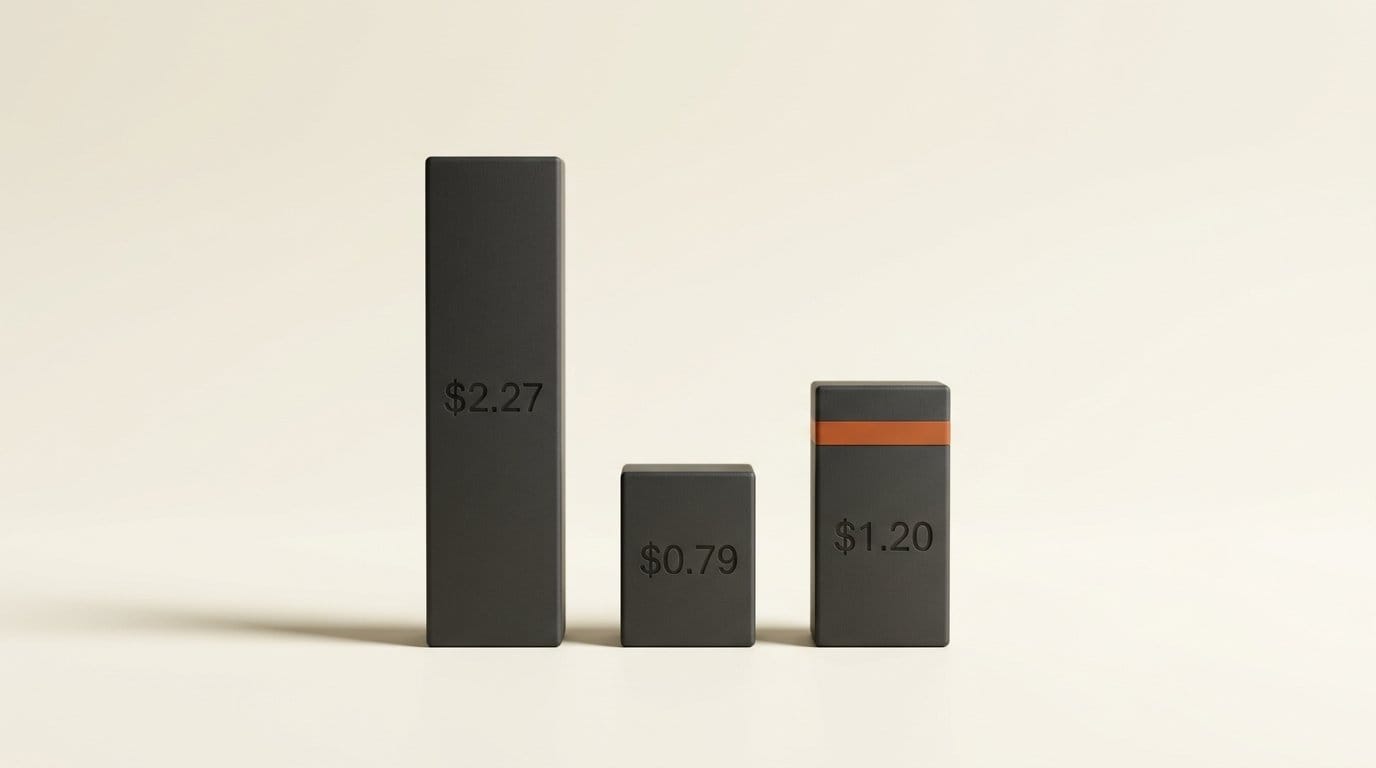
| 1080p | $2.27 | $0.79 | $1.20 |
| 4K | $9.11 | $3.13 | Not offered |
Read from the node price badges, Ray 3.2 is cheaper than Ray 2 at every resolution it offers, and cheaper than Ray Flash 2 at 540p and 720p. At 1080p, Ray Flash 2 users pay 52% more after switching ($1.20 against $0.79). Ray 3.2's node tops out at 1080p, so a workflow that rendered Ray 2 at 4K has no direct replacement in this node. Ray 3.2 Text to Video offers 5 and 10 seconds; the old nodes offered 5 and 9.
Should you update?
Yes, with one check first. Every change here is either free or optional, and nothing was removed. Before you run a big batch, decide which Save Video setting you want, because the default now writes files up to twice as large. If you use Luma Ray 2, move those workflows to Ray 3.2 before 24 October, not after a render fails. For the Partner Nodes themselves, our earlier tests cover FLUX 3 Image edits and Ideogram 4.5 Precise Edit, and our v0.38 breakdown covers how Partner Node prices compare with buying from the provider directly.
Frequently asked questions
Why are my ComfyUI videos bigger after updating?
ComfyUI v0.39.0 changed Save Video's default quality to CRF 18 for H.264 and CRF 24 for AV1. Before, the encoder defaults applied: CRF 23 and CRF 35. In our 1080p test, H.264 files grew 64-83% and AV1 files 99-107%.
How do I get the old file size back?
In Save Video, set codec to h264, encoding mode to re-encode and CRF to 23. For AV1, use CRF 35. Both reproduced v0.38's output to within 73 bytes in our test.
Does the new default improve quality?
Measurably, yes, but modestly. Average PSNR rose 0.37 to 0.97 dB for H.264 and 0.32 to 1.50 dB for AV1 across three clips. Whether that is visible depends on the content and the screen.
Is 16-bit EXR good enough for AI images?
For frames that start as 8-bit output, yes. Our 16-bit file was half the size, and converted back to 8-bit, 97.4% of values matched exactly and the rest were off by one. Keep 32-bit for linear renders you will grade heavily.
What is the difference between --offline and --disable-partner-nodes?
Both remove the 280 Partner Nodes. --offline also sends a Content-Security-Policy header that stops the browser UI from contacting anything but your ComfyUI server. --disable-partner-nodes leaves network access on, so the Nodes Manager still works.
What happens to my Luma Ray 2 workflows?
They keep working until 24 October 2026, when Luma removes the Ray 2 endpoints. Rebuild them on the Luma Ray 3.2 nodes, which cost less than Ray 2 at every resolution up to 1080p but do not offer 4K.