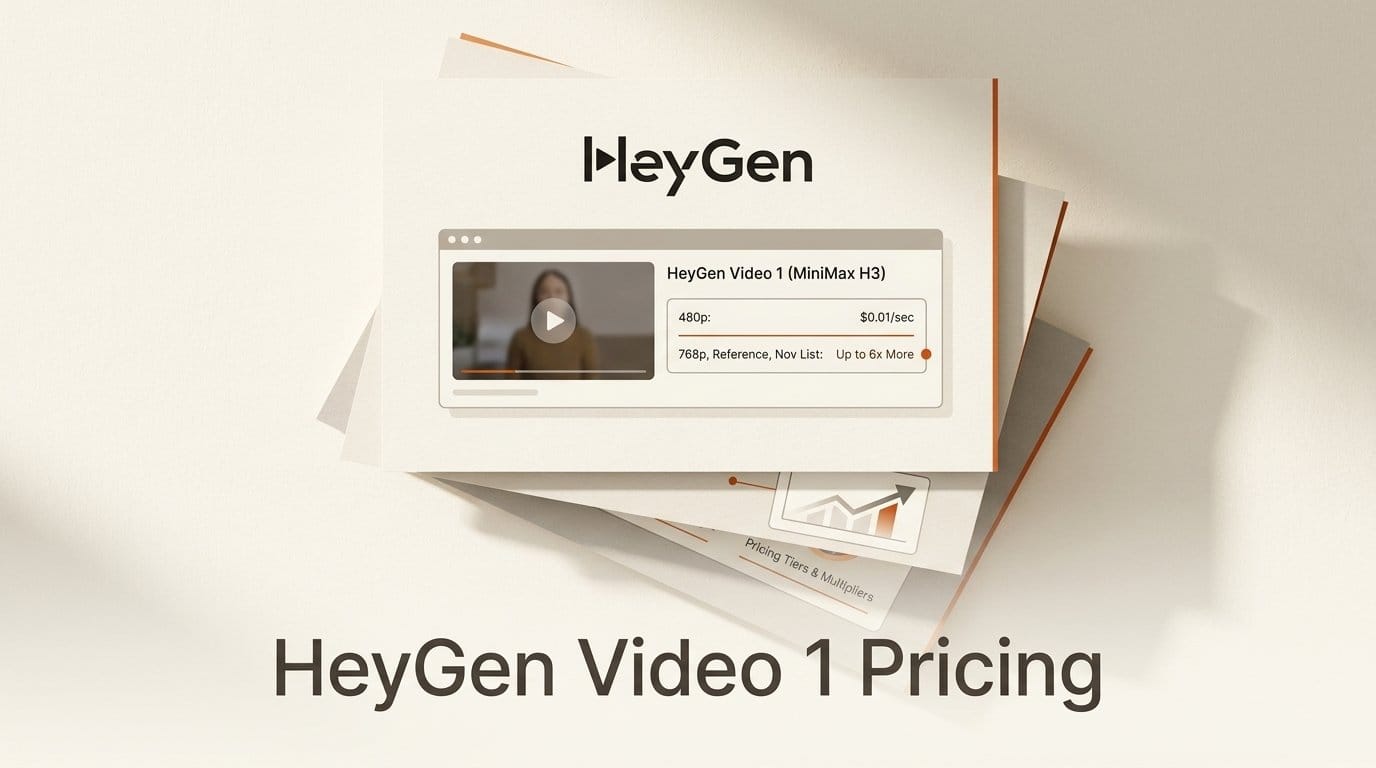
HeyGen launched HeyGen Video (API id heygen-video-1) on September 30, 2026. It is the company's "first general-purpose video model": 5 to 15 second clips at 480p or 768p, with dialogue, ambience and effects generated in the same call, from a prompt, a first frame or up to 12 references. It is "built on MiniMax H3 and post-trained by HeyGen", and the headline price is "$0.01 per second through October (50% off the standard $0.02)".
That headline is the cheapest cell in the price table. The API defaults to 768p, which costs $0.015 a second in October. Reference-to-video, the mode that keeps your product's exact colours and markings, costs $0.03 at 768p and doubles to $0.06 in November. Through ComfyUI's new HeyGen partner nodes, every rate is 1.43 times HeyGen's own price. Below we priced every mode, compared it with the rest of the field and with fal's H3 Max (another H3 post-train), checked what HeyGen's quality claims actually show, and set out a draft-then-final workflow that keeps a product-demo batch under $5.
What HeyGen shipped on September 30
One model covers three modes, set with the mode field in the create-video API: text_to_video, image_to_video (your image becomes the first frame) and reference_to_video, which accepts up to nine images, three videos and three audio clips, twelve references in total. Prompts run to 5,000 characters. Output is 24 fps with AAC stereo audio, 5 to 15 seconds in whole seconds, in six aspect ratios from 21:9 to 9:16, plus an adaptive setting. Generation is asynchronous: the API returns a video_id with HTTP 202, and you poll for the result or pass a callback_url.
Unlike HeyGen's avatar products, there is no presenter, script or lip-sync step. The prompt and references drive the whole scene. HeyGen pitches it at "product demos, training, onboarding, and property walkthroughs", and its model guide is unusually frank about the limits. The model is best at "short, contained shots" and "follows a brief literally rather than improvising". It is least reliable on long on-screen text, soft organic motion such as petals or hair, and "close hand work like assembling or operating equipment". That last one matters for product demos: show the product, not hands operating it.
The model went live the same day on the HeyGen API, OpenRouter, Runware and ComfyUI. The ComfyUI pull request, merged on September 30, adds two partner nodes, HeyGen Video 1.0 Image to Video and HeyGen Video 1.0 Reference to Video. There is no text-to-video node, so inside ComfyUI you start from an image.
The real price ladder
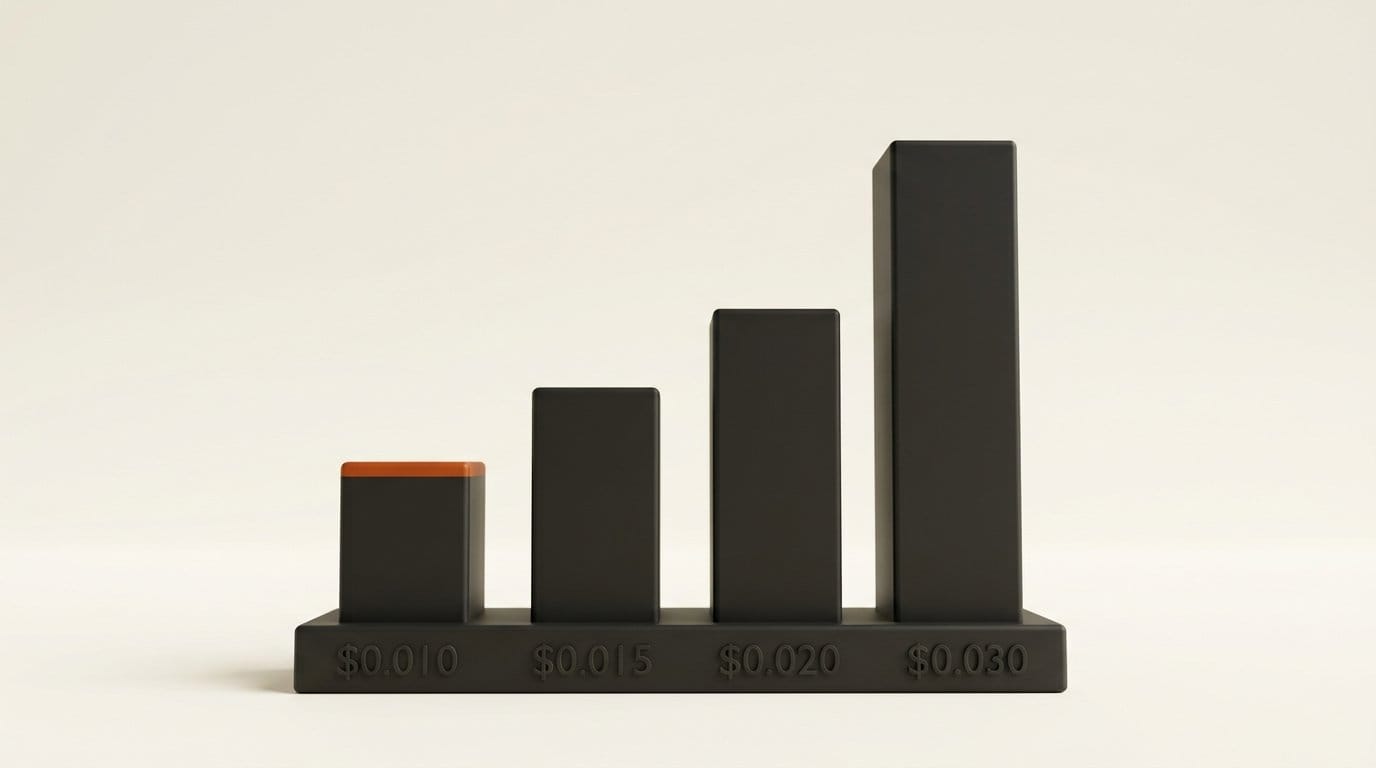
HeyGen publishes three numbers: $0.01 a second through October, a $0.02 standard rate, and $0.03 a second "at 768p, with audio, before launch promotions" in its comparison chart. The full ladder comes from two resellers whose markups are constant. Runware lists every mode at exactly 7% above HeyGen's published rates. ComfyUI's price badges, in the node code, sit at exactly 1.43 times HeyGen's October rates. That is the same 1.43x pattern we found across Claude and GPT nodes in ComfyUI v0.38.0's partner-node prices.
| Mode and resolution | HeyGen API, October | HeyGen API, from November | Runware, October | ComfyUI badge |
|---|---|---|---|---|
| Text or image to video, 480p | $0.010 | $0.020 | $0.0107 | $0.0143 |
| Text or image to video, 768p | $0.015* | $0.030 | $0.0160 | $0.02145 |
| Reference to video, 480p | $0.020* | $0.040* | $0.0214 | $0.0286 |
| Reference to video, 768p | $0.030* | $0.060* | $0.0321 | $0.0429 |
Prices per second of output. Cells marked * are derived: HeyGen does not print them, but Runware's 7% and ComfyUI's 43% markups both imply the same figures.
Three details change the bill more than the headline does:
- The default is 768p. If you send no
resolution, you get 768p at $0.015 a second, 50% more than the advertised price. Set"resolution": "480p"to get the $0.01 rate. - References double the rate. Reference mode costs twice image-to-video at the same resolution. Reference videos are billed on top: Runware charges each second of reference video at the output rate, and ComfyUI's badge shows a range that adds up to 5 seconds per reference video.
- There are no free API credits. HeyGen's API pricing help page says it "does not offer free API credits starting Feb 2026". API access is pay-as-you-go, and those credits expire after 12 months.
A 10-second 768p reference clip, the realistic product-shot setting, costs $0.30 in October and $0.60 from November. The $0.10 clip in the headline is a 10-second 480p clip from a prompt or first frame.
Against the rest of the field
HeyGen's own chart prices every model at 768p with audio, at list price before promotions. The quality column is HeyGen's internal Elo, normalised so that HeyGen scores 1000 (more on that below).
| Model | List price per second (768p, audio) | 10-second clip | HeyGen's Elo |
|---|---|---|---|
| HeyGen Video 1 | $0.03 | $0.30 | 1000 |
| H3 Max Turbo | $0.04 | $0.40 | 920 |
| H3 Max | $0.08 | $0.80 | 952 |
| H3 Max balanced | $0.08 | $0.80 | 860 |
| Kling 3.0 Pro | $0.168 | $1.68 | 857 |
| Seedance 2.0 | $0.303 | $3.03 | 955 |
| Veo 3.1 | $0.40 | $4.00 | 744 |
The H3 Max price checks out at the source. fal's H3 Max page lists $0.08 a second at 768p as the standard rate "after September 30", when its own 50% launch discount ended. So in October, a 768p image-to-video second costs $0.015 at HeyGen against $0.08 at fal, about 5 times less. After both promotions end the gap is $0.03 against $0.08, about 2.7 times.
Two caveats on the rest of the table. The chart's competitors are Kling 3.0 Pro, Seedance 2.0 and Veo 3.1, not the newest versions, and it leaves out Google's Gemini Omni 1.1 Flash, which we compared in Gemini Omni vs Veo, Sora, Runway and Kling. And Veo and Kling go above 768p, which HeyGen does not. HeyGen is not competing for the 4K hero shot. It is competing for the hundredth product clip of the month, where the per-second rate decides the budget, as our price-per-second guide sets out.
What the quality numbers do and do not show
HeyGen makes three quality claims on its launch page, and all three come from its own evaluation: "an internal eval set of Artificial Analysis Arena queries, with 4,800 votes".
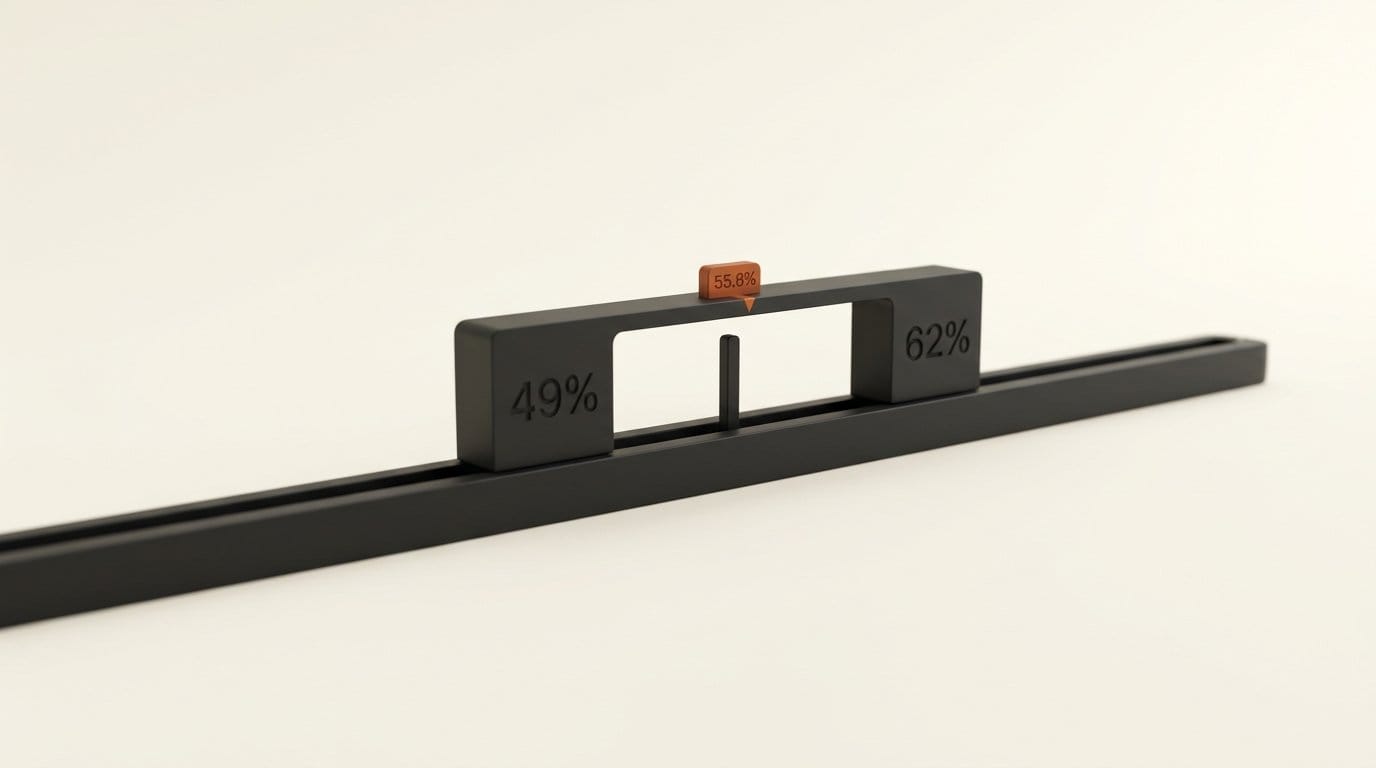
The head-to-head against H3 Max is the one that matters, because H3 Max is the other post-trained H3 at 768p. Voters preferred HeyGen 55.8% of the time over 650 votes. HeyGen prints the range as 49% to 62%, and that range includes 50%. On HeyGen's own numbers, then, the model is not shown to beat H3 Max. It is shown to be roughly level with it, at well under half the price.
The per-axis breakdown is more useful than the headline, but the samples are small. HeyGen won on timing (66% of 21 answers), staying true to the input image (65% of 16), natural motion (63% of 75) and following the prompt (62% of 115). It lost on consistency (43% of 34), music (45% of 20), detail (46% of 27) and camera motion (47% of 21). The prompt-following result is the only one with more than 100 answers behind it.
The speed claim is cleaner: 3.7 seconds of diffusion time for a 10-second image-to-video clip, against 4.1 seconds for H3 Max Turbo and 8.3 for H3 Max. HeyGen notes this excludes captioner time, which varies by mode, so wall-clock time per clip will be longer than 3.7 seconds. OrcaRouter's launch analysis adds that there is no independent third-party Elo score yet. Until there is one, treat the Elo column as HeyGen's ranking of its own model.
Why it is H3 underneath, and what that changes
MiniMax released H3 on July 31 and published the weights on August 3, as we covered in MiniMax H3 brings 2K AI video with native sound. HeyGen's spec sheet reads like H3's: 5 to 15 seconds, 24 fps, native audio, the same nine-image, three-video, three-audio reference limit, and the same 21:9 to 9:16 aspect range. What HeyGen changed is the post-training and the serving, and it capped resolution at 768p where base H3 reaches 2K.
That makes HeyGen Video the second commercial H3 post-train at 768p, after fal's H3 Max in August. H3 has become the default base for open video work: in September it drew 48% of all new community models for open video families, per our open-source video model count.
The obvious question is whether to skip the middleman and run H3 yourself. For many readers the licence settles it. The MiniMax H3 Community License names the European Union, the United Kingdom, South Korea and the United States as Excluded Territories, and says you may not use the weights "or any of their Outputs" outside the permitted territory. Companies above $20 million in yearly revenue need written authorisation, and commercial products must "prominently display 'MiniMax H3'" in their interface. HeyGen sells its post-train as a hosted API under its own terms and says "Built on MiniMax H3" on the launch page. It does not say what licence it holds from MiniMax. For a US or EU team, a hosted API is the straightforward route to an H3-family model, and HeyGen's is now the cheapest one listed.
How to run a product-demo batch for under $5
The price ladder suggests a two-pass workflow: explore cheaply at 480p, then pay for 768p references only on the shots you keep. For 20 product shots in October:
- Get a key and top up. Create an API key in HeyGen's developer settings with the
videos:writeandvideos:readscopes, and buy pay-as-you-go credit. $5 covers this whole batch. - Write long, literal prompts. HeyGen's guide says prompts of hundreds to thousands of characters work best. Name the camera and lens ("ARRI Alexa Mini LF, 50mm"), describe the sound you want, rule out what you do not want ("no logos, brand names, printed words"), and keep any on-screen text short and spelled exactly.
- Draft at 480p from a first frame. Send each product photo as
image_to_videowith"resolution": "480p", 10 seconds and a fixedseed, so a prompt edit is the only thing that changes between tries. 20 drafts cost 20 x 10 x $0.01 = $2.00. - Pick the keepers. Discard shots where hands touch the product or text runs long, the model's documented weak spots.
- Finish at 768p with references. Re-run the five best as
reference_to_videoat 768p, with two or three product photos as references so colours and markings hold. 5 x 10 x $0.03 = $1.50.
The minimal draft request:
curl -X POST https://api.heygen.com/v3/models/videos \
  -H "x-api-key: $HEYGEN_API_KEY" \
  -H "Content-Type: application/json" \
  -H "Idempotency-Key: shot-07-v3" \
  -d '{"model": "heygen-video-1", "mode": "image_to_video",
       "image": "https://example.com/product-07.jpg",
       "prompt": "Slow push-in on the speaker on a walnut desk ...",
       "duration": 10, "resolution": "480p", "seed": 4417}'
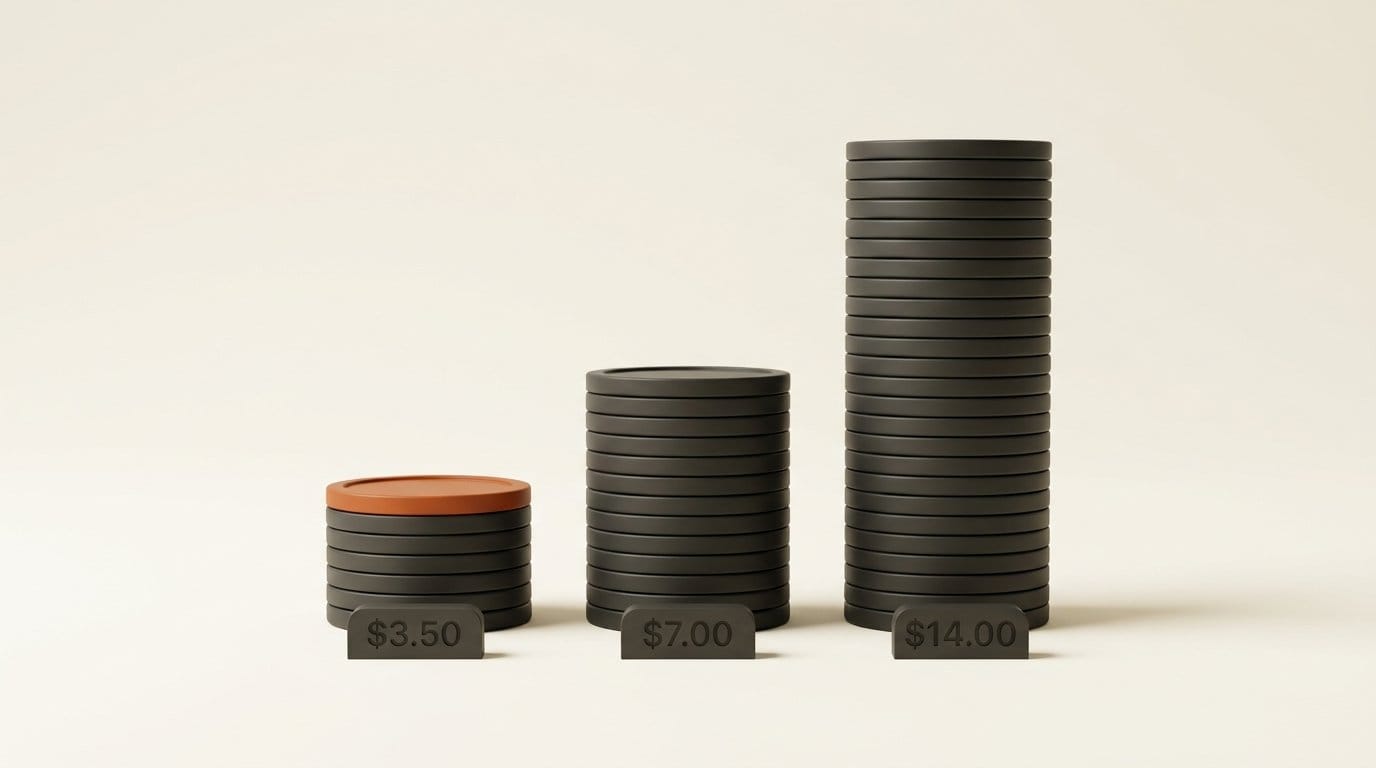
Then poll GET /v3/models/videos/{video_id} until the status is completed. The Idempotency-Key header stops a retry after a network error from billing you twice. The batch totals $3.50 in October and $7.00 at November's list prices. At the standard rates on fal's H3 Max page ($0.05 a second at 480p, $0.08 at 768p) the same batch would cost $14.00. In ComfyUI, it costs about $5.01 at the 1.43x badge rates, so for volume work call the API directly, as we argued in Comfy API vs RunPod and Modal.
Who should use it, and who should wait
Use it now if you make short business video in volume: product loops, onboarding clips, property walkthroughs, social cutdowns where 768p is enough. October's promotion is cheaper than any other hosted H3-family price we found, and the API has the boring features a batch job needs (seeds, webhooks, idempotency keys).
Wait, or test before you commit, if your shots need hands working equipment, long legible text, hair or foliage in motion, or anything above 768p. Treat the 55.8% preference as a tie with H3 Max, not a win, and run a dozen of your own prompts through both before moving a pipeline. And budget at November's prices, not October's. The promotion ends on October 31, and your volume will not.
Frequently asked questions
How much does HeyGen Video 1 cost per second?
Through October, $0.01 a second at 480p and $0.015 at 768p for text or image to video, and $0.02 or $0.03 for reference to video. From November the standard rates are double: $0.02, $0.03, $0.04 and $0.06. The reference-mode figures are derived from reseller prices, since HeyGen only prints the 480p and 768p list rates.
Is HeyGen Video 1 based on MiniMax H3?
Yes. HeyGen's launch page says it is "built on MiniMax H3 and post-trained by HeyGen". It keeps H3's 5 to 15 second length, native audio and reference limits, and caps output at 768p.
Is HeyGen Video 1 better than H3 Max?
Not shown. In HeyGen's own blind test, voters preferred it 55.8% of the time over 650 votes, with a printed range of 49% to 62% that includes a tie. It is faster, at 3.7 seconds of diffusion time against 8.3 for a 10-second clip, and cheaper, at $0.03 against $0.08 a second at 768p list.
Can I use HeyGen Video 1 in ComfyUI?
Yes, through two partner nodes added on September 30: Image to Video and Reference to Video. There is no text-to-video node. Partner-node rates are 1.43 times HeyGen's direct API price, for example $0.0143 against $0.01 a second at 480p.
What resolution does HeyGen Video 1 output?
480p or 768p (1344x768 at 16:9), at 24 fps with stereo audio. The API defaults to 768p, so set the resolution explicitly if you want the $0.01 rate.
Does HeyGen give free API credits to try it?
No. HeyGen stopped offering free API credits in February 2026. API use is pay-as-you-go, and credits expire after 12 months.
What is HeyGen Video 1 bad at?
HeyGen's own guide lists long on-screen text, soft organic motion such as petals and hair, and close hand work like assembling or operating equipment. Its blind test also shows it losing to H3 Max on consistency, detail, camera motion and music.