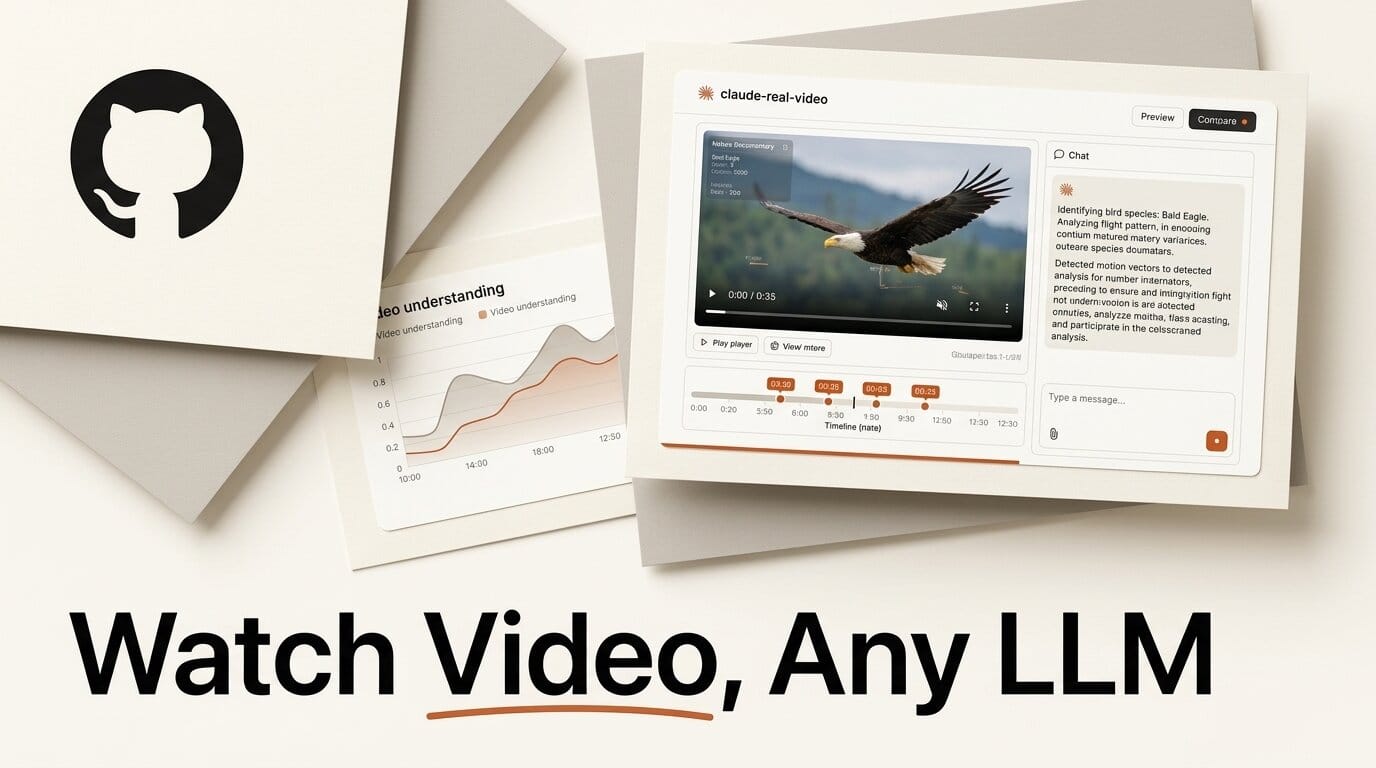
Paste a YouTube link into ChatGPT and it reads the captions, not the picture. Hand Claude a video file and it refuses outright. Even Gemini, which can ingest video natively, ships the clip to Google and samples one frame per second, so a fast-cut reel slips right past it. A new open-source tool called claude-real-video takes a different route: it runs on your own machine, pulls the frames that actually matter, throws away the duplicates, transcribes the audio, and hands any large language model a folder it can genuinely read. It was created on June 30 and crossed 230 GitHub stars within days.
The pitch is deceptively simple: point the crv command at a URL or a local file, and you get back a folder of scene-change frames, a transcript, and a manifest that ties them together. Drop those into Claude, ChatGPT, or Gemini and ask your question. Nothing uploads. For creators who live in video but want an LLM to reason over it, this closes a real gap.
What claude-real-video actually does
The tool is a Python package (pip install claude-real-video) that exposes a single command, crv. Give it a source and it produces three artifacts in an output folder: frames/*.jpg (the keyframes), transcript.txt (the spoken audio), and MANIFEST.txt (a chronological index the model uses to order what it sees). One line does the whole job:
crv "https://www.youtube.com/watch?v=..."
It works on macOS, Windows, and Linux, needs Python 3.10 or newer, and is released under the MIT license. The only non-pip dependency is ffmpeg, which does the actual frame and audio extraction. Because everything runs locally, the video never leaves your machine, which matters for unreleased footage, client work, or anything under NDA.
Why watching a video is not the same as reading its transcript
Most "let an AI watch a video" workflows quietly collapse the video into text. That is fine for a talking-head podcast and useless for a product demo, a dance clip, or a screen recording where the point is on screen, not in the narration. The two native options both have blind spots. Anthropic's models accept still images through the Claude vision API but will not take a raw video file, so you have to feed frames yourself. Google's Gemini video understanding does read video, but it samples at a fixed one frame per second by default and processes the clip in the cloud.
Fixed-interval sampling is the core problem claude-real-video attacks. Grab one frame per second and you over-sample a ten-minute static slide into roughly 600 near-identical images while still missing the three-frame cut that carries the payoff in an action reel. The tool instead detects scene changes and keeps a frame whenever the picture meaningfully shifts, with a density floor so long static stretches still get at least occasional coverage.
How the scene-aware pipeline works
Under the hood, claude-real-video chains together three well-known tools and adds its own selection logic on top. The flow is straightforward:
- Fetch. If you pass a URL, it downloads the video with yt-dlp, so YouTube, Instagram Reels, TikTok, and anything else yt-dlp supports all work. Local files skip this step.
- Extract frames. It uses ffmpeg to pull frames at every detected scene change rather than on a fixed clock, governed by a
--scenesensitivity value and a--fps-floorthat guarantees a minimum cadence. - Deduplicate. A sliding-window, pixel-difference check compares each candidate against the last few kept frames. If a shot comes back after a cutaway (the classic A-B-A edit), the model only sees it once. A ten-minute static slide collapses to a single frame.
- Transcribe. Audio is passed to Whisper for a transcript with automatic language detection, or skipped entirely with
--no-transcribe. - Write the manifest. A
MANIFEST.txtrecords the order and timing so the LLM can reason about sequence, not just a pile of loose images.
A hard --max-frames cap (150 by default) keeps the context you eventually paste into a model both affordable and legible. Fewer, more meaningful frames means cheaper prompts and, in practice, sharper answers.
claude-real-video versus the alternatives
Here is how the local, scene-aware approach compares to the two paths most creators reach for today.
| Capability | Fixed-interval scripts | Gemini native video | claude-real-video |
|---|---|---|---|
| Frame selection | Every N seconds | ~1 fps, fixed | Scene change plus density floor |
| Repeated shots | Re-sent each time | Re-sampled | Deduplicated to one |
| Fast-cut coverage | Misses cuts between samples | Misses sub-second cuts | Catches each visual change |
| Audio | Usually ignored | Included | Whisper transcript, language detect |
| Where the video goes | Local | Uploaded to Google | Stays on your machine |
| Model choice | Any | Gemini only | Any LLM you like |
| Input | Local file | File or URL | URL (yt-dlp) or local file |
The trade-off is honest: Gemini's native pipeline is one API call with no local setup, while claude-real-video asks you to install ffmpeg and run a command. In return you get model independence, local privacy, and frame selection tuned to how video actually cuts.

A real workflow: analyze a tutorial with Claude
Say you want an LLM to summarize a 20-minute software tutorial and extract the exact steps. The full loop takes about a minute of setup:
- Install once:
pip install "claude-real-video[whisper]"andbrew install ffmpeg(or your platform's equivalent). - Run
crv "https://youtu.be/..." -o out --lang en. The tool downloads the video, extracts scene-change frames, dedupes the repeated screen states, and writes an English transcript with Whisper. - Open the
outfolder. You will find a handful of representative frames instead of hundreds, plustranscript.txtandMANIFEST.txt. - Attach the frames and paste the manifest and transcript into Claude or ChatGPT. Ask: "Using these frames in order and this transcript, list the exact steps shown."
- Because the frames track each real screen change, the model can describe what the mouse did, not just what the narrator said.
Two flags are worth learning early. --dedup-threshold sets how much of the picture must change before a frame counts as new, and --report writes an HTML page visualizing every keep-or-drop decision so you can tune sensitivity for a specific kind of footage. For login-gated video you own or are authorized to use, --cookies accepts a Netscape cookie file.
What this enables for creators
The immediate payoff is turning video you already have into something an LLM can reason about without paying per-second for a native video model or shipping footage to a third party. A few concrete uses open up right away:
- Repurposing. Feed a long-form video in and ask a model to pull the three strongest 30-second moments, with timestamps, for short-form cuts.
- Documentation. Turn a screen-recorded walkthrough into written, step-by-step instructions the model reads off the actual frames.
- Competitive teardown. Point it at a rival's product demo and ask an LLM to describe the interface flow shown on screen.
- Accessibility drafts. Combine frames and transcript to draft rich descriptions of visual content.
It slots naturally alongside other local-first LLM video tooling. If your need is searching a large personal archive rather than reasoning over a single clip, our writeup on Framedex's local video indexing covers the complementary case, and for transcript-only jobs the browser-based Scribix transcription tool is a lighter option. The Hacker News discussion collected useful notes on tuning the scene sensitivity for different footage.

Limits and things to watch
This is an early project (six commits and one core maintainer at the time of writing), so treat it as a capable utility rather than a finished product. The dependency on ffmpeg and, for transcription, Whisper means first-time setup is heavier than a single API call. Very long videos still need a sensible --max-frames cap so you do not blow past a model's context window. And the tool prepares inputs for an LLM but does not call one itself, so the actual reasoning still happens wherever you paste the output. None of that undercuts the core idea, which is genuinely useful: give any model fewer, better frames and it understands more for less.
Frequently asked questions
Does claude-real-video only work with Claude?
No. Despite the name, it produces plain image files and a text transcript that you can feed to any multimodal model, including ChatGPT and Gemini. The output is model-agnostic.
Does it upload my video anywhere?
No. The entire pipeline runs locally. It downloads a URL to your machine if needed, then processes everything on-device. Nothing is sent to a cloud service, which is a key difference from Gemini's native video reading.
What do I need to install?
Python 3.10 or newer, the package via pip, and ffmpeg (installed separately with Homebrew, apt, or winget). For audio transcription you also install the Whisper extra. That is the full list.
How does it avoid sending hundreds of near-identical frames?
It uses scene-change detection to select frames plus a sliding-window pixel-difference check that discards duplicates. A ten-minute static slide collapses to a single frame instead of hundreds, so your prompt stays small and cheap.
Can it handle YouTube, Instagram, or TikTok links?
Yes. URL downloads go through yt-dlp, which supports YouTube, Instagram Reels, TikTok, and many other sites. Local files work too and skip the download step.
Is it free to use?
Yes. It is open source under the MIT license, so it is free to use and modify. Your only costs are whatever LLM you ultimately paste the frames into.





