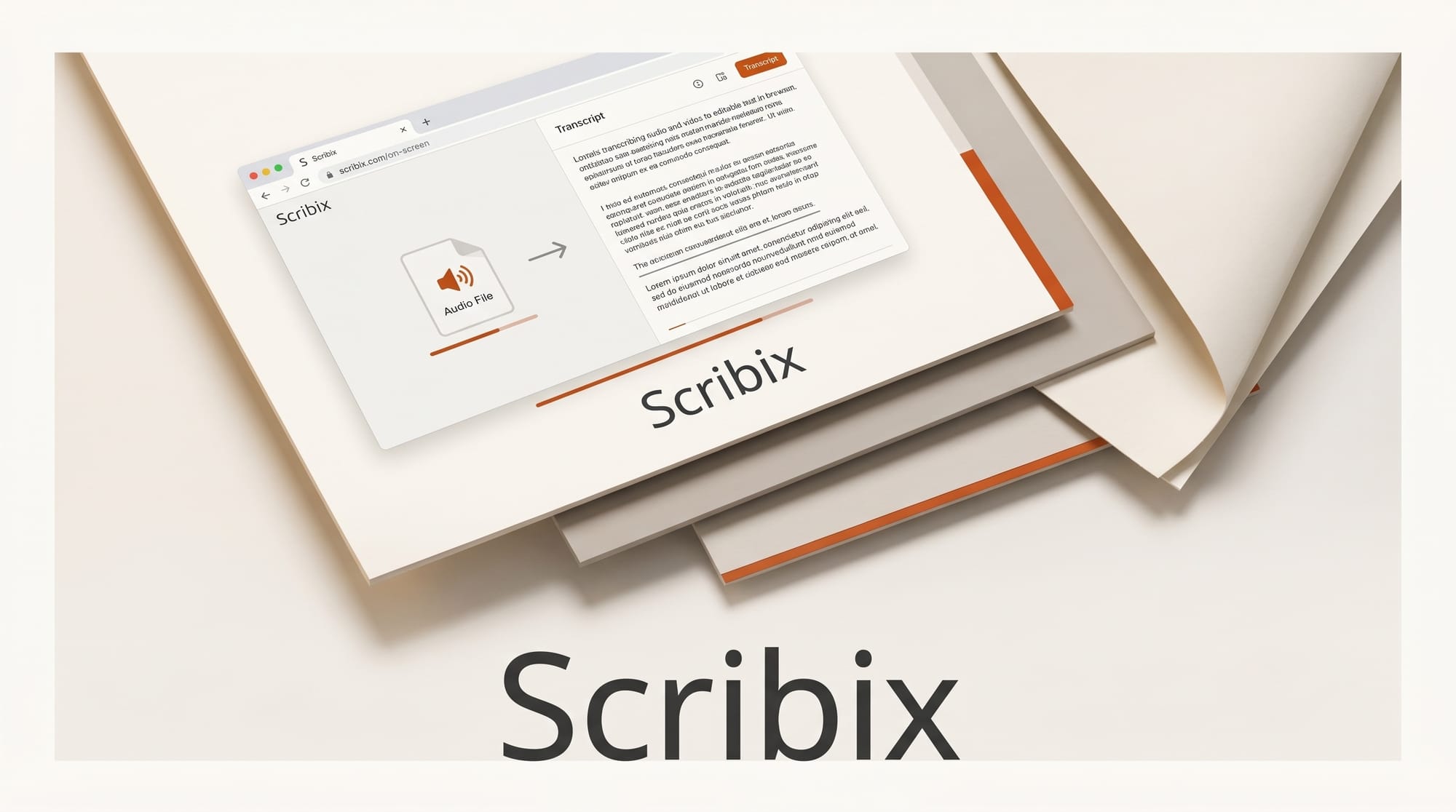
Scribix is a browser-based transcription tool that turns audio and video into accurate, editable text without any software install. Launched as a Show HN, it lets creators upload a file or paste a YouTube, TikTok, or Instagram link and get back a transcript with speaker labels, word-level timestamps, and export to TXT, DOCX, SRT, VTT, and CSV. For anyone who repurposes video into blog posts, captions, or show notes, it folds a tedious step into a single browser tab.
What Happened
Scribix shipped a web app focused on one job: fast, multi-format transcription that runs entirely in the browser. It supports MP4, MOV, AVI, MKV, and WebM video up to 1 GB, plus common audio formats, and processes roughly one minute of compute per hour of media. A free tier offers 45 minutes of transcription with a Google sign-in and no credit card. Paid usage starts at 12 dollars for 100 hours, putting it well below per-minute pricing common in this category.
Why It Matters
Transcription is the connective tissue of a modern content workflow. It powers captions, searchable archives, repurposed articles, and accessibility compliance. Scribix leans on speaker diarization to label up to eight distinct voices, which makes interview and podcast transcripts usable without manual cleanup. It also handles 200-plus languages with automatic detection and code-switching, so a creator working in mixed languages does not have to pick one track and lose the rest.
Key Details
The accuracy claim is 99.9 percent on clear audio in primary languages, in line with the Whisper-class models that now underpin most transcription products. Word-level timestamps let you click any word to jump to that exact moment in the source, which speeds up editing and clip selection. Subtitle exports follow standard formats including WebVTT and SRT, so captions drop straight into video editors and platforms. On security, Scribix cites TLS 1.3 encryption, 24-hour file deletion, and SOC 2-aligned infrastructure.
What to Do Next
Try the free 45 minutes on a real clip from your own library, then check the speaker labels and timestamps against the source before trusting them at scale. If you prefer to keep transcription off the cloud entirely, compare it against local options like our look at parakeet.cpp speech-to-text, or a full media suite such as Microsoft's MAI Transcribe models. For high-stakes work, transcribe a short sample in each tool and pick the one that needs the least correction on your specific audio.