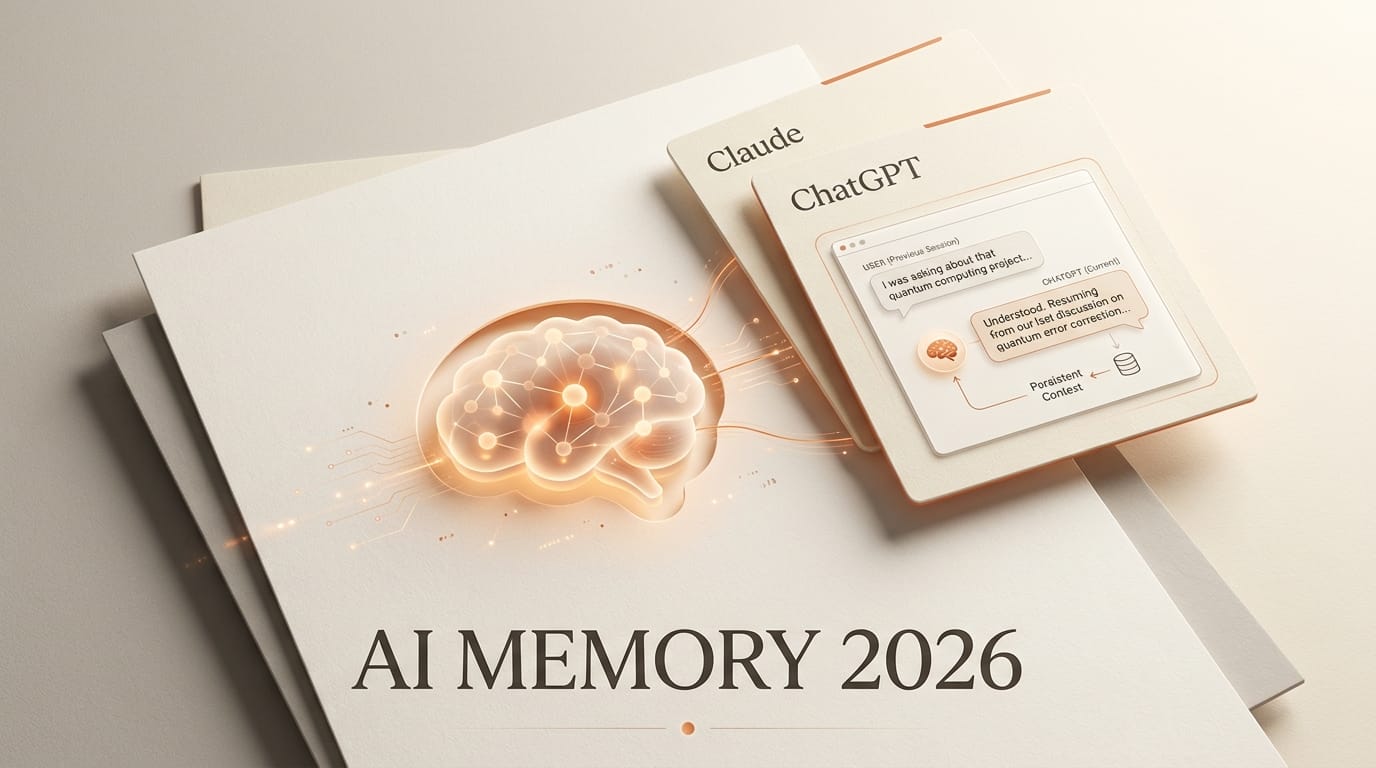
The AI assistant you use every day now remembers you by default, and in 2026 that quietly became the feature that separates a chatbot from a working collaborator. When Anthropic unified memory across Claude Chat and Claude Cowork on August 25, 2026, it joined Google and OpenAI in treating persistent context as a default, not an add-on. For creators running long projects across several tools, memory has shifted from a novelty to a thing you have to actively manage. This piece maps how the three big assistants handle it, and how to structure and prune your own memory so it helps instead of hurts.
Background: Memory Became the Default
For most of the chatbot era, every conversation started cold. You re-explained your tone, your project, and your constraints each session. That changed feature by feature through 2025 and 2026. Google introduced persistent "personal context" for Gemini in August 2025. OpenAI built saved memories and chat-history references into ChatGPT. And Anthropic's August 25 update made Claude carry context between its chat and its agentic Cowork surface instead of treating each as a blank slate.
The common thread is that all three now default to remembering, with controls to view, edit, or switch it off. That default-on posture is the real shift: memory is no longer something you opt into, it is something you curate.
Why Persistent Memory Is Becoming the Moat
Persistent memory is the difference between a chat tool and a collaborator that knows your workflow. For a creator juggling a brand voice, a content calendar, and a repeatable production process, re-briefing an assistant every session is pure friction. Memory removes it: set your rules once and the assistant applies them.
It is also becoming a lock-in mechanism. The more an assistant knows about your projects, the higher the switching cost, because moving to a rival means rebuilding that context from scratch. That is why memory quality, portability, and control now matter as much as raw model performance when you pick a daily driver. It is also why third-party layers like shared cross-assistant memory tools have emerged to keep your context from being trapped inside one vendor.
How Claude, ChatGPT, and Gemini Handle Memory
All three default to remembering, but they store and expose that memory differently. The table below summarizes the current state, followed by the detail that matters for each.
| Dimension | Claude (Anthropic) | ChatGPT (OpenAI) | Gemini (Google) |
|---|---|---|---|
| Default | On (Free, Pro, Max) | On, with controls | On by default |
| Cross-surface | Chat and Cowork (cloud) | Web and apps | Gemini app |
| Storage model | Categorized, per-topic entries updated in real time | Saved memories plus reference to chat history | Personal context learned from past chats |
| User control | View, edit, delete per topic | Toggle each type; manage or delete saved memories | Manage or delete via past chats and Apps Activity |
| Privacy guardrails | Sensitive topics excluded by default; opt-in toggle | Saved-memory cap; delete on request | Temporary Chats; 18-month default retention |
Claude: unified and tightly controlled
Anthropic's memory is now one store shared across Claude Chat and Cowork, on by default for Free, Pro, and Max across web, desktop, and mobile. It builds entries in real time during a conversation rather than only summarizing at the end, and you can read, edit, or delete them per topic in settings, per Anthropic's memory documentation. There is an important caveat: the shared memory applies when Cowork runs in the cloud, while Cowork sessions running locally on your computer do not use it. Sensitive categories such as health, race, religion, politics, and gender identity are excluded by default with an opt-in toggle, and Claude will not store government IDs, Social Security numbers, criminal history, immigration status, or financial account numbers even if asked, as SiliconANGLE detailed.
ChatGPT: two layers you tune separately
OpenAI splits memory into two parts. Saved memories are explicit facts you or ChatGPT record and manage as a list, and reference chat history lets the model draw on your past conversations more loosely. You toggle each independently under personalization settings and can delete saved memories or tell ChatGPT to forget something, per OpenAI's memory FAQ. Saved memories have a storage cap that prompts you to prune when full. The free tier gets a lighter version, while paid tiers get fuller, longer-term memory.
Gemini: on by default, retention you set
Gemini's "personal context" remembers key details and preferences from your past chats and improves over time, and Google ships it on by default while keeping you in control. You manage or disable it under personal context settings, and conversations are governed by Gemini Apps Activity, which auto-deletes after 18 months by default and can be set to 3 or 36 months or off. Google also added Temporary Chats that stay out of your history and are not used to personalize or train, kept for up to 72 hours, as Google described in its privacy controls announcement.

Impact on Creators: How to Structure and Prune AI Memory
Default-on memory is a gift only if you tend it. Left unmanaged, it fills with stale project details that quietly bias every answer. Treat it like a working file you review, not a black box.
Keep the durable things: your tone of voice, brand rules, formatting preferences, and the tools in your stack. These rarely change and pay off every session. Prune the ephemeral things: finished client projects, one-off decisions, and outdated file structures. On Claude, open memory settings and delete entries per topic when a project wraps. On ChatGPT, clear saved memories that no longer apply and turn off chat-history reference for work you do not want influencing future answers. On Gemini, use Temporary Chats for throwaway exploration so it never enters your personal context in the first place.
Watch for cross-project bleed. If you run several unrelated clients through one assistant, its memory can blend their contexts, so segment deliberately: use separate projects or temporary chats, and audit memory roughly once a month. If you bounce between assistants daily, a shared memory layer over the Model Context Protocol can keep a single curated context available to all of them, rather than maintaining three drifting copies. The goal is a lean, accurate memory that reflects how you actually work now.
Key Takeaways
- All three major assistants now default to persistent memory, so the job has shifted from enabling it to curating it.
- Claude offers the tightest controls, with per-topic edit and delete, default sensitive-topic exclusion, and a cloud-only caveat for Cowork.
- ChatGPT separates saved memories from chat-history reference, and each is toggled and pruned independently.
- Gemini keeps personal context on by default with retention you can shorten, plus 72-hour Temporary Chats for one-offs.
- Memory is a lock-in mechanism, which makes portability and monthly pruning worth building into your routine.
What to Watch
The next battleground is portability. As memory deepens inside each assistant, the switching cost climbs, and the tools that let you own and move your context, whether native export features or cross-assistant layers, will decide how much leverage vendors hold over creators. Watch for clearer plan-tier lines around memory depth, for retention defaults to tighten under privacy pressure, and for agentic surfaces to lean harder on stored context as assistants take on multi-step work. The assistants that win daily use in 2027 may be the ones that remember best, and give you the cleanest tools to forget.
Frequently Asked Questions
Is AI memory turned on by default?
Yes. Claude, ChatGPT, and Gemini all default to persistent memory in 2026, each with settings to view, edit, or turn it off. Claude enables it across Free, Pro, and Max, and Gemini's personal context is on by default, so the practical task is curating memory rather than switching it on.
Can I delete what an AI assistant remembers about me?
Yes. Claude lets you delete entries per topic in memory settings. ChatGPT lets you manage or delete saved memories and toggle chat-history reference. Gemini lets you manage or delete context through past chats and Gemini Apps Activity, which also auto-deletes on a schedule you set.
Does Claude memory work in Cowork?
Yes, with a caveat. Claude's unified memory is shared between Chat and Cowork when Cowork runs in the cloud. Cowork sessions running locally on your computer do not use the shared memory, so plan around that if you rely on local runs.
How should creators manage AI memory across projects?
Keep durable preferences like tone and brand rules, and delete finished-project details so they stop biasing answers. Segment unrelated clients with separate projects or temporary chats to avoid cross-project bleed, and audit your stored memory about once a month.
What are Gemini Temporary Chats?
Temporary Chats are Gemini conversations that stay out of your history, are not used to personalize responses or train models, and are kept for up to 72 hours. They are useful for one-off questions you do not want entering your personal context.





