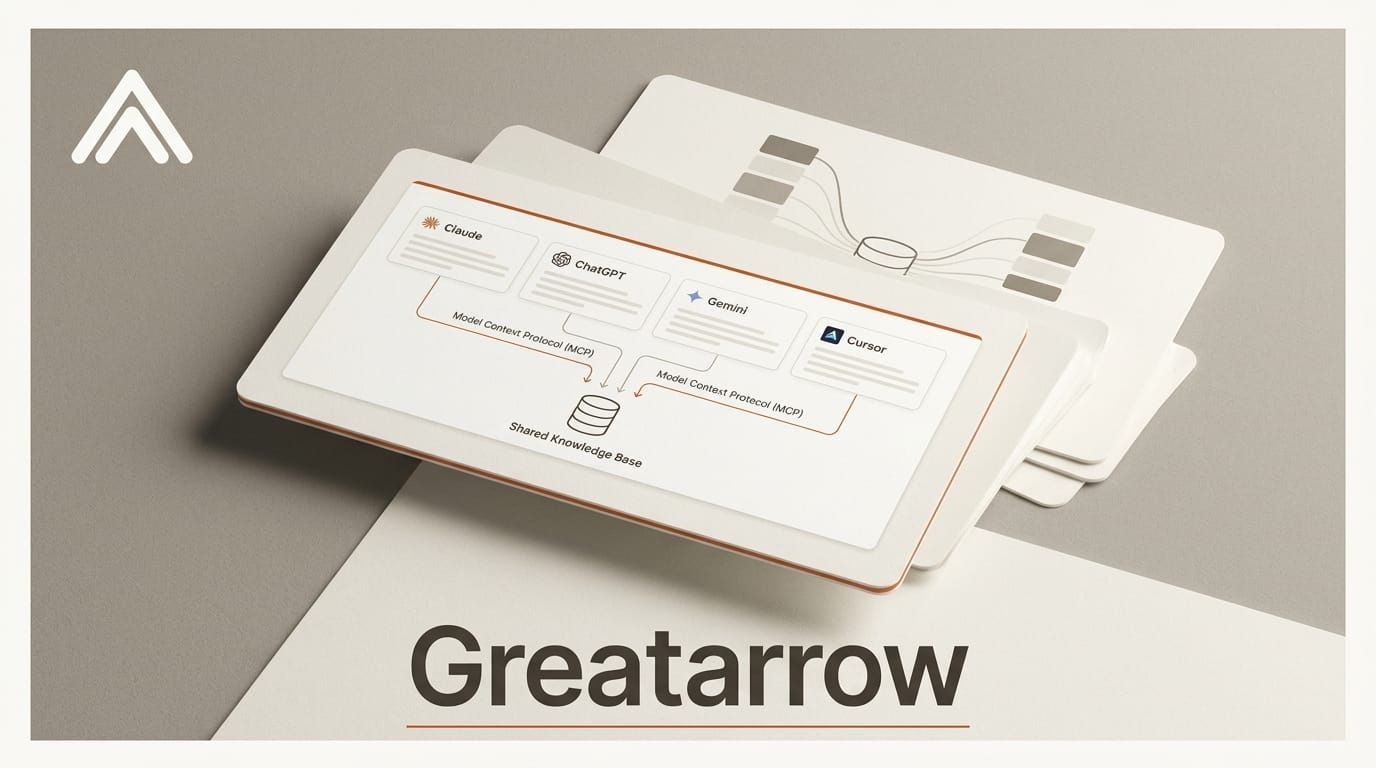
GreatArrow.ai launched an open beta of a shared memory layer that lets Claude, ChatGPT, Gemini, Cursor, and 13 other AI clients read and write to the same knowledge base. Instead of re-explaining context every time you switch assistants, a decision you make in ChatGPT becomes instantly available to Claude, and a research thread in Gemini shows up in Cursor. It connects over the Model Context Protocol, the same open standard that is quickly becoming the connective tissue for AI tools.
What happened
GreatArrow opened a public beta of a unified memory and integration layer for AI assistants. It supports 17 AI clients through MCP connections with OAuth 2.1 authentication, and connects to 38 business tools including Gmail, Slack, GitHub, Jira, and Notion. Setup is browser-based OAuth or a one-click desktop installer, with no terminal or config files required for standard users.
Why it matters
Most creators already bounce between several assistants: one for drafting, one for code, one for research. Each one starts cold, with none of the context from the others. A shared memory layer turns that scattered history into a single, searchable brain your tools all draw from. For anyone running a repeatable workflow, a content calendar, a client project, a product spec, that continuity is the difference between re-briefing an assistant daily and picking up exactly where you left off, regardless of which app is open.
Key details
GreatArrow uses a four-layer memory model: working, episodic, semantic, and procedural. When you ask a question in any connected assistant, it runs a semantic search across the shared store before answering, so responses are grounded in your own history. Pricing starts at $39/month for the Personal plan (around 70 grounded conversations), $119/month for Pro (roughly 180 conversations or 30 agent runs with full orchestration), and custom Enterprise pricing. Plans bundle the underlying AI API costs up to monthly token caps. Because it runs on MCP, GreatArrow rides the same rails as the broader push toward portable, cross-tool AI capabilities.
What to do next
If you use two or more assistants daily, try the beta with a single high-value workflow first, such as a recurring newsletter, sales follow-up, or code review loop, and connect only the tools that workflow touches. Watch the conversation cap on the Personal plan before scaling up. For a deeper look at how memory improves agent output, see our piece on searchable memory for AI coding agents.





