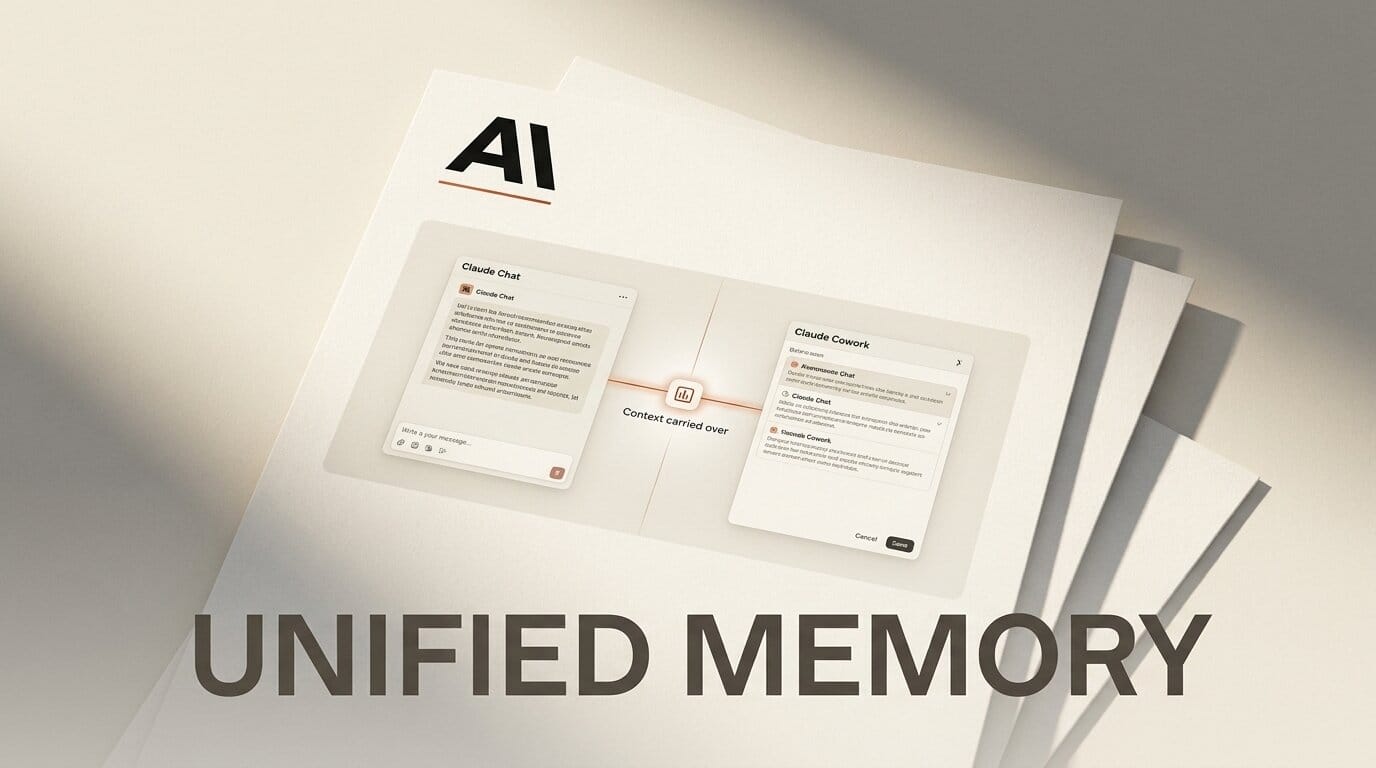
Anthropic has unified Claude's memory across Claude Chat and Claude Cowork, so the assistant now carries context between the two surfaces instead of treating each as a blank slate. Announced on Anthropic's newsroom on August 25, 2026, the update means a project you brief inside Cowork is remembered when you switch back to a regular chat, and vice versa. As TechCrunch reports, Claude also builds memories on the fly during a conversation rather than only summarizing at the end.
What This Enables
For creators juggling a long-running project, the payoff is no more re-briefing. Set up your tone, brand rules, and file structure once in Chat, then move into Cowork to build without re-explaining any of it. Because memories now form mid-conversation, Claude picks up decisions as you make them. Open Memory settings periodically to read what Claude retained per topic, edit anything stale, and delete entries that no longer match the project so its context stays accurate.
Why It Matters
Persistent memory is the difference between a chat tool and a working collaborator. Until now, Chat and Cowork kept separate context, forcing creators to copy-paste briefs between them. Unifying the two removes that friction and makes Claude behave like it actually knows your workflow. As 9to5Mac notes, the change lands across every plan tier at once, so hobbyists and heavy users get the same continuity rather than a paywalled feature.
Key Details
Plans: Enabled by default on Free, Pro, and Max.
Platforms: Web, desktop, and mobile; iOS and Android users must update to the latest app version.
Default-on: The unified memory is active out of the box, with full user control to view, read, edit, and delete retained items per topic in settings.
Sensitive topics: Health, race, religion, politics, and gender identity are excluded by default, with an optional "include sensitive topics" toggle, per SiliconANGLE.
Never stored: Government IDs, Social Security numbers, criminal history, and immigration status. The Register details the privacy boundaries.
What to Do Next
If you use Claude on your phone, update the iOS or Android app so the shared memory turns on. Then open Memory settings and read through what Claude has already stored, pruning anything inaccurate before it compounds across sessions. Decide whether to flip the sensitive-topics toggle based on your work; leave it off for client projects, and consider it only if excluding those categories weakens Claude's usefulness. If you also run the browser tools, see our guide to the Claude Cowork Chrome side panel.





