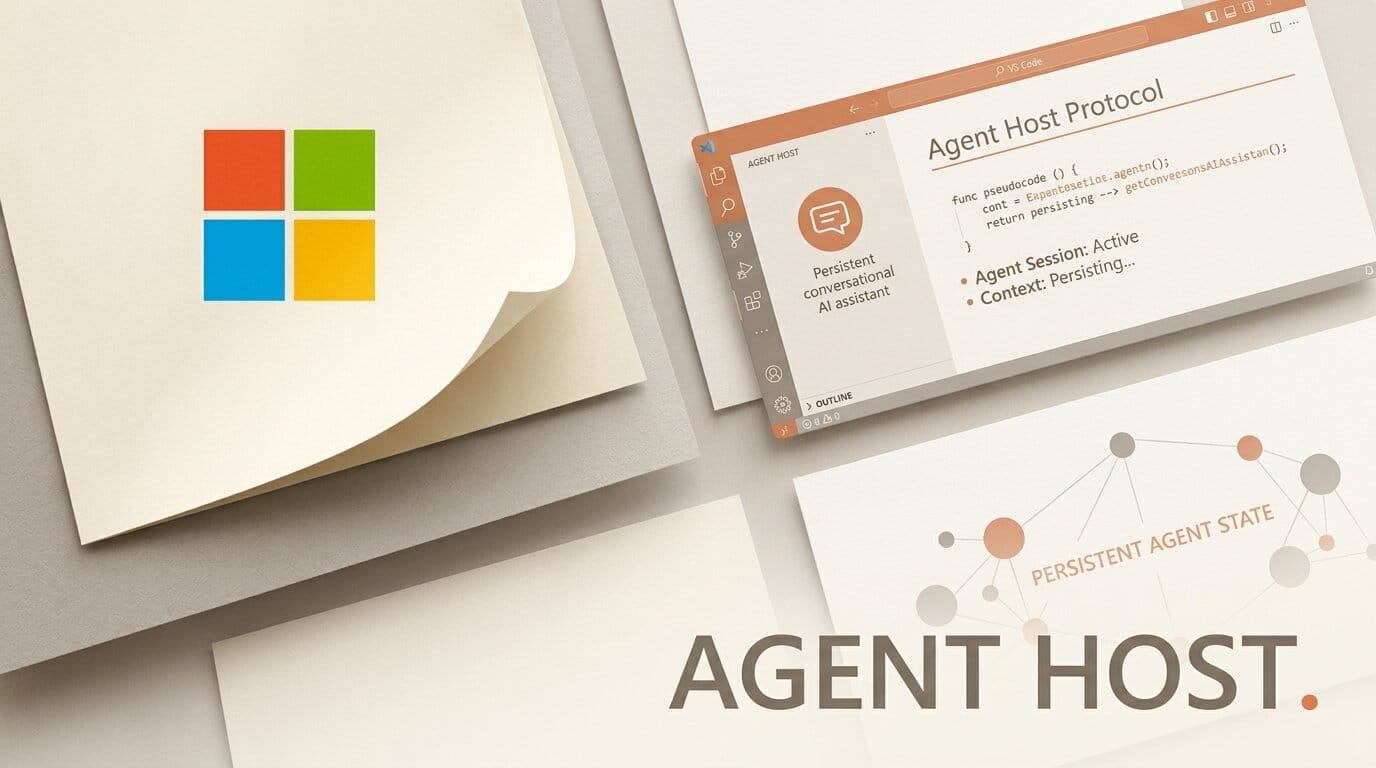
Microsoft has shipped the VS Code Agent Host, a background process that owns your AI coding agent sessions so they keep running after you close a folder or the editor window. It ships alongside the Agent Host Protocol (AHP), an open standard that lets different agent harnesses, including the GitHub Copilot and Anthropic Claude SDKs, run through the same interface.
What This Enables
Until now, an agent session lived and died with the editor window that spawned it. Agent Host moves the session into a self-contained server process, so a long-running refactor or test loop survives a window close, a laptop sleep, or a reconnect. Because the host can run on a remote machine, you can start an agent on a workstation and check on it later from a VS Code Insiders desktop build, a browser tab, or over SSH without spawning a duplicate.
Why It Matters for Builders
Multi-harness support is the real shift. AHP lets the GitHub Copilot harness and the Claude Agent SDK harness operate side by side in the same editor, each keeping its own capabilities, instead of forcing you to pick one agent runtime. For anyone building software with AI, that means you can route a planning task to one agent and a code-edit task to another without leaving VS Code.
Key Details
Availability: Enabled in the latest VS Code Stable and Insiders builds.
Protocol: The Agent Host Protocol is open, with client libraries in Rust, TypeScript, Kotlin, Go, and Swift.
Portability: Sessions move between editor windows and the Agents window, and can run on remote machines reached via desktop, browser, or SSH.
Harnesses: Copilot (GitHub Copilot SDK) and Claude (Anthropic Claude Agent SDK) at launch.
What to Do Next
Update to the latest VS Code build, open the Agents window, and start a long task to watch it persist across a window close. If you already run agent workflows through Google Antigravity or Claude's agent stack, compare how each handles session persistence and hand-off on your own repo.





