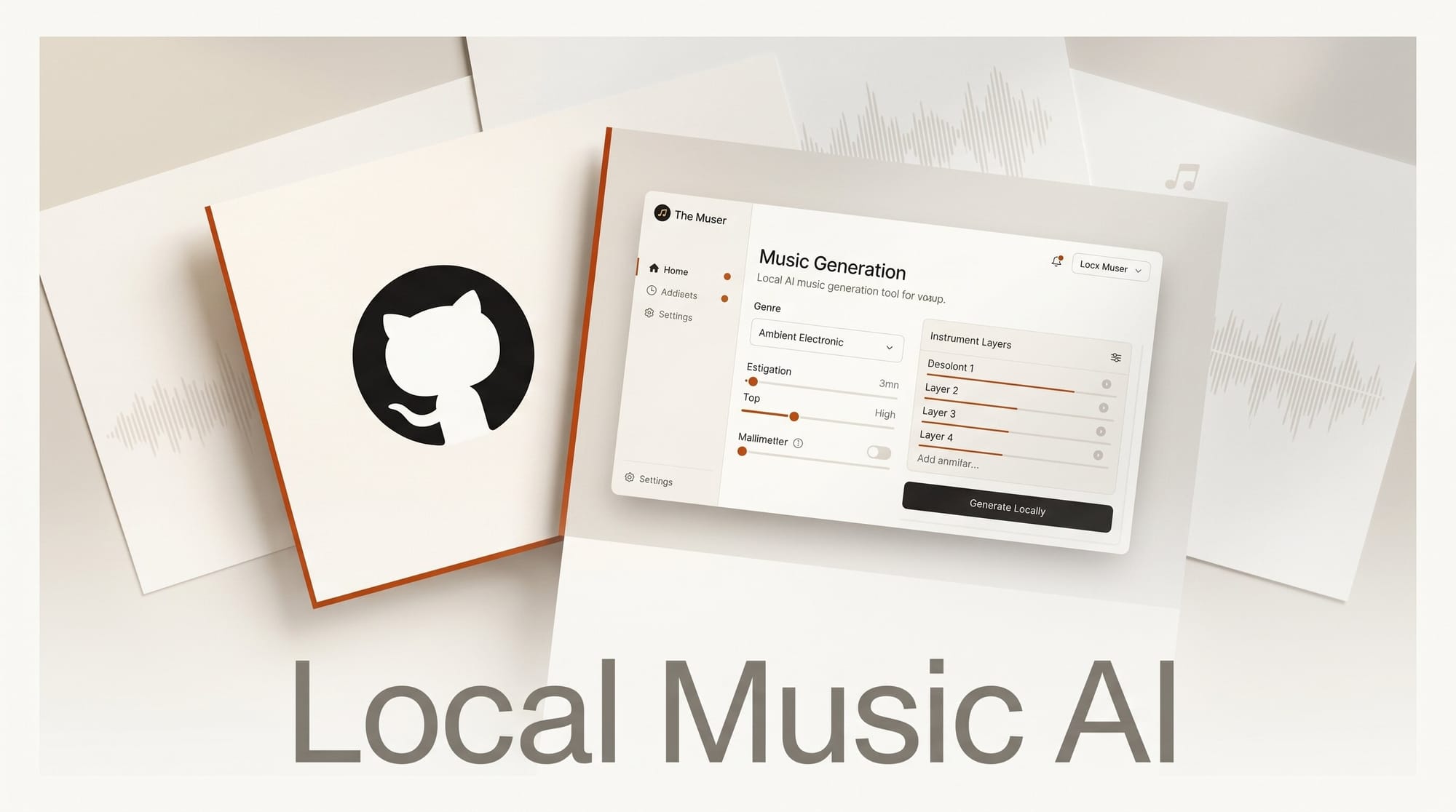
Musicians and creators who want AI music generation without monthly fees now have a compelling open-source option. The Muser launched on GitHub on May 27, 2026 as a self-hostable platform that generates complete music tracks locally, with all outputs covered by commercially permissive licenses.
What Happened
Developer Noah Chelednik released The Muser as a free, open-source alternative to Suno and ElevenLabs Music. The system uses a local LLM via Ollama to interpret natural language prompts, then orchestrates four specialized AI models to generate music end-to-end: NotaGen for classical notation, ACE-Step for modern audio synthesis, DiffSinger for vocal synthesis, and RVC for voice conversion and cloning.
The result is a 46-tool pipeline that handles every stage from composition to final mix, all running on your own hardware with no data sent to external APIs.
Why It Matters
Commercial music generation platforms like Suno and ElevenLabs charge subscription fees and may restrict how you use generated outputs commercially. The Muser flips that model: every component uses an open license (Apache 2.0, MIT, LGPL, or BSD), meaning creators own their outputs and can sell them without per-track royalties or platform dependencies.
The platform integrates ACE-Step 1.5, which can generate a full song in under 10 seconds on a consumer RTX 3090. Combined with The Muser's quality scoring pipeline (9-metric analysis, letter grades, best-of-N candidate selection), creators can iterate quickly and keep only the best results.
Key Details
- Models: NotaGen (classical notation), ACE-Step (modern audio), DiffSinger (vocals), RVC (voice conversion), Demucs (stem separation)
- Interface: Gradio web UI at localhost:7860 or CLI with session resume support
- Audio controls: EQ, reverb, compression, and volume, all controllable via natural language through the LLM
- Commercial safety: All default generation paths use Apache 2.0, MIT, LGPL, or BSD licensed models
- License: MIT for the framework code
- Requirements: Python 3.10+, NVIDIA GPU with 24GB VRAM recommended (CPU-only mode available for orchestration only)
What to Do Next
Install The Muser in four commands from the GitHub repository:
pip install -e "."
ollama pull qwen3:30b-a3b
bash scripts/setup_models.sh
muser
A Docker deployment option covers GPU, CPU, and web UI modes. If you want a comparison before committing GPU VRAM, see the coverage of ElevenLabs Music v2 for what the paid-cloud alternative offers on pricing and genre transitions.