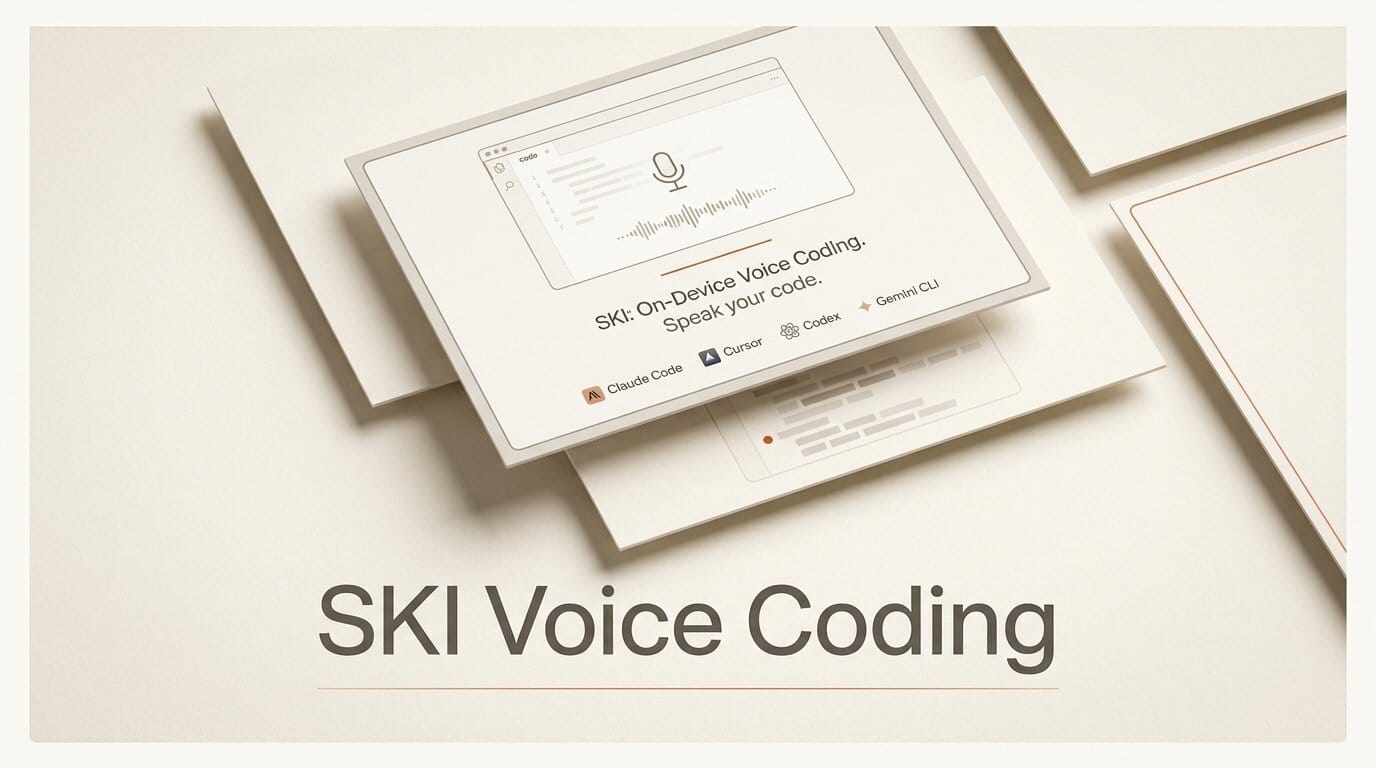
SKI is a new desktop app that lets you talk to your AI coding agent out loud and hear it answer back, and it runs entirely on your own machine. Launched at the end of July 2026 and featured as a top Product Hunt post, SKI supports Claude Code, Cursor, Codex, Gemini CLI, Windsurf, and OpenClaw, on both Apple Silicon Macs and Windows 10 and 11. Speech in and voice out both run locally, and the core app is free for life.
Try it: hands-free coding in one afternoon
Install SKI, bind it to a repository, and hold the Function key to speak a request. SKI transcribes your voice locally, passes it to your agent as plain project files, and reads the answer back in a natural voice. It supports full-duplex audio, so you can talk over the agent on open speakers and still be heard. Practical uses today: dictate a refactor while reading the diff, ask Claude Code to explain a stack trace without breaking flow to type, or attach an on-demand screenshot to a spoken request so the agent sees exactly what you see. You can bind multiple projects with a distinct voice per repo to keep contexts separate.
Why It Matters
Voice coding has been a crowded but cloud-dependent space, with tools like VoiceMode and various dictation add-ons routing audio through remote servers. SKI's pitch is that nothing you say ever leaves the machine: local speech-to-text and local voice synthesis, no internet required for the core loop. For developers under NDA or working on private codebases, on-device processing removes the main reason to avoid voice input. It also lowers the friction of driving multiple agents at once, since your hands stay on the keyboard while you steer by voice.
Key Details
SKI is at version 1.0.1 and requires macOS 14.4 Sonoma or newer on M1-class chips, or Windows 10 and 11 on x64. The core app, including local voice and screenshots, is free for life with no credit card. The one paid feature is AgentCall, which lets the agent join and transcribe video meetings, billed per minute with free hours included. Builds and release notes live on the project's GitHub releases page. It works alongside your existing setup rather than replacing it, so pairing SKI with a multi-model workflow like OpenCodex is straightforward.
What to Do Next
Download SKI for your platform, connect it to the coding agent you already use, and spend one session driving a small task entirely by voice to see whether ambient, spoken steering fits your flow. If you handle sensitive code, the fully local pipeline is the feature to test first: confirm that transcription and playback work with your network disconnected before you build it into your daily loop.





