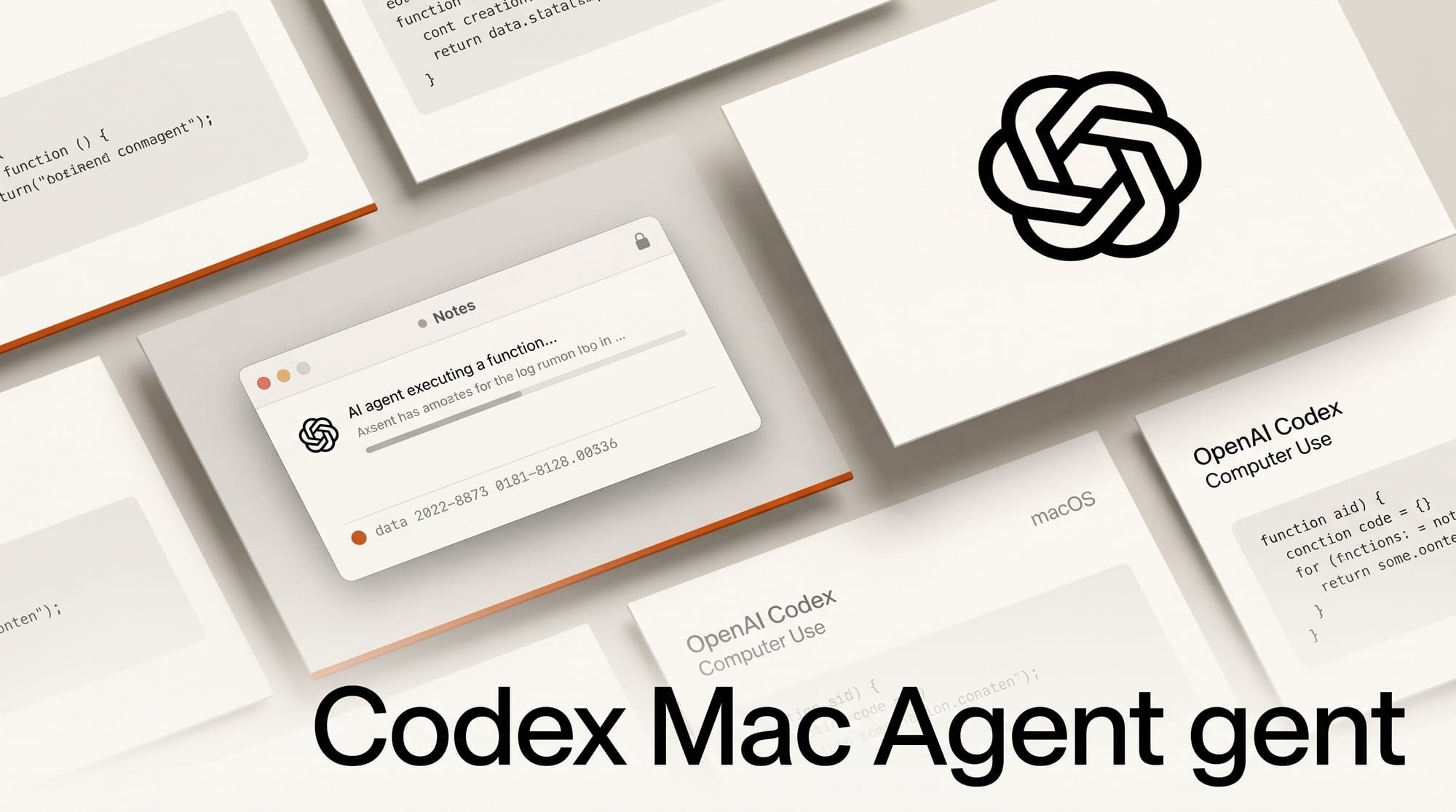
OpenAI released Computer Use for its Codex desktop app on May 22, 2026, enabling the AI agent to operate macOS graphical applications even when your Mac screen is locked and off. Users can send tasks from their phone and have Codex click through windows, type, and navigate approved applications in the background.
What Happened
OpenAI added Computer Use to the Codex desktop app for macOS, allowing the AI agent to interact with any GUI application the user pre-approves. The locked-screen feature installs an Apple authorization plug-in that keeps Codex active after the Mac display turns off, with safeguards including time-limited unlock windows and automatic relocking when local keyboard or mouse input is detected.
Alongside Computer Use, OpenAI shipped two companion features: Appshots, a Command-Command shortcut that captures screenshots and text from any app window into a Codex thread, and /goal mode, which lets the agent pursue multi-step objectives across hours or days without pausing for each individual prompt.
Why It Matters
Until now, computer-use AI required an active session. Lock your machine and the agent stops. Locked-screen support removes that constraint: a creator can queue a batch export, a GUI plugin workflow, or a data pipeline at the end of the day and check results in the morning without keeping the machine unlocked and attended.
This also changes how Codex fits relative to other coding agents. Where tools like Claude Code, Grok Build, and Codex CLI compete on context size and model routing, Computer Use extends Codex into desktop GUI workflows with no CLI equivalent, such as plugin operations in DaVinci Resolve or layout exports in Figma.
Key Details
- Permissions required: Screen Recording and Accessibility in macOS System Settings
- Per-app approval: Codex requests permission before controlling each new application; "Always allow" is available for trusted apps
- Cannot automate: Terminal apps, Codex itself, or system-level admin prompts
- Appshots: Command-Command captures any app window as text and screenshot directly into a Codex thread
- /goal mode: Pursues objectives over hours or days with milestone check-ins. See the /goal mode prompting guide.
- Region availability: Not available in the EU, UK, or Switzerland at launch
What Creators Can Do Now
Computer Use is available now in the Codex desktop app for macOS. To enable locked-screen operation, open Settings, go to Computer Use, and follow the authorization plug-in install. Start with a narrow, reversible task to test the permissions model before committing to longer overnight workflows.
Practical starting points for creative workflows:
- Queue batch exports in Lightroom, Premiere, or After Effects to run overnight
- Automate GUI-only plugin steps that have no command-line equivalent
- Use Appshots to pull interface screenshots into a Codex thread for visual analysis
- Combine with
/goal modeto set a multi-stage pipeline and check back in the morning
Review the full Codex developer docs for the complete permission model before enabling "Always allow" on sensitive applications. For teams using Codex alongside Cursor for design-quality review, the Hallmark design-skill approach works as a companion layer for keeping AI output on-brand.