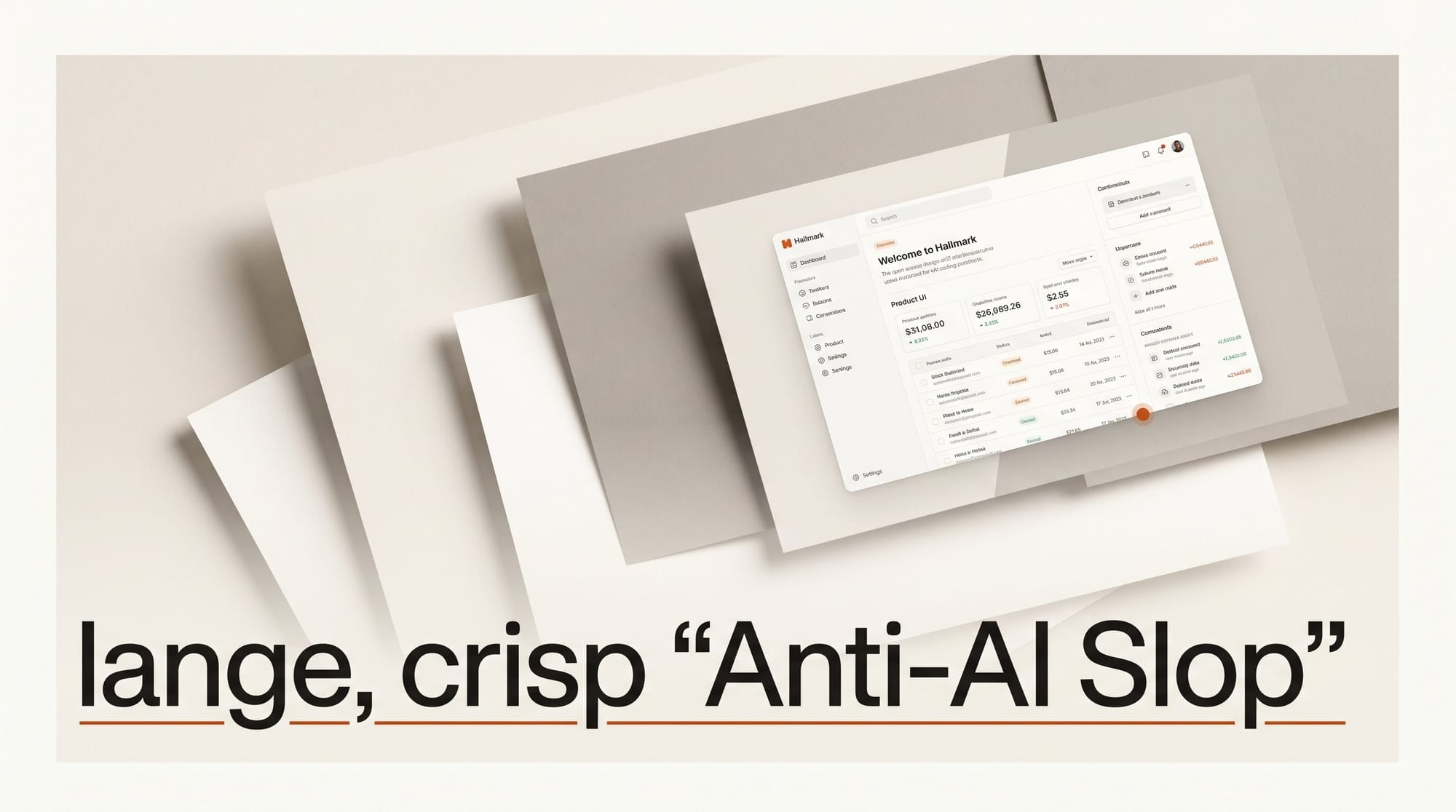
Hallmark is a new open-source design skill for Claude Code, Cursor, and Codex that forces AI coding assistants to build interfaces that do not look AI-generated. Released May 21, 2026, by Together AI, the tool ships with 22 distinct themes, 65 anti-slop test gates, and four explicit design verbs. It hit 958 GitHub stars within hours of its Hacker News submission.
What Happened
Together AI launched Hallmark as a skill plugin that installs directly into AI coding environments with a single command:
npx skills add nutlope/hallmarkAfter install, Claude Code, Cursor, and OpenAI Codex auto-detect the skill and apply it by default when you ask for a UI build. The open-source repository documents 65 slop-test gates and a pre-emit self-critique that run before any code is handed back to the user.
Why It Matters
AI-generated UIs have a recognizable fingerprint: purple-to-pink gradient heroes, Inter used for both headings and body copy, centered layouts from top to bottom, generic icon-tile feature grids, and sticky navbars with the wordmark on the left and a CTA button on the right. Any large language model trained on the public web learned these patterns as defaults because they appear in thousands of templates.
For designers and developers building real products, those defaults produce pages that look interchangeable. Hallmark targets the exact on-distribution behaviors that make AI output look generated. Its core insight: two pages built by Hallmark for two different briefs should look like different sites, not color-swaps of the same template.
How Hallmark Works: Four Verbs

The skill exposes four commands that cover the full design workflow:
| Command | What it does |
|---|---|
hallmark build (default) |
Picks a macrostructure for the brief, applies one of 22 themes, runs 65 slop-test gates, and returns a working page. Refuses to repeat the last three macrostructures used, so consecutive builds stay structurally distinct. |
hallmark study [url or screenshot] |
Reads a design you admire and extracts its structural DNA -- macrostructure, type-pairing, color anchor -- without copying pixels or paid templates. Outputs a portable design.md for handoff to other tools. |
hallmark audit [target] |
Scores existing code against the anti-pattern catalog. Returns a punch list only, with no automatic edits, so you stay in control of what changes. |
hallmark redesign [target] |
Throws out the current structure while keeping your copy, information architecture, and brand constraints. Rebuilds with a different structural fingerprint from the ground up. |
The Five AI Design Anti-Patterns Hallmark Refuses

The 65-gate slop test is built around five patterns that appear in the majority of AI-generated landing pages:
- Purple-to-pink gradient heroes with centered white text. The most common AI landing page pattern, derived from tech startup templates that dominated the training data.
- Using one font for both display and body text. Inter is a solid body font. Using it for headlines too signals default behavior rather than intentional typographic choice.
- Fully centered layouts throughout the page. Centering everything removes the tension that gives layouts visual energy. Asymmetric compositions are structurally harder for LLMs to produce from their defaults.
- Generic icon-tile feature cards. The three-or-four-column icon grid with a headline and two lines of copy is statistically the most common feature section in AI output.
- Standard sticky navbars with wordmark left, CTA right. Structurally identical across thousands of AI-generated sites -- Hallmark treats this layout as a failure condition.
The Eight Design Principles Hallmark Enforces
Beyond blocking anti-patterns, Hallmark enforces eight positive rules during generation:
- Distinctive typography pairing -- display font differs from body font
- OKLCH color palettes with a single accent hue -- OKLCH is perceptually uniform, so equal numerical changes produce equal visual changes
- Modular spacing scales for consistent vertical rhythm
- Motion with
prefers-reduced-motionalternatives for accessibility - Distinct voice per theme -- tone shifts with the aesthetic, not just colors
- Asymmetric layouts that break the centering default
- Readable hierarchy where heading sizes have clear step differences
- Intentional restraint -- fewer elements, not more, when in doubt
Step-by-Step: Using Hallmark in Your Workflow

Here is how to go from install to a shipped page:
- Install once. Run
npx skills add nutlope/hallmarkin your project directory. Claude Code, Cursor, and Codex auto-detect the skill file on the next session start. - Build with a plain English brief. In Claude Code, type something like: "Build a SaaS landing page for an API monitoring tool, minimal and technical." Hallmark picks a macrostructure first, then selects a theme from 22 options and runs slop tests before returning output. You get code, not a template.
- Study a design you admire. Run
hallmark study https://example.com-- the skill extracts structural DNA without copying pixels and returns adesign.mdtoken file you can reference in future builds to pull from that aesthetic direction. - Audit existing code before shipping. Run
hallmark audit ./src/pages/index.htmlto get a scored punch list against the anti-pattern catalog. No changes are made -- you get a list of specific issues to address. - Redesign without starting over. Run
hallmark redesign ./src/pages/index.htmlto keep your copy and content architecture while rebuilding the layout with a new structural fingerprint. Useful when a client says "make it feel different" without changing the message.
Each generated page is self-contained HTML and CSS stamped with its macrostructure in a CSS comment, making it straightforward to inspect what structural decision Hallmark made for each build.
Who Built It
Hallmark is a Together AI project, led by engineer Hassan El Mghari (@nutlope). Together AI is best known as an inference platform for open-source models. Hallmark is unrelated to model serving -- it is a developer tooling project targeting the quality gap between AI-generated output and intentional design practice. The 958 GitHub stars within hours of the Hacker News post on May 21 suggests the problem resonates with developers who have already shipped AI-generated UIs and found them unsatisfying.
Creator Outcome: What This Enables
If you use Cursor Composer or Claude Code to generate frontend code, Hallmark gives you a systematic way to get structurally distinct output on every run:
- Faster iteration. Instead of manually editing the structure AI gives you, the redesign verb produces a structurally different version in one command.
- Client differentiation. If you build landing pages for clients, the 22 themes and macrostructure system means no two client sites will share the same skeleton by default.
- Design review baseline. The audit verb gives you a structured checklist for reviewing AI-generated code before shipping rather than a gut check.
- Cross-tool consistency. The same skill file works in Claude Code, Cursor, and Codex, so your design standards travel with the project regardless of which assistant you run on any given day.
Frequently Asked Questions
Does Hallmark work with any frontend framework?
Hallmark generates self-contained HTML and CSS. The output is framework-agnostic -- you can slot it into React, Vue, Svelte, or plain HTML projects without modification.
What is a "macrostructure"?
A macrostructure is the high-level layout skeleton of a page: which sections exist, in what order, and how they relate spatially. Hallmark picks this before choosing colors, fonts, or copy, which is the opposite of how AI typically generates UI. Most LLMs pick visual defaults first because those patterns dominate their training data. Hallmark reverses the order.
Is Hallmark open source?
Yes. The full skill definition, slop-test catalog, and all 22 themes are in the GitHub repository. The design.md token files the study verb generates are also portable -- usable in any AI tool, not just the three officially supported assistants.
What is the "skills" system?
Skills are context files that AI coding assistants load to change their default behavior for specific domains. The npx skills add command installs a skill file into your project directory. Claude Code and Cursor both support skill auto-detection, meaning they apply the skill rules automatically when the file is present without any additional setup.
How does Hallmark pick which theme to use?
Hallmark picks a theme based on keywords in your brief. A brief for a "small ceramics studio" pulls from themes suited to tactile, artisanal aesthetics. A "developer infrastructure" brief pulls from technical, precision-oriented themes. The skill also tracks the last three macrostructures used and refuses to repeat them, so iterating on the same project produces structurally distinct output each time.
Can I extend the anti-pattern rules?
Because the repository is open source, the skill definition is fully editable. You can fork it, add custom macrostructures for your design system, or extend the slop-test catalog with your own failure conditions. The README documents the token format for doing this.
What to Do Next
Hallmark is available today at usehallmark.com with a live demo showing all 22 themes -- press T to cycle through them. Install takes one command and is immediately active in Claude Code, Cursor, and Codex. If you ship AI-assisted frontend code regularly, start with the audit verb on an existing page: it gives you a concrete checklist of what AI got wrong before you look at anything new the build verb can produce.