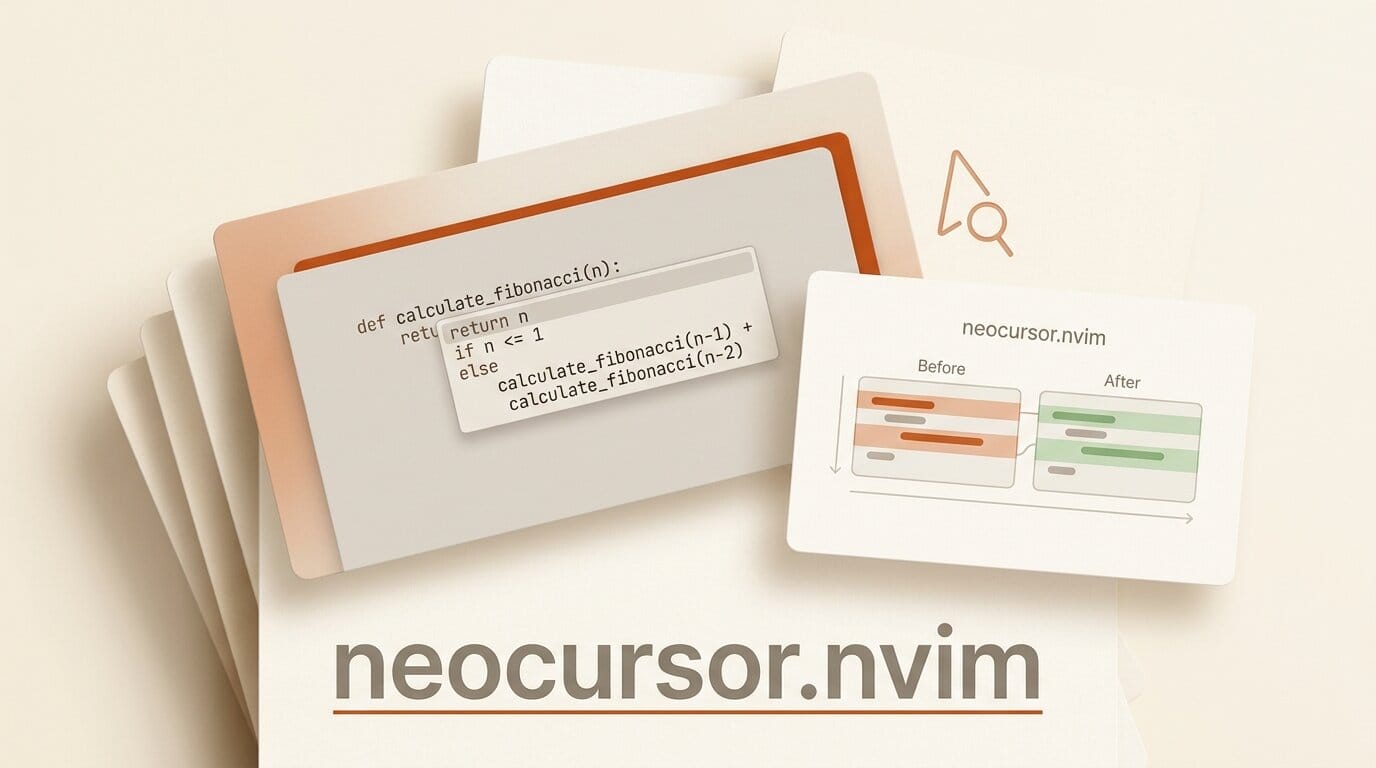
Neovim users now have a maintained way to run Cursor's Tab autocomplete inside their editor. neocursor.nvim connects to Cursor's real completion backend, bringing the same inline suggestions, diff-style rewrites, and next-edit "cursor jump" flow that Cursor's own editor is known for. The project was created on July 24, 2026 and is under active development, describing itself as the only maintained plugin running on Cursor's live backend.
What Happened
Developer Teo Cornea published neocursor.nvim as an open-source Neovim plugin that integrates Cursor's Tab feature directly into the editor. Rather than reimplementing completions, it reads your existing Cursor session and talks to the "Cursor StreamCpp" backend over HTTP/2, so the suggestions come from the same model that powers Cursor itself. It positions itself as a Copilot, Supermaven, and Codeium alternative for people who prefer to stay in Neovim.
Why It Matters
Cursor's signature feature is not plain autocomplete but its next-edit prediction: accept a suggestion, and the editor jumps to the next place you are likely to change, letting you chain edits with repeated Tab presses. That "tab-tab-tab" rhythm has been locked to the Cursor desktop app. neocursor.nvim brings it to terminal-based workflows without asking developers to abandon their configuration, plugins, or muscle memory. It arrives alongside Cursor's broader push onto new surfaces, including its recent iOS app for running coding agents.
Key Details
- Three core features: inline multi-line completions as ghost text, diff-style rewrites of existing lines, and next-edit prediction with automatic cursor jumping.
- Requirements: Neovim 0.10 or newer, the Cursor desktop app installed and signed in, and the
uvpackage manager on your PATH. - How it works: a Python sidecar reads your Cursor session and communicates with the backend via protobuf over HTTP/2. Your auth token stays local and never leaves your machine.
- Platforms: macOS, Linux, and Windows.
- Status: Beta, with a stated goal of 1:1 parity with Cursor's Tab. Most core functionality works, with some features still in progress.
What to Do Next
If you already pay for Cursor and live in Neovim, this is a low-cost way to get its completion engine without switching editors. Install the Cursor desktop app and sign in, add uv to your PATH, then install the plugin with your package manager and confirm you are on Neovim 0.10 or later. Because it is in beta, expect rough edges and check the repository for the current feature status before relying on it for daily work.