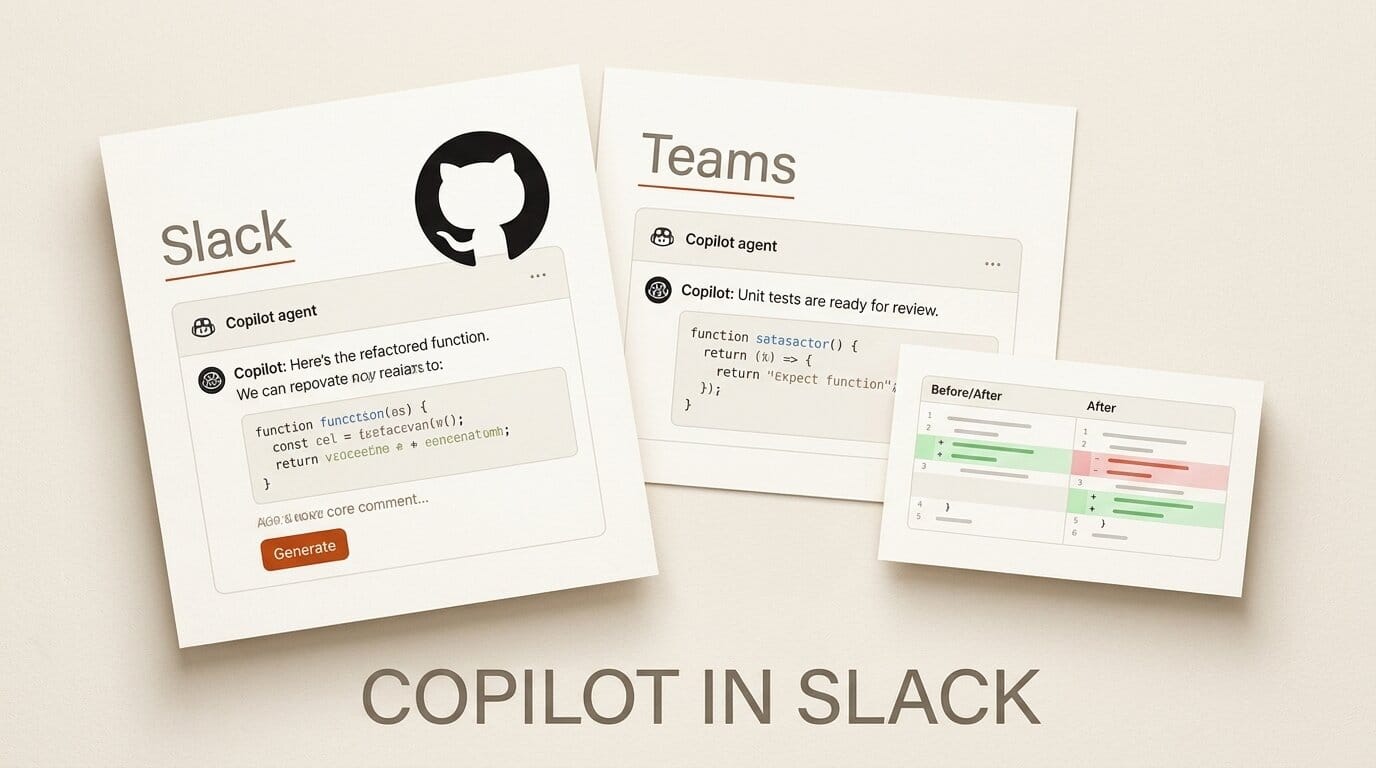
GitHub is putting its coding agent where teams already talk. On August 21, 2026 GitHub shipped two changelog updates that bring Copilot's agentic capabilities into Microsoft Teams and into Slack, so a chat thread can become a shared, steerable coding session the whole team can watch and direct.
What Happened
In Slack, mentioning @GitHub now brings the agentic capabilities of the Copilot CLI and the GitHub Copilot app into the conversation, in public preview. The agent can answer questions about code and repository activity, triage and manage issues, investigate failures, implement changes, and validate its work in a secure cloud sandbox before opening a pull request with a link back to the thread. It can also spin up a dedicated code channel to keep a task focused instead of cluttering the original conversation.
In Microsoft Teams, GitHub frames the same idea as shared agentic work: a Teams discussion turns into a collaborative agent session that everyone can see and help direct. Both integrations let teammates follow the plan, inspect diffs, review output previews such as HTML artifacts, and iterate together rather than watching one person drive an agent in a private terminal.
What This Enables
The workflow this opens is asynchronous, reviewable agent work inside the tools you already run standups in. Instead of copying an error trace into a coding tool, a developer can drop it in the channel, mention the agent, and let it investigate and open a PR while the team keeps working. Because the agent posts its plan and diffs back into the thread, review happens in the open, and repository admins can require approval before agent-authored pull requests merge.
Why It Matters for Creators
For small studios and solo builders who live in Slack or Teams, this collapses the gap between discussing a fix and shipping it. The pattern echoes what tools like CopilotKit's channels for agents have pushed toward, and it extends GitHub's own agent line beyond the editor after releases like MAI-Code 1.1 in Copilot. The agentic work counts against existing Copilot entitlements, so there is no new seat to buy to try it.
Key Details
Availability: Public preview for organizations on GitHub Copilot Business or Enterprise. Usage counts against existing Copilot entitlements.
Setup: An admin enables the Copilot cloud agent policy, the team installs or upgrades the GitHub app for Slack or Teams, and members link their GitHub account and mention the agent.
Guardrails: Work runs in a secure cloud sandbox, and repository admins can require approval before agent-authored PRs merge.
What to Do Next
If your team already pays for Copilot Business or Enterprise, ask an admin to enable the cloud agent policy and add the GitHub app to your workspace, then try handing the agent a real issue in a dedicated code channel. GitHub's Slack integration guide covers the setup and approval controls.





