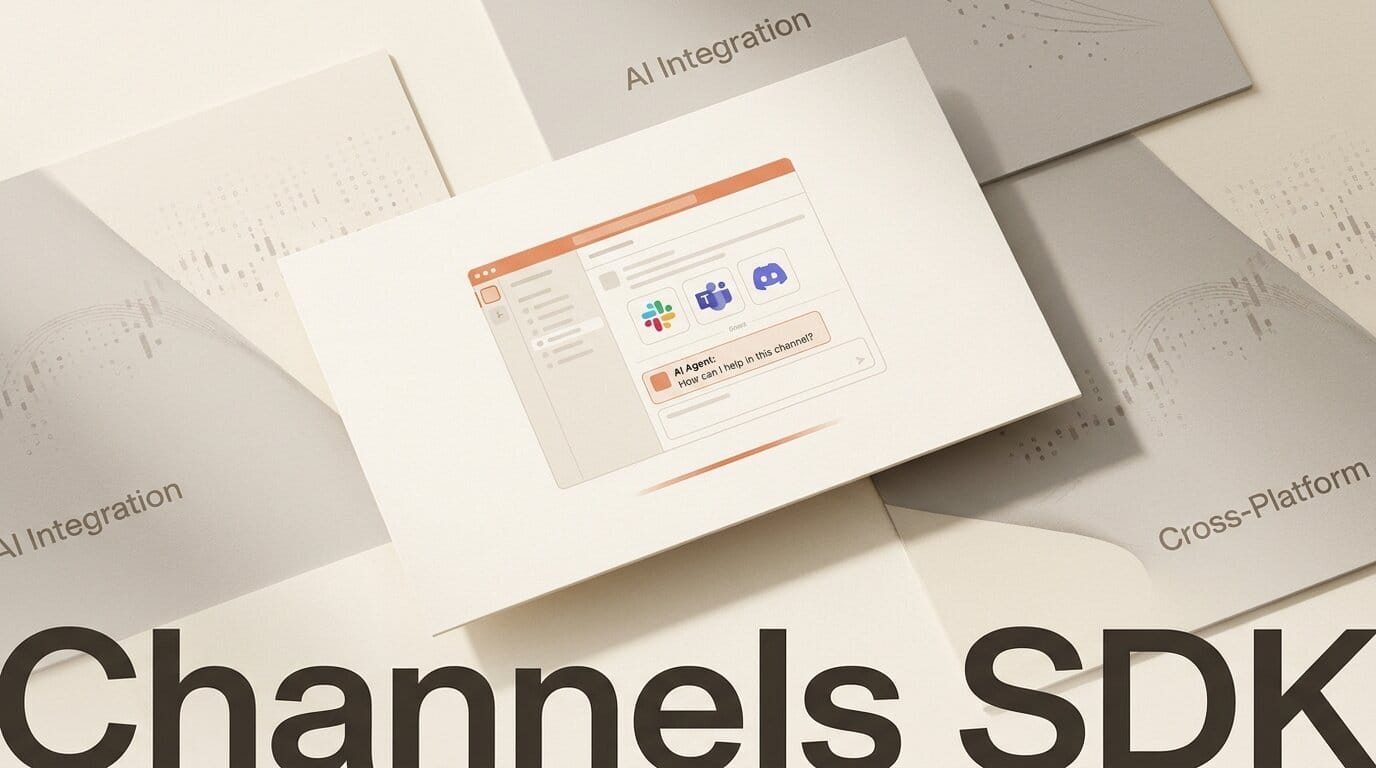
CopilotKit has open-sourced the Channels SDK, a toolkit for dropping AI agents into the chat platforms teams already use: Slack, Microsoft Teams, Discord, and Telegram, with native interactive UI. Launched via Show HN on August 5, 2026 under the MIT license, it targets the last-mile problem of agent building, getting a working agent in front of users without building a separate app for each channel.
What This Enables
Channels connects an existing agent, whether it is CopilotKit's built-in agent, LangGraph, CrewAI, or another framework, to a messaging platform and renders the platform-specific UI automatically. Inside the chat, the agent can stream responses, call tools, handle file uploads, and pause for human approval before acting. Your business logic and credentials stay in your own infrastructure rather than a vendor's. Setup is a single command, npx copilotkit@latest channels setup, plus npm install @copilotkit/channels @copilotkit/runtime.
Why It Matters for Builders
Most AI agents die in the demo. They work in a notebook but never reach the place a team actually talks, so nobody uses them. Channels collapses that gap: the same agent logic ships to Slack and Teams without rewriting a bespoke bot per platform, and the human-in-the-loop approval step makes it safe to give an agent real actions. For anyone building internal tools or a product on top of an agent framework, distribution stops being the bottleneck.
Key Details
Project: Channels SDK by CopilotKit, MIT licensed, open source on GitHub
Launched: Show HN, August 5, 2026
Channels: Slack and Microsoft Teams supported via managed connections now; Discord and Telegram noted as forthcoming
Agent support: CopilotKit's agent, LangGraph, CrewAI, and other frameworks
Features: Auto-rendered per-platform UI, response streaming, tool calls, file handling, human-approval gating
What to Do Next
If you already have an agent running in LangGraph or CrewAI, run the setup command against a test Slack workspace and wire your agent in. Read the CopilotKit docs for the runtime configuration and the human-approval flow, then start with a low-risk internal use case, a knowledge-lookup or triage agent, before granting it write actions. Compare the effort to whatever custom bot you built before; the point of Channels is that there should be far less of it.





