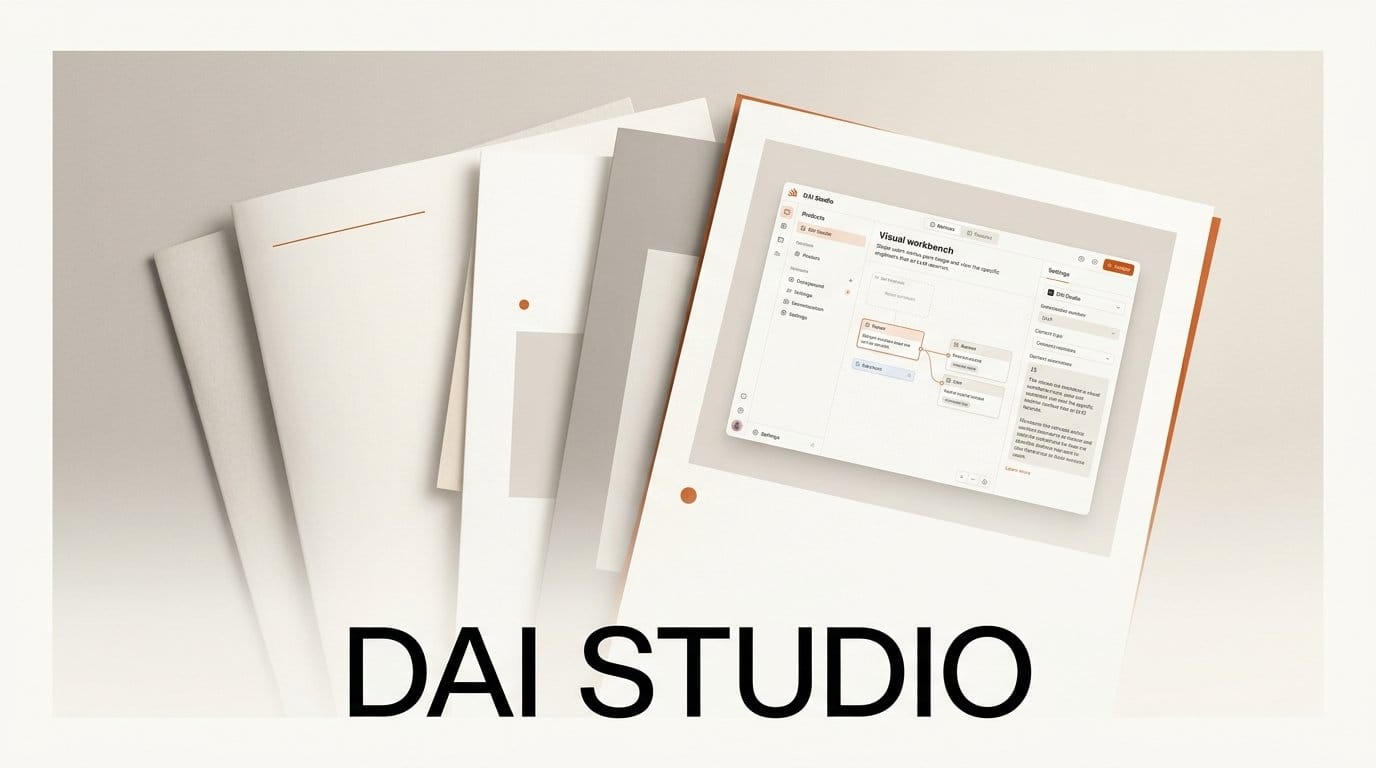
Context engineering just got a dedicated workbench. On June 23, 2026, DAI Studio launched a free visual tool that lets you design, see, and version the exact context you feed into a large language model before it runs. Instead of pasting walls of text into a prompt box and hoping for the best, you arrange context as connected, color-coded nodes and export it as a portable file any model can consume.
What Happened
DAI Studio shipped version 0.5.1 as a free download for engineers who want more predictable output from their models. The pitch is "Computer-Aided Context Engineering," borrowing the language of precision die manufacturing: a die produces identical, high-quality parts at scale, and DAI aims to do the same for the context you hand an LLM. The app is model-agnostic, working with GPT-4, Claude, Gemini, or a local model, and it extends the established BPMN workflow notation standard so the structure is familiar to both humans and the models trained on similar markup.
Why It Matters
For anyone building with LLMs, the difference between a flaky agent and a reliable one is rarely the model. It is the context. As practitioners have documented in guides on designing context for reliable LLM systems, what you put in front of the model, in what order, and with what structure, determines how consistent the output is. Most builders still manage this in scattered prompt strings, notebooks, and copy-paste. A visual layer that shows the full picture of an assembled context, and makes it reviewable before a run, turns an invisible variable into something you can inspect and iterate on.
Key Details
Context in DAI Studio lives in .dai files that are portable, version-controllable, and readable in any text editor, so you can diff them in Git like code rather than treating prompts as throwaway text. The visual canvas lets you connect context elements and reuse them across projects. Because the format builds on an open standard rather than a proprietary schema, the files are not locked to one vendor, and the same structured context can be pointed at different models. That model-agnostic stance puts it alongside emerging interoperability efforts like the Model Context Protocol, which similarly tries to standardize how models receive external context and tools.
What to Do Next
If you build agents, coding assistants, or any repeatable LLM workflow, the fastest way to evaluate this is to take one prompt you already run often and rebuild it as a .dai file. Lay out the system instructions, examples, and reference material as separate nodes, run it against your usual model, and compare the consistency of the output to your old single-string prompt. Because the tool is free to download from DAI Studio and the files are plain text, you can commit the result to your repo and treat context like any other versioned asset. For early-stage tooling, that text-first, vendor-neutral approach is the part most worth testing this week.





