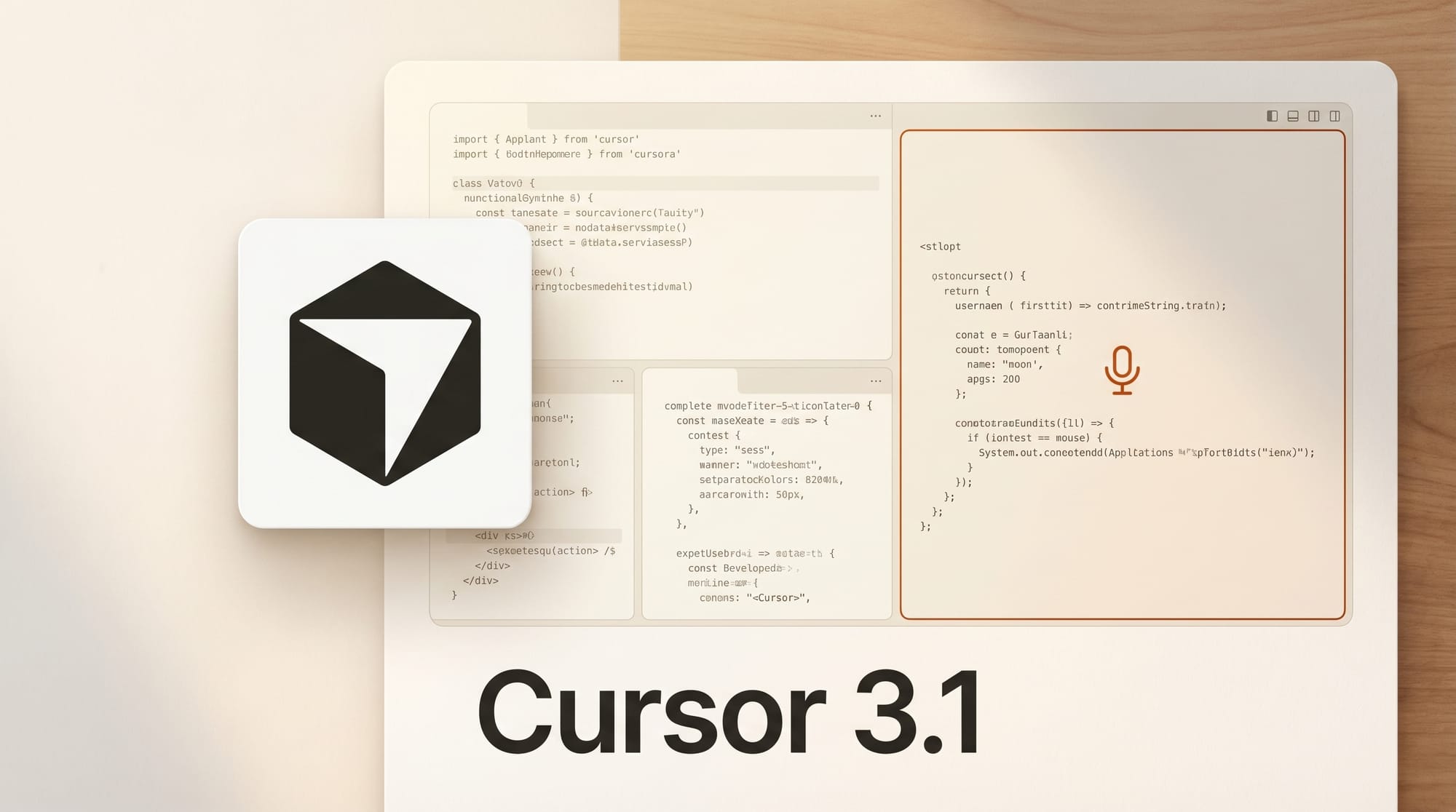
Cursor shipped version 3.1 on April 13, adding tiled multi-agent layouts, upgraded voice dictation, and a string of performance fixes that make the AI coding editor feel noticeably faster.
For the broader landscape, see our complete guide to AI coding tools in 2026.
What Happened
Just 11 days after launching Cursor 3 with its agent workspace redesign, the team released 3.1 with a focus on parallel agent workflows. The headline feature is a tiled layout that lets developers split their view into multiple panes, each running an independent AI agent. Agents can be dragged between tiles, panes expand for focused work, and session layouts persist across restarts.
Why It Matters
Multi-agent coding is becoming the standard for complex projects. GitHub already lets users run multiple Copilot agents in parallel via /fleet, but Cursor's tiled approach keeps everything visual and manageable inside a single window. For creative developers juggling frontend, backend, and build tooling simultaneously, running three agents side-by-side removes the tab-switching overhead that slowed multi-agent workflows in Cursor 3.
Key Details
Tiled multi-agent layout. Split the editor into panes, run separate agents in each, drag agents between tiles. Keyboard navigation and persistent layouts included.
Upgraded voice input. Press and hold Ctrl+M to record full voice clips. Cursor now uses batch speech-to-text for higher accuracy, with waveform display and recording timer in the UI.
Branch selection from empty state. Search and select a branch before launching a cloud agent, preventing accidental runs against the wrong codebase.
Performance gains. Large edits stream 87% faster with fewer dropped frames. Chat responsiveness went from a one-second hang to instant. File tree updates are smoother with reduced flickering.
Diff-to-file navigation. Jump directly from diffs to specific file lines for manual edits, combining AI suggestions with hands-on coding.
What to Do Next
Cursor 3.1 is available now as an automatic update. The tiled layout works with both local and cloud-based agents including Bugbot. Developers already using Cursor 3 can open Settings to enable the new voice input shortcut and start splitting their workspace into agent tiles.
Full changelog at cursor.com/changelog.





