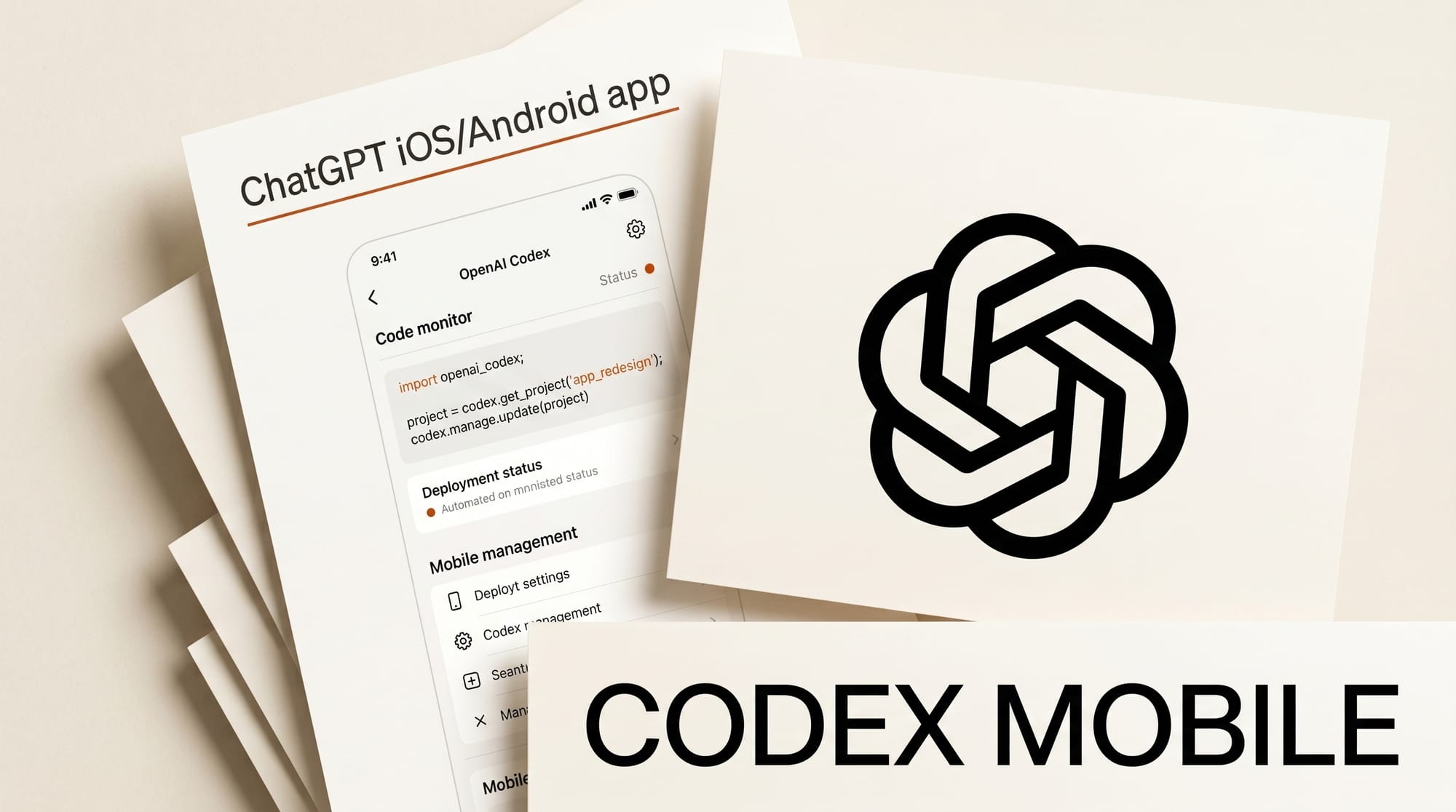
OpenAI brought its Codex coding agent to the ChatGPT iOS app on May 14, 2026, making it possible to start tasks, review diffs, and push pull requests from an iPhone. Rather than running code on the phone itself, the app acts as a remote interface that connects to Codex sessions running on a Mac, Windows PC, or cloud server.
What Happened
The ChatGPT iOS app now includes a dedicated Codex tab where users can start new tasks, view code diffs, send prompts to a running session, and push approved changes. Engadget confirmed the integration is available across all ChatGPT tiers, including Free. The phone acts as a secure relay: files, credentials, and execution all stay on the host machine.
Live Activities on the iOS lock screen show real-time status updates while Codex works in the background, so you can step away and get notified the moment a task needs a decision. TestingCatalog reports that Android strings already reference "remotely connecting to a desktop Codex session," signaling Android parity is coming soon. Windows mobile support is also in progress.
Why It Matters
Codex reached 4 million weekly active users after its early 2026 launch. The mobile release turns it from a desktop tool into an always-available coding partner. For creators who build AI workflows, automate publishing pipelines, or maintain custom ComfyUI nodes, the biggest friction with agent-based tools is needing to babysit long-running tasks at a desk. Mobile monitoring removes that constraint.
This is the fourth major surface expansion for Codex: CLI first, then CLAUDE.md import and Pets, then the Chrome browser extension, and now iOS. Each step follows the same pattern: Codex gets embedded in the workflow surfaces creators already use.
Key Details
- iOS: Codex tab live now in ChatGPT app
- Android: Remote desktop session feature confirmed in strings, rolling out soon
- Availability: All ChatGPT tiers including Free
- Security: Code runs on the host machine; mobile is a relay only
- Live Activities: Lock-screen status for background Codex sessions
How Creators Can Use This
The practical workflow: kick off a Codex task on your desktop, leave, and get a notification when the agent needs a decision or is ready to push. Specific use cases for creative AI builders:
- Start a ComfyUI automation or custom node build, review the diff on your phone, approve and merge without returning to a desk
- Kick off a content pipeline script and get a push notification when it stalls or finishes
- Review AI-generated code changes from a coffee shop and push a PR before you sit back down
View the full Codex changelog for the latest feature additions across all platforms.