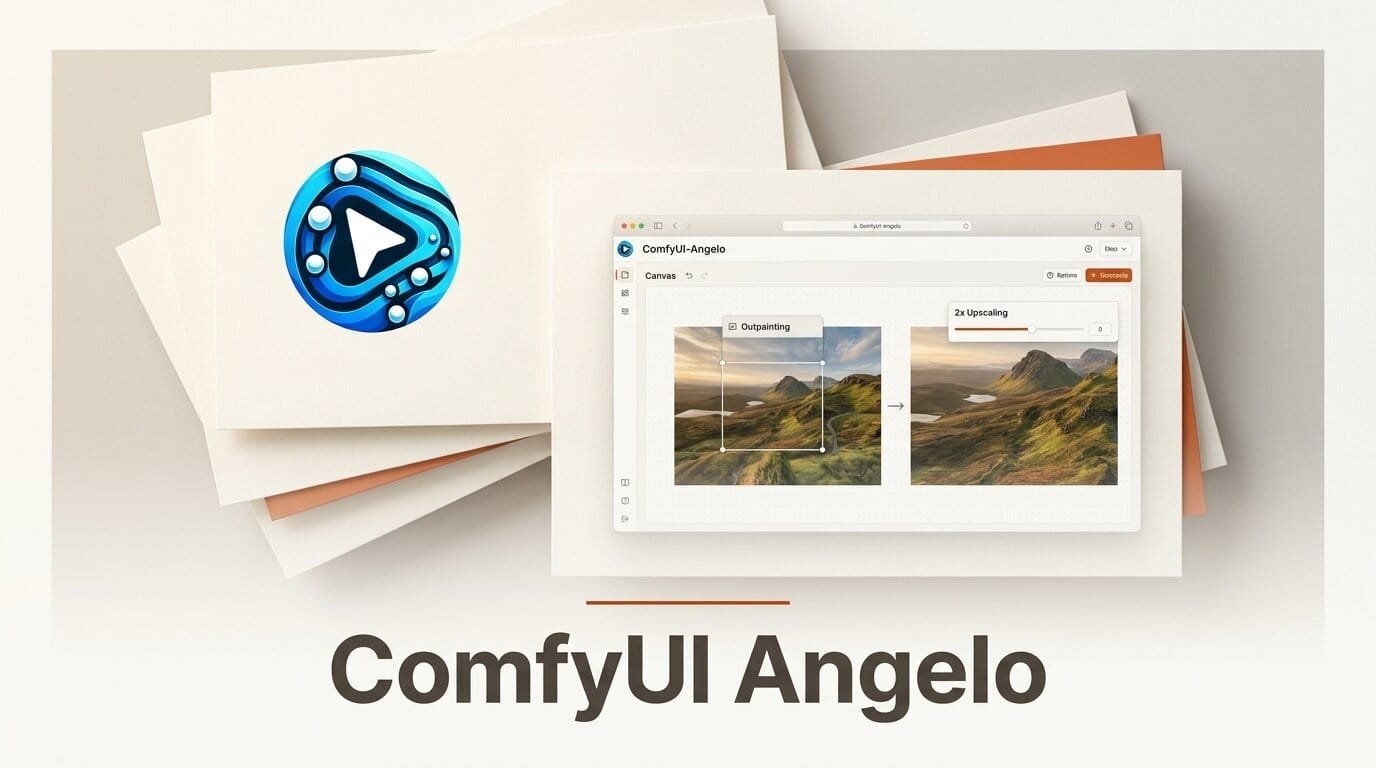
The ComfyUI-Angelo sampler node got a notable upgrade on June 30, 2026 with v2.2.1, adding one-click outpainting and 2x super-resolution to its click-to-refine workflow. Angelo collapses generate, refine, extend, and upscale into a single node, so you stop wiring separate inpaint, outpaint, and upscaler graphs for every edit.
What Happened
Angelo, built by Peter Neill, is a click-to-edit sampler for ComfyUI: you generate an image, then click, paint, or drag on a region to refine just that area while the rest stays bit-exact. The new release pushes it past refinement into full canvas work. Outpainting now extends the frame in any direction with directional arrows and a review overlay before you commit, and a 2x Pixel button delivers deterministic Lanczos upscaling that can be paired with a Quick Photo Refine pass for detail reconstruction.
Key Details
The node is model-flexible. It treats FLUX 2 Klein 9B and Qwen-Image-Edit 2511 as first-class edit models that unlock the smart inpaint features, while FLUX 1, SDXL, and SD 1.5 still work for standard refine and upscale operations. Other tools in the release notes on the releases page include an Area Prompt field for region-specific text, SAM 3 detection for automatic segmentation, a Vary x4 multi-seed comparison, and a Restore brush for selective undo. It is MIT-licensed and free.
Why It Matters
Outpainting and upscaling are two of the most common reasons creators bolt extra graphs onto a ComfyUI workflow, and juggling separate nodes for each breaks the iterative loop. Folding them into the same click-to-refine surface keeps you in one canvas from first generation to final export. If you already lean on FLUX for editing, our FLUX complete toolkit guide pairs well with Angelo's Klein support, and the recent ComfyUI v0.26 bundle ships the Qwen3-VL pieces Angelo can lean on.
How to Put It to Work
Install it by cloning the repo into ComfyUI/custom_nodes and restarting, then run the optional SAM 3 setup script if you want automatic detection. A practical first test: generate a portrait, click the face to refine detail, use the directional arrows to outpaint a wider scene, then hit 2x Pixel with Quick Photo Refine to finish at print resolution, all without leaving the node.
The outpainting workflow rewards a deliberate order. Extend the canvas before you upscale so the super-resolution pass works on the full composition rather than a cropped frame, and keep edit-trained models like Klein or Qwen-Image-Edit loaded when you want the smart inpaint behavior to blend new edge content seamlessly. For photo restoration, anchor a reference image first, then refine region by region. Because every operation lives in one node, you can iterate on a single canvas through dozens of passes without rebuilding the graph, which is the real time saver for anyone doing client revisions.





