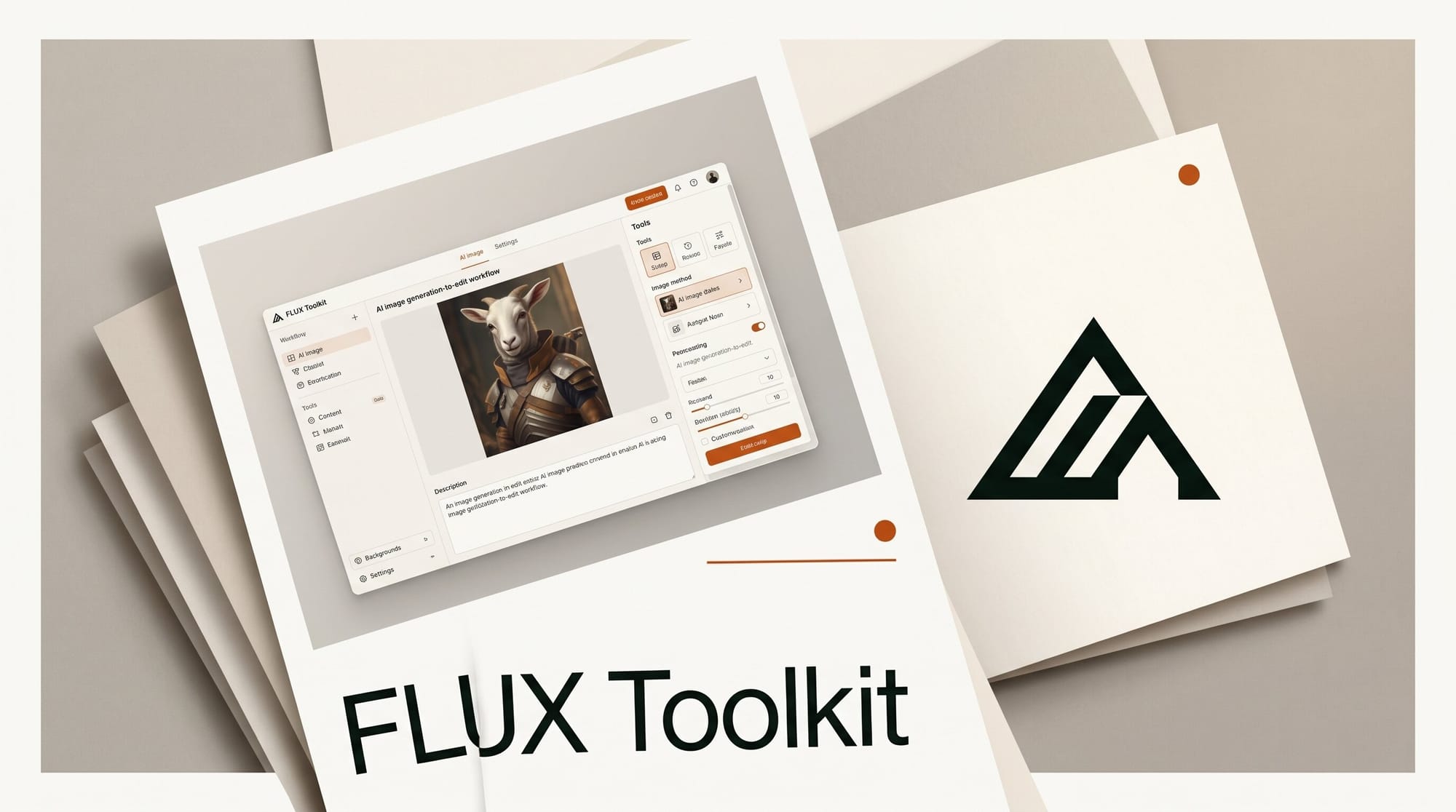
Black Forest Labs no longer ships a single text-to-image model. It ships a full editing pipeline, and most creators only ever touch one or two pieces of it. The FLUX toolkit now spans base generation, in-context editing, inpainting, outpainting, object erase, and garment try-on, each one tuned for a specific job in a production workflow. This guide maps the complete stack, shows the order you would actually run the tools in, and gives you a price-and-purpose table so you can pick the right model instead of forcing FLUX.2 to do everything.
What the FLUX Toolkit Actually Covers
The current lineup splits into a generation layer and an editing layer. FLUX.2 is the production generation and editing model, with multi-reference conditioning on up to ten input images and tiers from the lightweight open klein builds (4B and 9B) up through flex, pro, and max. On top of that sits FLUX.1 Kontext, the in-context editor that takes both a text instruction and an image and applies targeted changes while holding character and scene consistency. Around those two pillars are the focused FLUX Tools: Fill for inpainting, Expand for outpainting, Erase for clean object removal, and Virtual Try-On for apparel. Each tool does one thing well, which is exactly why stitching them into a sequence beats hunting for a single prompt that does it all.
The End-to-End Editing Workflow
Here is the pipeline a working creator runs when building a finished, edited image from scratch. Each step hands its output to the next.
1. Generate the base. Start in FLUX.2. For final-quality hero images use pro or max; for fast drafting or local runs use a klein build. Feed reference images if you need a specific character, product, or style locked in.
2. Edit in context. Move to FLUX.1 Kontext to change what is already in the frame: swap an outfit color, change the time of day, restyle a background, or keep a character identical across a series. Because Kontext reads the whole image, edits land without redrawing the parts you want untouched.
3. Fill and repair. Use FLUX.1 Fill to inpaint, replacing a masked region with new content that matches lighting and texture, which is the right tool for adding or substituting an object inside the frame.
4. Outpaint to reframe. Run FLUX Expand to extend the canvas past its original edges, up to 4MP, with no seams and no prompt required. This is how you turn a tight portrait into a wide banner or recover headroom a crop cut off.
5. Erase what does not belong. Mask a distraction with FLUX Erase and it rebuilds the scene underneath, including the shadows and reflections the object cast, with no prompt needed.
6. Try on apparel. For fashion and ecommerce, FLUX Virtual Try-On renders a garment on a person with logos, prints, stitching, and hardware intact, in under four seconds, and lets you layer up to four pieces.
Tool-by-Tool Comparison
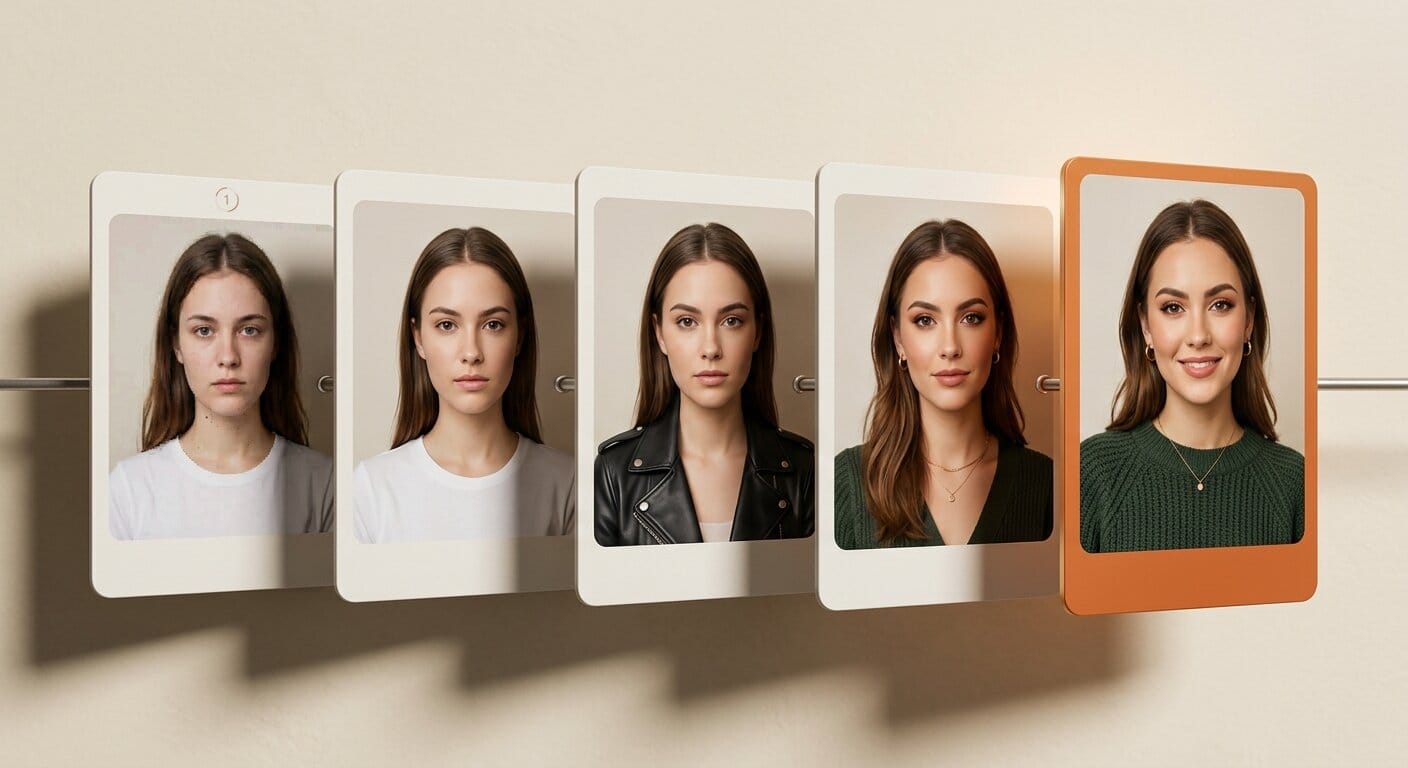
The fastest way to choose is to match the job to the tool and the tier to the budget. Pricing below reflects published BFL API rates; the focused tools are billed per generation through the same API.
| Tool | Job | Tier / variant | Starting price |
|---|---|---|---|
| FLUX.2 | Base generation and editing, up to 10 references | klein 4B / klein 9B / flex / pro / max | $0.014 to $0.07 |
| FLUX.1 Kontext | In-context instruction editing, consistency | pro / max / dev (open, 12B) | $0.04 / $0.08 |
| FLUX.1 Fill | Inpainting a masked region | pro | $0.05 |
| FLUX Expand | Outpainting, extend canvas to 4MP | pro | Per generation |
| FLUX Erase | Prompt-free object and shadow removal | standard | Per generation |
| FLUX Virtual Try-On | Garment on person, sub-4-second | standard | Per generation |
Pricing and Which Tier to Pick
The BFL pricing model is pay-as-you-go with no subscription, billed per generation, and FLUX.2 rates scale by megapixel. For most creators the practical rules are simple. Draft and prototype on a klein build at roughly a penny and a half per image. Render finals on FLUX.2 pro at about three cents, or step up to max near seven cents when typography and fine detail have to be exact. For editing, Kontext pro at four cents handles the bulk of instruction edits, while Kontext max at eight cents earns its premium on text-heavy or high-fidelity work. The open Kontext dev weights run a 12B model on consumer hardware, which is the move if you want unlimited local edits and can trade a little quality for zero per-image cost.
Where Each Tool Fits in Production
Ecommerce teams live in Virtual Try-On and Erase: drop a product onto a model, strip the busy background, done. Marketing and social creators lean on FLUX.2 for the hero plus Expand to reframe one render into every aspect ratio a campaign needs. Retouchers and photographers treat Fill and Erase as a faster, AI-native version of content-aware tools they already know. And anyone building a character or brand series leans on Kontext, because consistency across frames is the one thing prompt-only generation cannot reliably deliver. The toolkit rewards creators who stop looking for a single magic prompt and start treating image editing as a short assembly line.
The practical payoff of the assembly-line view is that you can swap tiers at each stage without rebuilding the workflow. A studio can prototype an entire campaign on klein builds for pennies, get sign-off, then rerun only the approved frames through FLUX.2 max for delivery. A solo creator can keep the whole chain local with klein and Kontext dev, accepting a small quality trade for zero marginal cost and full privacy. Because every tool reads and writes standard images, you can also drop a non-FLUX step into the middle, for example masking in your existing editor before sending a frame to Erase, without breaking anything. That composability, more than any single model's quality score, is what makes the toolkit worth learning end to end.
Frequently Asked Questions
Is FLUX.2 a replacement for FLUX.1 Kontext?
No. FLUX.2 is the generation and broad editing model; Kontext is the specialist for instruction-driven, consistency-preserving edits on an existing image. Many workflows use both, generating in FLUX.2 and refining in Kontext.
Which FLUX tools can I run locally?
The klein builds of FLUX.2 and the open-weights Kontext dev model (12B) are designed to run on consumer hardware. The focused tools and the pro and max tiers run through the BFL API.
What is the difference between Fill and Erase?
Fill inpaints a masked region with new content you describe, used to add or replace objects. Erase removes a masked object with no prompt and rebuilds the background, including its shadows and reflections.
How much does a full FLUX edit cost?
A typical chain of one FLUX.2 pro generation plus a Kontext pro edit lands around seven cents per finished image, before any extra fill, outpaint, or erase passes. Local klein and Kontext dev runs cost nothing per image after setup.
Does Virtual Try-On preserve garment details?
Yes. It renders logos, prints, stitching, and hardware as they exist on the source garment, generates in under four seconds, and supports layering up to four pieces.
How many reference images can FLUX.2 use?
FLUX.2 supports multi-reference conditioning on up to ten input images, which is what makes it strong at locking a specific character, product, or style across generations.





