OpenAI has shipped two upgrades to ChatGPT Work that make its agent far more useful for creators and builders. Scheduled Tasks can now fire on real events from Gmail, Slack, and GitHub instead of waiting for a fixed clock time, and ChatGPT Work can now sign in to websites without ever seeing your password. The changes landed in the ChatGPT release notes around August 25 and 26, 2026.
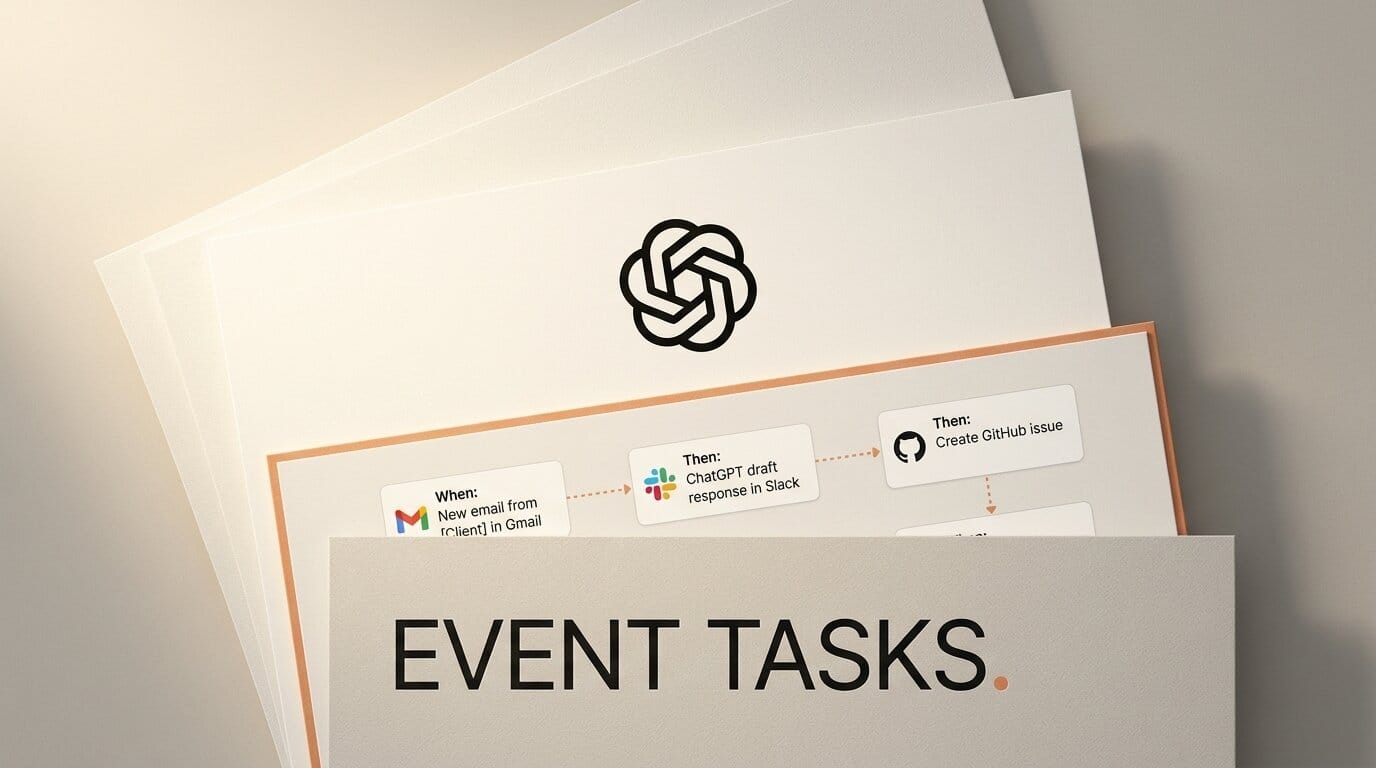
Event-driven triggers turn a task from a timer into a listener. A task can react the moment a new Gmail message arrives, a new Slack channel message posts, or a supported pull-request event happens in a repository you authorized.
What This Enables
You can wire a task to fire the instant something happens instead of polling on a schedule. Point a task at Gmail so it auto-drafts a reply when a message from a specific sender lands, at Slack so it summarizes new messages in a channel, or at GitHub so it reviews a pull request the moment activity hits an authorized repo. Separately, you can let the agent finish jobs that live behind a login you control, because you type the credentials yourself and ChatGPT never touches them.
Why It Matters
Time-based automations always lagged reality. An event trigger closes that gap, so a draft reply or a PR summary is ready when you open the tab. The secure sign-in change removes the other blocker: agents used to stall at any login wall. Now the agent can work past a login screen you fill in yourself, which opens up gated dashboards and tools without handing over a password.
Key Details
Event triggers: Gmail tasks respond to a new message or a filter by sender or subject, Slack tasks respond to new channel messages, and GitHub tasks respond to supported pull-request activity in an authorized github.com repository.
Tier availability: Event-triggered tasks run in Work and reach eligible users on Plus, Pro, Business, Enterprise, and Edu plans.
Free-tier limits: Scheduled Tasks are also expanding to Free users, but Free accounts can create up to 3 active tasks, cannot use the new webhook triggers, and run recurring tasks no more than once per day.
Login handling: ChatGPT Work detects a website login screen and lets you enter your username, password, and security codes. ChatGPT never sees the credentials, and they are not stored.
What to Do Next
To use event triggers you need a paid Work plan (Plus, Pro, Business, Enterprise, or Edu). Open the Tasks panel in ChatGPT, create a task, and choose a Gmail, Slack, or GitHub event as the trigger instead of a time. Review the Scheduled Tasks automations docs to see supported event types. If you are on Free, you can still create up to 3 recurring daily tasks, but webhook triggers stay on paid plans for now.