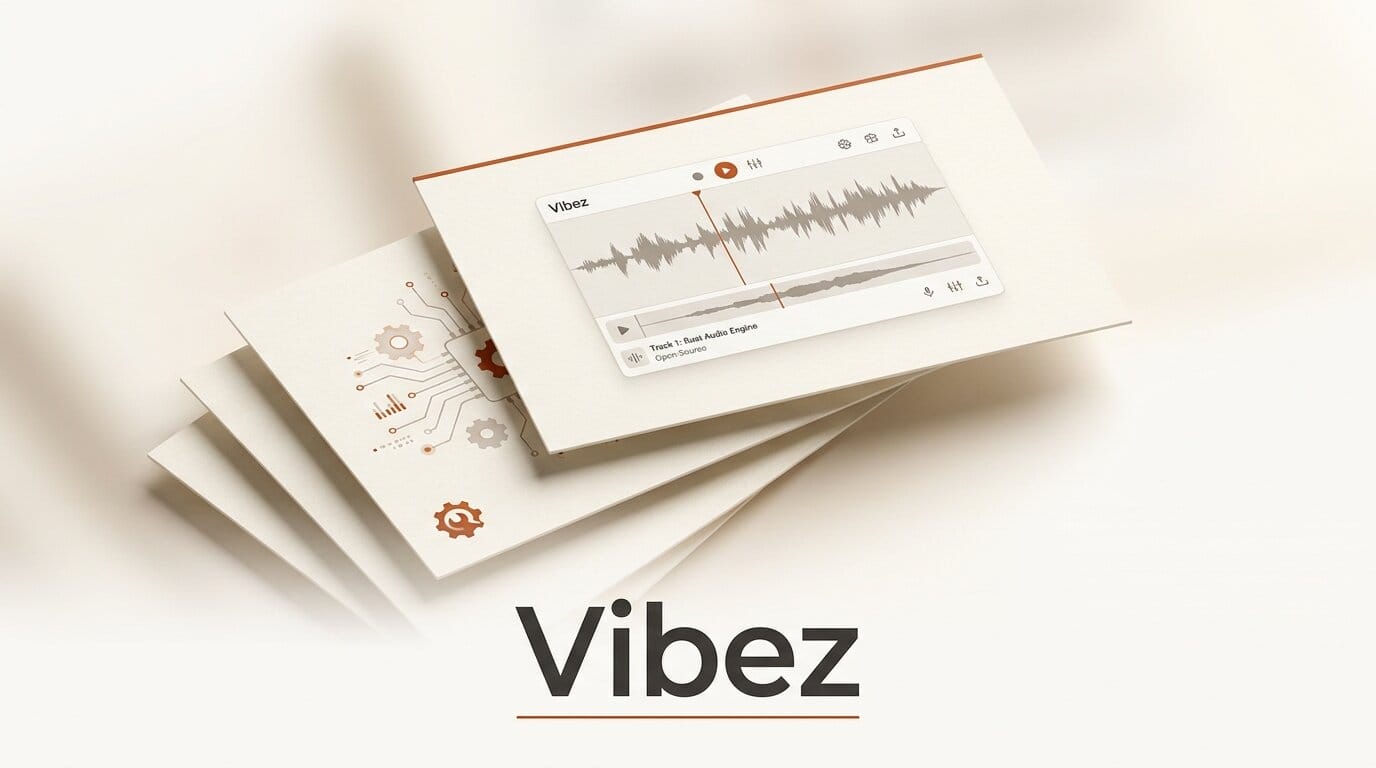
Vibez is a new open-source digital audio workstation written entirely in Rust, and its first public build, version 0.1.4, went live on August 9, 2026 with direct downloads for Linux, macOS (Apple Silicon and Intel), and Windows. Created by developer Alexander Wanyoike and licensed GPL-3.0-or-later, it is built for electronic music production and organizes the whole studio into three linked workspaces: Perform, Arrange, and Mix. You can grab it from the official Vibez site.
Most free DAWs ask you to choose between a clip-launching performance surface and a linear timeline. Vibez tries to give you both in one project, with a real mixing console attached. It is alpha software with genuine gaps, but the architecture and the plugin support are more ambitious than the version number suggests. Here is what Vibez actually does, how it stacks up against the DAWs creators already use, and whether it belongs in your workflow today.
What Vibez Is
Vibez is a standalone desktop application, not a plugin or a web app. It centers on three connected views. Perform is a pad grid for launching reusable multitrack sections, with section modes, an instrument mode, per-track mutes, swing, and section recording. Arrange is the linear timeline: capture recording, multi-track editing, audio warping with automatic BPM detection, a piano roll, and automation lanes. Mix is a console-style board with channel strips, a four-band EQ per channel, buses, sends, returns, and a real master channel.
Out of the box it ships with a subtractive synth, a sampler, a sixteen-pad drum rack, and a stack of effects that covers filter, delay, reverb, drive, bitcrush, compressor, auto-pan, gate, phaser, and gain. That is enough to build a track without installing a single third-party plugin. The full source and issue tracker live on the Vibez GitHub repository.
How Vibez Compares to Other DAWs
The most useful reference point is Ableton Live, which pairs a clip-launching Session view with a linear Arrangement view. Vibez borrows that dual-surface idea and makes it free and open. Against fully free options like Ardour and LMMS, the difference is the performance grid and the modern plugin hosting. The table below maps the practical trade-offs.
| DAW | License / Price | Clip Launching | Plugin Formats | Best For |
|---|---|---|---|---|
| Vibez 0.1.4 | Open source, free (GPL-3.0) | Yes (Perform grid) | VST3, CLAP | Electronic music, live-style building |
| Ableton Live 12 | Paid, from about 99 USD | Yes (Session view) | VST2, VST3, AU | Performance and studio, mature |
| Bitwig Studio | Paid, from about 99 USD | Yes (Clip Launcher) | VST2, VST3, CLAP | Modular sound design |
| Ardour | Open source, free | No | VST2, VST3, AU, LV2 | Recording and mixing |
| LMMS | Open source, free | Partial (pattern-based) | VST via bridge, LADSPA | Beat and loop production |
The standout for a version 0.1 project is CLAP support alongside VST3. CLAP is a newer, open plugin standard also embraced by Bitwig Studio, and choosing it early signals that Vibez is aligning with where open-source audio tooling is heading rather than only chasing legacy formats.
What Is Under the Hood
Vibez is written in pure Rust, which matters for a real-time audio tool because the language gives memory safety without a garbage collector that could stall the audio thread. The project describes a lock-free, allocation-free real-time callback design, the standard approach for avoiding dropouts and clicks during playback. The interface is built on Iced, a Rust GUI framework, so the whole stack is one language from the audio engine to the window.
Plugin hosting covers both VST3 and CLAP with native plugin GUIs and sandboxed plugin scanning, so a crashing plugin during a scan is less likely to take the host down with it. CLAP itself is maintained as an open specification by the audio community; you can read the format details on the CLAP project site. For a solo-developer alpha, hosting two modern formats with sandboxed scanning is a serious amount of plumbing.
A First Session in Vibez
If you want to try it end to end, here is a compact path from download to a rough loop.
- Download and launch. Pick your platform build from the releases page and open the app. Linux is the primary development target, so expect the smoothest experience there.
- Start in Perform. Add a track, load the drum rack onto it, and program a sixteen-pad pattern. Add a second track with the built-in synth and play a bassline.
- Group into a section. Capture the drums and bass into a reusable section, then duplicate the section and vary it so you have an intro and a main part.
- Move to Arrange. Drop your sections onto the timeline in order, use warping to lock any imported audio to the project BPM, and draw automation on a filter cutoff.
- Finish in Mix. Open the console, set levels, add a four-band EQ to the drum bus, and send the synth to a reverb return. Bounce the result.
Note the current limitation before you plan a session: there is no audio input recording and no MIDI recording yet, so this workflow is about programming and arranging in the box rather than tracking a live take.
What This Enables for Creators
For hobbyist and independent electronic producers, Vibez offers a genuinely free path to a Live-style, clip-plus-timeline workflow without a subscription or a one-time purchase. Because it hosts VST3 and CLAP, your existing free plugins and instruments can slot in, so you are not locked to the built-in devices. And because it is GPL and written in Rust, it is a rare open-source DAW that a Rust developer can actually read, fork, and extend rather than treat as a black box.
The realistic use today is sketching, beat-making, and learning a dual-surface workflow at zero cost. It is not yet a replacement for your main studio if you record live audio or MIDI performances. Treat it as a fast idea scratchpad and a project worth watching as recording support lands.
The Alpha Caveats
Version 0.1.4 is explicitly alpha, and the limitations are real. There is no audio input recording, no MIDI recording or output, and only partial MIDI input (a single port, notes only). There is no autosave and no crash recovery, so save often and manually. The developer notes that Linux gets the most hands-on testing while macOS and Windows receive less, and that project file formats may still change in breaking ways between releases. Multiple MIDI ports and controller mapping are listed as next milestones. If you need dependable recording and controller support today, a mature free option like Ardour is the safer pick while Vibez matures.
What to Do Next
If you make electronic music and like the idea of an open, Rust-based studio, download the current build, program a short loop through the Perform and Arrange views, and save frequently given the missing autosave. Star the repository if you want to follow the roadmap, and consider filing focused bug reports since a version 0.1 project moves fast on real feedback. Builds for all three platforms are on the Vibez releases page.
Frequently Asked Questions
Is Vibez free?
Yes. Vibez is open source under the GPL-3.0-or-later license and free to download for Linux, macOS, and Windows. There is no paid tier or subscription.
Can I record live audio or a MIDI keyboard in Vibez?
Not yet. Version 0.1.4 has no audio input recording and no MIDI recording. MIDI input is partial, with a single port and notes only. Multiple ports and controller mapping are listed as upcoming milestones, so the tool is currently for programming and arranging rather than tracking live performances.
What plugins work with Vibez?
Vibez hosts VST3 and CLAP plugins with native plugin interfaces and sandboxed scanning. It also ships built-in devices, including a subtractive synth, a sampler, a sixteen-pad drum rack, and effects such as EQ, delay, reverb, compressor, and bitcrush.
How is Vibez different from Ableton Live?
Both pair a clip-launching surface with a linear timeline, but Vibez is free and open source, while Ableton Live is paid. Live is far more mature with recording and a deep device library, whereas Vibez is an early alpha focused on the core dual-surface workflow and modern plugin formats.
Which platform runs Vibez best?
Linux is the primary development platform and gets the most testing. macOS (Apple Silicon and Intel) and Windows builds exist but receive less hands-on testing at this alpha stage, so Linux users can expect the smoothest experience today.
Is Vibez stable enough for real projects?
Treat it as experimental. There is no autosave or crash recovery, and project file formats may change in breaking ways between releases. Save often, keep backups, and use it for sketches and learning rather than mission-critical work until it matures.





