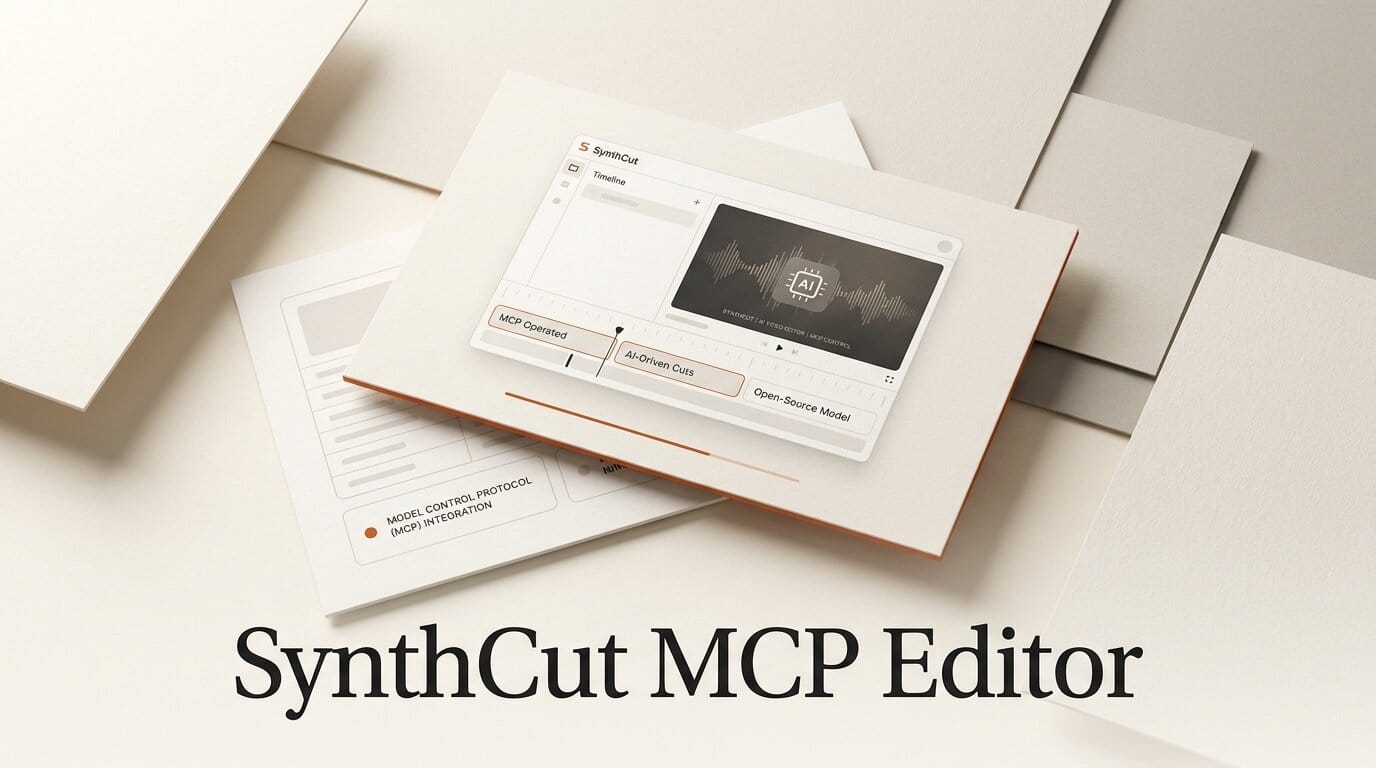
A new open-source project takes the "AI video editor" idea to its logical end: an editor with almost no interface for you at all. SynthCut is a free, GPL-3.0 video editor built to be operated by an AI agent rather than a human, exposing itself as a Model Context Protocol server so a client like Claude Desktop can perform real, frame-accurate edits on your machine. It reached version 1.0.5 on July 20, 2026, with packaged Windows installers and source builds for macOS and Linux.
What This Enables
Because SynthCut speaks the Model Context Protocol, you connect it to an AI client once and then describe edits in plain language: import these clips, trim the dead air, add captions, color grade the interview warmer. The agent calls the matching tools from SynthCut's 85-plus tool set and the edit happens locally through FFmpeg, so your footage never leaves your computer. It is a different model from a coding-agent-driven editor like the one we covered in ChatCut, where the agent scripts a timeline you still supervise.
Why It Matters for Creators
Most AI editors are hosted, which means uploads, subscriptions, and your raw footage sitting on someone else's servers. SynthCut runs offline and open-source, bundling FFmpeg and Whisper so captions, cuts, and color work happen without an internet round trip. That privacy-first, local posture puts it alongside tools like Timeline Studio, but with the twist that the primary operator is an AI agent, not a person clicking through a panel.
Key Details
License: GPL-3.0, fully open source.
Interface: MCP server with 85-plus tools, plus a frame-based multi-track timeline.
Engine: Real edits via FFmpeg, captions via Whisper, all processed locally.
Features: Clip cut and trim, reframing with auto-tracking, keyframe animation, color grading, effects stacks, and OpenTimelineIO interchange.
Builds: Windows installers ship on the releases page; macOS and Linux build from source.
What to Do Next
If you already run an MCP-capable client, point it at SynthCut and try a single task first, such as auto-captioning a talking-head clip, to see how the tool calls map to your instructions. Editors on Windows can grab the packaged installer, while Mac and Linux users should be ready to build from source until binaries arrive. Keep expectations grounded: this is a young 1.0 release, so treat it as a fast local companion for routine cuts rather than a full replacement for your finishing suite.





