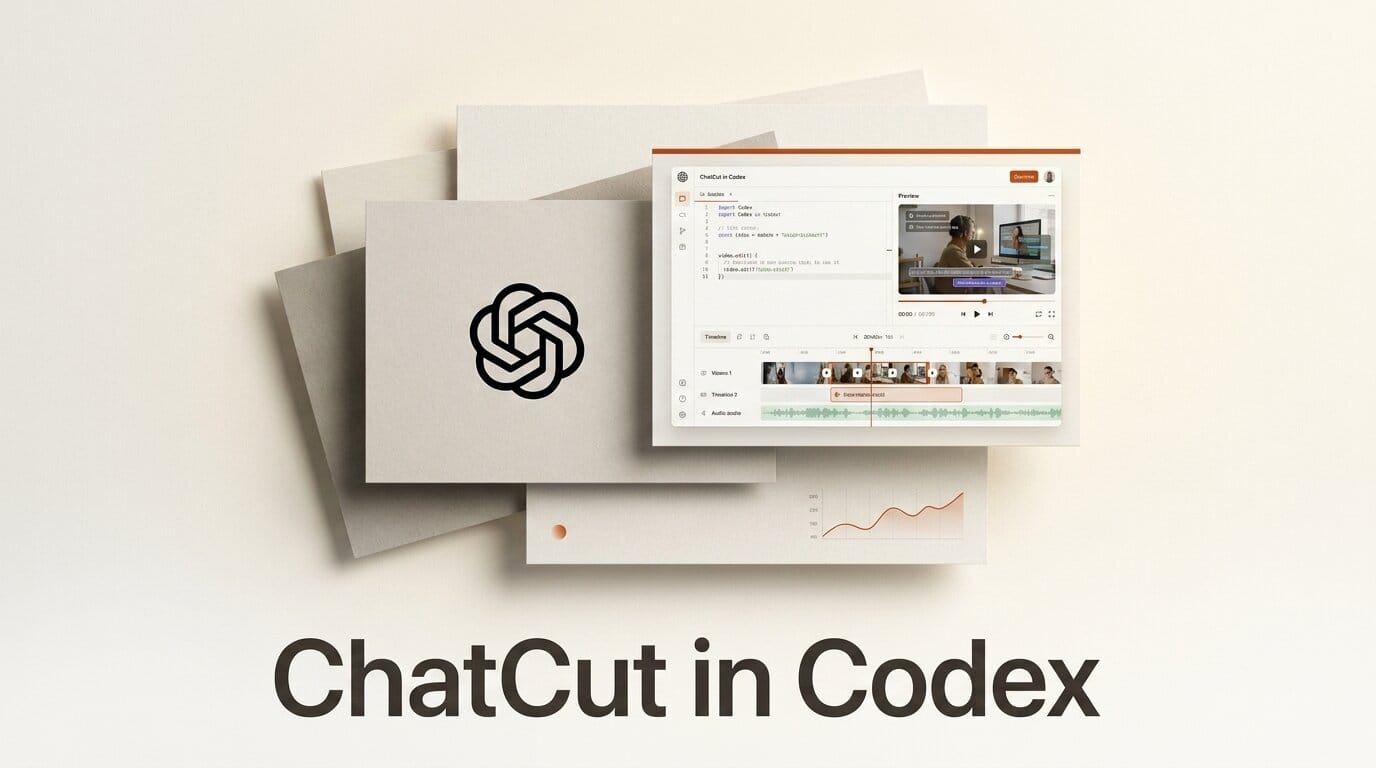
ChatCut has released a Codex plugin that turns OpenAI's coding agent into a full AI video editor. Announced on July 9, 2026, the plugin lets you describe an edit in plain language inside a Codex chat and get back a real, editable timeline instead of a locked render.
Try It: Turn Codex Into a Video Editor
Open a Codex chat and type: turn Codex into a video editor, read chatcut.io/codex. Once the plugin loads, drop in your footage and describe the cut. ChatCut can remove silences, assemble selects, generate captions, reframe shots, and produce platform-specific short-form exports on request. Every result comes back as a timeline you can keep directing or take over by hand, and you can export it to a desktop editor to finish in your usual tool.
Why It Matters for Creators
For editors and content teams, the appeal is staying in one chat surface instead of round-tripping between an assistant and a separate app. The plain-language workflow mirrors what local-first AI video clippers have been doing on the desktop, but pushes it into the agent environment where many builders already spend their day. Because ChatCut returns an editable timeline rather than a finished file, you keep manual control over the final cut, which is the trade-off most AI editors get wrong.
Key Details
ChatCut runs on web and desktop and now inside Codex via the plugin. CEO Kaiwen Li framed the launch around control, saying in the launch announcement that video editing is stuck in another era and that the goal is an editor where AI can edit with you but you still have control. Beyond cuts and captions, the editor can generate motion graphics, B-roll, music, and voice, and pull from stock footage, LUTs, transitions, and zooms. Finished projects export as XML to DaVinci Resolve and Adobe Premiere Pro, so the agent handles the assembly and your NLE handles the polish. Pricing for the Codex plugin was not disclosed in the announcement.
What to Do Next
If you edit talking-head, podcast, or short-form video, test the plugin on a single clip before wiring it into a real project, and check whether the XML round-trip preserves your timeline cleanly. Watch how the agent handles longer sequences, where AI editors typically struggle most.





