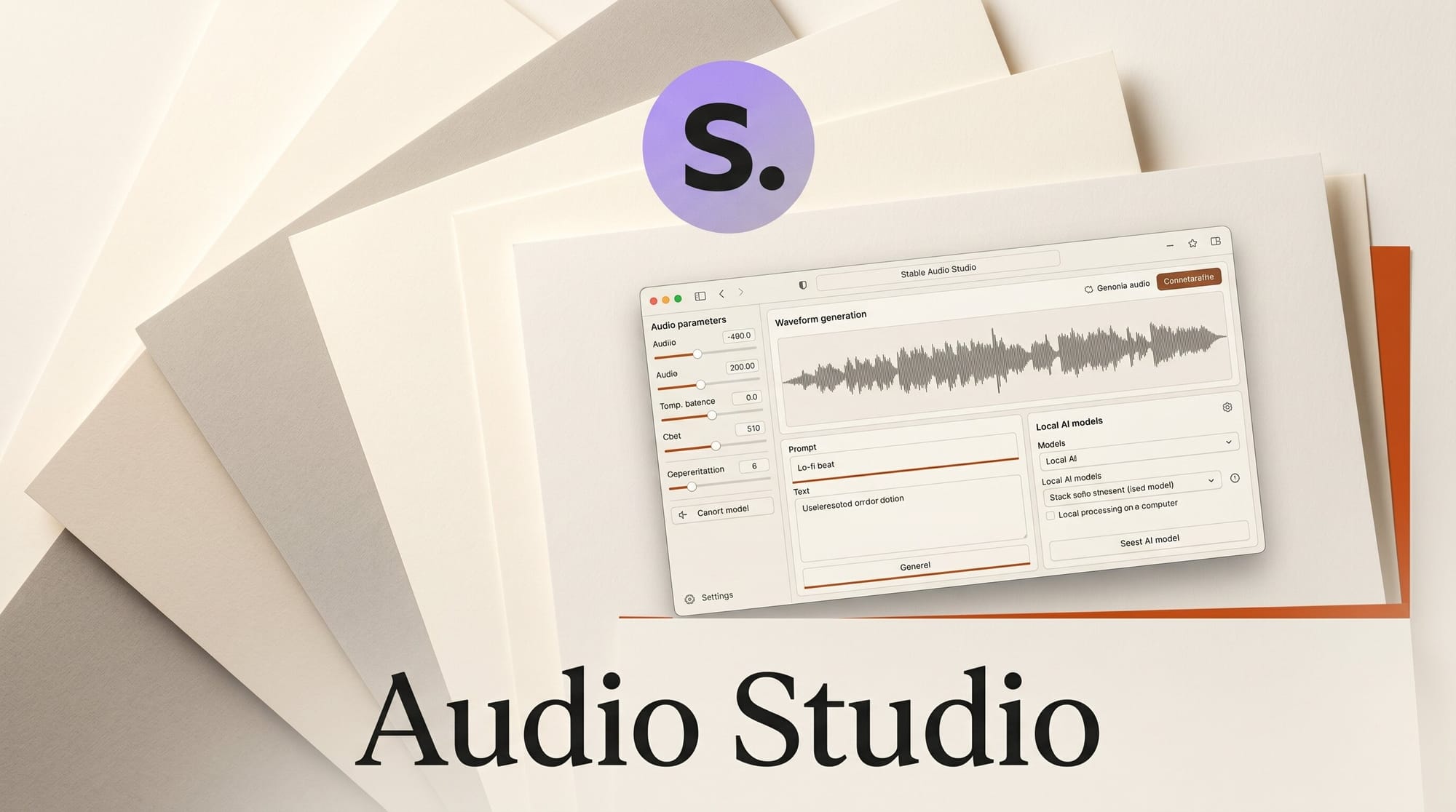
Stable Audio Studio is a new open-source desktop application that runs Stability AI's Stable Audio Open 1.0 model directly on your machine. Released to GitHub in May 2026, the project gives creators a full audio generation and editing environment with no account, no subscription, and no internet connection required after initial setup.
Built with Electron, React, and a Python FastAPI backend running PyTorch, the app generates stereo audio at 44.1kHz, up to 47 seconds per clip, and exports in WAV, FLAC, MP3, or OGG. On a CUDA-enabled NVIDIA GPU, the model loads in roughly 12 seconds and every generation runs entirely offline.
What Stable Audio Open 1.0 Is
Stable Audio Open 1.0 is Stability AI's open-weight audio generation model, available on HuggingFace under the Stability AI Community License. Unlike the company's earlier full-length song generators, this model targets a specific niche: sound effects, foley recordings, ambient textures, and short music loops up to 47 seconds. It was trained on a dataset optimized for these use cases rather than vocal or long-form song structure.
The model weights are approximately 5GB and download automatically from HuggingFace on first launch. Once cached locally, all subsequent generation runs without network access. If you have already explored the broader model family, our Stable Audio 3 analysis covers the larger open-weights release in detail.
What Stable Audio Studio Adds
Running the raw model requires Python, PyTorch, and direct script execution. Stable Audio Studio wraps all of that in a four-section desktop UI:
- Generator: Text prompt input with 50 curated prompt suggestions across music categories and sound effects. Supports batch generation of 1 to 8 samples per run, parameter presets, and a queue for chaining multiple batches.
- Library: Searchable collection with tagging, favorites, sorting, and bulk operations. Waveform visualization via WaveSurfer.js plays back clips inline without a separate editor.
- Audio Editor: Non-destructive waveform trimming, fade in/out, normalization, and gain adjustment with a 20-level undo stack. Drag-and-drop import handles external audio files alongside generated clips.
- Export: WAV, FLAC, MP3, and OGG output available from any section.
The settings panel exposes GPU device selection, an FP16/FP32 precision toggle, and customizable generation defaults. FP16 reduces memory usage on 8GB VRAM cards with minimal quality difference; the minimum for stable operation is 4GB VRAM, with 8GB or more recommended.
Use Cases for Creators
The strongest fit is for creators who generate audio assets regularly and want to avoid per-generation costs or data leaving their machine.
Game developers building custom SFX libraries can batch-generate variations of footstep sounds, ambient atmospheres, or UI feedback tones without subscription overhead. The 47-second ceiling covers the vast majority of game audio assets, where one-minute loops are the exception rather than the norm.
Content creators producing YouTube videos, podcasts, or short-form social content who need royalty-free background music and transitions can generate specific textures on demand: "lo-fi piano loop, 90 BPM" or "thunderstorm ambience, heavy rain, distant thunder." The 50 curated prompts provide a starting framework across cinematic, nature, electronic, and classical categories.
Music producers prototyping arrangements benefit from rapid batch generation. Running eight variations of a synth pad prompt in a single queue, then pulling the best two into a DAW, is faster than manually iterating plugin presets for similar textures.
Local vs. Cloud: The Practical Tradeoff
| Tool | Type | Max Duration | Cost | Offline | Best For |
|---|---|---|---|---|---|
| Stable Audio Studio | Desktop (Electron) | 47 seconds | Free | Yes | SFX, loops, offline work |
| Suno | Web/cloud | 4+ minutes | Free tier + paid | No | Full songs with vocals |
| Udio | Web/cloud | 3+ minutes | Free tier + paid | No | Full songs, genre control |
| Stable Audio Open (CLI) | Python script | 47 seconds | Free | Yes | Scripted pipelines |
Cloud tools still lead on long-form song generation with vocal structure. Where Stable Audio Studio wins is the combination of zero recurring cost, complete data privacy, and a library management system that cloud tools do not offer natively. Once you build up 50 to 100 generated clips, having search, tagging, and waveform preview in the same window is meaningfully faster than managing folders of downloaded MP3s.
Setup and Requirements
Installation requires Node.js 18 or later, Python 3.10 through 3.12, and an NVIDIA GPU with CUDA 12.1 drivers. You also need a HuggingFace account to accept the Stable Audio Open model license before the 5GB weight download begins. Installation involves separate Node and Python setup steps, then launching via npm run dev:electron. The official Stability AI model interface for browser-based testing remains available at stability.ai/stable-audio if you want to test prompts before committing to local setup.
AMD GPUs and Apple Silicon are not currently supported. A CPU fallback exists but generation speed makes it impractical for regular use. This is not a one-click installer; creators new to local AI tooling should budget time for the initial configuration.
What to Do Next
The project is on GitHub at github.com/powermcz/stable-audio-studio, where the README walks through the full setup process. The Stable Audio Open 1.0 model weights are on HuggingFace at stabilityai/stable-audio-open-1.0 (linked in the model section above).
If your current workflow involves downloading clips from cloud tools and managing them in a folder, the library and editor features in Stable Audio Studio justify the one-time setup effort. For client projects where you cannot send prompts to a third-party server, local generation with this tool is a direct solution.
Frequently Asked Questions
Does Stable Audio Studio work on AMD or Apple Silicon?

Not currently. The app targets NVIDIA GPUs via CUDA 12.1. A CPU fallback exists but generation is significantly slower. AMD ROCm and Apple Silicon MPS support are not available in the current release.
Is Stable Audio Studio an official Stability AI product?

No. It is a third-party open-source application built by a community developer using Stability AI's open-weight model. It is not affiliated with or endorsed by Stability AI.
What is the Stable Audio Community License?
Stability AI's Community License allows free commercial use for individuals and small businesses under specific conditions. You must accept the license on HuggingFace before downloading weights. Review the current terms before using generated audio in commercial projects, as license conditions may change with future model versions.
How does audio quality compare to Suno or Udio?

For instrumental loops, sound effects, and ambient textures under 47 seconds, Stable Audio Open 1.0 produces competitive output. For full songs with vocals, verse/chorus structure, or long-form composition, cloud tools currently outperform it. The two approaches serve different use cases rather than directly competing.
Can I generate longer audio by chaining clips?
The app tops out at 47 seconds per generation, but you can batch-generate multiple clips and assemble them in any DAW. WAV and FLAC exports are lossless and import cleanly into major audio editors. Seamless looping for longer pieces requires manual editing outside the app.
Does anything leave my machine during generation?
No. After the initial model download, all generation runs locally. Prompts, parameters, and generated audio never leave your machine, making this viable for commercial client work where data privacy is a requirement.





