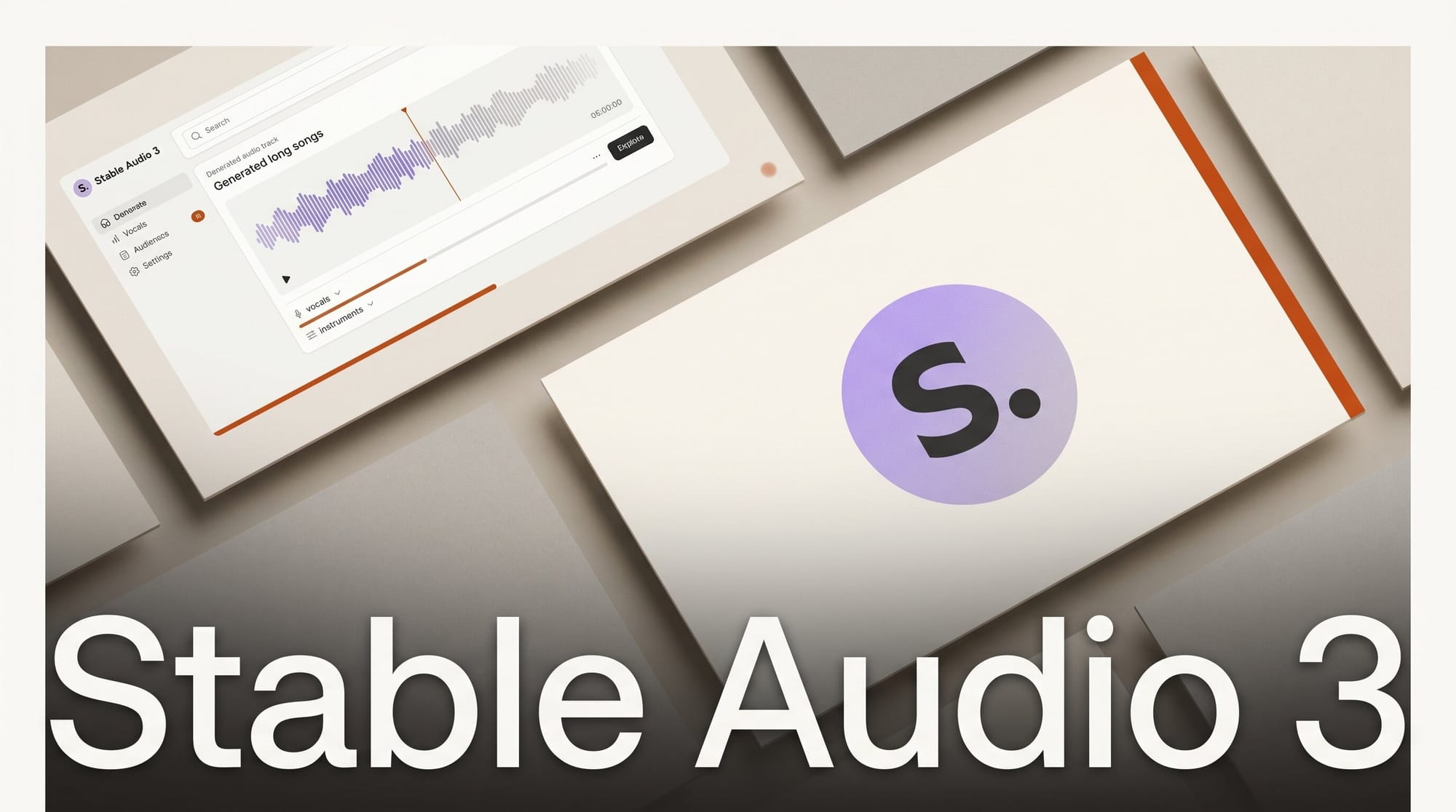
Stability AI released Stable Audio 3 on May 20, 2026, a family of open-weights latent diffusion models that generate up to 6 minutes and 20 seconds of audio from a text prompt. The small model runs on a MacBook Pro M4. The entire dataset consists of licensed and Creative Commons recordings only. Read the official announcement for licensing context before any commercial use.
Earlier open audio models hit one or more of three walls: hard length caps, GPU requirements that ruled out consumer hardware, or training data scraped without artist consent. Stable Audio 3 addresses all three at once, which is what makes this release different from prior incremental model drops.
What Happened
The Stable Audio 3 paper was submitted to arXiv on May 18, 2026, with the model release following two days later. TechCrunch reported the release on May 20. Stability AI published small and medium model weights, training code, and inference code under a community (non-commercial) license. The research team includes Zach Evans and Jordi Pons, both returning from previous Stable Audio versions and active in neural audio synthesis research.
The large model (2.7B parameters) was described in the paper but its weights were not released at launch. Small and medium weights are available on Hugging Face. A commercial license for production use is available through Stability AI separately.
Three Models, One Pipeline
Stable Audio 3 ships as four variants across three size tiers that share the same latent diffusion architecture:
| Model | Parameters | Max Length | H200 Speed | Consumer Hardware | Weights |
|---|---|---|---|---|---|
| Small-Music | 459M | 2 minutes | 0.44s | MacBook Pro M4 | Open |
| Small-SFX | 459M | 2 minutes | 0.44s | MacBook Pro M4 | Open |
| Medium | 1.4B | 6m 20s | 1.31s | Consumer GPU | Open |
| Large | 2.7B | 6m 20s | 1.80s | Not released | Closed |
Small-Music handles instrumental tracks. Small-SFX specializes in sound effects and ambience. Medium and large combine both domains in a single model. All variants support text-to-audio generation, audio inpainting (targeted editing of a specific region in an existing file), and recording continuation. Weights for small and medium are available on Hugging Face.
What Makes It Fast
Generating a full 6-minute track in under 2 seconds required three architectural changes that prior diffusion audio models had not combined together.
The first is a semantic-acoustic autoencoder with 4096x downsampling, up from the 1024-2048x used in earlier Stable Audio versions. More aggressive compression means each diffusion step processes far fewer tokens, which is the primary driver of inference speed.
The second is adversarial post-training. After standard flow-matching pre-training, the team applied a distillation process that bridges multi-step to fewer-step inference, then followed with adversarial post-training using relativistic, contrastive, and CLAP losses. The post-trained model requires only 8 sampling steps and runs without classifier-free guidance, reducing memory overhead that matters most for on-device deployment.
The third is ping-pong sampling, an iterative refinement technique that recovers output quality without adding guidance memory overhead. The combination of these three changes puts inference cost well below what was possible with Stable Audio 2.
How to Run Stable Audio 3 Locally
The medium model requires a dedicated GPU with 16GB VRAM or more. The small models run on a MacBook Pro M4. Setup takes about 10 minutes:
- Clone the repository:
git clone https://github.com/Stability-AI/stable-audio-3 - Install the package:
pip install stable-audio-3 - Accept the license agreement on Hugging Face for
stabilityai/stable-audio-3-medium(or small variant) - Authenticate:
huggingface-cli login - Run your first generation:
from stable_audio_3 import StableAudioModel

model = StableAudioModel.from_pretrained("medium")
audio = model.generate(
    prompt="House music at a festival in sunny weather 124 BPM",
    duration=180
)
audio.save("output.wav")
For audio inpainting, the generate_with_inpainting method accepts an existing audio file plus a mask defining which seconds to regenerate. The model fills only the masked region while preserving surrounding audio. For custom training pipelines, the stable-audio-tools library provides lower-level interfaces and the released training code.
Apple Silicon users should start with small-music. Expect a few seconds per 2-minute generation. On M4, the 459M parameter model fits entirely in unified memory without competing with system RAM.
How It Compares to Other AI Music Tools
AI music generation splits into cloud-only commercial tools and open-source local models. Stable Audio 3 sits in the second category but pushes that category's quality ceiling significantly higher:
| Tool | Max Length | Runs Locally | Open Weights | Licensed Data | Audio Editing |
|---|---|---|---|---|---|
| Stable Audio 3 Medium | 6m 20s | Yes (GPU) | Yes | Yes | Yes (inpainting) |
| Stable Audio 3 Small | 2 min | Yes (M4) | Yes | Yes | Yes (inpainting) |
| ACE-Step 1.5 | ~4 min | Yes (GPU) | Yes | Mixed | Limited |
| Suno v5 | ~4 min | No | No | Disputed | Partial |
| Google Lyria 3 Pro | ~3 min | No | No | Yes | No |
The training data sourcing matters for anyone building a production application. Stable Audio 3 trained on 806,284 licensed tracks from AudioSparx and 472,618 Creative Commons recordings from Freesound, with copyrighted content screened and removed. The paper compares against Stable Audio 2.5 (190 second max), Stable Audio Open, and ACE-Step 1.5 as the closest open-source competitor on output length.
Creator Outcome: What This Enables
Three specific workflows become practical with Stable Audio 3 that were not viable before:
Offline music generation for apps and games. If your product requires original background music but cannot route audio through a cloud API due to cost, offline requirements, or privacy constraints, the small model now runs on a MacBook Pro M4. This closes a gap that has existed since the first Stable Audio release.
Targeted audio editing in post-production. Audio inpainting is the most underrated feature in this release. Instead of regenerating an entire 4-minute track when one 10-second section does not match a scene cut, you mask that region and regenerate only the target seconds while keeping surrounding audio intact. For video editors working with AI-generated music, this cuts the iteration loop significantly.
Fine-tuning on licensed libraries. The training code is released alongside weights. A game studio or sound design house with a proprietary audio archive can fine-tune the model on their own licensed material and ship a system that generates on-brand audio on demand, without routing requests to an external API.
For broader context on what separates practical local audio tools from research releases, see the open-source audio AI quality gap analysis and the complete AI music tools guide for 2026.
Frequently Asked Questions
Can I use Stable Audio 3 commercially?
Not under the default community license. Small and medium weights are released for non-commercial use. Stability AI offers a separate commercial license for revenue-generating applications through their website.
What hardware do I need for the medium model?
A GPU with 16GB VRAM is a reasonable minimum for medium (1.4B parameters in FP16). RTX 4080 or equivalent consumer cards should work. On an H200, generation takes 1.31 seconds for the full 6m 20s length. Expect 10-20 seconds on consumer GPUs depending on output length.
Does it support vocals and lyrics?
The released small-music and medium models focus on instrumental music and sound effects. Vocal generation with lyrics was not part of this release. The large model, whose weights remain unreleased, may include broader capabilities based on the paper's training scope.
How does audio inpainting work?
You provide an existing audio file, a text prompt describing what the regenerated region should sound like, and a binary mask specifying start and end times in seconds. The model regenerates only the masked region while preserving surrounding audio. Multi-segment edits and end-of-clip continuation use the same mechanism.
Where does the training data come from?
Stable Audio 3 trained on 1.28 million audio recordings: 806,284 licensed tracks from AudioSparx and 472,618 Creative Commons recordings from Freesound. The paper states all copyrighted content was screened and removed before training. No scraped or unlicensed audio was used.
How does Stable Audio 3 compare to Stable Audio Open?
Stable Audio Open was a previous 1.3B parameter model capped at 47 seconds. Stable Audio 3 Medium extends this to 6 minutes and 20 seconds, adds audio inpainting support, runs faster, and uses a cleaner training pipeline with 1.28 million fully licensed recordings. The architecture is substantially different, using a semantic-acoustic autoencoder with 4096x compression versus the earlier model's shallower latent space.
What to Do Next
Clone the inference repository at github.com/Stability-AI/stable-audio-3, accept the Hugging Face license for the model size that matches your hardware, and run the quick-start example. Start with small-music on Apple Silicon or medium on a 16GB VRAM GPU. Check the Stability AI license page before any commercial application.