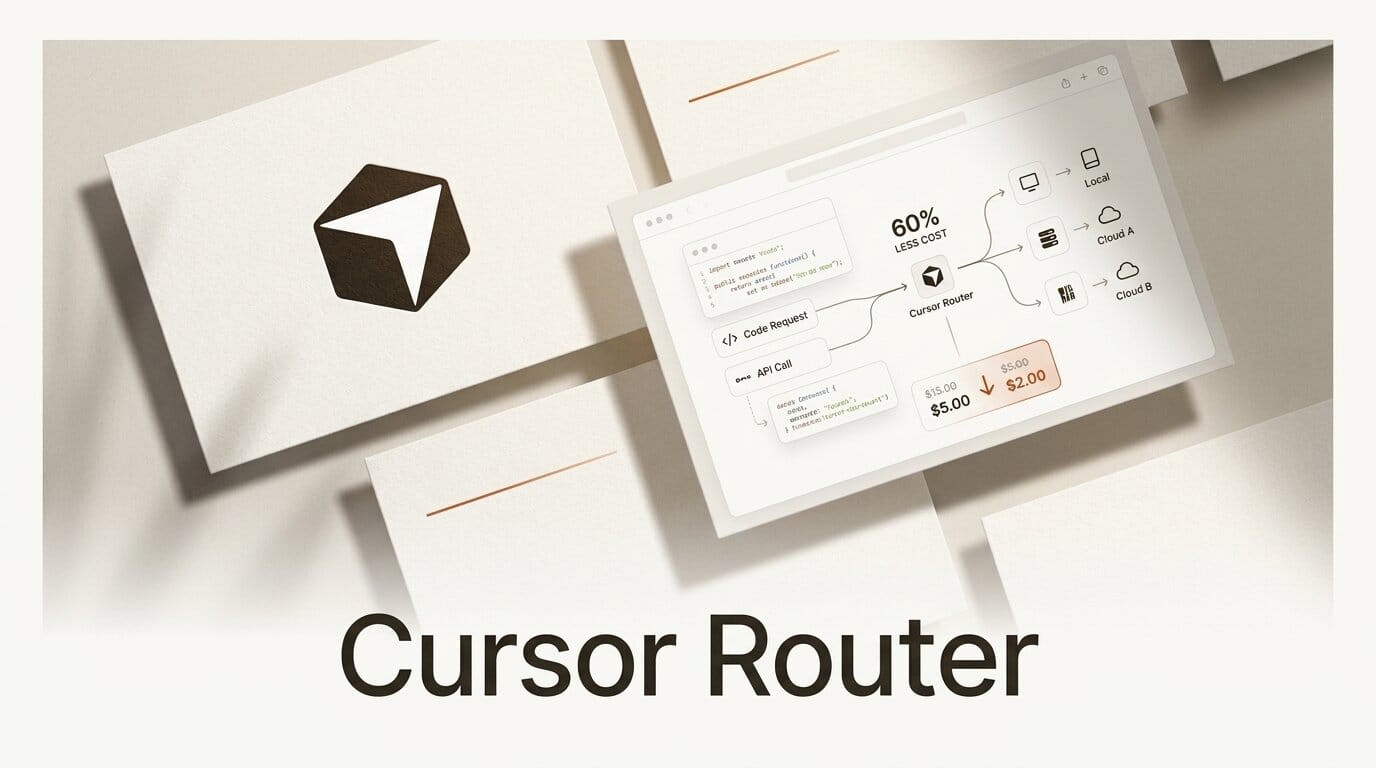
Cursor shipped Cursor Router on July 22, 2026, an automatic model-routing layer that reads each coding request and sends it to the cheapest model that can still do the job well. In Cursor's own A/B tests across millions of requests, the router held frontier-quality output while cutting spend by up to 60 percent. For anyone building software with an AI agent all day, the interesting part is not another model. It is a system that decides which model to use for you, per request, with a dial for how much you care about cost versus raw intelligence.
What Cursor Router Actually Does
Cursor Router sits between your prompt and the model pool. Instead of pinning every request to one expensive frontier model, it classifies the query by task complexity, context size, and domain, then routes it to the model that fits. A one-line rename goes to a fast, cheap model. A gnarly multi-file refactor goes to a frontier model. The routing is cache-aware, so it factors in whether your context is already cached when it estimates cost, which matters because a cache miss on a huge repo can dominate the bill.
The feature is generally available now on Teams and Enterprise plans across desktop, web, iOS, the CLI, and the SDK. Admins can enable it per group, set a default mode, and restrict which modes users can pick. Cursor is the coding agent from Anysphere, and the router plugs into the same model marketplace the editor already uses, so there is no new integration to wire up.

The Cost Math: Router Modes Compared
Router ships with three modes. Intelligence chases frontier quality, Balance targets the daily-driver frontier tier at lower cost, and Cost squeezes token spend while reaching the highest intelligence it can afford. Cursor published cost-per-commit figures from its internal tests, and the gap is large enough to change how a team budgets. The documentation spells out how each mode weighs quality against spend.
| Option | Cost per commit | Quality claim |
|---|---|---|
| Router: Intelligence | $6.76 | Matches the most powerful frontier models |
| Router: Balance | $4.63 | Matches frontier daily-driver models |
| Fable 5 (fixed) | $12.69 | Frontier baseline |
| Opus 4.8 (fixed) | $7.34 | Frontier baseline |
| GPT-5.6 Sol (fixed) | ~$6.76 | Matched Intelligence cost, lower user satisfaction |
Read the table the way a finance lead would. Intelligence mode lands near Fable 5 quality at roughly 60 percent lower cost, and Balance runs about 36 percent under Opus 4.8 while staying in daily-driver territory. Cursor also reported that three high-volume accounts with thousands of users saved 30 to 50 percent on auto-routed requests compared with sending everything to Opus 4.8. GPT-5.6 Sol matched Intelligence mode on price but scored lower on user satisfaction, which is the kind of head-to-head that a single fixed-model policy hides.
How the Routing Decision Works
The router does not just look at the text of your prompt. It weighs the query, the surrounding context, the task's complexity, and the domain, then picks a model. Because it is cache-aware, it treats a request that reuses cached context differently from one that forces a cold read of a large codebase. That is the detail that separates real routing from a coin flip: the cheapest model on paper is not cheapest if it triggers a cache miss that balloons the token count. Cursor has been tuning this decision layer alongside its agent harness work, and the router is the productized result.

What This Means for Builders
If you build with an AI coding agent, model selection has quietly become one of your biggest recurring costs. Until now the choice was manual and blunt: pick one model and pay its rate on every request, whether you were renaming a variable or rewriting an auth flow. Router turns that into a policy you set once. A solo builder on a budget can run Cost mode and still reach frontier intelligence on the requests that need it. A team can standardize on Balance and cut its Opus bill by a third without asking engineers to think about model choice at all.
This also fits a broader 2026 pattern where the winning move is best-fit rather than best-model. We have seen the same logic in parallel agent runners that fan work across models, and in Codex's permission controls that make autonomous agents safer to run. Routing is the cost dimension of that same shift, and it is the first time a mainstream editor has made the tradeoff a first-class setting instead of a manual dropdown.

How to Turn On Cursor Router
Getting value out of Router takes about five minutes if you are on a Teams or Enterprise plan:
1. Update Cursor. Router is live across desktop, web, iOS, CLI, and SDK. Make sure you are on the current build.
2. Open model settings and select Auto. Choose one of the three router modes: Intelligence for maximum quality, Balance for the best cost-to-quality ratio, or Cost to minimize token spend.
3. Set a team default (admins). In the admin panel, enable Router per group, pick the default mode, and decide which modes users can override to. Most teams start on Balance.
4. Watch cost-per-commit for a week. Compare your auto-routed spend against your previous fixed-model bill. Cursor's early customers saw 30 to 50 percent reductions, so a week of real usage will tell you where your own workload lands.
5. Tune by workload. If your team does heavy multi-file refactors, lean toward Intelligence. If most requests are small edits and reviews, Cost mode will capture most of the savings without a noticeable quality drop.
Frequently asked questions
Is Cursor Router available on the free or Pro plan?
No. At launch, Router is generally available on Teams and Enterprise plans only, across desktop, web, iOS, CLI, and SDK. Individual Pro users do not get the auto-routing modes yet.
How much can Cursor Router actually save?
In Cursor's A/B tests, Intelligence mode delivered frontier-quality output at up to 60 percent lower cost, and three large accounts saved 30 to 50 percent on auto-routed requests versus routing everything to Opus 4.8. Balance mode runs about 36 percent under Opus 4.8 per commit.
Does routing hurt output quality?
Cursor's claim is that Intelligence mode matches the most powerful frontier models and Balance matches the frontier models most people daily drive. The savings come from not overpaying on simple requests, not from downgrading hard ones. Quality-sensitive teams should still benchmark on their own workload for a week.
How does Router decide which model to use?
It classifies each request by query, context, task complexity, and domain, then routes to the best-fit model. The decision is cache-aware, so it accounts for whether reusing cached context or forcing a cold read changes the real cost.
Can admins control which modes a team uses?
Yes. Admins can enable Router per group, set a default mode, and restrict which modes users are allowed to select, which lets a company standardize on Balance or lock down to Cost.
Which models does Router choose between?
Router draws from Cursor's existing model pool, which includes frontier models like Opus 4.8, Fable 5, and GPT-5.6 Sol, and cheaper fast models for lighter tasks. You set the mode; Router picks the specific model per request.





