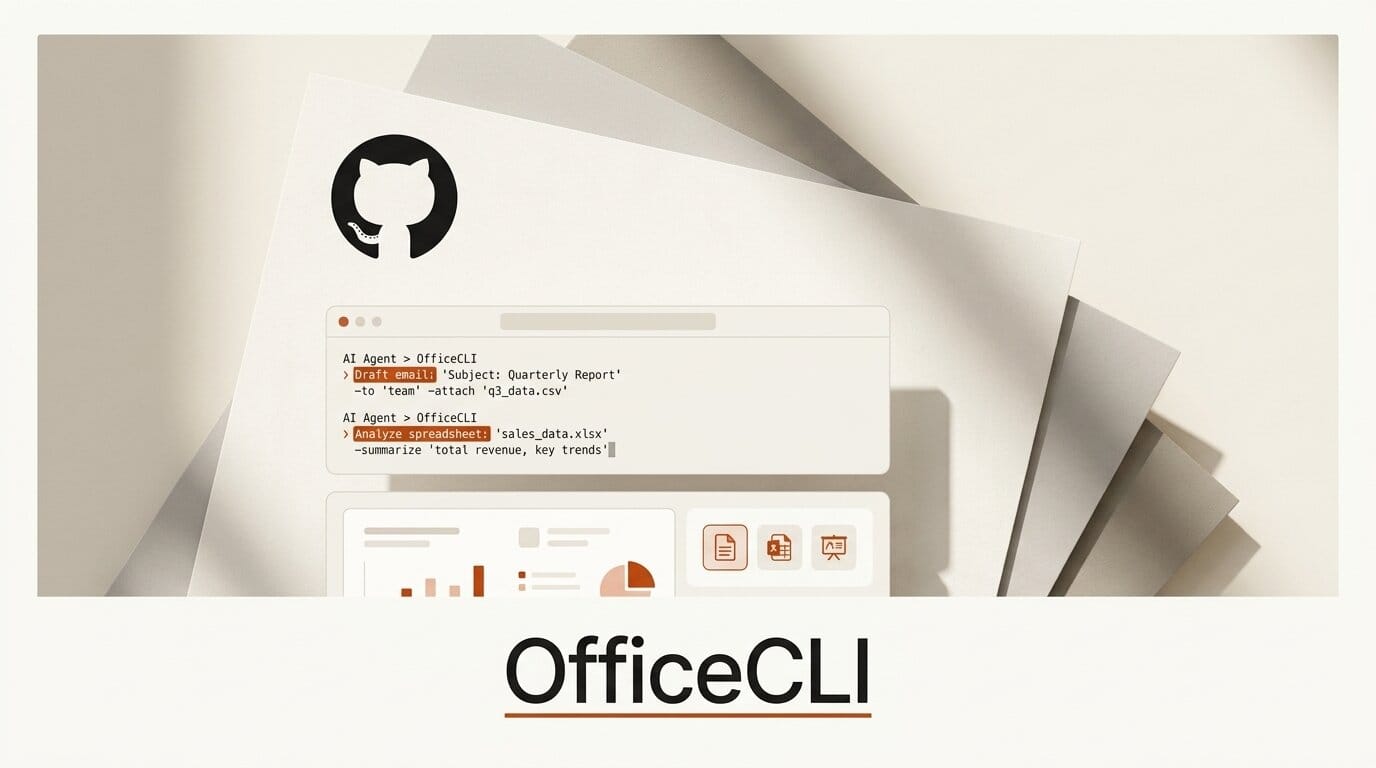
On July 6, 2026, the open-source project OfficeCLI shipped version 1.0.129 and crossed 7,700 GitHub stars, billing itself as "the first and best Office suite purpose-built for AI agents." It is a single binary that lets Claude Code, Cursor, Windsurf, and GitHub Copilot read, create, and edit Word, Excel, and PowerPoint files directly, with no copy of Microsoft Office installed anywhere. For anyone who builds automations or content pipelines, this closes a gap that has quietly blocked agents for years: real, editable Office documents as an output format.
The problem OfficeCLI solves is specific. AI agents are fluent at generating text, code, and images, but the moment a workflow needs a formatted .docx, a working .xlsx with formulas, or a branded .pptx deck, agents have historically resorted to brittle XML surgery or a headless copy of Office. OfficeCLI replaces that with a deterministic command-line interface built for machines to drive.
What OfficeCLI Actually Does
OfficeCLI exposes every Office operation as a command with structured, predictable output. Three design choices make it agent-native rather than a human tool wearing a CLI costume.
First, deterministic JSON output. Every command supports a --json flag with a consistent schema, so an agent never has to scrape stdout or parse regex from a formatted table. Second, path-based addressing: every element in a document has a stable path such as /slide[1]/shape[2] or /body/p[1]/r[1], letting an agent target a specific run of text or a single cell without understanding OOXML namespaces. Third, a built-in HTML and PNG rendering engine that reproduces documents with high fidelity, which the project describes as giving agents "eyes" so they can render, look, and fix in a loop.
On the Excel side it ships more than 350 spreadsheet functions and native pivot-table generation, so formula evaluation happens inside the binary rather than requiring a live Office process. The whole thing is a self-contained binary with an embedded .NET runtime and no external dependencies, released under the Apache License 2.0.

OfficeCLI vs the Old Way
Most agent-driven document workflows today fall back on one of two approaches: scripting a Python library like python-docx or openpyxl, or automating a headless Microsoft Office install. Here is how OfficeCLI compares on the dimensions that matter to an agent builder.
| Dimension | OfficeCLI | Python Office libraries | Headless MS Office |
|---|---|---|---|
| Office install required | No | No | Yes |
| Machine-readable output | Deterministic --json | Manual serialization | COM objects, fragile |
| Element addressing | Stable paths | Index into object tree | Object model |
| Visual verification | Built-in HTML/PNG render | None | Screenshot the app |
| Formats | Word, Excel, PowerPoint | One library per format | All, heavyweight |
| Agent integration | Auto-installs skill | Custom code per agent | Custom code per agent |
| License | Apache 2.0 | Varies (mostly permissive) | Commercial |
The differentiator is the render loop. A Python library can write a deck, but the agent is blind to whether the result looks right. OfficeCLI can render a slide to PNG and hand it back to a vision-capable model, which is what makes self-correcting document generation practical.
How to Set It Up With Your AI Agent
Installation is one command, and it registers OfficeCLI as a skill into every supported agent it detects, the same skill mechanism we covered in our guide to building agent skills with MCP. Full details are in the project's agent guide.
- Install the binary. On macOS or Linux run
curl -fsSL https://raw.githubusercontent.com/iOfficeAI/OfficeCLI/main/install.sh | bash. On Windows, in PowerShell runirm https://raw.githubusercontent.com/iOfficeAI/OfficeCLI/main/install.ps1 | iex. - Verify. Run
officecli --versionto confirm the binary is on your PATH. - Register with your agent. The installer auto-installs the skill into Claude Code, Cursor, Windsurf, GitHub Copilot, and VS Code. To wire it up manually, run
officecli mcp <agent-name>. - Create and inspect. Build a deck with
officecli create deck.pptx, then view its structure withofficecli view deck.pptx outlineor a faithful preview withofficecli view deck.pptx html. - Edit precisely. Add a slide with
officecli add deck.pptx / --type slide --prop title="Q4 Report", bold a run in a Word doc withofficecli set report.docx /body/p[1]/r[1] --prop bold=true, or query a spreadsheet withofficecli query budget.xlsx "row[Salary>5000]" --json. - Watch live. Run
officecli watch deck.pptxfor a live preview while the agent iterates.

What This Enables for Creators
If your work touches client deliverables, this is the piece that turns an agent from a draft generator into a finisher. A single natural-language instruction can now end in a formatted, on-brand file rather than a wall of markdown you paste into Office by hand.
Concretely, you can point Claude Code at a folder of research notes and have it assemble a formatted Word report with headings and styled runs. You can ask an agent to build a budget spreadsheet with live formulas and a pivot table, then verify the numbers with a JSON query before you ever open Excel. You can generate a pitch deck, render each slide to PNG, and let a vision model check layout and spacing before delivery. Because output is deterministic, these steps chain safely inside a larger automation without a human babysitting each handoff, much like the browser-automation MCP tooling that lets agents act on the web.
The practical unlock is repeatability. A one-off deck is easy to make by hand; a hundred personalized decks, or a weekly report that regenerates from fresh data, is exactly the kind of drudgery agents should own. OfficeCLI gives them a reliable, inspectable way to produce the file format your clients actually expect.

The Bigger Picture: Agent-Native Office
OfficeCLI comes from iOfficeAI, the same group behind AionUi, a desktop "cowork" app with more than 29,000 stars that lets you drive Claude Code, Codex, Gemini CLI, and 20-plus other agents through a single interface. AionUi uses OfficeCLI under the hood so non-technical users can create and edit Office documents through plain natural language, with the CLI doing the file manipulation. The organization's homepage is aionui.com.
The release cadence signals momentum: the releases page shows 124 versions and thousands of commits, and v1.0.129 landed the same day the project surfaced widely. Whether it becomes the default document layer for agents depends on adoption, but the direction is clear. As agents move from chat windows into real production workflows, the tooling that lets them touch the file formats businesses run on, rather than just generate prose, is where a lot of the near-term value sits. If you are already building with Claude Code or Cursor, OfficeCLI is worth an afternoon of testing.
Frequently Asked Questions
Do I need Microsoft Office installed to use OfficeCLI?
No. OfficeCLI is a self-contained single binary with an embedded .NET runtime. It reads, creates, and edits .docx, .xlsx, and .pptx files without any Microsoft Office installation or external dependencies.
Which AI agents does it work with?
The installer auto-registers a skill into Claude Code, Cursor, Windsurf, GitHub Copilot, and VS Code. Any other agent can be wired up manually with officecli mcp <agent-name>.
Is OfficeCLI free and open-source?
Yes. It is released under the Apache License 2.0, which permits free commercial and personal use. The full source is on GitHub.
How does it help an agent avoid mistakes in documents?
Two features. Deterministic JSON output means the agent reads a consistent schema instead of scraping text, and the built-in HTML/PNG rendering engine lets a vision-capable model see the actual rendered document and correct layout or formatting errors in a loop.
What operating systems are supported?
OfficeCLI ships binaries for macOS (Apple Silicon and Intel), Linux (x64 and ARM64), and Windows (x64 and ARM64), so it runs on essentially any modern development or server environment.
What is the difference between OfficeCLI and AionUi?
OfficeCLI is the command-line engine that manipulates Office files. AionUi is a desktop app for non-technical users that drives multiple AI agents through natural language and uses OfficeCLI under the hood for document work.





