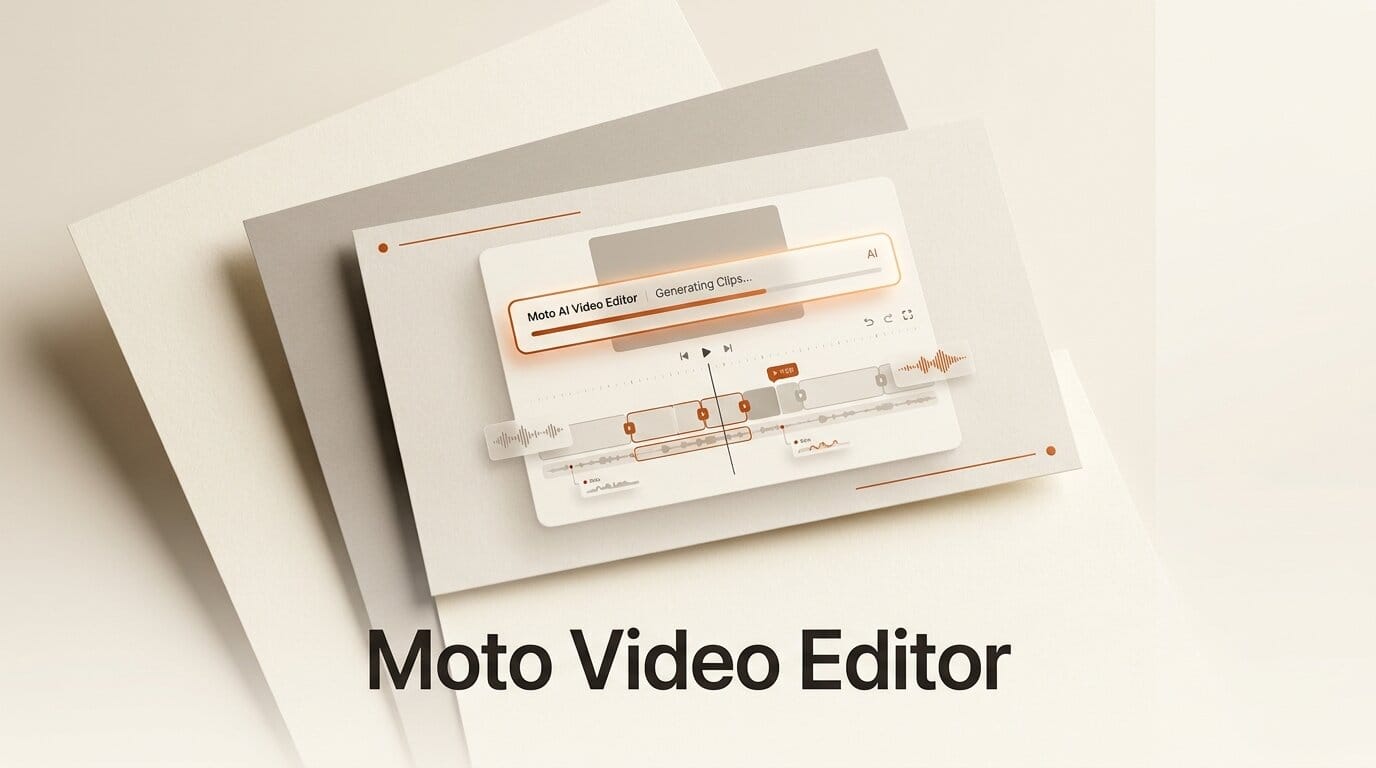
Moto is a new AI video editor that generates images, video, and motion graphics as fully editable clips directly on a timeline, rather than pushing creators out to separate generators and back into a cutting tool. Announced in July 2026 and currently in a batched private beta, Moto positions itself as an AI-native editor: the same timeline you use to trim and arrange footage is where you prompt for new shots, titles, and transitions. The core editor is free with a small Moto attribution on exports, and paid tiers for watermark-free output and AI credits are planned but not yet priced.
That single idea, generation living inside the timeline instead of beside it, is what separates Moto from the growing field of AI video tools. Most workflows today force a round trip: generate a clip in one app, download it, import it, and lose the prompt and the ability to re-roll. Moto keeps the prompt attached to the clip, so a shot stays editable long after it is created.
What Moto Actually Does
Moto is built around five capabilities, all of which resolve to timeline clips or layers you can move, trim, and re-generate:
- Generation in the timeline. Images, video, and graphics are created as editable clips and layers inside the project, not as flat exports you import after the fact.
- Motion AI. Titles, lower thirds, transitions, and kinetic type are generated as motion graphics clips that remain fully editable rather than baked-in renders.
- Assistant. An in-project chat tool that edits the timeline through plain-language commands, working with the context of your current project.
- Sources and References. Reusable visual sources that keep characters, products, and styles consistent from scene to scene.
- Producer. Generates an assisted first cut from a brief, a script, or a set of references, giving you a rough assembly to refine instead of a blank timeline.
Under the hood Moto routes generation to a set of established models. The site lists Google Veo 3.1, Kling, ByteDance Seedance 2.0, and Nano Banana (Google's Gemini image model) as the engines behind image and video clips, so the quality ceiling tracks the current frontier of hosted generators.

How Generation in the Timeline Works
The mechanics are deliberately close to a normal non-linear editor. Per Moto's documentation, a text-to-image generation runs like this:
- Click the + button in a timeline layer.
- Choose a generation type, such as Text to Image, and confirm.
- Select the new clip on the timeline.
- Enter a prompt in the effect panel.
- Click Run to start generation.
- The finished image populates the clip in place when the job completes.
Because the prompt lives in the clip's effect panel, re-generating is a matter of editing the text and running again, not starting over in a separate tool. Ordinary editing actions, importing footage, arranging clips, trimming, and previewing, consume no AI credits. Only workflows that create or transform images, video, audio, or motion draw from your credit balance, with costs varying by model and settings. Export gives you control over file name, destination, quality, and audio settings.
Motion AI and Editable Motion Graphics
The most differentiated piece is Motion AI. Motion graphics, animated titles, lower thirds, kinetic type, and transitions, are historically the slowest part of a creator's edit, usually requiring After Effects skills or a template marketplace. Moto generates these as clips that stay editable on the timeline, so a generated title card can be retimed, restyled, or re-prompted without re-rendering an opaque asset. For short-form creators who live and die by fast, on-brand text animation, an editable-by-default motion layer is the feature most likely to change a daily workflow.

How Moto Compares to Other AI Video Editors
Moto enters a crowded 2026 field. The useful distinction is not raw model quality, which most tools share by calling the same hosted generators, but where generation lives and how editable the output stays. Moto follows the announcements Moto shares on its X account with a clear position: generation and editing in one timeline.
| Tool | Core model | Where generation happens | Availability |
|---|---|---|---|
| Moto | Timeline editor with in-clip generation | Inside the timeline, clips stay editable | Private beta, free core |
| Timeline Studio | Local-first desktop editor | In-app, runs models locally | Available |
| ChatCut | Chat-driven editor in a coding environment | Command-driven, inside Codex | Available |
| Traditional NLE plus generator | Separate apps | External round trip, flattened import | Widely available |
For a deeper look at how the AI-native editors stack up on latency and control, our comparison of real-time AI video editing approaches covers the trade-offs, and our write-ups on Timeline Studio and ChatCut map two very different takes on the same problem. Moto's bet is that keeping the prompt attached to every clip beats both the local-first and the chat-only models for iteration speed.
What This Enables for Creators
The practical payoff is fewer tools and fewer dead ends. A creator building a product explainer can draft a first cut with Producer from a script, generate B-roll shots as timeline clips, add editable Motion AI titles, and keep a Sources reference so the product looks identical across scenes, all without leaving the editor or losing a single prompt. When a client asks for a different headline color or a slower title animation, the change is an edit, not a re-render in a separate app.
For solo creators and small studios, that compresses the generate-import-edit-re-render loop into a single surface. The free core editor means you can build and arrange an entire project at no cost and only spend credits on the generation steps that actually need them, which makes Moto worth testing even before pricing is public.

What to Do Next
Moto is opening access in batches, so the first step is to request an invite and start with the free core editor. Build a short project end to end: import a clip, generate one text-to-image shot in a timeline layer, and add a Motion AI title, so you can judge how editable the generated assets really stay. Note that Moto is not currently available in the UK or EEA, and that plans and pricing have not been announced, so treat credit costs as unknown until Google-model and Kling-model usage is metered in your own project. You can request beta access to get in line.
Frequently Asked Questions
Is Moto free to use?
The core editor is free with a subtle Moto attribution on exports. Paid plans, which will add watermark-free exports, AI credits, and professional features, are planned but not yet priced. Regular editing uses no AI credits; only generation and transformation steps draw from a credit balance.
What AI models does Moto use?
Moto's site lists Google Veo 3.1, Kling, ByteDance Seedance 2.0, and Nano Banana (Google's Gemini image model) as the engines behind its image and video generation. That means output quality tracks the current hosted frontier rather than a single in-house model.
How is Moto different from a normal video editor plus a generator?
In a traditional workflow you generate a clip in one app, download it, and import a flattened file, losing the prompt and the ability to re-roll. Moto keeps generation inside the timeline, so clips stay editable and their prompts stay attached for fast re-generation.
Can Moto make motion graphics?
Yes. Motion AI generates titles, lower thirds, transitions, and kinetic type as motion graphics clips that remain fully editable on the timeline, rather than as baked-in renders you cannot easily change.
Is Moto available everywhere?
Not yet. Moto is in a batched private beta and is currently unavailable in the UK and the EEA. Access is opening in stages, so you request an invite and wait for your batch.
What is Producer in Moto?
Producer generates an assisted first cut from a brief, a script, or a set of references. Instead of starting on a blank timeline, you get a rough assembly to refine, which is useful for explainer videos and short-form content built from a script.





