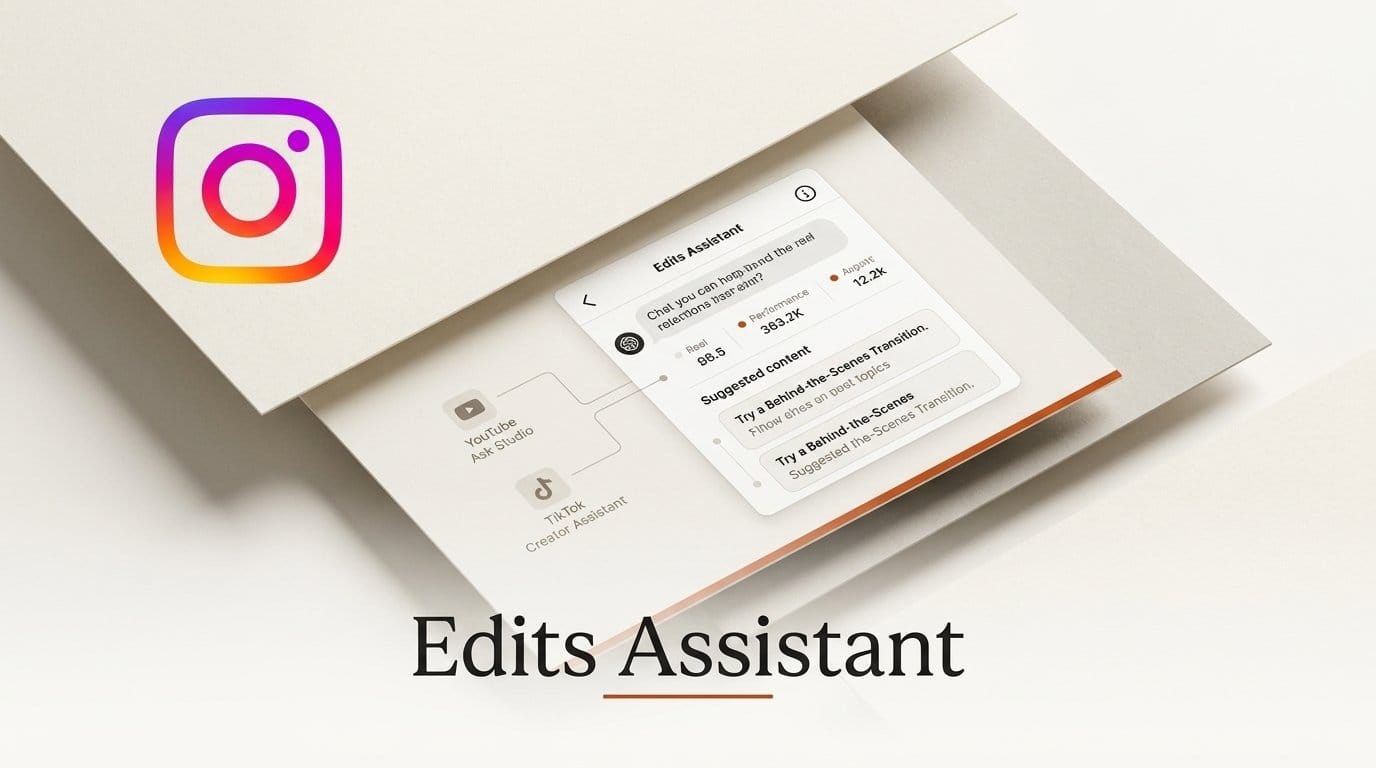
Instagram started rolling out the Edits assistant to everyone using its Edits app in the US on 30 September 2026. It is a chat inside Edits that reads your account's follows, views, video retention, likes, shares and comments, and answers questions like "why did this reel hold attention and that one didn't?" It is free up to a daily prompt limit that Instagram has not published, with more usage coming through a Meta One subscription.
It is also the third platform-built AI coach a short-form creator can now use. YouTube has Ask Studio and TikTok has Creator Assistant, and the three are not interchangeable. They differ in who gets access, what data they can see and whether they will look at a video before you post it. This guide compares them from each platform's own documentation, shows what the Edits assistant adds over the Insights tab you already have, and gives you a weekly review routine to get value from its free daily allowance. We could not test the assistant itself (it is US-only and tied to a creator account's data), so every capability below is as Instagram describes it, with the gaps marked.
What Instagram launched on September 30
The announcement came from Brett Westervelt, who leads the Edits app. The pitch is narrow on purpose: generic AI tools can write a hook, he wrote, "but they don't know your Instagram." The assistant combines your account metrics with your comments, what is trending on Instagram and what your audience is into, then looks for patterns over time.
Instagram lists five jobs it can do:
- Explain performance: what connected with your audience this month, and why one reel held attention while another did not.
- Generate ideas from your own history: video concepts, hooks, captions and scripts drawn from your track record rather than a generic trend list.
- Research an idea before you shoot it: check whether a concept has found success on the platform.
- Read trial reels: refine videos for your followers based on how variations of trial reels performed.
- Find audio: trending audio matched to your niche and style, saveable straight from the chat.
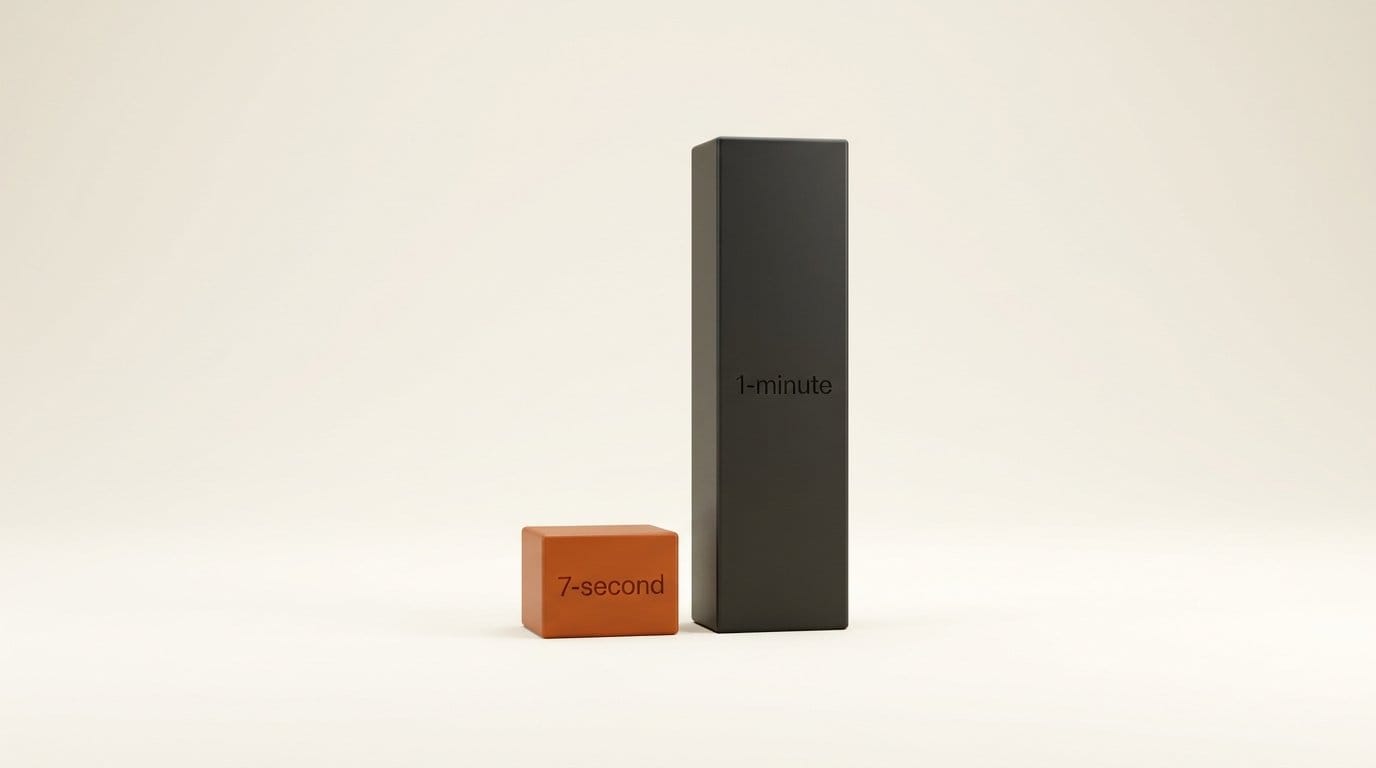
What it does not do is edit. "Creators want a tool that handles the analysis, not one that does the creative work for them," Westervelt wrote, and TechCrunch's launch report makes the same point: the assistant surfaces recommendations, it does not cut your video. Instagram tested it for several months with a council of creators. One example it gives is makeup artist @jaleesajaikaran, whose videos performed well after the assistant suggested mixing a 7-second reel in among her 1-minute videos, something she had never thought to try.
What it adds over the Insights tab
Edits already has a capable analytics screen. Its August 19 Insights update added a side-by-side comparison of up to 3 reels (views, watch time, follows, interactions), an Audience tab showing where followers are, what they are interested in and when they are active, a PDF export for brand partners, and search in the Inspiration tab. So the question for a working creator is what the assistant tells you that those screens do not.
Based on Instagram's own description, the difference falls into three places:
- Comments as data. Insights counts interactions; it does not read them. The assistant combines comments with the metrics, so a question like "what are people asking for under my last five reels" becomes answerable without scrolling every thread.
- Patterns across time, not three reels at a time. Compare stops at 3 reels. The assistant is described as spotting patterns in your performance over time, which is how @turnipvegan found that his non-food greenhouse videos outperformed his cooking content.
- The step from number to next video. Insights ends at the metric. The assistant turns it into a concept, hook, caption, script or audio pick. As @jaleesajaikaran put it in Instagram's post: "I could go check my 30 days, my 90 days, how much I grew... but what are you going to do with that information?"
What Instagram has not said is how far back the assistant looks, whether it can see Competitive insights (a paid Meta One feature), or how it decides what is trending in your niche. Treat its pattern claims as hypotheses to check against the Compare view, not conclusions.
Edits assistant vs Ask Studio vs Creator Assistant
All three assistants read your own channel data and answer in chat. The table below is built from each platform's documentation: Instagram's announcement, YouTube's Ask Studio help page and TikTok's Creator Academy guide.
| Instagram Edits assistant | YouTube Ask Studio | TikTok Creator Assistant | |
|---|---|---|---|
| Where it lives | Chat icon in the Edits app | Top right of YouTube Studio, plus the Analytics page | Pop-ups in TikTok Studio (homepage, Analytics Overview, video details), then your inbox |
| Who gets it | Everyone using Edits in the US | "Most YouTube creators globally"; not Official Artist Channels, Made for Kids channels or under-18s | US, Canada, Mexico, Korea, Brazil, Japan; US and Canada need 10k+ followers |
| Device | Phone (Edits on iOS and Android) | Desktop web browser only, per the help page | TikTok Studio, including the app |
| Data it uses | Follows, views, retention, likes, shares, comments, trends, audience interests | Channel analytics, comments, upload history, historical retention | Account details and analytics, your content and community |
| Reviews a video before you post | Not described | Yes: draft, private or unlisted videos, and pasted scripts | Not described |
| Extras | Trending audio picks saved from chat; trial reel readouts | Up to 10 images per prompt; saved Idea cards; support issues and "speak to an agent" | Trending videos, creators and topics; policy and monetization answers |
| Price | Free with a daily prompt limit; more usage "soon" via Meta One | No price listed | No price listed |
The gates matter more than the features. A US creator with 4,000 TikTok followers cannot use Creator Assistant at all, while the same creator gets the Edits assistant on day one. A creator who mostly works on a phone can open the Edits assistant anywhere, but Ask Studio is documented as desktop-only (YouTube said at Made on YouTube that it is coming to iOS and Android).
Where Ask Studio and Creator Assistant go further
The clearest gap in the Edits assistant is pre-publish feedback. Ask Studio lets you select a draft, private or unlisted video and get suggestions "based on creative best practices and historical retention data," or paste a script for notes. That is feedback at the moment it is cheapest to act on. YouTube widened this at its September 23 Made on YouTube event with Draft Feedback on pacing and structure, and test-and-compare for up to three video openings.
Ask Studio also doubles as a support desk: upload errors, monetization appeals and policy strikes can be raised in the same chat, with a human agent on request. TikTok's assistant covers similar ground for policy questions, pointing to Creator Academy articles on originality and the Creator Rewards Program.
The Edits assistant's advantage is the trial reels loop. Trial reels are shown to non-followers first, and Instagram says the assistant can compare how variations performed and help you refine the version that goes to your followers. That gives it a testing workflow, just after the fact rather than before.
Privacy differs too, at least on paper. YouTube's page says Ask Studio conversations connected to your channel are deleted after 30 days and that human reviewers may read them. Instagram's announcement does not say how long Edits assistant chats are kept.
Free for now, Meta One later
Instagram's wording is "free to use in Edits with a daily prompt limit," and "power users will soon be able to unlock more usage with a Meta One subscription." The limit is not given as a number, and neither is the price of the plan that raises it.
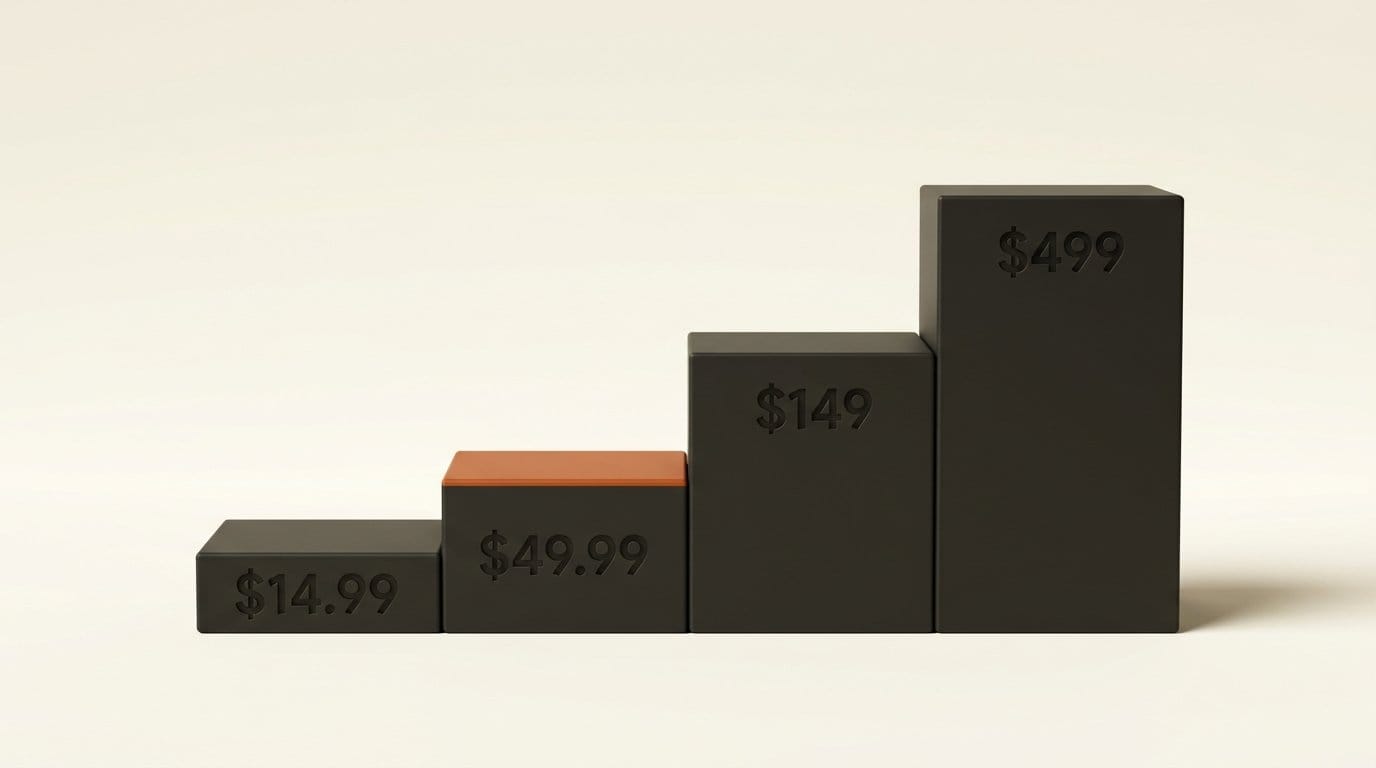
The plan in question is Edits Plus. When Meta launched its Meta One creator plans on September 15, it said Edits Plus would come "soon" with more cloud storage to sync projects across devices "plus additional usage of the upcoming assistant." The creator plans that are priced run $14.99 (Essential), $49.99 (Advanced), $149 (Expert) and $499 (Max) a month, per profile. Some coverage has tied the assistant's higher limits to the $499 tier; Meta's own posts tie them to Edits Plus, which has no published price. We covered the same pattern when Meta One launched: eight tiers, no disclosed AI limits.
One paid feature overlaps directly with the assistant's job. Meta One Advanced adds Competitive insights (your performance against other public accounts in your space) and insights history beyond 90 days with CSV export. If the free assistant answers your "what is working" questions well, that is $49.99 a month you may not need; if it keeps running out of daily prompts, Edits Plus will be the plan to watch.
A 20-minute weekly review with the Edits assistant
A daily cap rewards specific questions. This routine spends a handful of prompts once a week and checks every answer against the data you can already see.
- Update Edits and find the chat icon. If it is not there, you are outside the US rollout or not on the latest version. Instagram suggests starting with "What's working on my account right now?"
- Ask one performance question with a time window. "Which of my reels from the last 30 days had the best retention, and what do they have in common?" A dated window gives you something to verify.
- Check the answer in Compare. Open Insights, tap Compare and put the three reels it named side by side. If the watch time and follows do not support its explanation, say so in the chat and ask again.
- Ask what the comments say. "What are people asking for in the comments on my top three reels?" This is the part Insights cannot do for you.
- Turn one finding into one brief. Ask for three hooks and a caption for a single next video, rooted in the pattern it found. Pick one; the creative call stays yours.
- Test it as a trial reel. Post two variations as trial reels, then come back next week and ask the assistant which performed better and why.
- Save the audio. Ask for trending audio that fits the brief and save it from the chat so it is in Edits when you cut the video.
Log the date and the exact question for any answer you act on. When the daily limit hits, that log tells you which prompts were worth spending, which is the number you will want before paying for more.
What it will not do, and who should skip it
Outside the US, there is nothing to try yet; Instagram has not given a timeline for other countries. If you want help editing, this is the wrong tool: the assistant is deliberately advisory, and the editing AI in Edits is a separate feature set. If your main platform is YouTube, Ask Studio already does more, including pre-publish review, at no listed price. And if you already pay for a third-party analytics tool, the Edits assistant does not replace exports or cross-platform reporting; it only sees Instagram.
The rest, a US creator who posts reels weekly and reads Insights without knowing what to do next, is exactly who Instagram built this for. Meta made a similar move on Facebook in June with its creator assistant in the Professional Dashboard; the Edits version is the one tied to short-form video and audio.
Frequently asked questions
Is the Instagram Edits assistant free?
Yes, up to a daily prompt limit. Instagram has not published the number. More usage is coming through Edits Plus, a Meta One plan that has been announced but not priced.
Who can use the Edits assistant?
Everyone using the Edits app in the US, from 30 September 2026. Instagram has not announced other countries. You open it from the chat icon in Edits.
Can the Edits assistant edit my videos?
No. Instagram describes it as analysis and ideas only: it explains performance, suggests concepts, hooks, captions, scripts and audio, and reads trial reel results. The editing decisions stay with you.
How is it different from YouTube's Ask Studio?
Ask Studio can review a draft, private or unlisted video or a pasted script before you publish, handles support issues, and accepts up to 10 images per prompt, but it is documented as desktop-only. The Edits assistant runs on your phone and adds trending audio picks and trial reel readouts.
Why can't I see TikTok's Creator Assistant?
In the US and Canada it requires 10,000 or more followers. In Mexico, Korea, Brazil and Japan you need to have posted in the last 30 days. It is not available in other countries yet.
Does the Edits assistant replace Meta One's Competitive insights?
Not directly. Competitive insights, in Meta One Advanced at $49.99 a month, compares your account with other public accounts and keeps more than 90 days of history. The free assistant reads your own account and platform trends; Instagram has not said it can see competitors' numbers.