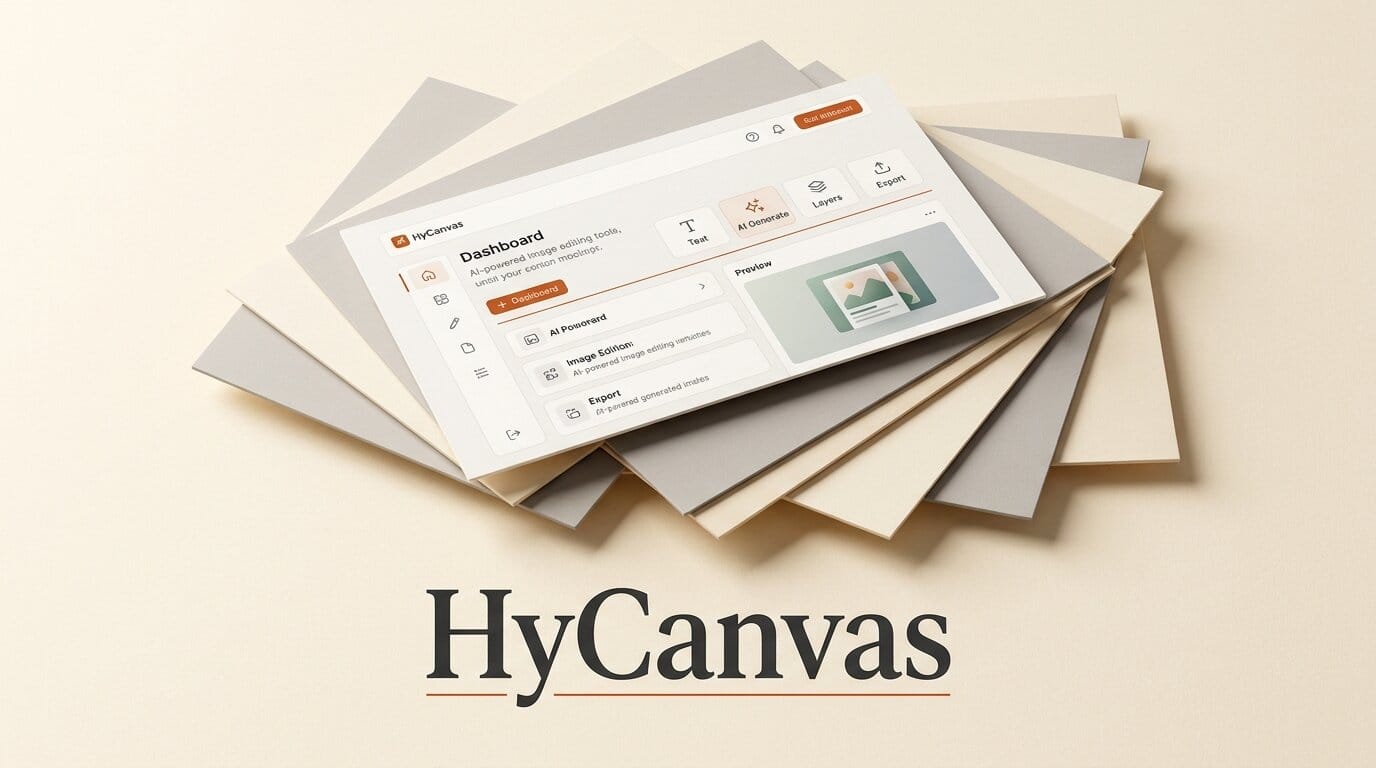
HyCanvas is a free, self-hostable, AI-native design platform that positions itself as an open Canva alternative, and its v0.3.7 release on July 19, 2026 pushed it onto Hacker News. Built with a Next.js front end and a Go backend on PostgreSQL, it runs the whole design stack on your own server: graphics, social posts, presentations, video, whiteboards, docs, and sheets, with no paywalls and no watermarks. The AI is bring-your-own-key, so you plug in your own provider credentials instead of paying a per-seat subscription for generative features.
For creators and small teams who want Canva-style speed without handing every draft to a hosted SaaS, HyCanvas is the first credible self-hosted attempt to cover the full document range rather than one narrow slice. This deep dive covers what shipped, how it compares to Canva and the existing open-source design tools, how the AI layer works, and exactly how to stand up your own instance.
What HyCanvas Is, and What Just Shipped
HyCanvas is a single-player web editor that handles multiple document types from one interface. You create presentations, social graphics, whiteboards, docs, sheets, and video, then export to PNG, PDF, or a portable .hyc file, which is readable JSON you can move between instances. Brand kits keep colors, fonts, and logos consistent across everything you make. There is no desktop app; it is web-only and runs from your browser against your own backend.
The project ships under the Elastic License 2.0, which is source-available: you can self-host freely, but running HyCanvas as a commercial hosted service for others requires a separate license. At v0.3.7 the repository shows 22 releases and just over 200 commits, so this is early but actively maintained software, not a one-off weekend demo.
HyCanvas vs Canva vs Penpot vs Excalidraw
The open-source design space already has strong tools, but they specialize. Penpot is a design-and-prototyping tool aimed at UI teams. Excalidraw is a hand-drawn-style whiteboard. Canva is the closed, hosted all-rounder most creators actually compare against. HyCanvas is trying to be the self-hosted all-rounder, which is a different bet from all three.
| Capability | HyCanvas | Canva | Penpot | Excalidraw |
|---|---|---|---|---|
| Self-hostable | Yes (Docker or binary) | No | Yes | Yes |
| License | Elastic License 2.0 | Proprietary | MPL 2.0 | MIT |
| Document range | Graphics, slides, video, docs, sheets, whiteboard | Very broad | UI design and prototyping | Whiteboard only |
| AI features | Bring-your-own-key | Hosted, subscription | None built in | Text-to-diagram (beta) |
| Watermarks or paywalls | None | On free tier | None | None |
| Video export | Yes (bundled ffmpeg) | Yes | No | No |
| Real-time collaboration | On roadmap | Yes | Yes | Yes |
The honest read: Canva still wins on template depth, collaboration, and polish, and Penpot wins for interface design. HyCanvas wins on ownership. Nothing you make leaves your infrastructure, there is no seat pricing, and the AI cost is whatever your own API key runs. For agencies handling client assets under NDA, or anyone who wants generative design without feeding a vendor, that trade can matter more than template count.
How the Bring-Your-Own-Key AI Layer Works
HyCanvas does not host or resell AI. Instead it exposes an AI layer where you configure provider keys per workspace at runtime. Those keys are stored encrypted, using an AI_SECRET value (it falls back to your JWT_SECRET if unset), and are never read from plain environment variables. That design keeps credentials scoped to a workspace and out of your shell history or compose file.
Because the keys are yours, generative features bill against your own provider account at cost, with no HyCanvas markup and no per-seat AI fee. The current roadmap lists AI media generation as an expanding area, so today the AI layer is the plumbing for assisted design, with deeper generation features tracked for future releases rather than fully shipped at v0.3.7. That is worth stating plainly: buy in for the ownership model and the trajectory, not for a finished Magic-Studio-style generator on day one.
Self-Hosting HyCanvas: A Step-by-Step Walkthrough
You can run HyCanvas two ways: a Docker Compose stack or a single self-contained binary. Both need an external PostgreSQL database. Here is the fastest path with Docker Compose.
- Get the code and config. Clone the repository, then copy the sample environment file:
cp .env.example .env. - Point it at PostgreSQL. Set
DATABASE_URLto your Postgres instance. The default compose file expects an external database rather than bundling one. - Set the secrets. Provide a strong
JWT_SECRETfor session signing and, ideally, a separateAI_SECRETto encrypt workspace AI keys. Choose anAPP_PORT; the backend defaults to port 8005. - Pick your storage driver. Set
STORAGE_DRIVERtolocalfor on-disk files (persisted at./data/storage) ors3with the matchingS3_*credentials for object storage. - Launch. Run
docker compose up -d. Prebuilt images exist for bothlinux/amd64andlinux/arm64, and ffmpeg for video export is bundled in the image. - Open the app. Visit
http://localhost:APP_PORTand complete the setup wizard, which can auto-generate secrets on first run.
Prefer no containers? Download the prebuilt binary for Linux, macOS (Intel or Silicon), or Windows, extract it, and run ./hycanvas service start. The binary is self-contained; you still supply PostgreSQL, and ffmpeg is optional unless you export video. Service management is built in via service start|stop|restart|log.
What This Enables for Creators
The practical payoff is a design pipeline you fully control. Try this: stand up a single small instance for your team, load your brand kit once, and route every social graphic, deck, and short video through it. Because exports are unwatermarked and the .hyc format is portable JSON, you can archive finished projects, move them between a staging and production instance, or hand a client the raw file without them needing a HyCanvas account.
For studios, the workspace-scoped encrypted AI keys mean you can give each client or project its own provider budget and keep generative spend attributable. For solo creators, the win is simpler: no subscription, no watermark, no template locked behind a paywall, and your drafts never touch a third-party server. If your objection to hosted design tools has always been data ownership or recurring cost, HyCanvas removes both while keeping the multi-document, brand-kit workflow that made Canva-style tools worth using.
Limitations and Roadmap
HyCanvas is at v0.3.7, and it shows in the gaps. There is no real-time collaboration yet; the editor is single-player today, with collaboration on the roadmap alongside AI media generation, accessibility and internationalization, and enterprise features. Template libraries are thin next to Canva's catalog, and the Elastic License means you cannot legally spin it up as a paid hosted service for other people. The Go backend and Next.js front end are approachable for self-hosters, but you own the upgrades, backups, and Postgres maintenance that a SaaS would handle for you.
None of that disqualifies it. It sets expectations: HyCanvas today is a fast, ownable, single-user design suite with a credible plan to add the collaborative and generative layers that would make it a true Canva replacement. For the right user, the current version is already enough.
Frequently Asked Questions
Is HyCanvas really free?
Yes. The software is free to download and self-host under the Elastic License 2.0, with no watermarks or paywalled features. Your only costs are your own hosting and, if you use the AI layer, your own AI provider API usage.
Is HyCanvas open source?
It is source-available rather than fully open source in the OSI sense. The Elastic License 2.0 lets you view, modify, and self-host the code freely, but it prohibits offering HyCanvas as a commercial hosted service to third parties without a separate license.
What do I need to run it?
A server with Docker (or the standalone binary) and an external PostgreSQL database. You set a JWT_SECRET, a database URL, and a port. ffmpeg is bundled in the Docker image for video export and optional for the binary.
How does the AI work if there is no built-in model?
HyCanvas uses a bring-your-own-key model. You add your own AI provider credentials per workspace at runtime; they are stored encrypted and used to power AI-assisted features, billing directly against your account with no markup.
Can HyCanvas replace Canva for my team?
It depends on your needs. For unwatermarked graphics, decks, and video with full data ownership and no subscription, yes. If you rely on real-time collaboration or Canva's enormous template library, wait for the roadmap features, since collaboration is not yet shipped.
What is the .hyc file format?
It is HyCanvas's portable document format, stored as readable JSON. You can export any document as a .hyc file and import it into any other HyCanvas instance, which makes archiving and migration straightforward.





