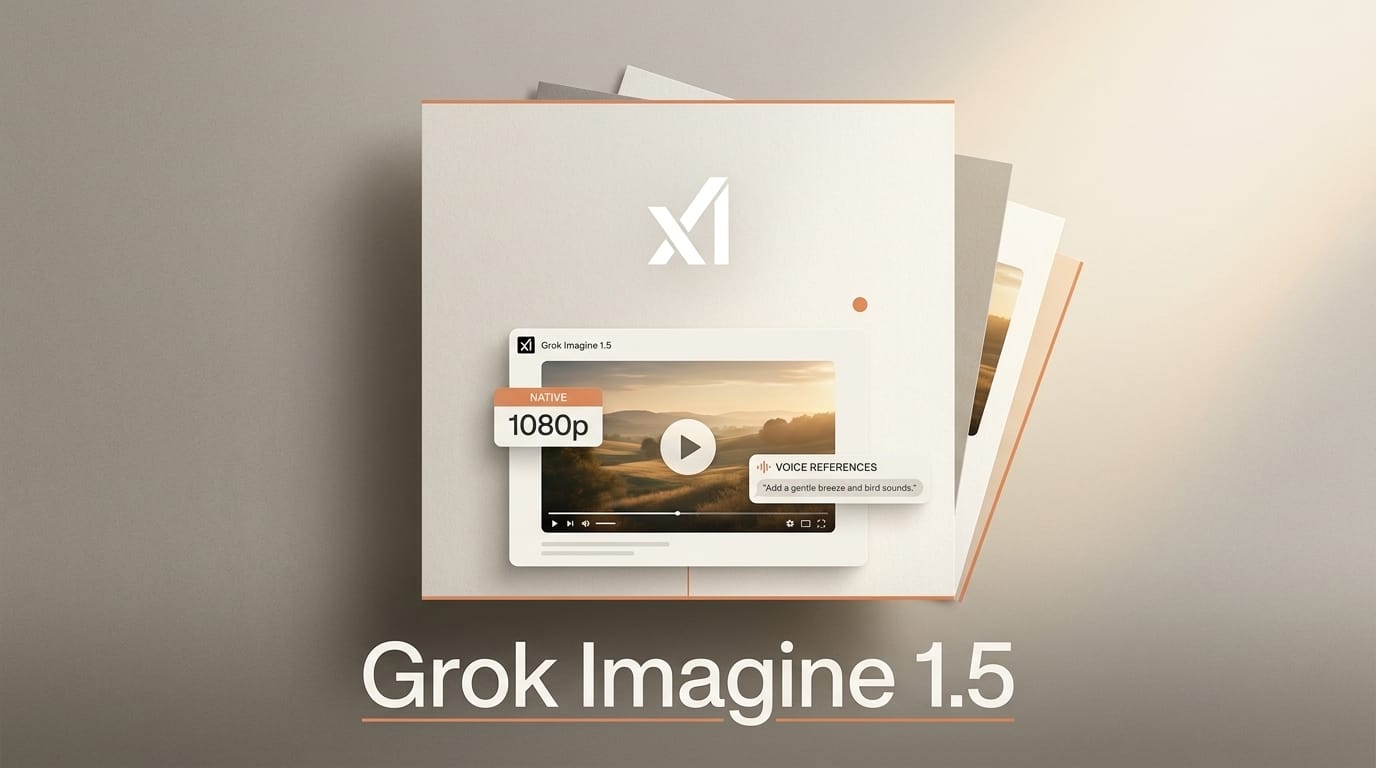
xAI has expanded Grok Imagine Video 1.5 with native 1080p output, prompt-only text-to-video, and up to seven locked image and voice references per generation. The update went live on August 1, 2026, first for SuperGrok Heavy and SuperGrok Plus subscribers in the United States and then to all tiers over the following days, across the Grok Imagine website, iOS, Android, and the xAI API.
The headline is not the model number, which stays at 1.5. It is the jump from a short-clip novelty to a controllable production tool: you can now start from a written prompt instead of a still, hold a character's face and voice steady across shots, and export at a resolution you can actually cut into a real edit.
What Changed on August 1
The June release of Grok Imagine Video 1.5 was image-to-video at 720p. The August update rewrites what the same version can do. Native 1080p now applies to both text-to-video and image-to-video, so the output finally matches the delivery spec most short-form and ad workflows expect. Text-to-video means you no longer need a source frame at all: describe the scene and Grok generates the clip directly.
The multi-reference system is the bigger creative unlock. You can attach up to seven separate visual anchors, a face, a location, a product, a prop, and lock them so they persist across a generation. Pair a character image with a voice reference and the same identity carries its look and its sound from shot to shot, which is the single hardest thing to keep stable in AI video. Image references, text-to-video, and native 1080p are available in the xAI API under the grok-imagine-video-1.5 model name; voice references are gated behind a request and started with SuperGrok subscribers.
How Grok Imagine 1.5 Compares
Grok Imagine is not trying to win on raw fidelity against the largest models. It is competing on speed, reference control, and the fact that it sits one tap away inside an app hundreds of millions of people already open. As TestingCatalog and Blockchain.News both note, the reference count and the voice-plus-face pairing are what set this release apart from a straight resolution bump.
| Capability | Grok Imagine 1.5 (Aug 2026) | Typical rivals (Sora, Veo, Kling, Seedance) |
|---|---|---|
| Max resolution | Native 1080p | 1080p on flagship tiers, some up to 4K upscaled |
| Text-to-video | Yes | Yes |
| Image-to-video | Yes | Yes |
| Locked references | Up to 7 (face, place, object) | Usually 1 to 3 subject or style references |
| Voice + face consistency | Combined reference | Audio often separate or absent |
| Where to use | Grok app (web, iOS, Android) plus API | Standalone sites or invite-gated apps |
The competitive read: if you need the absolute cleanest single hero shot, a dedicated flagship like the model behind Neill Blomkamp's Seedance-driven short may still edge it. If you need many consistent shots of the same character, fast, from a phone, Grok's reference stack is now genuinely competitive.
A Simple Multi-Shot Workflow
Here is how to turn the new references into a short scene with a consistent character, start to finish, in well under an hour:
- Lock your character. Upload one clean, well-lit face image as your first reference. If you want speech, add a short voice sample as a second reference so look and sound are bound together.
- Add the world. Attach references for the location and any recurring prop or product. Stay at or below seven anchors so each one carries weight.
- Write shot one as text-to-video. Describe the framing, action, and mood in a prompt. Generate at native 1080p. No source still is required now.
- Reuse the same references for shot two and three. Change only the prompt for each new angle. Because the anchors are locked, the character holds across cuts.
- Export and assemble. Pull the 1080p clips into any editor and cut them together. The consistent references are what make the shots feel like one scene rather than three unrelated generations.
Why It Matters for Creators
Character and voice consistency across shots has been the wall that separates fun AI clips from usable narrative footage. Locking up to seven references, and binding a face to a voice, hands that continuity to solo creators who cannot storyboard a reshoot. For short-form marketers, the native 1080p output plus API access via the grok-imagine-video-1.5 endpoint means you can script a batch of on-brand product clips and pull them programmatically, not one hand-made render at a time.
Distribution is the quiet advantage. Grok Imagine lives inside an app most of its audience already has open, so the path from idea to posted clip is shorter than tools that require a separate site and a fresh login. That reach is the same reason a capability update like this reshapes creator habits faster than a more powerful but harder-to-reach model would, a pattern we tracked in our real-time AI video editing comparison.
Frequently Asked Questions
Is Grok Imagine Video 1.5 a new model?
No. The model version stays at 1.5. The August 1, 2026 update expands what that version can do, adding native 1080p, text-to-video, and up to seven image and voice references. The June release was image-to-video at 720p.
How many references can I use?
Up to seven locked references per generation. These can be faces, locations, objects, or props, and they persist across the clip so your subject stays consistent.
Can I keep a character's voice consistent too?
Yes. Pairing a character image with a voice reference keeps both the look and the sound stable across scenes. Voice references started with SuperGrok subscribers and require a request on the API.
Where can I use it?
On the Grok Imagine website, the iOS app, and Android, plus the xAI API using the grok-imagine-video-1.5 model. It rolled out first to SuperGrok Heavy and Plus in the United States, then to all tiers.
Does it generate native audio?
The update emphasizes voice consistency through references rather than a general music-and-effects soundtrack. The voice reference keeps a character sounding the same across shots when combined with a face reference.
Is there an API for developers?
Yes. Developers can call image references, text-to-video, and native 1080p through the xAI API with the grok-imagine-video-1.5 model. Voice references require a separate request. See the xAI release notes for current availability.





